
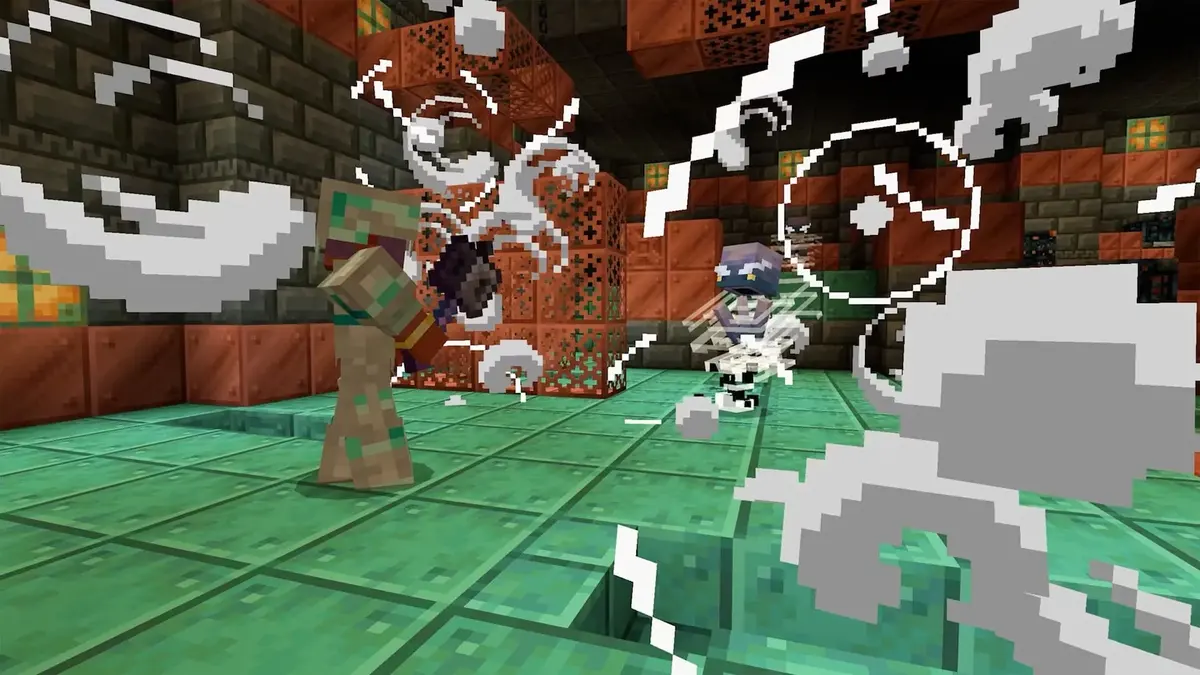
The practical threshold is no longer simply whether Minecraft: Java Edition opens. The revised minimum specification is designed for 1080p at 30 FPS using Fast settings, while the recommended tier targets 1080p at 60 FPS on Fancy. That turns years of informal “it runs on anything” expectations into defined performance targets.
At minimum, Java Edition now requires a 64-bit operating system, a four-core CPU, a Vulkan 1.3-capable graphics processor and 2 GB of VRAM. System memory is split by graphics type: 8 GB is the floor for a PC with a discrete GPU, but integrated-graphics systems require 12 GB because the GPU shares main memory. The recommended configuration rises to 16 GB of RAM and 6 GB of VRAM, alongside a stronger modern processor.
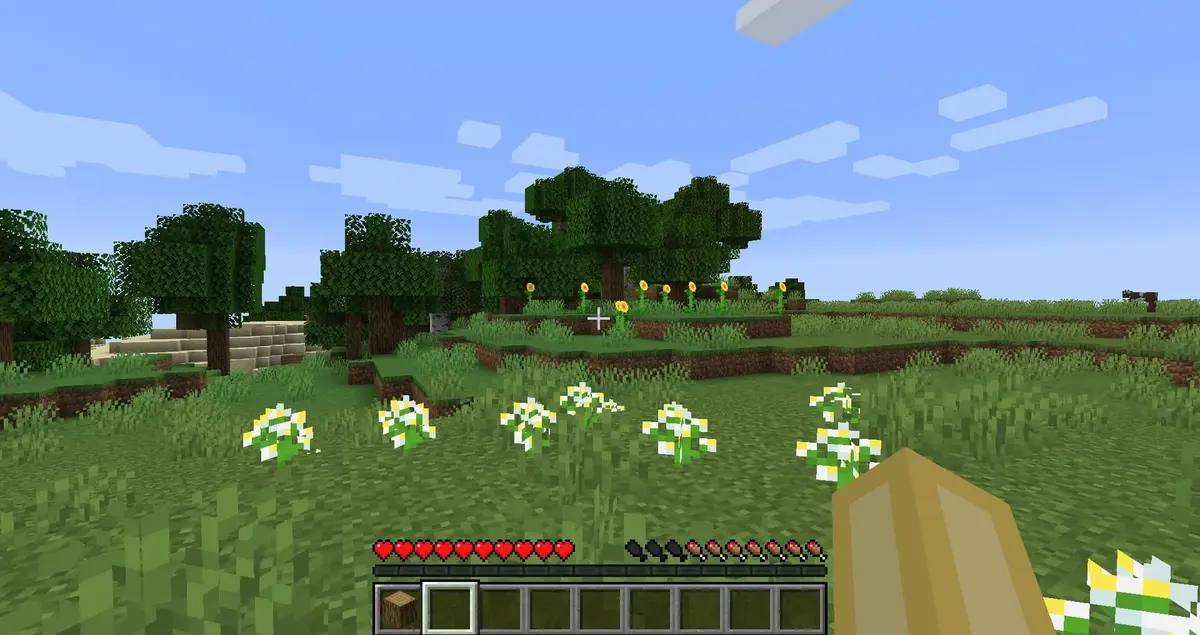
The RAM increase is most consequential for older laptops. An 8 GB machine using integrated graphics is below the new minimum, and operating-system processes can further reduce the memory available to the game. Vanilla Minecraft may still launch on borderline hardware, but larger worlds, multiplayer hubs, resource packs, shaders and modpacks raise the risk of long loading times, stutter and memory-related crashes. For those workloads, the recommended tier is a baseline rather than excess capacity.
The change is tied to the renderer’s planned move from OpenGL to Vulkan under the Vibrant Visuals work. Vulkan gives the game a more modern graphics path and can improve performance consistency, particularly where CPU and driver overhead had limited frame pacing. It also establishes a stricter compatibility line: the GPU and its drivers must reliably support Vulkan 1.3. Older graphics cards, stale drivers and weaker platform translation layers are therefore likely to fail before raw CPU performance becomes the issue.
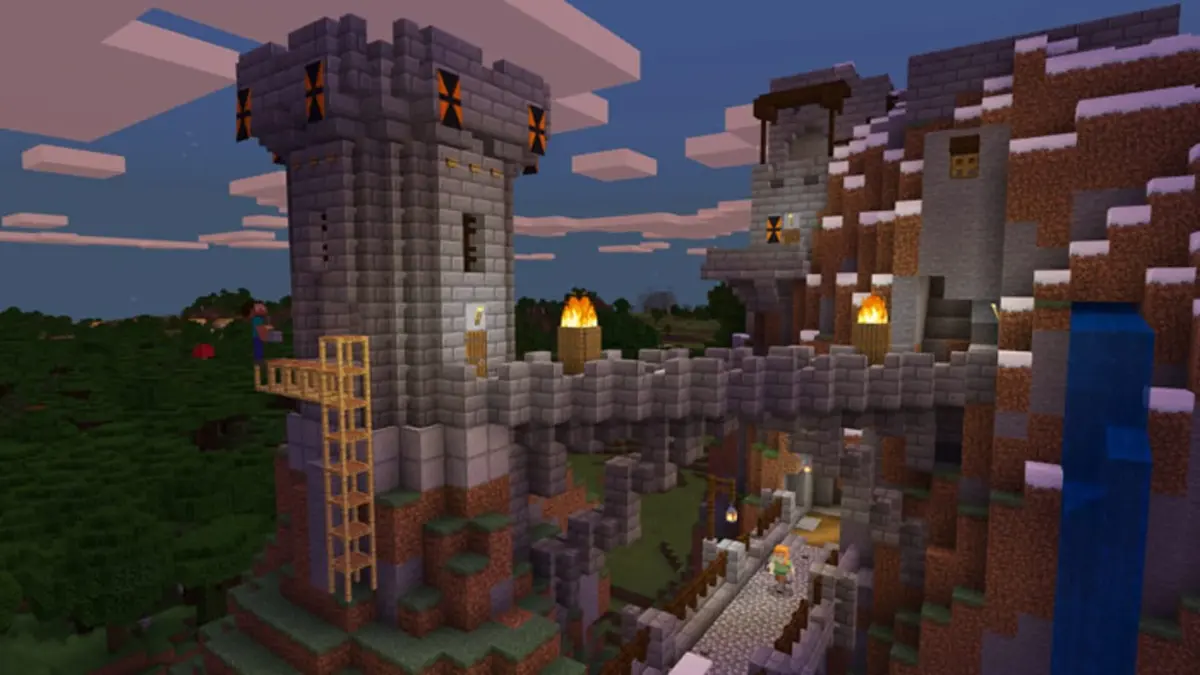
OpenGL will remain selectable during testing while the Vulkan renderer is validated for stability and performance. Before updating, verify the operating system is 64-bit, confirm installed RAM and dedicated VRAM, check Vulkan 1.3 support in the GPU driver, and reduce mod or shader load if the system sits near the minimum. Bedrock Edition is not covered by these Java Edition requirements.
FinalBoss // Gear
Level up your setup
01Graphics cardson Amazon→02Gaming laptopson Amazon→03High-refresh gaming monitorson Amazon→04Discounted game keyson Kinguin→
Affiliate links · As an Amazon Associate, FinalBoss earns from qualifying purchases.