
Moving your Minecraft worlds to another console and claiming the new edition are separate tasks. Your digital Switch purchase supplies the eShop entitlement; transferring save data preserves the worlds you want to continue. Start with the Nintendo Account that bought the original game, and keep the old installation until your worlds open correctly on Switch 2.
Minecraft for Nintendo Switch 2 launches on October 27, 2026. The upgrade adds Vibrant Visuals enhancements and includes the Super Mario Mash-Up Pack, but eligibility depends on your purchase format, account and territory.
Table of Contents (6)
Who qualifies for the free Minecraft Switch 2 upgrade?
You need to own the digital Nintendo Switch version of Minecraft in your Nintendo Account library. That purchase qualifies you for the digital Standard Edition for Nintendo Switch 2 under the limited-time offer.
A boxed Switch cartridge does not qualify. Having Minecraft installed, having played it on your profile or owning its physical packaging does not substitute for the digital purchase attached to the account claiming the upgrade.
This distinction matters on shared consoles. If another household member bought the digital game, use that purchasing Nintendo Account to access the offer. Opening the eShop with a different account can display the normal purchase price.
The offer applies in most territories. Japan and Taiwan have different local terms: the standard free offer may be excluded or a small fee may apply, depending on the local listing. Check the offer in the eShop region associated with your Nintendo Account before proceeding.
How to claim the upgrade through the Nintendo eShop
On your Switch 2, open the Nintendo eShop using the Nintendo Account that owns digital Minecraft for Switch. Search for Minecraft for Nintendo Switch 2, then open the Standard Edition listing.
Check that the listing shows the edition as free or identifies your digital-upgrade entitlement. Select that offer and complete the download or pre-order process available on the listing. Before the October 27 release, a pre-order reserves the edition; it does not make the game playable early.
Complete the claim by January 31, 2027. Owning the original digital version supplies eligibility, but you still need to redeem the Switch 2 offer through the eShop. Do not assume your existing purchase keeps the free upgrade available indefinitely.
The Deluxe Collection and Ultimate Collection are optional paid alternatives. Choose Standard Edition if your goal is the free upgrade, and check the final amount before completing checkout.
If the eShop still shows a purchase price
A paid listing is a reason to check the entitlement before buying. Work through the conditions that determine this particular offer:
- Purchasing account: Check that the original digital Switch game appears in the Nintendo Account’s purchase history. A profile used to play Minecraft may belong to a different account from the one that bought it.
- Purchase format: A cartridge-only copy does not unlock the digital upgrade.
- Edition: Make sure you are viewing the Switch 2 Standard Edition rather than a paid collection or the original Switch release.
- Territory and deadline: Check your regional listing’s terms and complete the claim within the offer window.
If Standard Edition displays a $29.99 purchase price, do not complete a paid checkout expecting the free upgrade to be applied afterward. Resolve the account, edition or regional eligibility issue first.
Carry your Switch worlds over before removing the old version
Switch-version save data and worlds can transfer to the native Switch 2 edition. Claiming the game and downloading it should be treated separately from moving those saves; the eShop transaction alone is not a substitute for transferring your world data.
Back up or transfer the Switch save data before retiring the original installation. Once the Switch 2 edition is available, launch it and open the worlds you intend to keep. Check the world itself, rather than stopping at the title screen or world list.
If an expected world is missing, keep the original save intact and address the transfer before deleting anything. Retaining that source data gives you a way to complete the move without abandoning your existing builds.
What Vibrant Visuals and the Mario pack add
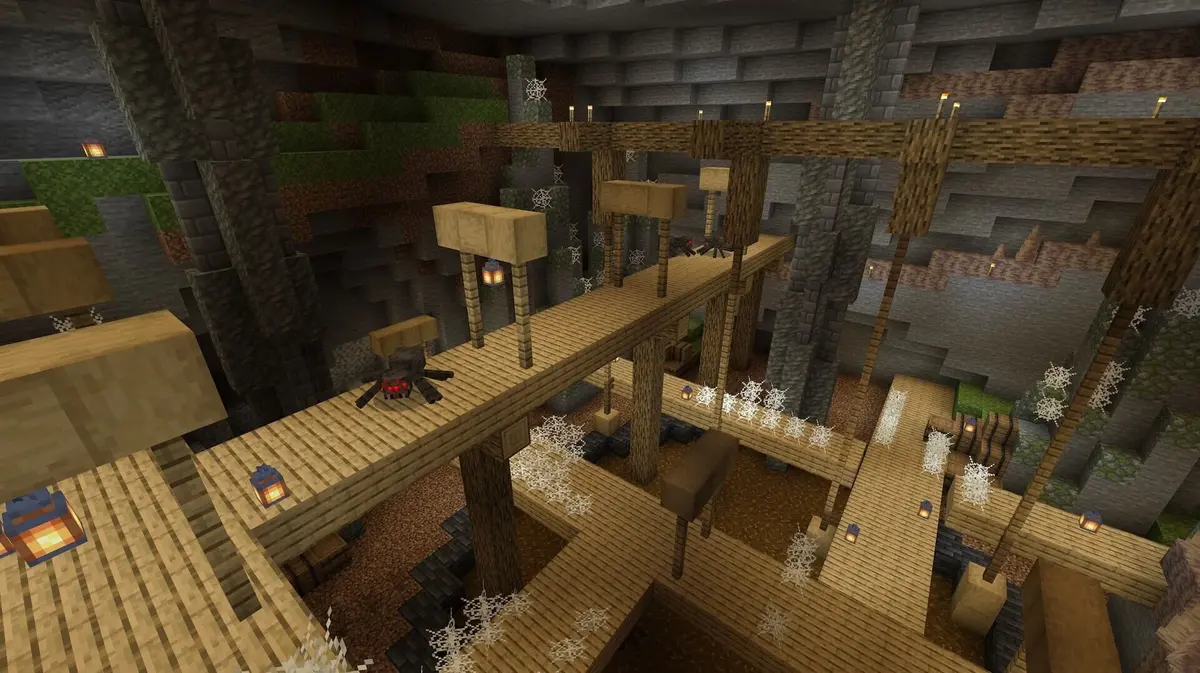
The Switch 2 edition supports Vibrant Visuals, with enhanced lighting, shadows and other visual improvements. It is presented as the default visual experience, so check the game’s visual settings after launch if you want those enhancements active.
Vibrant Visuals has gameplay limits. It is unavailable in split-screen and in certain Marketplace worlds and content. If the enhanced presentation is absent in one of those situations, account eligibility and the upgrade download are not the first things to troubleshoot; check the mode or content you are playing.
The included Super Mario Mash-Up Pack supplies its themed world, character content, textures and music. You do not need to choose a higher-priced collection to obtain the pack included with the Switch 2 release.
Online play has separate account requirements
Online multiplayer on Switch 2 requires a Nintendo Switch Online membership, sold separately. Cross-platform play requires a Microsoft Account. The Nintendo Account establishes ownership for the eShop upgrade; the Microsoft Account serves the cross-platform play requirement.
Keep those roles separate when troubleshooting. Being able to claim and launch the upgraded edition does not remove the membership and account requirements for playing online with friends.
FinalBoss // Gear
Level up your setup
01Best-selling Switch 2 gameson Amazon→02Switch 2 accessorieson Amazon→038BitDo controllerson Amazon→04Discounted game keyson Kinguin→Affiliate links · As an Amazon Associate, FinalBoss earns from qualifying purchases.
Want to Level Up Your Gaming?
Get access to exclusive strategies, hidden tips, and pro-level insights that we don't share publicly.
Ultimate Guide Strategy Guide + Weekly Pro Tips