
Mini Motorways’ Free Creative Mode Turns Chaos Into Canvas
Game intel
Mini Motorways
Mini Motorways is a strategy simulation game about designing the road map for a growing city. Build a traffic network, one road at a time, to create a bustling…
Mini Motorways’ Creative Mode Is the Update I’ve Wanted Since Day One
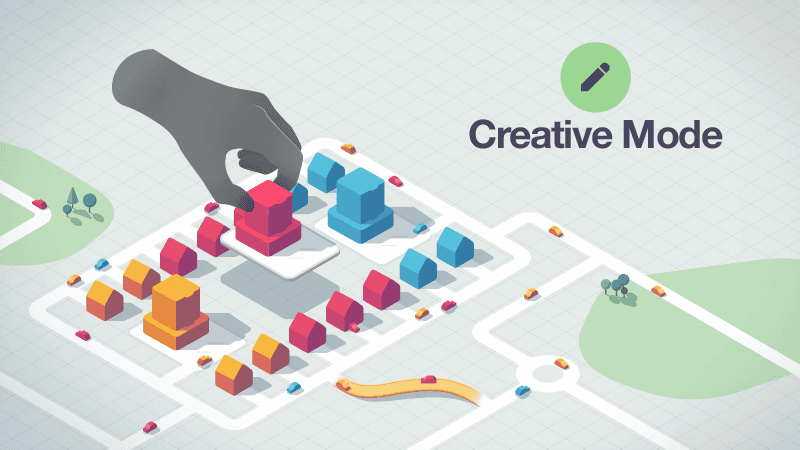
Mini Motorways has always lived in that sweet spot between chill vibes and quiet panic-the moment a new destination pops on the far side of a river and your carefully tuned network falls apart. That tension is the point. But it’s also why today’s free Creative Mode update caught my attention: for the first time, Dinosaur Polo Club is handing players the city planner’s pencil, not just the road roller.
- Free Creative Mode is out now on Apple Arcade, Nintendo Switch, and PC/Mac via Steam.
- Reposition houses and destinations, tweak colors, reroute roads, and tunnel through mountains.
- Joins Classic, Endless, and Expert-finally giving fans a true sandbox.
- Big win for builders, screenshotters, and anyone tired of RNG wrecking a perfect run.
Breaking Down the Update
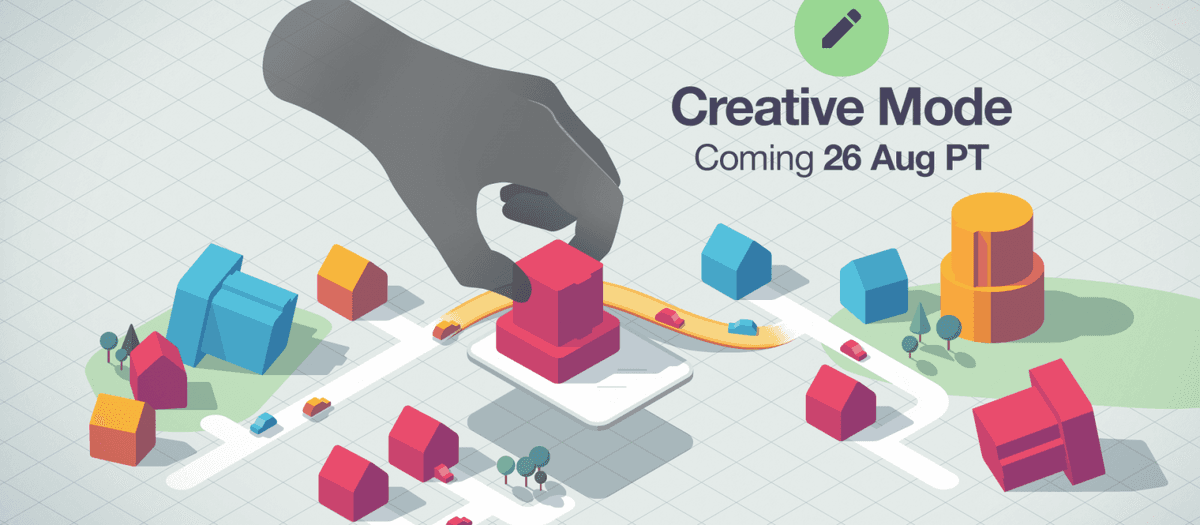
Creative Mode turns every map into a malleable canvas. You can move buildings around, change neighborhood palettes, lay and relay roads, and even carve tunnels straight through mountains. That last bit matters more than it sounds: on a lot of maps, terrain has always been the silent villain. A single range or river forces awkward chokepoints; being able to tunnel gives you the power to design clean arterials and ring roads that would’ve been impossible in Classic.
It’s not replacing the core game-Classic still pushes you until the network breaks, Endless lets you vibe, and Expert punishes hubris. Creative simply adds a fourth personality: the architect. If you’ve ever stared at a late-game snarl and thought, “If only that mall spawned one block over,” now you can just pick it up and move it. Swapping palettes is a nice touch too; the game’s minimalist art sings when you can tune the aesthetic to your layout.
Community Manager Casey Lusas-Quaid summed up the mood: “We know our players are stoked for this one… we can’t wait to see what you whip up with these new tools.” I believe it. Mini Metro’s own creative-leaning modes helped turn that game into a screenshot machine; Motorways now finally gets its shareable showpiece moments by design, not accident.
Why This Matters Now
Mini Motorways is great, but its RNG spawns can be brutal. That push-pull has always created watercooler stories—“I had the perfect flow until a red destination spawned behind a mountain”—yet it also alienated some players who wanted to build beautiful, functional cities without the dice rolls. Creative Mode fixes that divide. It’s permission to experiment, iterate, and actually learn traffic design without the timer ticking down.
It’s also smart timing. The cozy strategy space has embraced sandbox tools—think Dorfromantik’s Creative, Islanders’ chill mode, or how Cities: Skylines lives and dies by its no-pressure building. Mini Motorways sliding a full creative suite into a free update keeps it in that conversation, especially on Switch and Apple Arcade where touch or handheld fiddling lends itself to zoning out and polishing a layout.
The Gamer’s Perspective: What I’m Excited (and Wary) About
Excited because this finally turns the game into a proper design toy. I want to try a clean, symmetric grid with feeder cul-de-sacs and a central highway spine; I want to bend an entire city around a double-bridge hub just to see how few intersections I can get away with. Creative Mode invites that kind of tinkering. It’s a playground for people who post “rate my interchange” screenshots and a low-stress on-ramp for newcomers who bounced off the pressure.
Wary because the press notes don’t mention sharing. Can I export a seed or share a layout with a friend? Is there Steam Workshop support or even in-game browser curation? Mini Motorways already thrives on daily/weekly challenges; a Creative gallery would supercharge its community. I’m also curious how the scoring or achievements interact here—leaderboards should obviously stay walled off, but it’d be nice if Creative builds could become scenarios for Classic runs.
Platform-wise, I expect Apple Arcade to feel best thanks to touch, with PC mouse control a close second. Switch is always the question mark for precision building; Motorways’ UI is solid on controller, but nudging building placements might test its ergonomics. Performance shouldn’t be an issue—the minimalist presentation has always been kind to hardware—but UI friction can make or break a creative suite.
Bigger Picture: A Better Teaching Tool for Traffic
One underappreciated thing about Mini Motorways is how it quietly teaches good design. Separate local from through traffic. Avoid four-way intersections. Use bridges and tunnels to remove conflict points. In Classic, you rarely get to apply those lessons perfectly because the city fights back. In Creative, you can prove them. Lay parallel arterials. Build service loops. Test whether a single-lane tunnel with spaced junctions outperforms a messy crosshatch. This isn’t just pretty—it’s a sandbox that makes you better at the game’s harder modes.
Questions We Still Have
- Can players share Creative layouts or templates across platforms?
- Do Creative cities integrate with Daily/Weekly challenges as custom scenarios?
- Are there constraints toggles (budget limits, tile caps) to simulate Classic pressure while using Creative tools?
- Controller-first UX: how snappy is building repositioning on Switch compared to touch/mouse?
None of these are dealbreakers, but they’ll determine whether Creative Mode is a fun side dish or the mode people spend most of their time in. Given Dinosaur Polo Club’s track record—Mini Metro and Motorways both improved massively post-launch—I’m optimistic we’ll see iteration if the community rallies around this.
TL;DR
Mini Motorways’ free Creative Mode lets you move buildings, tweak colors, and tunnel through mountains to design the city you’ve always wished the RNG would allow. It’s a huge quality-of-life win for builders and a smart expansion of what makes the game special—now let’s hope sharing and scenario tools follow.