
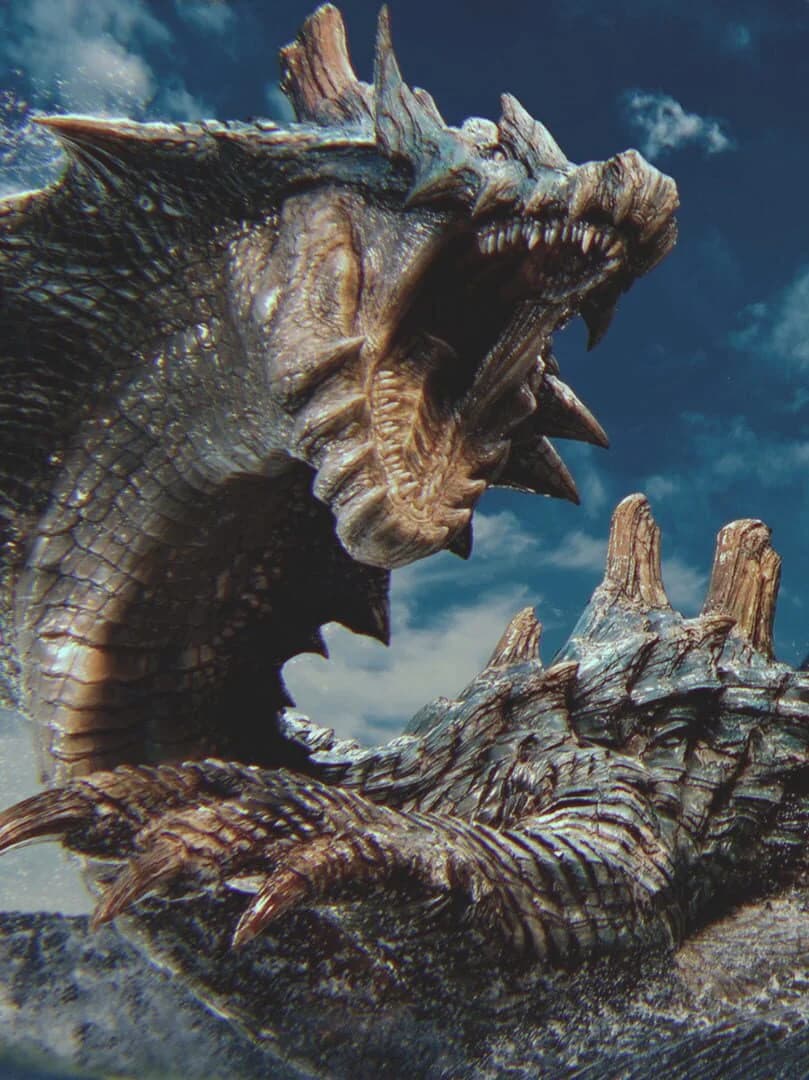
This matters because Monster Hunter Wilds had appeared to reach a more stable stretch on PC after a long optimization fight, only for some Steam players to report a fresh decline following the latest update. Capcom has not identified the cause or announced a hotfix date, so there is no evidence that every PC setup is affected — or that one setting will fix all cases.
The reports center on inconsistent frame rates, stutter and frame-time spikes, including on capable hardware. That pattern points beyond a simple GPU-performance shortfall: shader-cache behavior, asset streaming, driver state and software running alongside Steam can all affect results. The game’s earlier PC problems also involved frame-time consistency and streaming rather than just average FPS, making a regression particularly noticeable during hunts.
What to check before reinstalling
Players whose performance changed after the patch should first stop changing multiple graphics settings at once. Disable Steam Overlay and Steam Game Recording, then close capture or overlay applications such as Discord, Overwolf, Medal and OBS before repeating the same in-game test. Controller software can also be worth excluding during troubleshooting.
If graphics behavior became unstable after changing settings, deleting the game’s shader.cache2 file and allowing the cache to rebuild is a common next step. A clean GPU-driver reinstall may also help where driver files or settings have carried over incorrectly; this is relevant to both AMD and NVIDIA systems. These checks can isolate local conflicts, but they cannot resolve a game-level regression on their own.
A useful report should include the exact game build, GPU vendor, driver version, whether overlays were disabled, whether the shader cache was rebuilt, and a repeatable location or scenario where the drops occur. Steam’s update setting can be changed to “Wait until I launch the game” while testing, preventing unexpected file changes from muddying comparisons.
For now, stable players should keep their working driver and settings unchanged; players with severe new drops should test without overlays and a rebuilt cache, then wait for Capcom’s next update if the regression remains reproducible.
FinalBoss // Gear
Level up your setup
01Graphics cardson Amazon→02Gaming laptopson Amazon→03High-refresh gaming monitorson Amazon→04Discounted game keyson Kinguin→Affiliate links · As an Amazon Associate, FinalBoss earns from qualifying purchases.