
The hidden combat tech worth learning first in Crimson Desert is vault follow-ups, slide launchers, air grapples, weapon-throw extensions, and the short teleport-style movement cancels that branch out of your normal mobility. After spending a full evening on the training dummy and then another few hours testing the same strings in live camps, the pattern became obvious: most of these “secret” moves are not separate skills on a menu. They are hidden branches inside movement, spacing, and timing. In the latest build I played, vaulting in particular feels less forgiving than older clips make it look, which is why a lot of players assume the move is gone when the real issue is usually input timing.
If you only learn three things, make it these: use movement action → attack instead of mashing a full combo, stop holding lock-on during air conversions unless you need it, and practice each tech on a stationary target before trying it in a crowd. On controller, I found these branches easier to hold together because the analog stick preserves your angle through slides and vaults. On PC, the moves come out cleaner once you deliberately re-input direction after each transition instead of relying on one held key.
Table of Contents (7)
What seems new or changed in the latest combat behavior
The biggest change I noticed is not a brand-new button, but stricter behavior around contextual movement. Vault follow-ups now seem to want a cleaner line into the target and a faster attack buffer right after the vault starts. If you wait until the landing animation is obvious, you usually get a basic hit or nothing at all. Earlier builds and older footage made this look much looser.
I also had less success forcing contextual stunts from awkward angles. That includes ledge-adjacent movement, ambush-style entries, and some of the flashy follow-ups that depend on enemy alignment. The move may still exist, but the game now seems pickier about spacing. When something “stops working,” I would check camera angle, enemy size, and whether you are slightly off-center before assuming the tech was removed.
- Controller: easier directional control during vaults and slides, but mashing can queue the wrong finisher.
- PC: cleaner discrete inputs, but you often need to press direction again after the transition or the chain falls back to a normal attack.
- Both: low stamina and bad spacing make hidden branches feel random even when the input is correct.
Vault follow-ups: the unlisted move most players drop
This was the breakthrough for me. I kept treating vaulting like a traversal animation, when the game really treats it like a launch point. The sequence that worked most consistently was approach enemy or obstacle → vault → attack before the apex. If the timing is right, Kliff commits to a much more aggressive follow-up than the plain grounded slash you get from pressing attack late.
The visual check is simple: if your character rises over the target and you input during the “weightless” part of the vault, the move branches. If your boots are already coming down, you were late. On controller, I had the best results by keeping the left stick forward and tapping attack once, not twice. On keyboard, I had to be more deliberate: forward, vault, then a fresh attack press almost immediately. Holding everything down made the game read a normal landing strike too often.
Do not make my early mistake of testing this only on armored enemies. Human-sized targets with readable hurt reactions are much better for learning. Once you can hit the vault follow-up three times in a row on a dummy or weak mob, then start mixing it into real fights. This move matters because it changes how you enter a pack: instead of walking into guard pressure, you jump the front line and start above it.
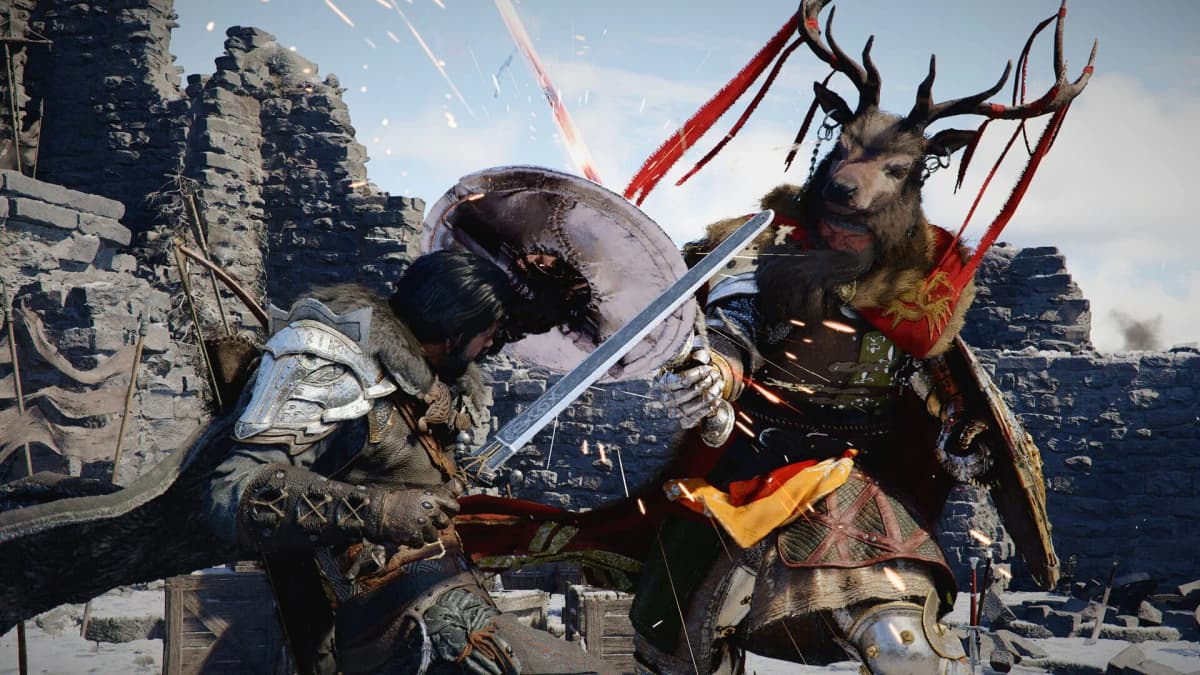
Slide launchers and slide-to-uppercut chains
The slide branch is easier to learn than it looks, and it is the one I wish I had picked up earlier. The basic idea is sprint → slide → heavy or launcher input before the slide fully ends. When I first tried it, I pressed too late and got a plain attack from crouch recovery. The trick is to think of the attack as part of the slide, not the move after it.
Why this works so well is that it bypasses the slow first beat of many grounded strings. You go from movement straight into vertical pressure, which is exactly what you want before an air conversion. On controller, I had the cleanest rhythm by holding forward through the slide and tapping the heavier follow-up once the shoulder dip starts. On PC, I had to press the attack slightly earlier than felt natural. Keyboard timing is less forgiving because the game drops that movement state faster.
If you keep getting a normal slash, shorten the delay. If you keep overshooting the enemy, start the slide from closer range. This next step is where most people fail: they test it from max distance, slide past the target, then assume the chain is fake. It is real, but spacing matters more than speed.
Air grapples and aerial conversions
Once the slide launcher clicked for me, air grapples started making sense. The reliable setup was launcher → brief forward step or chase → grab/follow-up while target is still rising. I wasted a lot of time trying to grab at the very top of the juggle. What finally worked was going earlier, while the enemy is still in that upward float and before the camera starts drifting.
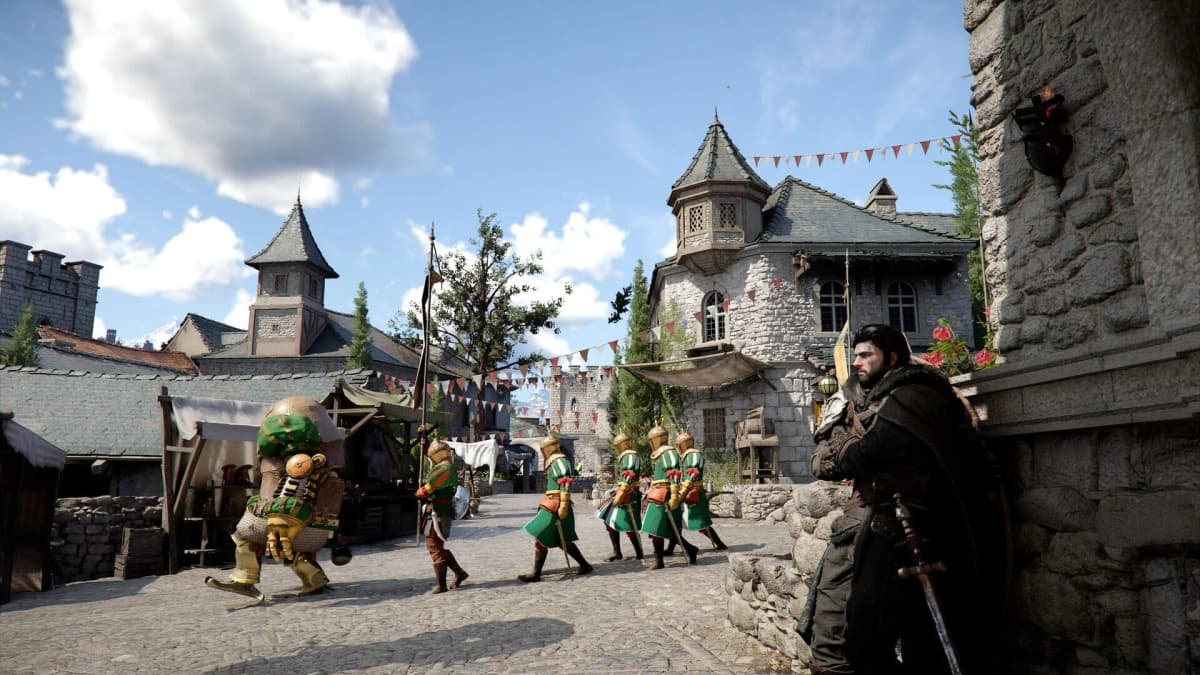
These conversions seem much better on medium human enemies than on very small mobs or oversized brutes. If lock-on keeps dragging your camera sideways, turn it off for the juggle and re-engage once the target is grounded again. That one change made my success rate jump. On controller, the camera correction is softer, so the route feels more natural. On PC, I found the chain easier with a quick manual camera nudge rather than trusting auto-facing.
The reason to learn this is control, not style. A good air conversion isolates one enemy and buys you breathing room from the rest of the group. Once you land it reliably, the rest of the encounter slows down.
Weapon throws, disarms, and shield stunts
This category is the least obvious because the game does a poor job of telling you which states actually allow the follow-up. I only got weapon-throw style extensions consistently when I treated them as stagger payoffs instead of openers. In practice, that meant build a brief stagger → stop the combo one hit early → trigger the throw/disarm follow-up before recovery. If I tried to force it from neutral, the game almost always gave me a safer standard attack.
The same applies to shield-based stunts. A bash or heavy interruption can open a tiny branch window, but it is short. If the target is not visibly compromised, do not go fishing for the flashy option. You are better off resetting pressure and trying again. What made this click for me was watching the enemy, not my own character. The move becomes available when their posture breaks, not when your combo counter says it should.
If this section feels inconsistent, that is normal. Of all the hidden tech I tested, these were the most sensitive to enemy type and angle. My current rule is simple: if the target is square in front of me and already wobbling, try the stunt; if not, keep the stable combo going.
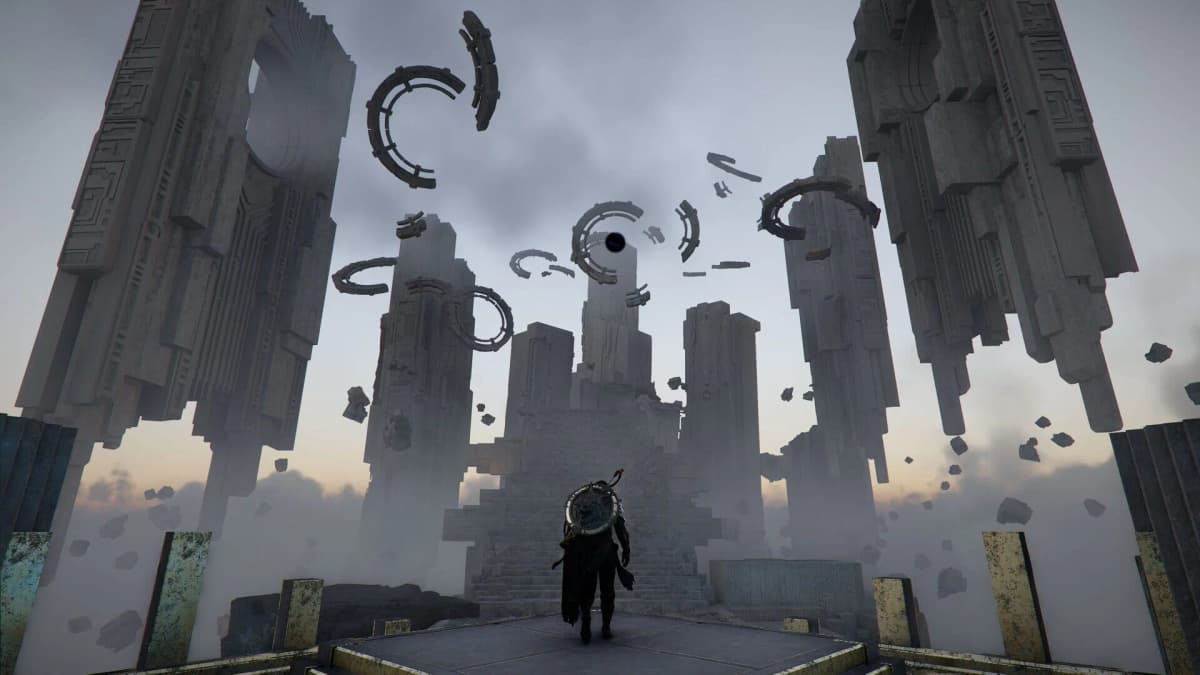
Teleport-style movement tech and backstep cancels
The short-range “teleport” sequences are less magic and more aggressive canceling, but they absolutely change how the combat feels. The version I could repeat most often came from a backstep or evasive movement chained immediately into a follow-up attack or reposition input. Done cleanly, Kliff snaps to a new angle much faster than his normal footwork suggests and can appear to blink around the enemy’s flank.
On controller, this was easier because the stick preserved the arc of the movement. On PC, I had to separate the inputs more clearly: evade first, then the follow-up direction and attack. If I rolled them together too hard, I just got a standard backstep. This tech is best used to beat shields, dodge retaliation without fully disengaging, or reposition for a vault setup. It is flashy, but it is also practical once you stop trying to force it every few seconds.
The practice routine that made all of this consistent
I got better results once I stopped learning these in real fights. Twenty minutes on a dummy saved me more time than another hour of messy camp clears. The routine I used was this:
- Five minutes of vault-only reps: no combo finishers, just
vault → early attack. - Five minutes of slide launchers from three distances: close, mid, and too far, so I could feel the failure cases.
- Five minutes of launcher into air follow-up with lock-on off.
- Five minutes mixing one hidden branch into a basic reliable combo instead of trying to use hidden tech exclusively.
That last part matters. Advanced players keep surfacing new routes, but the real lesson is that Crimson Desert rewards clean transitions more than long strings. If a hidden move feels gone after the latest build, assume timing, angle, or enemy state changed before assuming the move itself was cut.
FinalBoss // Gear
Level up your setup
01Top-rated gaming headsetson Amazon→02High-refresh gaming monitorson Amazon→03Gaming chairson Amazon→04Discounted game keyson Kinguin→Affiliate links · As an Amazon Associate, FinalBoss earns from qualifying purchases.
Want to Level Up Your Gaming?
Get access to exclusive strategies, hidden tips, and pro-level insights that we don't share publicly.
Ultimate Editor's Pick Strategy Guide + Weekly Pro Tips