
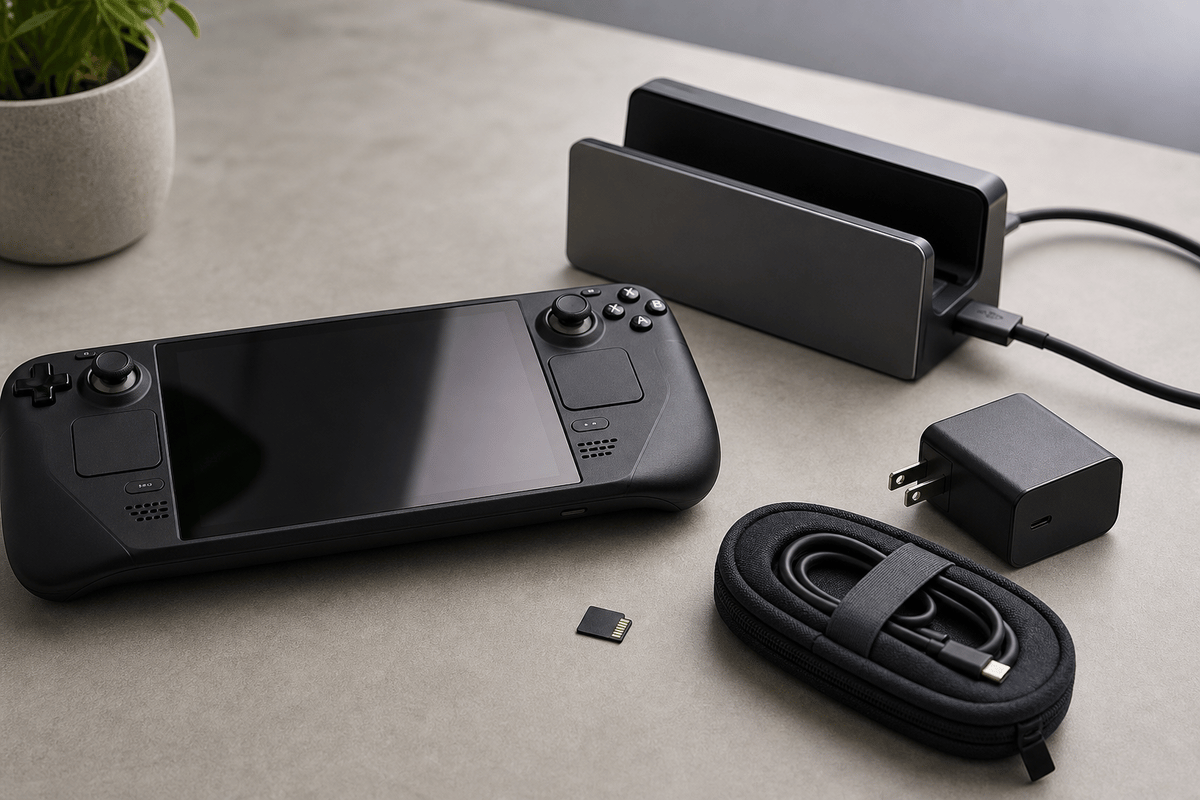
The late-night cart that gets Switch 2 owners burned usually contains two familiar-looking bargains: an original Switch microSD card and a generic USB-C hub. I use a hard filter before price enters the conversation: a storage card must explicitly say microSD Express or microSDXC Express, and a dock must clearly state its power and video support. Nintendo Switch 2 software requires microSD Express storage; standard microSD cards from the original Switch will not play Switch 2 games.
For most people, the clean buy is a 256GB or 512GB microSD Express card from Samsung, SanDisk, Lexar, or PNY, purchased from a retailer with an easy return policy. Keep the official dock for a fixed TV setup when possible. If travel demands a smaller dock or charging kit, only buy accessories with explicit USB-C Power Delivery, video-output, and Switch 2 compatibility details.
Table of Contents (9)
MicroSD Express Is the Non-Negotiable Storage Requirement
The important word is Express. A card can say “microSD,” “microSDXC,” “UHS,” or carry an impressive capacity number and still be the wrong purchase for Switch 2 game storage. Check the product title, package image, and specifications before checkout. If “Express” is absent, leave it behind.
This is particularly easy to miss when reusing an old card from Nintendo Switch. That card may still look perfectly good, but it is not the expandable-storage solution for Switch 2 software. The system’s larger games make the faster, compatible card format matter far more than it did on the original hardware.
Size the Card Around the Games You Keep Installed
Storage pressure arrives faster than a small DLC download suggests. Final Fantasy VII Remake Intergrade sits at roughly 90GB to 100GB, Split Fiction is around 70GB, Cyberpunk 2077 is around 60GB, and Hyrule Warriors: Age of Imprisonment is about 44GB. Those four games alone can approach a combined 264GB to 274GB footprint.
| Capacity | Best fit | Practical value | Strong deal range |
|---|---|---|---|
| 128GB | Mostly physical-game owners with patches, saves, and a small digital rotation | A low-cost expansion, though large digital releases can consume it quickly | Under about $40 |
| 256GB | Mixed physical and digital libraries | The best entry point for most owners who want useful room without a large upfront spend | About $40 to $60 |
| 512GB | Digital-first libraries, frequent large downloads, and fewer storage decisions | The long-term sweet spot when the price is close enough to 256GB | About $75 to $100, with $110 to $120 still reasonable |
| 1TB | Players keeping a large permanent library of huge games | Maximum convenience, but the cost per gigabyte can climb sharply | About $180 to $200 during a strong promotion |
Buy 256GB when the budget matters. Buy 512GB when the price gap is tolerable. That is the decision point most shoppers should focus on. A 1TB card is useful for a very large all-digital library, but it should earn its premium rather than getting a pass because of the headline capacity.
The Safest MicroSD Express Brands and Card Families
Capacity comes first, but brand support and retailer returns are the next layer of protection. Storage prices move quickly, and the best deal is often a widely available card from a major brand rather than an obscure listing that saves only a few dollars.
| Card family | Common capacities | Why it is a sensible Switch 2 buy |
|---|---|---|
| Samsung Nintendo Switch 2-branded microSD Express | 256GB | Officially licensed branding and broad retail availability make it an uncomplicated choice when discounted. |
| SanDisk microSD Express and Gameplay cards | 128GB, 256GB, 512GB | Easy to find across several capacities, with frequent sale pricing. |
| Lexar Play Pro | 256GB, 512GB, 1TB | A wide range for buyers moving from a sensible 256GB upgrade to high-capacity storage. |
| PNY microSD Express | 128GB, 256GB, 512GB | Often one of the lower-priced ways into compatible Switch 2 storage. |
| TeamGroup Apex | 128GB, 512GB | A competitive alternative when the better-known brands are carrying a premium. |
| Adata, Addlink, Integral, and Gigastone microSD Express | 256GB, 512GB | Price-focused alternatives worth considering through retailers with reliable returns. |
| Onn microSD Express | 256GB, 512GB | A budget-conscious option when available at a meaningful discount. |
When two cards are close in price, lean toward Samsung, SanDisk, Lexar, or PNY. The point is not to pay extra for a logo. It is to avoid turning a small saving into a warranty or exchange headache if a card arrives faulty or a listing turns out to be misleading.
Price Tags That Deserve a Second Look
- 128GB: Below $40 is attractive. Paying $45 to $60 only makes sense when stock is limited.
- 256GB: $40 to $60 is the range worth buying. Once it moves above roughly $70, compare other brands and retailers before committing.
- 512GB: $75 to $100 is the target. A trusted card at $110 to $120 can still be worthwhile when cheaper stock has vanished.
- 1TB: Around $180 to $200 is a strong promotion range. Much higher pricing needs a specific reason, such as a large all-digital library that will genuinely use it.
Do not lock onto one retailer or one officially licensed design. Prices can swing between major stores quickly, so compare a few current listings before buying. A simple return policy matters because a sale price can disappear, reappear, or be beaten within days.
Third-Party Docks Need More Than a USB-C Port
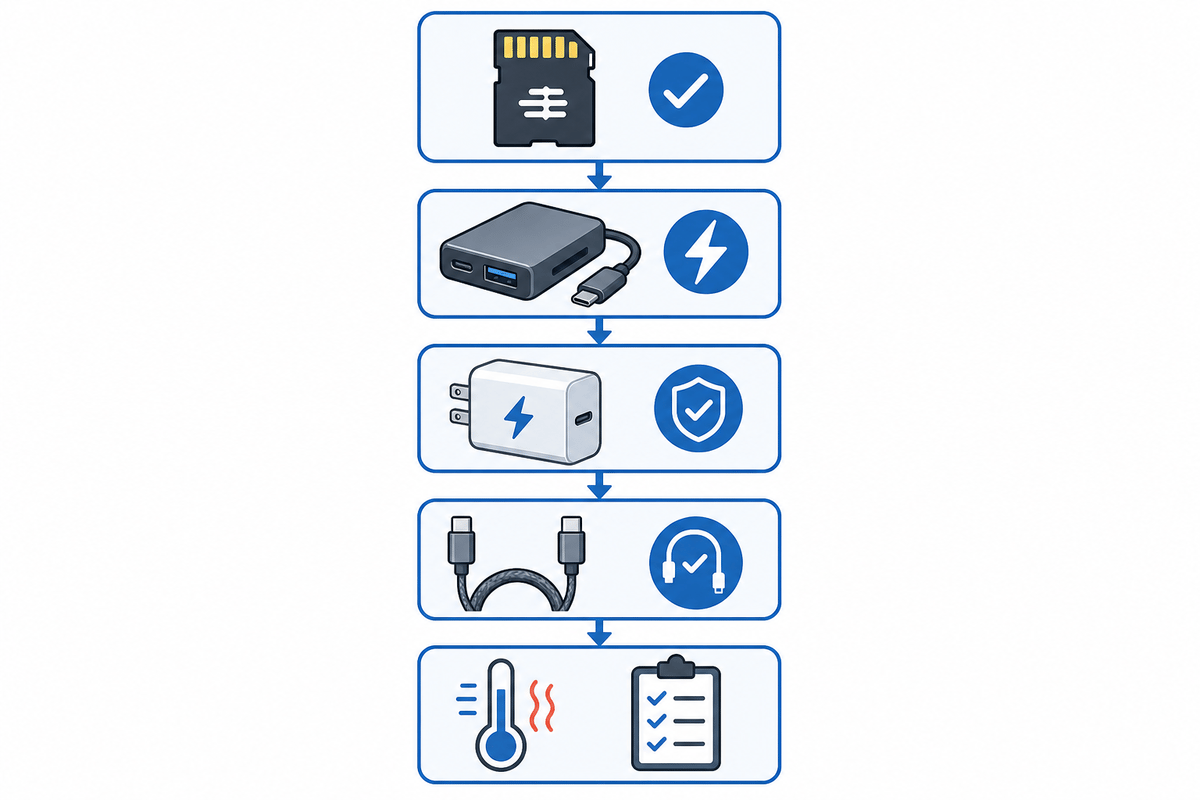
A handheld-PC dock or phone hub can look ideal on paper and still be a poor Switch 2 dock. The console needs the accessory to handle the right power negotiation, deliver the expected video path, and behave properly with its USB data lanes. A hub that only says “USB-C” and “4K” has not told you enough.
The official dock remains the low-risk choice for a permanent TV setup. A third-party dock becomes worthwhile when portability, extra ports, or a smaller footprint solve a real setup problem, but its listing needs to do more work than a generic hub listing.
| Dock type | Best use | Buying verdict | Details that must be clear |
|---|---|---|---|
| Official Nintendo Switch 2 dock | Main television setup at home | The safest baseline for reliable power and video behavior | Use the included hardware as the known-good reference point. |
| Third-party dock specifically listed for Switch 2 | Travel, desk setups, or players who need extra connections | Worth considering when the specifications are complete and the retailer supports returns | USB-C Power Delivery, stated wattage, stated video output and refresh rate, Switch 2 compatibility, and USB-port behavior while video is active. |
| Generic USB-C hub with vague “4K” language | Phone or laptop accessories with no confirmed Switch 2 focus | Skip it for a Switch 2 TV setup | Missing PD details, no refresh-rate information, no console compatibility statement, and no explanation of data-lane behavior are all warning signs. |
The Three Dock Specifications That Matter
- USB-C Power Delivery: The listing should plainly state Power Delivery support and its wattage claim. Weak or unclear power negotiation can produce slow charging, unstable docked play, or battery drain while the console is under load.
- Video output: “4K” alone is incomplete. The dock should state its supported resolution and refresh rate, alongside explicit Switch 2 compatibility.
- USB lane behavior: Video, charging, and external USB connections share the dock’s hardware resources. A listing should explain which ports remain available and how they behave when the system is outputting video.
Warning: A dock that charges the console on a desk does not automatically prove it will hold stable video on a television. Charging and TV output are separate parts of the compatibility check, and both need to be supported clearly.
The JSAUX 6-in-1 Switch 2 dock illustrates the tradeoff well. Its extra connections and compact alternative to the official dock can make a crowded gaming station more useful, but its cluttered design and problematic LED display make it a less universal recommendation. Extra ports are valuable only when the core charging and video functions remain dependable.
Build a Travel Charging Setup That Will Not Bottleneck the Console
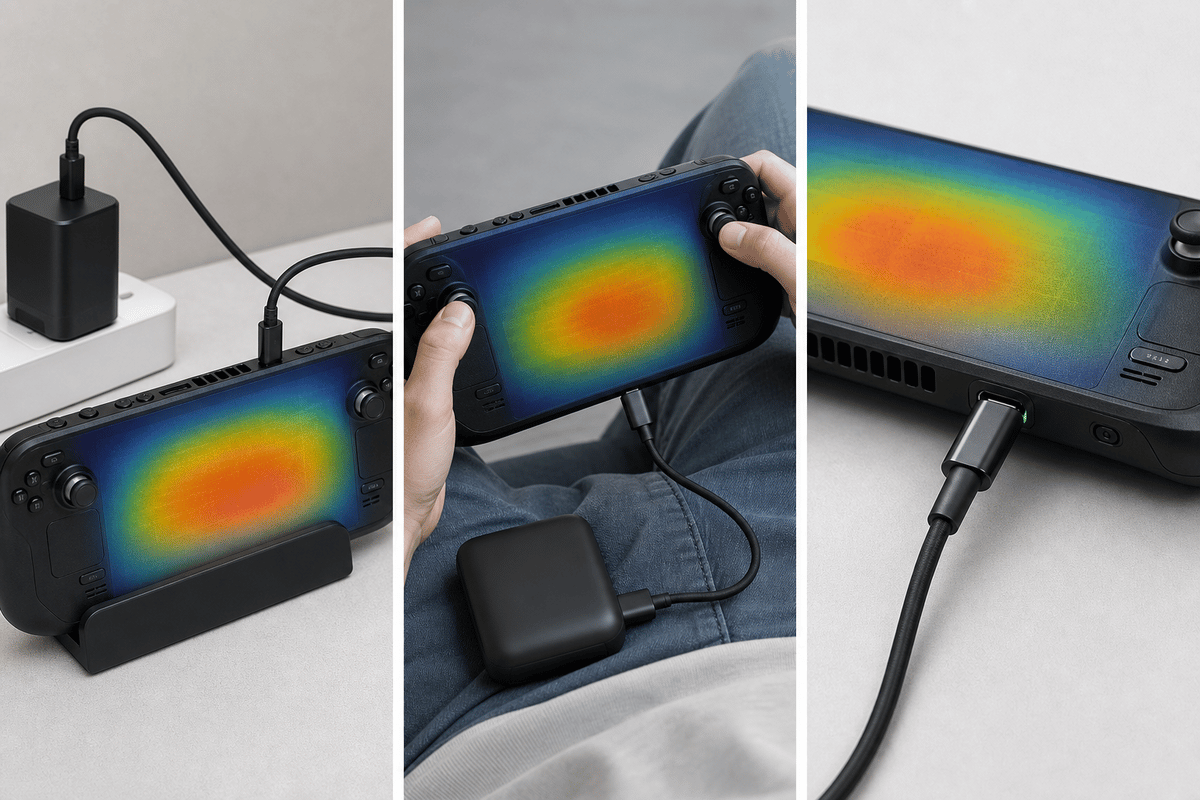
Travel charging has the same failure point as travel docking: vague USB-C claims. A charger or power bank may show a charging icon while still providing too little negotiated output for sustained play. The result is the frustrating version of “charging” where the battery continues dropping during a demanding game.
For a travel kit, prioritize a charger or power bank with clearly stated USB-C Power Delivery support and an explicit output rating suitable for Switch 2 use. Pair it with a cable designed for USB-C Power Delivery rather than relying on an old spare cable with unknown capability. If the product page does not clearly describe its PD output, treat it as a phone accessory rather than a Switch 2 power solution.
- Choose a USB-C PD charger or power bank with transparent power specifications.
- Use a USB-C cable intended to carry Power Delivery rather than a mystery cable from an older device.
- For TV travel, choose a dock that explicitly names Switch 2 compatibility and gives its video refresh-rate support.
- Keep the official dock as the fallback when a third-party dock has not earned trust as a stable TV-output device.
- Do not rely on a compact hub solely because it has an HDMI port and a USB-C input.
The Switch 2 “Don’t Get Burned” Buying Checklist
- The storage card says microSD Express or microSDXC Express in the specifications.
- The capacity matches the library: 128GB for a light physical collection, 256GB for mixed ownership, 512GB for frequent digital installs, and 1TB for a large permanent library.
- The price sits in a sensible capacity range rather than at a convenience premium.
- The card comes from a recognizable brand or a retailer with a straightforward return process.
- The dock lists USB-C Power Delivery and a clear wattage claim.
- The dock names its video resolution, refresh-rate support, and Switch 2 compatibility.
- The listing explains its USB-port and lane behavior instead of hiding behind generic “4K USB-C hub” wording.
- The travel charger or power bank has explicit USB-C PD output details, not only a claim that it works with phones and tablets.
Buy Storage First, Then Solve the Travel Setup
The priority order is simple: buy a correctly labeled microSD Express card in the capacity your library will use, then spend on travel power and docking only after the specifications pass the compatibility check. A 256GB card is the sensible value choice, while 512GB is the better long-term purchase for a growing digital library. For docks and chargers, clear Power Delivery and video details beat flashy port counts every time.
FinalBoss // Gear
Level up your setup
01Best-selling Switch 2 gameson Amazon→02Switch 2 accessorieson Amazon→038BitDo controllerson Amazon→04Discounted game keyson Kinguin→Affiliate links · As an Amazon Associate, FinalBoss earns from qualifying purchases.
Want to Level Up Your Gaming?
Get access to exclusive strategies, hidden tips, and pro-level insights that we don't share publicly.
Ultimate Guide Strategy Guide + Weekly Pro Tips