
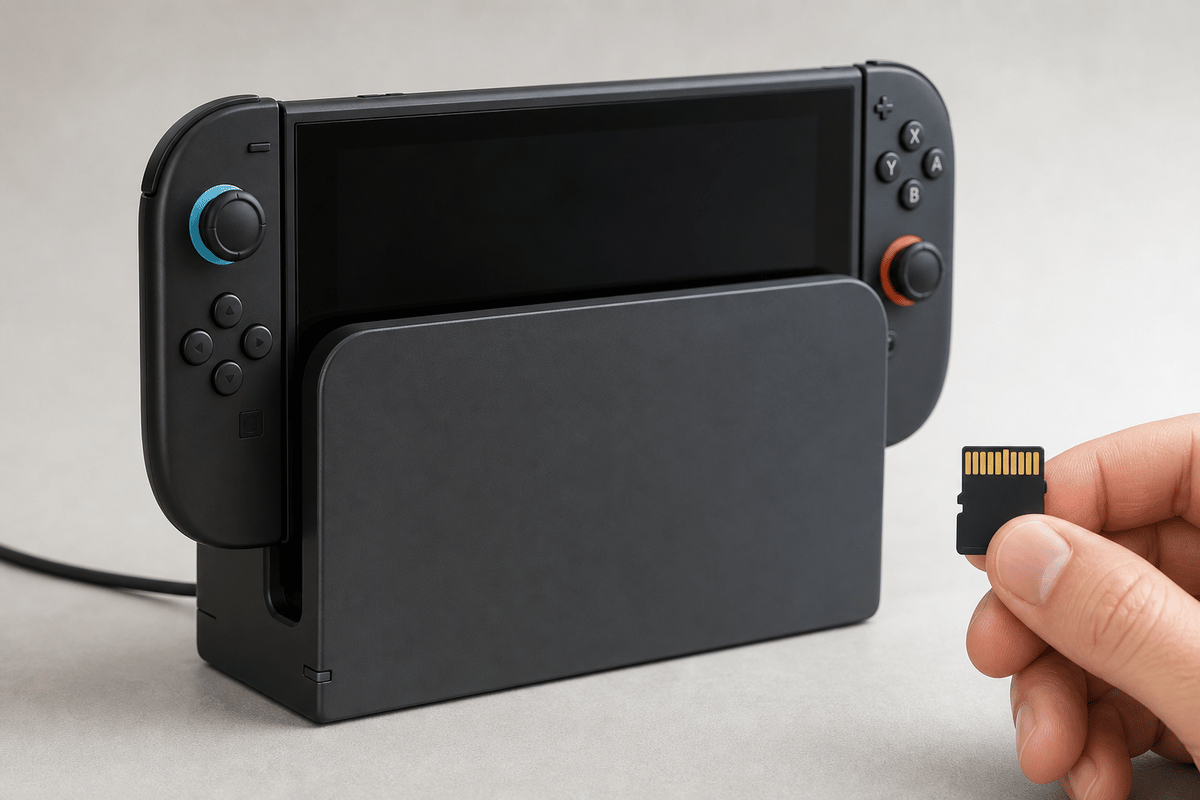
The expensive Switch 2 accessory failure has a familiar shape: a USB-C hub charges the console in handheld mode, the system goes into the dock, and the TV stays black. Avoid that mess by treating storage and docking as compatibility purchases first. Buy a microSD Express card for game storage, then use the official Nintendo dock or a third-party dock with explicit, proven Nintendo Switch 2 TV-mode support.
The short version: 256GB is the safest starting capacity, 512GB is the sweet spot for regular digital buyers, and 1TB suits players who travel with a large installed library. For docks, vague “USB-C hub” or “works with Switch” language is a warning sign. The product page needs to confirm Switch 2 compatibility, video output, power delivery, and stable docked play.
Table of Contents (9)
Switch 2 Storage Rule: Buy microSD Express Only
Nintendo Switch 2 game storage requires microSD Express. Standard microSD cards, including cards advertised only as microSDXC or UHS-I, are the wrong purchase for expanding a Switch 2 game library unless the listing also clearly identifies the card as microSD Express.
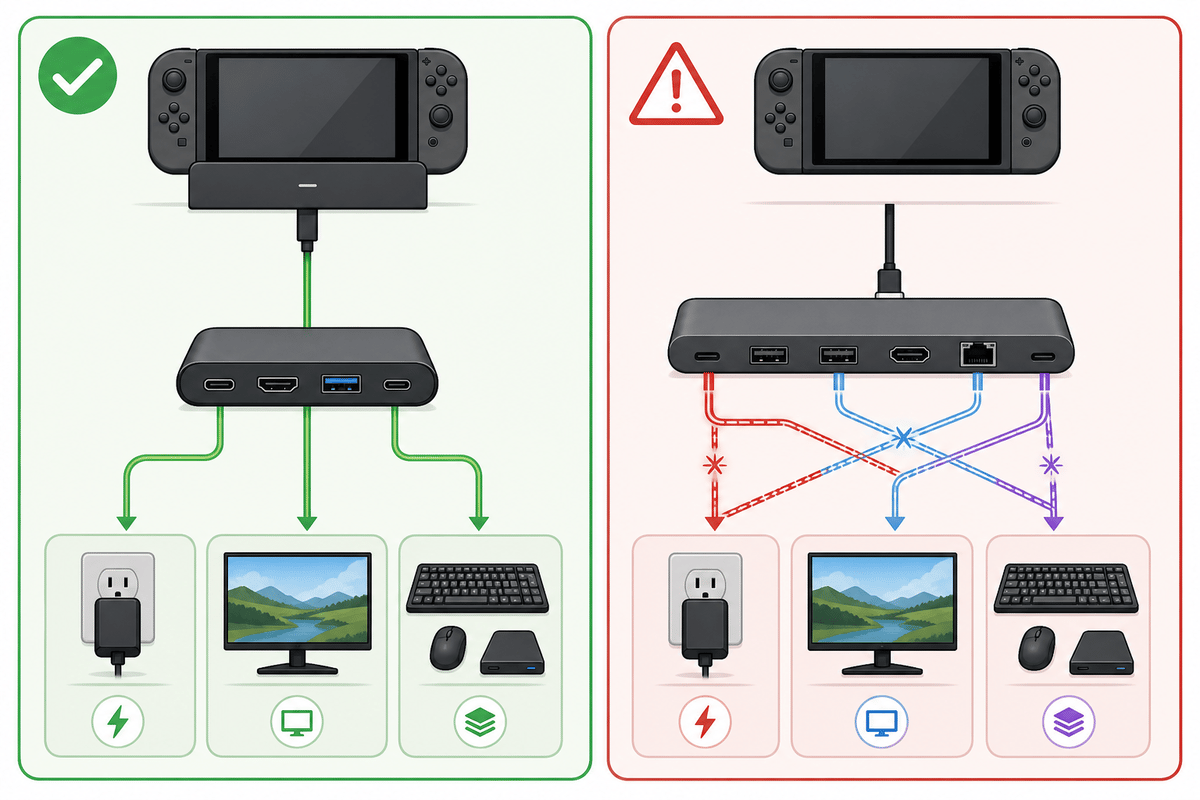
This is where deal listings create the most confusion. A card can look familiar, have a huge capacity number on the label, and even be described as compatible with the original Nintendo Switch. That does not make it suitable for Switch 2 game storage. Look for the word “Express” in the product title and specifications, plus the EX or Express branding on the card or packaging.
- Buy: a card explicitly labeled microSD Express.
- Verify: the listing names Nintendo Switch 2 compatibility.
- Skip: listings that only say microSDXC, UHS-I, “high speed,” or “works with Switch.”
- Be careful with old cards: a card previously used in a Nintendo Switch will not provide access to that console’s digital games or save data when inserted into Switch 2.
First-use trap: a new microSD Express card may require an internet system update before the Switch 2 can use it. Set the console up online and apply any required update before deciding a new card is faulty.
Choose the Right microSD Express Capacity
Switch 2 supports microSD Express cards up to 2TB, but the practical shopping tiers are 128GB, 256GB, 512GB, and 1TB. Capacity should match how often you buy digital games and how much library management you are willing to do between downloads.
| Capacity | Who It Fits | Buying Verdict |
|---|---|---|
| 128GB | Players with a small installed library who rely heavily on the console’s built-in storage. | Only worthwhile for light digital use. Expect to delete and reinstall more often. |
| 256GB | Most players buying a first Switch 2 expansion card. | Best starter tier. Nintendo’s own Samsung-branded Switch 2 card is available in this size. |
| 512GB | Frequent digital buyers, DLC collectors, and players who keep several larger games installed. | Best overall balance. It gives breathing room without jumping to the highest prices. |
| 1TB | Large digital libraries, travel systems, and players who dislike managing installed games. | Best convenience choice. Buy it when the higher price is worth avoiding regular storage cleanup. |
| 2TB | Players waiting for the largest supported capacity. | Switch 2 supports it, but 2TB microSD Express cards are far less common in practical retail buying than 1TB options. |
The 256GB card is the clean recommendation for a new owner who wants extra space without paying the steepest Express-storage premium. Move to 512GB if digital purchases are routine. A 1TB card earns its price when the Switch 2 is a travel machine or a primary digital-library console that needs to stay ready without constant install triage.
MicroSD Express pricing and stock can move sharply, especially around sales. A genuine 256GB or 512GB Express card is a better buy than a suspiciously cheap, higher-capacity standard microSD card that cannot handle Switch 2 game storage.
Which Switch 2 Cards Are the Lowest-Risk Picks?
The lowest-risk route is a Nintendo-branded or Nintendo-listed microSD Express card, such as the Samsung 256GB card made for Nintendo Switch 2. It removes the format guesswork: the card is sold for the console and uses the required standard.
Third-party cards can still be sensible purchases, especially at 512GB and 1TB, but the listing must clearly state two things: microSD Express and Nintendo Switch 2 compatibility. Switch 2-compatible Express cards use the newer PCIe/NVMe-based Express interface; a fast-looking legacy UHS-I card does not meet that requirement.
- Safe wording: “microSD Express,” “Nintendo Switch 2,” and Express branding in the specifications.
- Incomplete wording: “microSDXC,” “UHS-I,” “up to [speed],” or “compatible with Nintendo Switch” with no Switch 2 Express confirmation.
- Best deal discipline: compare like-for-like Express capacities before choosing a brand or sale price.
Why Generic USB-C Hubs Can Fail on Switch 2
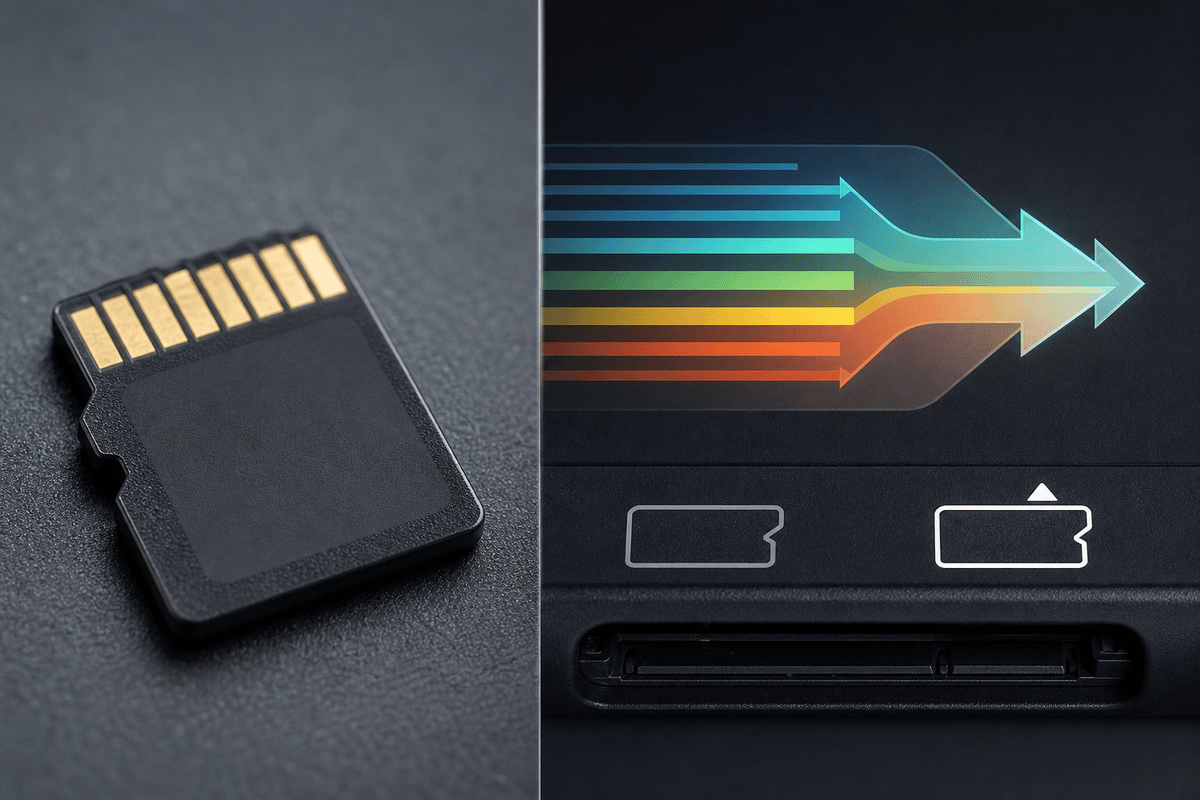
A USB-C connector can carry power, video, data, or a combination of all three. A dock that physically fits the Switch 2 still has to negotiate the correct behavior for TV mode. That is why a hub can appear fine during a handheld charging test and collapse once it has to deliver power, send video to a display, and keep USB accessories connected at the same time.
For reliable docked play, the accessory has to handle four jobs correctly:
- Power delivery: the dock must provide the correct level of power while the Switch 2 is running.
- Video output negotiation: the console, dock, HDMI connection, and TV must establish a stable display signal.
- Data-lane behavior: the dock must route the USB-C connection correctly when video and accessory data are active.
- Dock-mode handshakes: the console must recognize the accessory as a valid route into TV mode.
When one of those jobs breaks, the symptoms are usually obvious: charging with no picture, intermittent black screens, video that cuts out during longer sessions, or USB controllers and accessories that stop responding. A generic laptop or phone hub can work perfectly with those devices and still be a poor Switch 2 dock.
The safest dock purchase remains the official Nintendo dock. Third-party hardware belongs on the shortlist only when its maker explicitly confirms Nintendo Switch 2 docked support and provides clear evidence of stable TV output under load.
Dock and Hub Checklist Before You Buy
Read the product page as if each missing detail is a potential failure point. “USB-C compatible” is far too broad for a Switch 2 dock purchase.
- Explicit Nintendo Switch 2 compatibility: the listing should name Switch 2, rather than only the original Nintendo Switch.
- Clear TV mode or dock mode support: charging support alone does not prove video capability.
- Correct power delivery support: the dock needs a power setup intended to sustain docked Switch 2 use.
- HDMI video output support: confirm that the product is built to output to a television or monitor.
- Stable under-load behavior: look for proof that it holds video and power while a game is running, rather than only at the Home screen.
- A meaningful return window: a dock needs a real TV test before it earns a permanent place in the setup.
Warning: avoid products whose only compatibility claim is “works with Switch.” The Switch 2 has stricter storage requirements than the older system, and docking behavior depends on a specific mix of power, video, and USB-C signaling. Ambiguous compatibility language leaves too much to chance.
Test a New Dock Before the Return Window Closes
A ten-second charging check is useless as a dock test. Put the accessory through the same sequence it will handle during normal play.
- Connect the dock or hub to its intended power supply.
- Connect the dock to the TV or monitor through HDMI.
- Insert the Nintendo Switch 2 into the dock or connect it through the dock’s intended USB-C connection.
- Confirm that the console enters TV or docked mode.
- Confirm that the display receives a stable picture and audio signal.
- Launch a game and leave it running long enough to create sustained load.
- Watch for heat, image dropouts, black screens, audio/video desync, or repeated reconnecting.
- Test any attached USB accessories, including controllers, Ethernet adapters, or storage devices supported by the dock.
The timing of the failure gives you a useful clue. A dock that charges but never produces an image is usually falling short on video negotiation or USB-C lane support. A dock that works briefly and fails once a game is running points more strongly toward unstable power delivery or an accessory that cannot remain stable under load.
| Symptom | Likely Compatibility Area | Practical Response |
|---|---|---|
| Switch 2 charges, but the TV remains black | Video output negotiation or data-lane support | Confirm explicit Switch 2 TV-mode support; treat charging as a separate, incomplete test. |
| Video appears, then drops during play | Power delivery stability or under-load behavior | Use the dock’s intended power setup and return hardware that cannot hold a stable signal. |
| Controllers or USB accessories stop working | USB data handling or accessory enumeration | Test each accessory during docked gameplay and avoid relying on a hub that behaves inconsistently. |
| Dock works before an update, then becomes unreliable | Firmware-sensitive third-party behavior | Re-test the full docked setup after console or accessory firmware updates. |
Match Accessories to How You Play
| Setup goal | Storage requirement | Dock and charger requirement | Purchase mistake to avoid |
|---|---|---|---|
| Mostly handheld, digital library | microSD Express card with the EX logo; choose capacity based on the number of installed games | A reliable USB-C Power Delivery charger for portable charging | Buying a cheaper conventional microSD card marked “Extreme” or “high-speed” |
| Permanent TV setup | microSD Express card up to 2TB if extra game storage is needed | Official dock, or a dock with documented Switch 2 support, USB-C Power Delivery, and HDMI output | Assuming a dock that charges the console will automatically output video |
| Travel TV setup | microSD Express card for the games you want available away from home | Compact dock with Power Delivery pass-through and built-in HDMI video output | Using a phone charger and generic hub without checking their docked Switch 2 behavior |
A travel dock has to do two jobs at once: take Power Delivery from the wall charger and pass appropriate power through to the Switch 2 while the HDMI connection is active. A product that can only charge the console or only output video is a partial solution, and every extra adapter in the chain adds another point of failure on an unfamiliar hotel display.
Exact Phrases to Look For on the Box or Product Page
- For storage: “microSD Express,” “EX,” “Nintendo Switch 2 compatible,” “up to 2TB,” and “system update required on first use.”
- For a TV dock: “USB-C Power Delivery,” “HDMI output,” “video output,” “pass-through charging,” and “Nintendo Switch 2 compatible.”
- For travel charging: a stated Power Delivery capability from both the charger and the dock, plus a claim that charging and video work together.
Storage and Dock Mistakes Worth Avoiding
- Buying an old microSD card because it worked on the original Switch: Switch 2 game storage needs microSD Express.
- Choosing 128GB for a growing digital library: it is viable for light use, but storage management arrives quickly once several larger games and DLC packs are installed.
- Paying extra for 2TB based on support alone: 2TB is supported, yet 1TB remains the more practical high-capacity target in current shopping.
- Judging a hub by charging alone: TV output, power delivery, data lanes, and dock-mode recognition all matter.
- Trusting “works with Switch” wording: require Switch 2-specific confirmation before buying a third-party dock.
- Testing only the Home screen: the useful test is stable video and power while a game is running.
FinalBoss // Gear
Level up your setup
01Best-selling Switch 2 gameson Amazon→02Switch 2 accessorieson Amazon→038BitDo controllerson Amazon→04Discounted game keyson Kinguin→Affiliate links · As an Amazon Associate, FinalBoss earns from qualifying purchases.
Want to Level Up Your Gaming?
Get access to exclusive strategies, hidden tips, and pro-level insights that we don't share publicly.
Ultimate Guide Strategy Guide + Weekly Pro Tips