
Expedition 22, “The Swarm,” starts from the Space Anomaly in No Man’s Sky — not from restarting your save when the option fails to appear. The whole event is a community war: everyone’s missions feed the construction of a single device, the Prismatic Core, which is what finally lets the galaxy strike back at the swarm. Most players lose time in the first hour because they treat it like a solo campaign and ignore the two systems that actually drive it: the repeatable Swarm Activity missions and the three contribution categories. Get those right and the expedition runs clean.
Table of Contents (18)
The short version
- Expedition 22 “The Swarm” launched with Update 6.4 and runs for roughly eight weeks. There is no rush to start on day one, but there is no reason to delay either.
- Launch it from the Space Anomaly → Nexus. If the option is missing, you simply haven’t reached the Anomaly yet — advance the early game until you can dock there.
- Move materials into the expedition transfer space before you confirm. Expedition progression is separate from your main save.
- You pick a team — the royal, the sage, or the weaver — via a quiz. The quiz is cosmetic: no right answer, no penalty. Answer and move on.
- Your goal is to help build the Prismatic Core and bring down the Hive of Glass mothership by completing missions in three categories: Purge, Restoration, and Sabotage.
- The repeatable Swarm Activity missions reset every eight hours at fixed times (00:00, 08:00, 16:00 UTC). Phases are gated by milestones and community progress, not by that timer.
- Completion unlocks the Direwasp rewards: a Disintegrator rifle Multi-Tool, a Flightpack, and a six-piece customisation set, plus team flags, posters, and titles.
Start Expedition 22 from the Anomaly
If the Expedition 22 option is missing, the problem is almost always account state, not the event. You need to have progressed far enough in the opening tutorial or survival onboarding to reach the Space Anomaly. Once you can dock there, the launch path is Space Anomaly → Nexus → Expedition 22. Do not restart the game or remake a save if it doesn’t show up immediately — keep advancing normal early objectives until the Anomaly unlocks, then it appears.
The Anomaly is the hub for everything in The Swarm. Your team assignment, your mission contributions, and the global construction of the Prismatic Core all route through it. Treat it as your command center: when you’re unsure what to do next, returning to the Nexus is the correct reset.
Do the pre-launch prep before you confirm
Expedition progression runs on a separate inventory from your main save, so an unplanned launch leaves you short later. Five minutes of prep fixes that.
- Move any materials you want to keep into the expedition transfer area before launch.
- Prioritize broadly useful resources — fuel, survival materials, core crafting components — over niche trade goods or decorative items.
- Leave inventory space for early expedition rewards and mission pickups.
- Check
Options → Networkand disable PvP if you want zero risk in crowded expedition systems. - If you play solo, trim multiplayer settings before you enter the event, not during a timed mission.
The rule for transfers is simple: anything that keeps your ship moving, your suit stable, and your first tech installs affordable is worth carrying. Early friction comes from running short on basics, not from lacking rare collectibles.
Pick a team, then forget about the quiz
Shortly after launch you take a short quiz that assigns you to one of three teams — the royal, the sage, or the weaver — each representing an aspect of the Traveller soul. The quiz is cosmetic. There is no correct or wrong answer and no mechanical penalty attached to your choice, so restarting to chase a preferred team is wasted time. Your actual impact comes entirely from the missions you complete afterward.
What you’re actually building toward
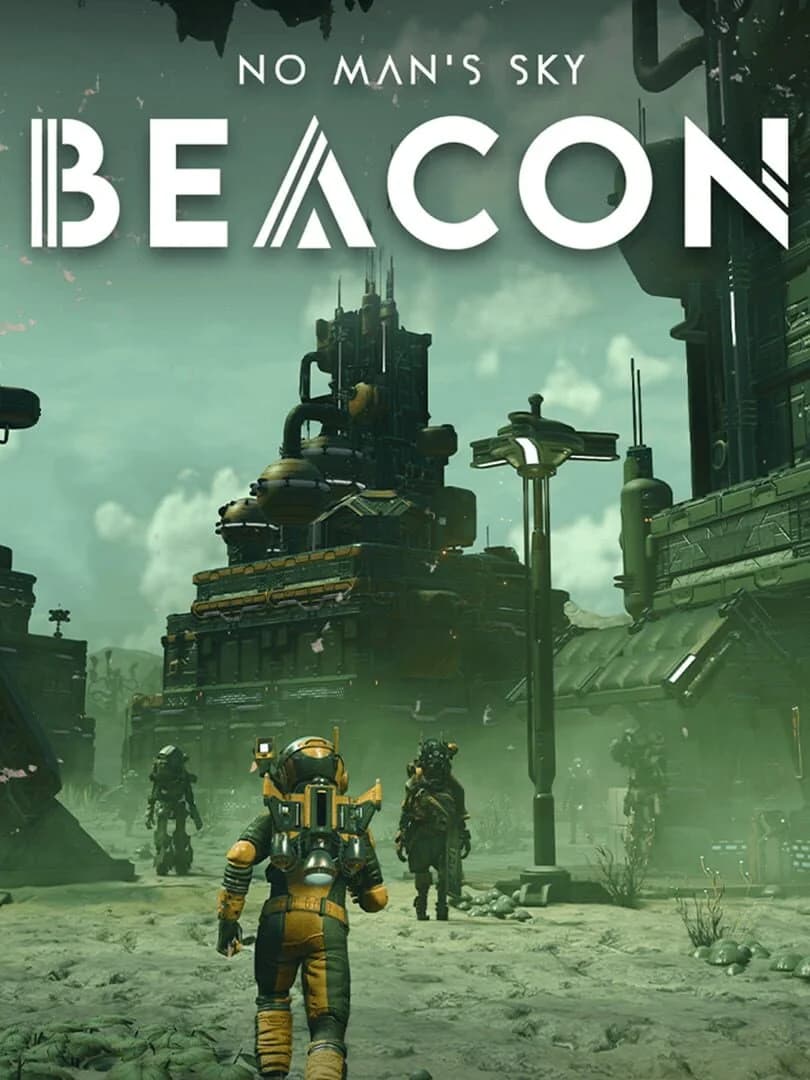
The Swarm is a community effort to construct the Prismatic Core, a device built to weaken and ultimately defeat the swarm invasion. Every Purge, Restoration, and Sabotage mission players complete feeds that construction, and the rate and balance of it shift depending on which categories the community focuses on. The payoff is the assault on the Hive of Glass — the monstrous alien mothership at the heart of the event. Knowing this is the goal changes how you read the mission board: you’re not grinding for personal stats, you’re moving a shared bar.
How the 8-hour reset should shape your run
Here is the detail most start guides get wrong. The eight-hour timer in The Swarm does not control the expedition’s phases. It controls the repeatable Swarm Activity missions — the Purge, Restoration, and Sabotage tasks — which reset every eight hours at fixed times: 00:00, 08:00, and 16:00 UTC. The expedition’s phases unlock from milestones and overall community progress on the Prismatic Core, not from that clock. So treat the eight-hour window as a refresh of repeatable contribution work, and treat your phase progress as a separate, milestone-driven track.
- Start each session at the Anomaly, not in the field.
- Check which Swarm Activity missions are available before you leave the Nexus.
- Stack your contribution runs while a reset is fresh, so you’re not interrupted mid-mission by the next reset.
- If a reset is close, use the remaining minutes for turn-ins, crafting, inventory cleanup, and reward claims rather than starting a long mission.
- After each reset, grab the new repeatable missions instead of autopiloting into the last activity type.
Because the resets land on the same UTC times every day, you can plan your sessions around them. Hitting a fresh reset means the full set of repeatable contributions is available; arriving five minutes before one means you waste a window. Sync to the clock and the repeatable side of the expedition stays efficient.
Purge, Restoration, and Sabotage
These three categories are the practical lanes through which your activity feeds the Prismatic Core. Each has a different impact on the rate and balance of construction. The exact scoring weights are not documented by Hello Games, so don’t assume one lane is permanently best — pick the one that matches your current situation and what the community needs.
Purge
Purge is the combat lane: dogfighting the swarmers in space. This is the right lane when your ship loadout is stable and your shields and weapons are comfortable. If your gear is weak, forcing Purge early burns resources fast — stabilize first.
Restoration
Restoration is the recovery lane: cleansing contaminated planets. It tends to be the safest category for undergeared players or anyone still stabilizing inventories, because it converts mission time into contribution while keeping you out of sustained dogfights. When in doubt early, Restoration is usually the least punishing way to stay productive.
Sabotage
Sabotage is the disruption lane: intercepting and disrupting the swarm network from the Space Anomaly. It rewards precision objective work more than raw endurance, which makes it a clean choice when you’re adequately geared but want to avoid the resource drain of repeated frontline combat.
The guiding rule: pick the lane that overlaps your current bottleneck. Need combat progress and have the tools? Purge. Need precision objectives? Sabotage. Under-supplied or undergeared? Restoration. Since the backend weighting isn’t public, matching your situation beats guessing a hidden “best” category.
Why later phases stall — and how to push through
By the middle phases the expedition stops feeling linear. It expects you to juggle your milestone chain, your repeatable contributions, and a minimum level of gear readiness at once. Most stalls come from one of these patterns.
Overcommitting to Purge
If you push every session through combat just because dogfights are immediate, the cost stacks up — ammunition, repairs, shield recovery. The fix is to stop reading the board as a constant call to fight. Use Restoration and Sabotage when they overlap your missing tech or progression steps, and claim expedition reward tech as soon as it solves a current gate instead of grinding more swarmers than you need.
Overpreparing
Builders and explorers stall by overcommitting to setup — farming, sorting, and stockpiling long past what they need. In a time-limited event that’s wasted effort. Once your fuel, protection, and core installs are stable, stop polishing the save and return to the board. Consistent turn-ins move the Prismatic Core; a perfect inventory does not.
Network settings left in a bad state
Expeditions concentrate players in shared spaces, and the default network settings aren’t always aligned with a clean solo route. If you want no interference, set Options → Network before things get busy — disabling PvP is the obvious one. Handling it inside a timed mission is wasted time.
Nanite shortages
Upgrade economy is a common wall. If a mission starts to assume a stronger Multi-Tool, exosuit, or ship, don’t spend nanites on speculative sidegrades — buy the single upgrade that fixes the current problem. Convert duplicate expedition rewards into nanites rather than wandering off into unrelated grinds. The aim isn’t a perfect build; it’s clearing the next requirement with the least detour.
Common mistakes
- Restarting your save when the expedition won’t appear. It’s account state, not a bug — reach the Anomaly first.
- Launching before transferring materials. Expedition inventory is separate; you can’t pull from your main save mid-event.
- Min-maxing the team quiz. It’s cosmetic. Answer and move on.
- Assuming the 8-hour timer gates phases. It only resets the repeatable Swarm Activity missions. Phases advance on milestones and community progress.
- Forcing one category for everything. Purge, Restoration, and Sabotage each match a different situation — use the one that fits your current bottleneck.
- Hoarding nanites and materials. In an ~8-week timed event, consistent turn-ins beat a polished inventory.
A clean early route
- Advance the early game until the Space Anomaly unlocks.
- Dock at the Anomaly and open Expedition 22 at the Nexus.
- Transfer useful materials before you confirm the start.
- Set network and PvP preferences before entering active expedition space.
- Take the team quiz without trying to min-max it.
- Claim the earliest easy rewards and install only the tech that solves an immediate bottleneck.
- Check the available Swarm Activity missions at the Nexus before leaving the hub.
- Run Purge, Restoration, or Sabotage based on overlap with your needs and gear.
- Return to the Anomaly after major completions, and grab the new repeatable set when the 8-hour reset lands.
Practical takeaway
The plan is stable: reach the Anomaly, transfer before you launch, skip the quiz min-maxing, and then run two tracks in parallel — your milestone-gated phase progress, and the repeatable Purge / Restoration / Sabotage missions that reset every eight hours and feed the Prismatic Core. Match the contribution lane to your bottleneck, keep your turn-ins consistent across the roughly eight-week run, and you’ll be there for the assault on the Hive of Glass with the Direwasp rewards in reach.
FinalBoss // Gear
Level up your setup
01Top-rated gaming headsetson Amazon→02High-refresh gaming monitorson Amazon→03Gaming chairson Amazon→04Discounted game keyson Kinguin→Affiliate links · As an Amazon Associate, FinalBoss earns from qualifying purchases.
Want to Level Up Your Gaming?
Get access to exclusive strategies, hidden tips, and pro-level insights that we don't share publicly.
Ultimate Guide Strategy Guide + Weekly Pro Tips