
This story stopped me mid-scroll: a YouTuber dialled their laptop’s Nvidia GeForce RTX 5090 up to a staggering 250 W total graphics power, bypassing the usual 175 W limit. As someone obsessed with gaming hardware and thermal constraints, I had to unpack what this means for benchmarks—and for anyone who actually uses these premium machines.
What Is the RTX 5090 Shunt Mod?
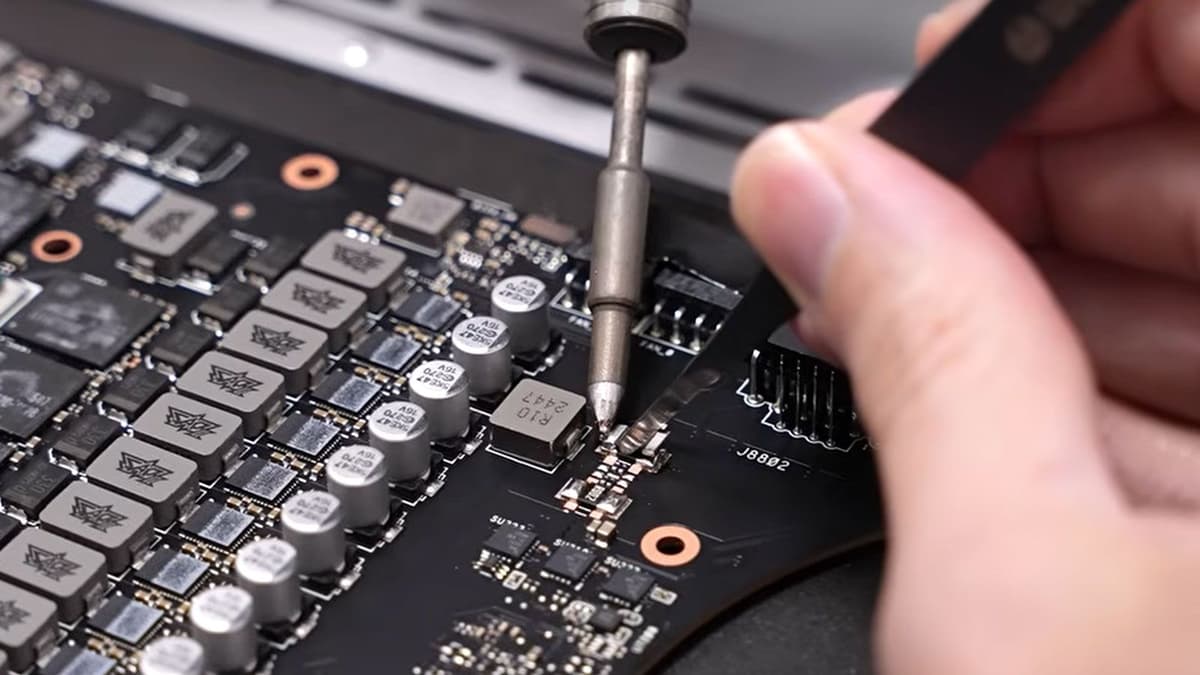
The “shunt mod” involves physically altering the GPU’s power delivery circuit by replacing or bypassing a tiny resistor (the shunt) that enforces Nvidia’s Total Graphics Power (TGP) cap. Laptops ship with the RTX 5090 capped at 175 W (plus up to 25 W via Nvidia Dynamic Boost) to keep thermals and battery life in check. The mod lifts that cap to 250 W—a 43% increase that lets the GPU sustain much higher clock speeds.
How It’s Done: A Step-by-Step Breakdown
Performing this mod isn’t for the faint of heart. Here’s a high-level overview:
- Disassemble the laptop and expose the PCB around the GPU.
- Locate the stock shunt resistor (requires service manuals or high-res teardown photos).
- Desolder the original resistor and replace it with a lower-value component, or install a bypass wire to increase current flow.
- Reassemble the chassis with high-quality thermal paste and upgraded thermal pads.
- Undervolt the GPU core via software to tame heat when drawing 250 W.
Prerequisites include advanced soldering skills, a fine-tip iron, magnification tools, and a ton of patience. In this case, the modder used an Eluktronics Hydroc 16 G2 with an Intel Core Ultra 9 275HX CPU, 48 GB DDR5-7200 RAM, and a custom water-cooling loop for stability.
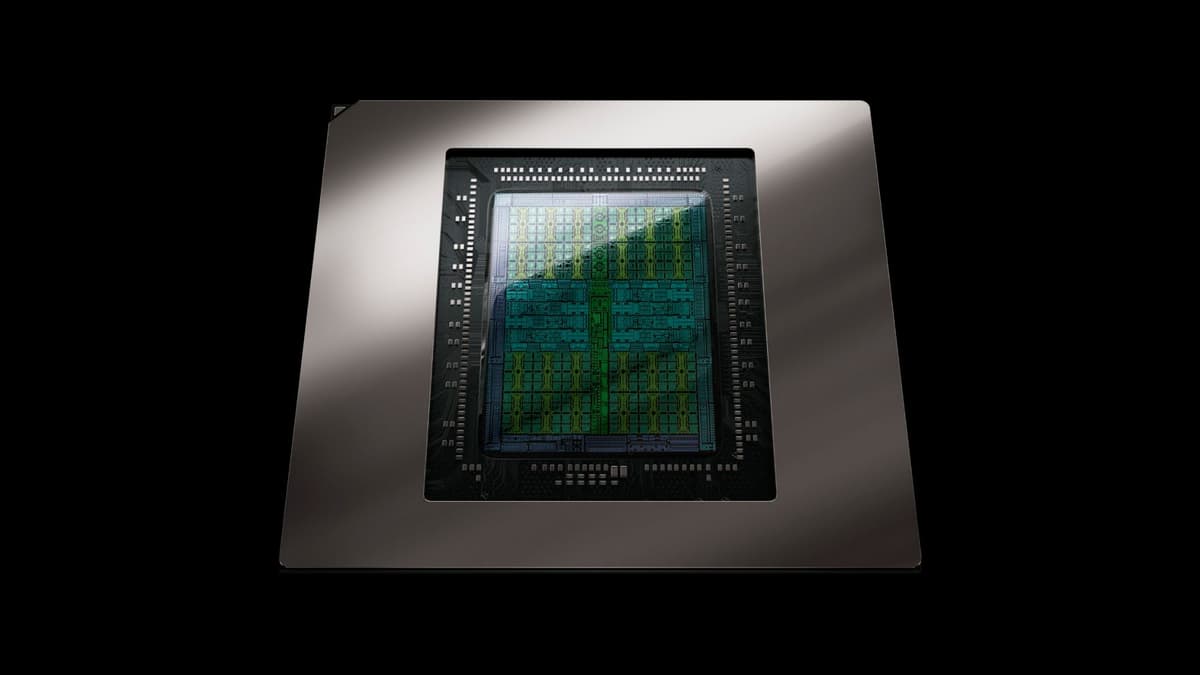
Performance Gains
Once uncapped, synthetic benchmarks like 3DMark jumped by up to 41%. Real-world gaming tests were equally impressive:
- The Witcher 3 saw nearly 30% higher average FPS at ultra settings.
- Cyberpunk 2077 and other demanding titles enjoyed 15–20% gains in sustained performance.
These improvements push a laptop-based RTX 5090 frighteningly close to desktop-class RTX 4090 levels—provided your cooling can keep up.

FinalBoss // Gear
Level up your setup
01Graphics cardson Amazon→02Gaming laptopson Amazon→03High-refresh gaming monitorson Amazon→04Discounted game keyson Kinguin→Affiliate links · As an Amazon Associate, FinalBoss earns from qualifying purchases.
Thermal and Safety Considerations
Sustained 250 W power draw will overwhelm most stock air-coolers, leading to thermal throttling or hardware failure. The modder’s custom water-cooling loop and aggressive undervolt were essential to maintain safe temperatures. On a standard chassis, you risk overheated VRMs, warped PCBs, or even fire hazards. Nvidia’s factory limits aren’t arbitrary—they exist to protect your hardware.
Implications for Gamers
For most players, the stock RTX 5090 delivers top-tier performance without voiding warranties or turning your laptop into a space heater. Only console-level soldering experts with bespoke cooling setups should attempt this. Enthusiasts will geek out over the extra headroom, but the practical returns diminish once you factor in complexity, cost, and risk.
Benefits vs. Risks
- Benefits: Up to 41% higher benchmark scores, 15–30% better gaming performance.
- Risks: Voided warranty, potential component damage, fire hazards, and thermal throttling on stock coolers.
Conclusion
The RTX 5090 shunt mod unlocks impressive performance gains—but demands expert-level hardware work and custom cooling. For most gamers, sticking to stock settings or opting for a desktop with robust air or water cooling offers a safer path to peak performance. Physics doesn’t bend for spec sheets, so unless you’re ready to crack open your laptop, proceed at your own risk.
TL;DR
Uncapping the RTX 5090 to 250 W delivers massive gains but requires advanced soldering, bespoke cooling, and ignores Nvidia’s safety margins. Most users should stick with stock or choose a desktop.