
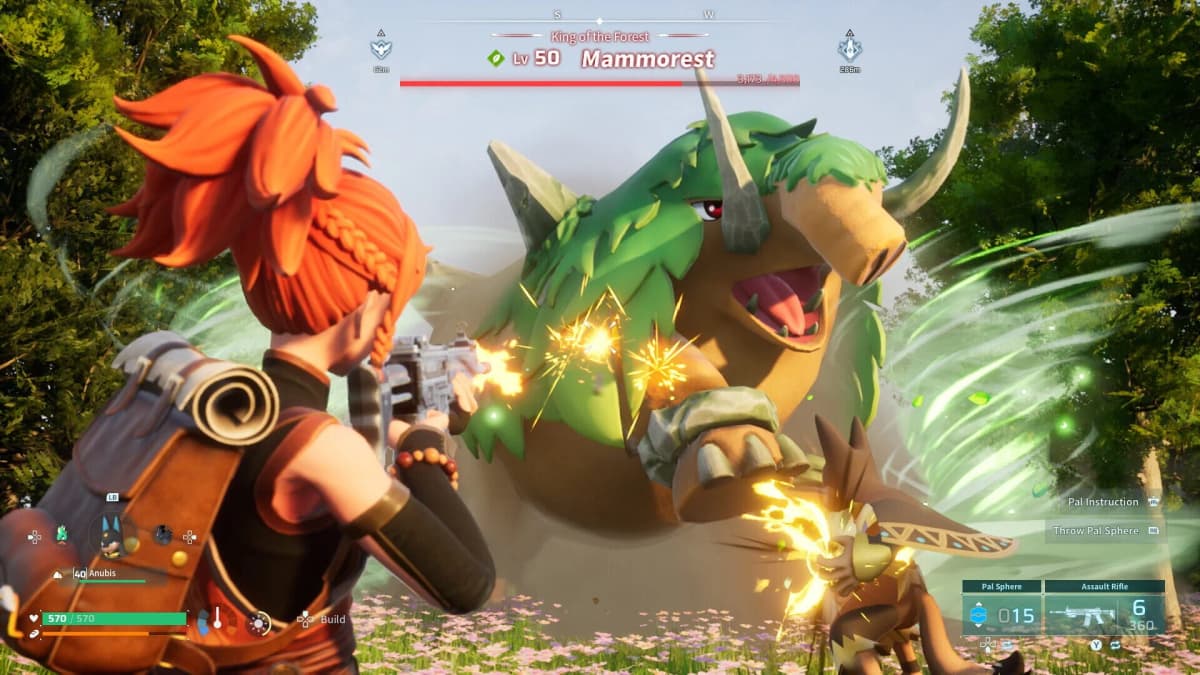
When Palworld first entered Early Access, the Palpagos Islands were a rough experiment in creature-collecting survival. On July 10, 2026, that experiment graduates to a full release. For anyone who bought in during Early Access, the 1.0 update is free and will deploy through Steam’s standard download pipeline, while console and Microsoft Store builds may trail slightly behind. The real decision facing returning players is not whether to jump back in, but whether to bring an old save along for the ride.
Table of Contents (4)
What 1.0 Changes on Palpagos
This is a structural overhaul, not a routine patch. The player level cap rises from 65 to 80, giving late-game builds more room to stretch. The World Tree arrives as a major endgame landmark, and new PvP systems are woven into the progression rather than bolted on top. Additional creatures and redesigned encounter flows mean the island chain behaves differently than it did in Early Access, especially in how it introduces objectives to new players.
The Save Dilemma: Migrate or Reset
Pocketpair’s official stance is to start fresh. Old saves will technically load, but they were built under rules that no longer exist. A legacy world can skip new tutorial triggers, misalign progression gates tied to the level cap raise, and leave certain landmarks dormant because the world seed was generated before the structural overhaul. If your base is buried in a region that was repopulated or recontextualized, you may also encounter odd spawn behavior.
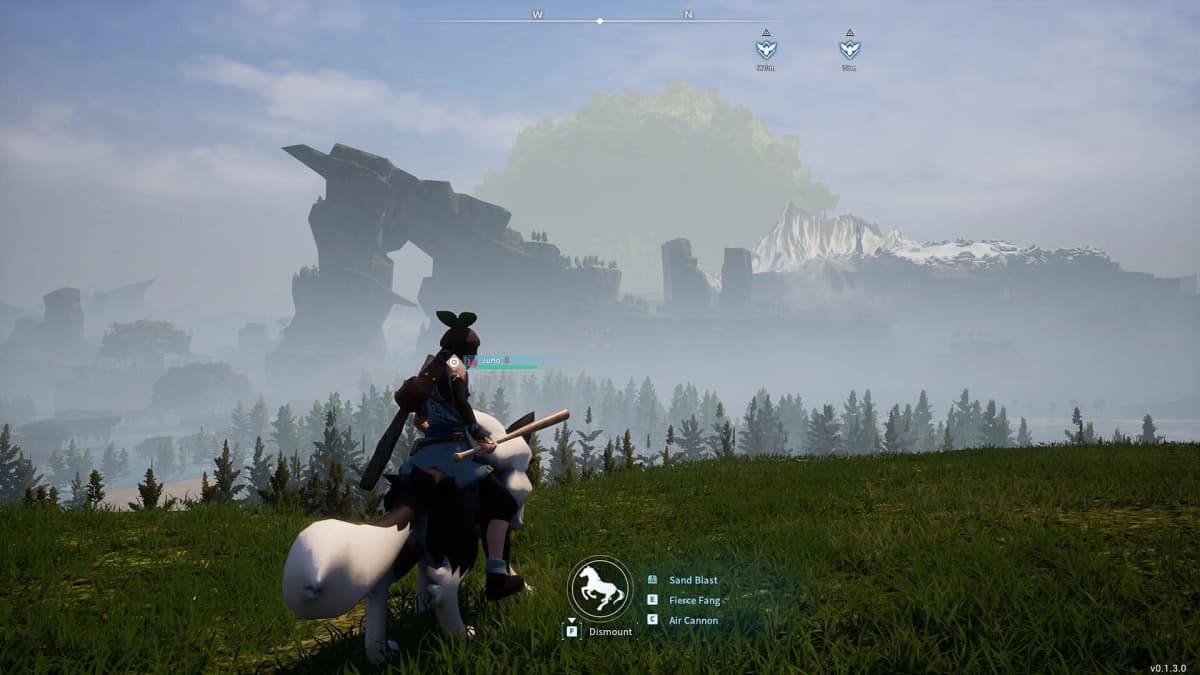
If you are determined to keep your existing infrastructure, treat the transition as a risky migration rather than a seamless continuation. Back up your entire save directory before the patch hits. After updating, load the world and immediately check your map for the World Tree and any new territory markers. If they appear, the world data has integrated. If the map looks identical to its pre-1.0 state, or if quest lines fail to trigger, the old seed has not accepted the new rules cleanly. At that point, a fresh world is the only reliable fix.
Pre-Launch Checklist
- Delete old mods completely. Disabling them is not enough-residual files can conflict with the new build and corrupt existing saves.
- Manually back up your current save folder before July 10.
- PC players should restart Steam once the launch window opens to force the download prompt.
- Dedicated server hosts must update server binaries before players reconnect; running a 1.0 client against an Early Access server will cause errors.
Platform Timing and Download Behavior
Steam on PC traditionally receives Palworld patches first through the live service pipeline. Xbox Series X|S, Xbox One, and Microsoft Store PC versions often face a short certification delay, so the synchronized global launch may not surface on every storefront at the exact same second. If you are playing through Xbox Game Pass and the update does not appear automatically, hard-reset your console and check the store page for a manual trigger.
FinalBoss // Gear
Level up your setup
01Top-rated gaming headsetson Amazon→02High-refresh gaming monitorson Amazon→03Gaming chairson Amazon→04Discounted game keyson Kinguin→Affiliate links · As an Amazon Associate, FinalBoss earns from qualifying purchases.
Want to Level Up Your Gaming?
Get access to exclusive strategies, hidden tips, and pro-level insights that we don't share publicly.
Ultimate Guide Strategy Guide + Weekly Pro Tips