
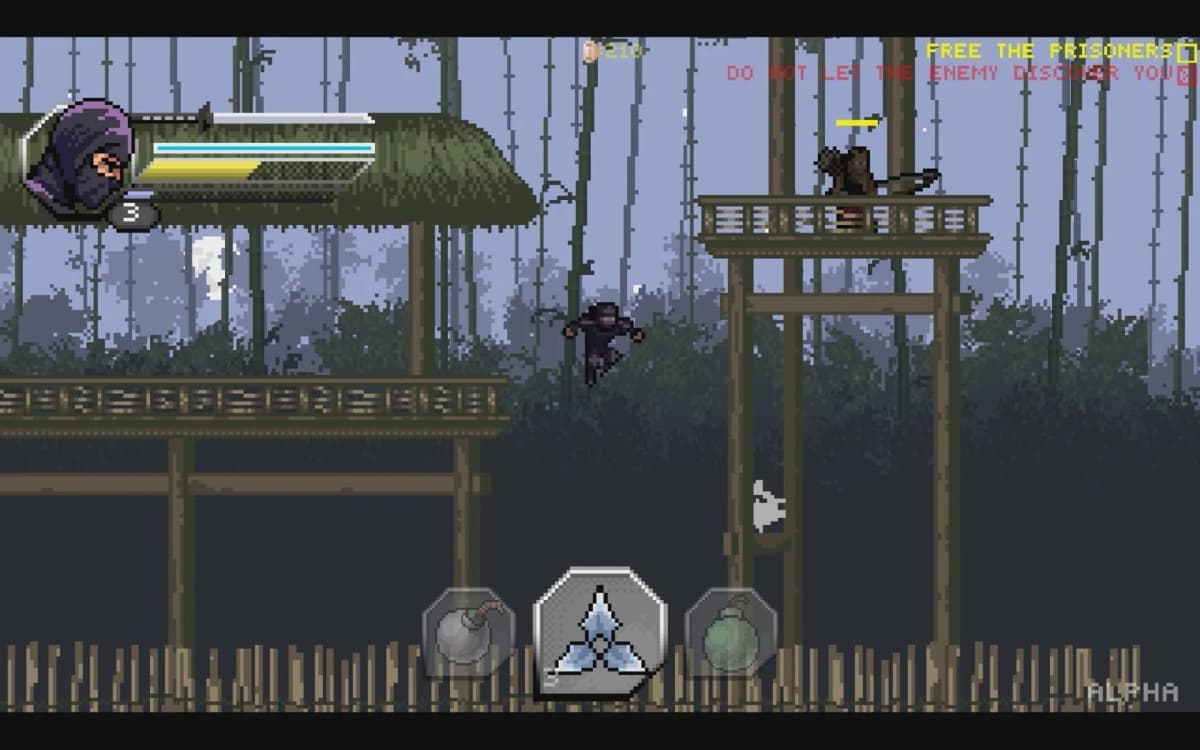
Pixel Blade codes are redeemed at the yellow bank in the main lobby — walk into the yellow circle, press E, type the code into the popup, hit Claim. The freshest codes as of July 2026 are Merchant (added 7 July 2026), 725K, Sorry4Bugs, 700K, Atlantis and DEMON. Everything from the March 2026 milestone wave that has since fallen off the trackers — 675K, Raven, FREEWISH, Rings, PLUSHIE, BREAKABLES — is now unreliable at best.
Frost Blade Games is still shipping updates and still tying codes to visit milestones, so the list moves roughly every few weeks. Below is the current state, ordered so you can front-load the codes that actually change a run.
Table of Contents (22)
Active Pixel Blade codes (July 2026)
These appear as working across multiple July 2026 code trackers. Rewards are listed where sources report them; where they conflict, the safer read is noted.
| Code | Reward |
|---|---|
Merchant | Newest code (added 7 July 2026) — reward not published |
725K | 600 coins, Tier 1 chests, 500 stardust |
Sorry4Bugs | Tier 1 Devil’s Reward, 2× Tier 3 Devil’s Reward, 100 stardust, 10 dead sticks, 10 worms |
700K | Chest, coins and godly potions (amounts vary by source) |
Atlantis | Coins and godly potions |
DEMON | Free chest |
650K | 500 coins, rings and/or godly potions |
625K | 1,000 XP, 3 revives, 6 godly potions |
600K | 3 rings and 1 Tier 1 chest |
CrimsonNightmare | 3 revives and 5 godly potions |
AncientSands | 200 coins, 1 revive, 3 godly potions |
VoidFishing | 500 coins, mini sandworms, worms |
World4 | 5 revives and 500 coins |
goldentooth | 2,000 coins |
Alpha | 1,000 XP and 150 coins |
Theo | 250 coins |
FBG | 1 Tier 1 daily chest |
Redeem in this order
Do not just paste top to bottom. Front-load survivability and the wish system so the next few runs feel different:
- Devil’s Rewards and chests first:
Sorry4Bugs,725K,DEMON,700K. These are the largest single drops on the list right now. - Then revives and godly potions:
World4,625K,CrimsonNightmare,AncientSands,Atlantis. Survivability is what lets you learn a new world instead of resetting at the same wall. - Then rings:
600K,650K. Rings are persistent stat upgrades that pay off in every run once equipped. - Currency and XP last:
goldentooth,VoidFishing,Alpha,Theo,FBG. Always useful, just slower to feel.
Conflicting — try them, expect failures
Some trackers still list these as active while others have moved them to expired. Several were already reported dead in earlier code waves, so odds are poor, but they cost nothing to test while you are standing at the bank: Raven, 675K, 575K, 550K, 525K, 500K, 475K, UI, Pickle, BREAKABLES, PLUSHIE, 100M, delayblade, kori.
Expired codes
Confirmed dead. Listed only so you recognise them in old videos and skip them: CrimsonAbyss, 450K, 425K, 400K, 375K, 350K, 325K, 300k, 275k, 250K, 225K, 200K, 175K, Quests, Rings, FREEWISH, FreeWish, TundraNightmare, SnowmanArm, CHRISTMAS25, HotCocoa, MerryMerry, HollyJolly, kzaragi, demer, Infer, Dinoz, FPG, SecretFudge, UpdateLog, EarlyAccess, Fudge, ogvexx, blexor, elias.
How to redeem Pixel Blade codes
Redemption is hidden behind the in-game bank, which is why plenty of players assume the game has no code system at all.
Step 1: Join the Frost Blade Games Roblox group
This is the widely reported prerequisite, and skipping it makes every code fail with a generic error that looks identical to expiry. Search “Frost Blade Games” on the Roblox site or app, open the group that lists Pixel Blade, and hit Join. Do it before launching the game — Roblox can take a moment to register new membership, and there is no cost to joining.
Step 2: Reach the main lobby
Launch Pixel Blade from Roblox. On a brand-new account you may need to clear the opening sequence before the hub is accessible. The bank sits on the left side of the lobby, with a yellow circle on the ground in front of it. That circle is your marker — it is easy to walk past while focused on the portals and gear NPCs.
Step 3: Interact
- PC: stand in the yellow circle and press
E - Xbox controller: the interact button, typically
Xon the default Roblox layout - Mobile: tap the on-screen interact button that appears in the circle
Step 4: Enter the code and claim
Click the code text box, type the code with exact capitalisation or paste it, check there is no leading or trailing space, then press Claim. Rewards land immediately, but some only show up when you open your inventory, chest menu or wish interface — check there before assuming a code silently failed.
Why your codes are not working
- You are not in the Frost Blade Games group. The number one cause. Confirm membership outside the game, then fully restart Roblox so the client picks it up.
- Case or whitespace. Codes are case-sensitive and a trailing space from copy-paste breaks them.
goldentoothis lowercase;DEMONis not. Clear the box and retype if pasting misbehaves. - Already redeemed. Codes are single-use per account. Returning after a break? Assume the older milestone codes are already claimed and start with
Merchant,725KandSorry4Bugs. - Genuinely expired. Milestone codes tend to stay live a decent while; themed and event codes go faster.
- You have not reached the lobby. On a new account, the bank and its circle do not exist during the intro or a loading area.
- Server hiccup. Rejoin a different server from the Roblox game page, or restart the client, then test a known-good code first.
What the rewards actually do
Devil’s Rewards and chests
The Tier 1 and Tier 3 Devil’s Rewards from Sorry4Bugs are the standout drop on the current list — a compensation code from a bug patch, which historically means better contents than a routine milestone code. Open chests in a batch rather than one at a time; stacked rolls occasionally produce a real power spike that a single chest never will.
Wishes
Wishes feed the wish system for random upgrades and items depending on your progress. Save them and spend in a batch back in the lobby after a good run — that way you can actually plan around what you roll instead of drip-feeding them between messy attempts.
Rings
Persistent equipped stat items, and the reason 600K and 650K are worth prioritising early. Extra rings mean you can lean survivability while learning a new world, then swap to damage once you know the patterns.
Revives and godly potions
Pure safety net in a roguelite where one mistake ends a good run. Reserve them for two cases: pushing into a new area or boss for the first time, and protecting a rare god-roll run. The classic mistake is hoarding godly potions for a perfect run that never comes — if a potion saves a strong run or breaks a wall you have been stuck on, spend it.
Coins, XP, stardust and the odd stuff
Coins are your flexible currency; put them into whatever bottleneck you are hitting. XP smooths the early level curve. Stardust is a slow-burn upgrade currency. Worms, mini sandworms and dead sticks from VoidFishing, Sorry4Bugs and the older milestone codes feed side systems — check the relevant lobby NPCs after claiming to see where they go.
Staying current on new codes
Codes track visit milestones almost mechanically. When the counter moves from 700K to 725K, expect a matching code shortly after — that is the pattern the whole list follows. Two places to watch:
- The Frost Blade Games Roblox group. Codes often appear in the description or on the group wall first, and you need to be a member anyway.
- The official Pixel Blade Discord. Patch notes, bug-fix compensation codes like
Sorry4Bugs, and short-lived themed drops usually land here before they spread.
FAQ
Is Pixel Blade still being updated in 2026?
Yes. New codes were added through June and July 2026 — 725K in June and Merchant on 7 July — which is the clearest available signal of ongoing development. No full public changelog is published, so code cadence is the practical proxy.
Which March 2026 codes still work?
Of the March wave, 650K, 625K, 600K, AncientSands, CrimsonNightmare, VoidFishing, World4, goldentooth, Alpha, Theo and FBG are still listed active. 675K, Raven, FREEWISH, Rings, PLUSHIE, BREAKABLES, 575K, 550K and 525K have dropped off or become inconsistent.
Has the redemption method changed?
No. It is still the yellow bank in the main lobby, interact, enter code, claim. Nothing about the UI path has moved since March 2026.
Do codes work on mobile and console?
Yes — same bank, same circle, just a different interact button. The group membership requirement applies to the Roblox account, not the device.
Code status verified July 2026. If you keep a rotation of Roblox games going, our Doodle World and Miraculous RP July 2026 codes and Anime Astral Simulator and Land of Arielia July codes are current too. Everything for this game sits on the Pixel Blade hub.
FinalBoss // Gear
Level up your setup
01Mobile gaming controllerson Amazon→02Top-rated gaming headsetson Amazon→038BitDo controllerson Amazon→
Affiliate links · As an Amazon Associate, FinalBoss earns from qualifying purchases.
Want to Level Up Your Gaming?
Get access to exclusive strategies, hidden tips, and pro-level insights that we don't share publicly.
Ultimate Guide Strategy Guide + Weekly Pro Tips