
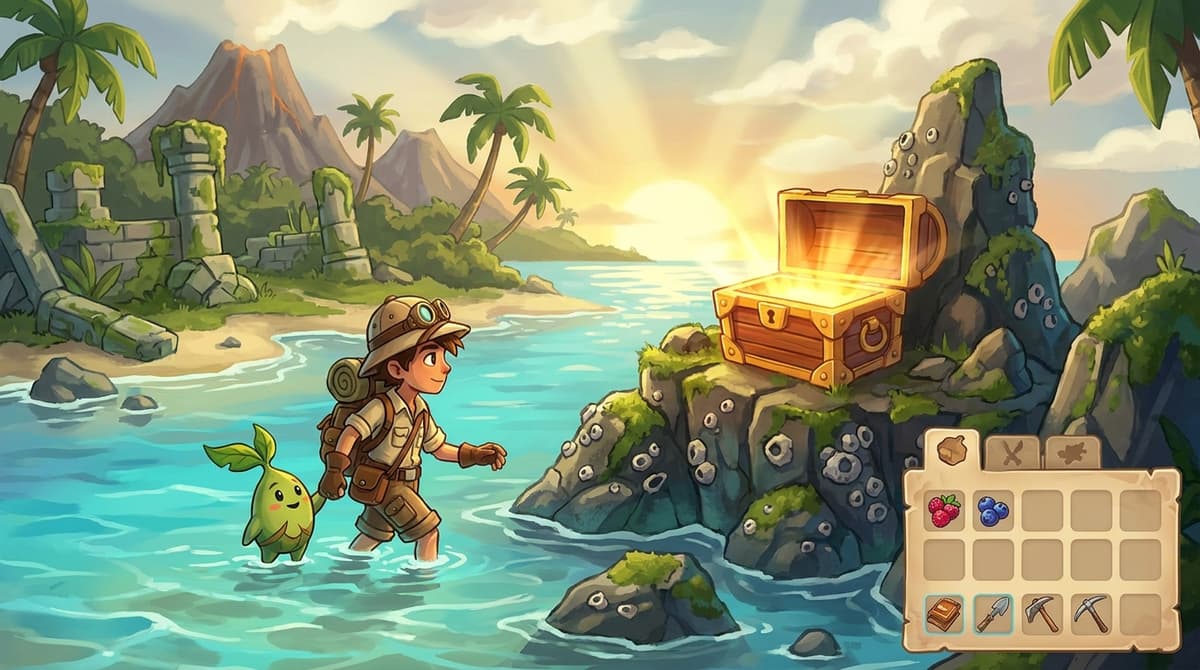
You want a second Berry Tree, a fountain that only exists on someone else’s island, or a furniture piece you don’t feel like crafting twice. In Pokémon Pokopia you don’t have to grind for any of it. The 3D Printer copies almost any item from a single reference photo, and the official developer Cloud Island — address PXQC G03S, still live as of July 2026 — gives you the rarest things in the game to photograph for free. This is not a glitch and Nintendo has not patched it; it’s two intended systems that combine into an item printer.
Table of Contents (14)
The short version
- Rebuild your first Pokémon Center to unlock the 3D Printer. It then works in every rebuilt Center, with no daily limit.
- Take a reference photo in Object mode, then print copies at the printer for Pokémetal (premium items cost Rare Pokémetal instead).
- Your reference album holds 20 photos. One photo is a permanent template — print from it as many times as you can pay.
- The printer needs the photo plus materials, not ownership of the item. That’s why you can copy things off other people’s Cloud Islands.
- Buy the Mysterious Goggles from the PC Shop once Withered Wasteland hits Environment Level 3, add an active Nintendo Switch Online sub, and you can tour the official developer island at PXQC G03S.
- Best single target: Berry Trees. Copy them once and you cover every berry variety for cooking and Mosslax food buffs.
- Current version: 1.1.1 (18 June 2026). It fixed a real problem for heavy printers — see below before you print forty of anything.
What changed since launch (and why 1.1.1 matters if you print a lot)
The live build as of late July 2026 is Ver. 1.1.1, released 18 June 2026. Its patch notes are short but one line is directly relevant here: it fixed problems that occurred when the number of placed items in an area exceeded a certain limit. If you printed a hundred streetlights onto one plot before mid-June and watched your island start behaving strangely, that was the bug, and it’s gone. Printing at volume is now safe in a way it wasn’t in spring.
Two other patches are worth knowing about. Ver. 1.0.5 (15 May 2026) added the Cloud Island generator’s Varied Terrain option, so islands can have elevation instead of being flat — which changes what’s worth photographing when you tour other people’s builds. And Ver. 2.0.0 is announced for August 2026, adding the Dive move so Ditto can go underwater for the first time; you’ll unlock it by completing the “Raise the environment level!” request in Bleak Beach with jump and Surf already in hand. Expect a fresh crop of underwater decor to photograph once that lands.
What has not changed: every major guide still treats 3D Printer duplication as a designed feature, not an exploit. No patch has removed it, restricted the quantity selector, or added a cooldown.
How the 3D Printer duplication loop actually works
Two normal systems doing something the game never quite spells out:
- The 3D Printer turns a reference photo into a real, usable copy of an item. The copy behaves exactly like the original — same placement rules, same habitat tags, same everything.
- Reference photos live in their own album with 20 slots. Photos you’ve already printed from get a green tick, so you can clear them out to free space without losing track of what you’ve done.
The detail that makes this powerful: the printer validates the photo and charges materials. It does not check whether you own the item, or where the photo was taken. Any item you can get a labelled Object-mode photo of — including items sitting on someone else’s Cloud Island or on the developer island — can be printed back home.
Some things are off-limits. Key items, quest objects, terrain blocks, Pokémon themselves and major structures cannot be duplicated. Everything else — furniture, decorations, fountains, statues, Berry Trees — is fair game.
Step 1 — Unlock the printer and the goggles
Two gates on the whole loop:
- The 3D Printer unlocks automatically once you finish rebuilding your first Pokémon Center. It sits inside, usually on the left as you walk in, and there is no daily use cap.
- The Mysterious Goggles unlock Virtual Mode, which is how you tour other Cloud Islands. Buy them from the PC Shop for a small sum of Life Coins once you’ve raised your Environment Level to 3 in Withered Wasteland. You only ever need one pair. Cloud Island features also require an active Nintendo Switch Online membership.
Worth understanding the distinction: Virtual Mode is a read-only tour. You cannot build on or change an island you visit with the goggles, and nothing you do there affects the real island. That’s fine, because photographs are all you need. If Environment Level 3 is what’s blocking you, our guide to raising Environment Level fast is the shortest path.
You can run the entire loop locally without the goggles if you already own the item you want to copy. The goggles matter because they open the free rare-item buffet on other people’s islands.
Step 2 — Take a clean reference photo
This is where most first attempts fail. A normal landscape screenshot will not print. The printer only accepts an Object-mode reference photo, and the tell is whether the item’s name appeared on screen when you shot it.
- Open the camera with the Minus (−) button, or through the menu. The common mistake is reaching for the D-Pad.
- Press Y to switch from Landscape to Object mode.
- Frame the item until the game highlights it and shows its name. That label is the object metadata being locked in. No label, no print.
- Press A. The shot goes to your reference album, 20 slots max.
Stockpile several reference photos in one visit, then head home. You never need to revisit an island to reprint — the photo is the template, permanently.
Step 3 — Print copies for Pokémetal
Back at any rebuilt Pokémon Center:
- Interact with the 3D Printer and choose to print from a reference photo.
- Pick the photo, set the quantity, pay the material cost.
- Cost scales with the item’s size and complexity. A single-block furniture piece starts at 2 Pokémetal; larger or premium items cost more, and the rarest ones charge Rare Pokémetal instead.
Concrete cheap examples: a Streetlight and a Campfire are 2 Pokémetal each, a Sprinkler is 4. All far cheaper than recrafting repeatedly. Premium items like the Horsea Fountain and Berry Trees demand Rare Pokémetal, so budget those.
Visiting the developer island (PXQC G03S)
The Pokémon Company published its own Cloud Island and its address is PXQC G03S. It’s been live since March 2026 and is still the single best photography trip in the game — it’s stuffed with builds and items most players never assemble themselves.
To get there:
- Open your bag with X and select Mysterious Goggles.
- Press A and confirm putting them on.
- Enter the Cloud Island Address PXQC G03S.
- Confirm the destination and you’ll load into a virtual copy of the island.
- To leave: press +, open the Pokédex, press −, choose Return Home — or use a PC and select Return Home.
Same trick works with any player’s island if you have their address, and with official collaboration islands as they appear. Take the twenty photos, come home, print at leisure.
What’s actually worth your Rare Pokémetal
| Target | Why | Cost tier |
|---|---|---|
| Berry Trees | The single highest-value copy in the game. One tree per variety covers cooking recipes and Mosslax food buffs indefinitely, and berries are otherwise a genuine time sink. | Rare Pokémetal |
| Horsea Fountain | Water-habitat centrepiece. Expensive to craft, cheap to duplicate once you’ve seen one. | Rare Pokémetal |
| Streetlight | 2 Pokémetal. Light level overrides day/night spawn rules in Pokopia, so cheap mass lighting is a spawn tool, not decoration. | 2 Pokémetal |
| Sprinkler | 4 Pokémetal. Humidity maintenance across a big island without hand-watering. | 4 Pokémetal |
| Campfire | 2 Pokémetal. Burn-tagged habitat filler you’ll want in volume for fire-type setups. | 2 Pokémetal |
| Habitat furniture sets | Anything a habitat recipe wants multiples of. Photograph one, print the set. This is the real reason the printer exists. | Varies |
That last row is the one people underuse. Habitat recipes call for specific counts of specific objects, and the community consensus is that building a habitat multiple times speeds up spawns and raises habitat level faster. The printer is how you afford to do that. Our habitat and weather guide covers which setups are worth mass-producing.
FAQ
Has Nintendo patched item duplication in Pokopia?
No. As of Ver. 1.1.1 (18 June 2026) the 3D Printer still prints unlimited copies from a reference photo for Pokémetal. Every major guide treats it as intended design rather than an exploit, and no patch note has restricted it.
Is the developer island code PXQC G03S still valid?
Yes — it’s the official Cloud Island Address published by The Pokémon Company, live since March 2026 and still working in July 2026. You need Mysterious Goggles and a Nintendo Switch Online membership to visit.
Why won’t my photo print?
Almost always because it was taken in Landscape mode instead of Object mode, or because the item’s name label wasn’t showing when you pressed A. Press Y to switch modes, reframe until the name appears, reshoot.
How many reference photos can I hold?
20. Photos you’ve already printed from get a green tick — delete those first when you need room. The template is consumed by nothing, so deleting a used photo only costs you the ability to reprint that exact item.
Can I copy items I don’t own?
Yes. The printer checks the photo and your materials, not ownership. That’s the entire point of touring other Cloud Islands with the goggles.
If you’re still working through the game’s systems, our Pokopia hub collects every guide we’ve written, and the complete Pokopia guide is the right starting point if the printer is the first system you’ve dug into.
FinalBoss // Gear
Level up your setup
01Best-selling Switch 2 gameson Amazon→02Switch 2 accessorieson Amazon→038BitDo controllerson Amazon→04Discounted game keyson Kinguin→Affiliate links · As an Amazon Associate, FinalBoss earns from qualifying purchases.
Want to Level Up Your Gaming?
Get access to exclusive strategies, hidden tips, and pro-level insights that we don't share publicly.
Ultimate Guide Strategy Guide + Weekly Pro Tips