
Table of Contents (16)
Quick Answer: Every Way to Get Berries in Pokémon Pokopia
After a few dozen hours in Pokémon Pokopia, berries quietly became the bottleneck for my Pokédex, habitats, and comfort upgrades. The game doesn’t explain them well, but the actual routes are simple once you know them:
- Headbutt wild trees in Estepa Estéril for early berries (Zanama and Safre).
- Buy seeds in the Pokémon Center daily shop and grow your own berry trees.
- Use the Strange Glasses + developer cloud island (code
PXCQG03S) and the Pokémon Center’s 3D printer to clone every berry tree quickly.
If you just want everything fast, the developer island + 3D printer method is the core of this guide. The natural trees and shop seeds are still worth knowing so you aren’t stuck if the exploit is ever patched.
Why Berries Matter So Much in Pokopia
Berries aren’t just snacks here; they’re tied into several mid- and late-game systems:
- Pokédex completion: Some habitats and entries require specific berry-based dishes or comfort levels.
- Habitat construction: Certain habitat blueprints ask for specific berries as materials.
- Comfort level & requests: Pokémon often request meals that use particular berries, which raise zone comfort when you fulfill them.
- Crafting paint: Berries are used to create dyes/paint so you can recolor furniture and structures.
- Friendship & tastes: Different berries line up with different flavor preferences (sweet, spicy, etc.), which helps when you’re optimising gifts and food.
Because berries feed into all of that at once, being able to farm them on demand saves a lot of backtracking later.
Method 1 – Early Berries from Wild Trees (Zanama & Safre)
The game’s first hint that you can get berries at all is in Estepa Estéril, and it’s easy to miss if you rush through.
Zanama berries – basic starter berry
Location: Estepa Estéril, the very first zone.
Scattered across the starting area are small fruit trees that produce Zanama berries. To harvest them:
- Walk right up to the trunk of a berry tree.
- Use the headbutt interaction (the same action you use on other headbutt trees in the game – on Switch that’s usually the standard interact button when the prompt appears).
- The berries will drop to the ground; simply walk over them to pick them up.
These trees respawn berries over time, so if you’re still early and don’t want to touch exploits, you can loop the area every so often and stockpile a decent amount. It’s slow but safe.
Safre berries – climb above the starting cave
Location: Mountain top directly above the cave where you first start the game, still in Estepa Estéril.
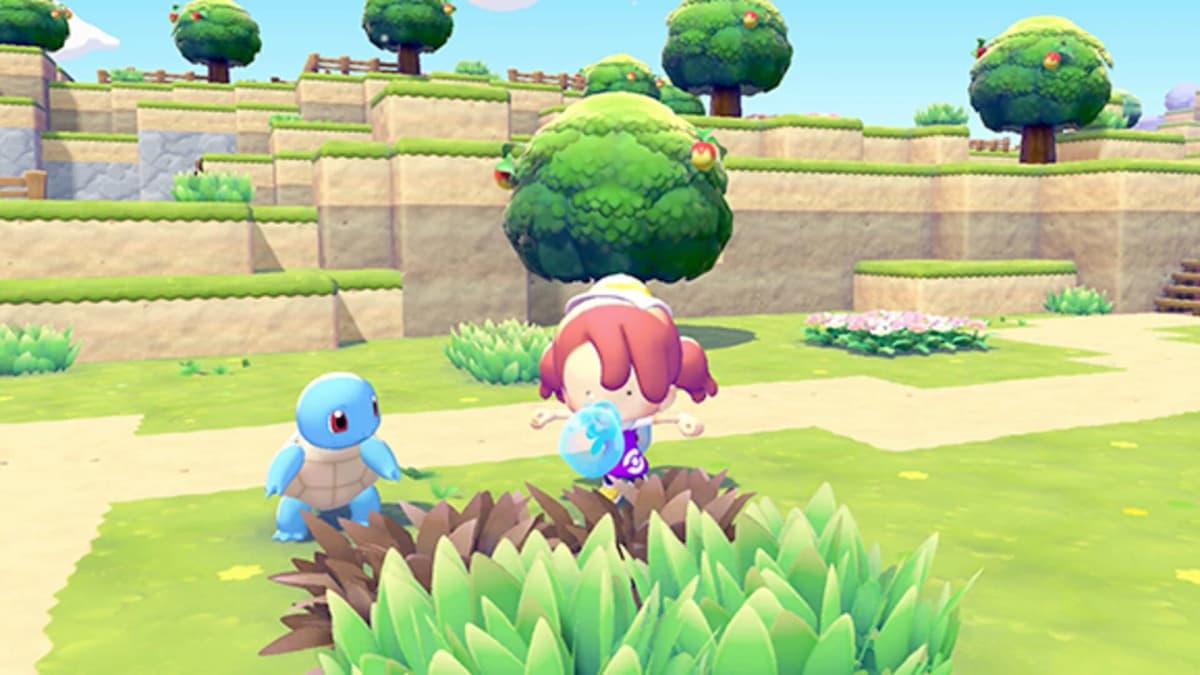
Once you can access the mountain above the starting cave, look around the summit area for another cluster of berry trees. These produce Safre berries. The harvesting works identically:
- Approach the Safre berry trees on the mountaintop.
- Headbutt the trunk when prompted.
- Collect the berries that fall on the ground.
Safre is one of the first non-basic berries you’ll see, so it’s worth grabbing a handful whenever you pass through Estepa Estéril. I kept one loop in my routine: starting cave → climb to summit → headbutt everything → move on.
Common mistake: ignoring these early trees once you discover cloning later. They’re still useful when you don’t want to spend rare ingots on cloning low-tier trees.
Method 2 – Daily Shop Seeds in the Pokémon Center
Once you’ve restored at least one Pokémon Center, you unlock the daily shop rotation. This is the “legit” long-term way to get all berry types without any exploits.
How the daily shop works
Inside a rebuilt Pokémon Center, talk to the shop clerk. Among the rotating “items of the day”, you’ll often see:
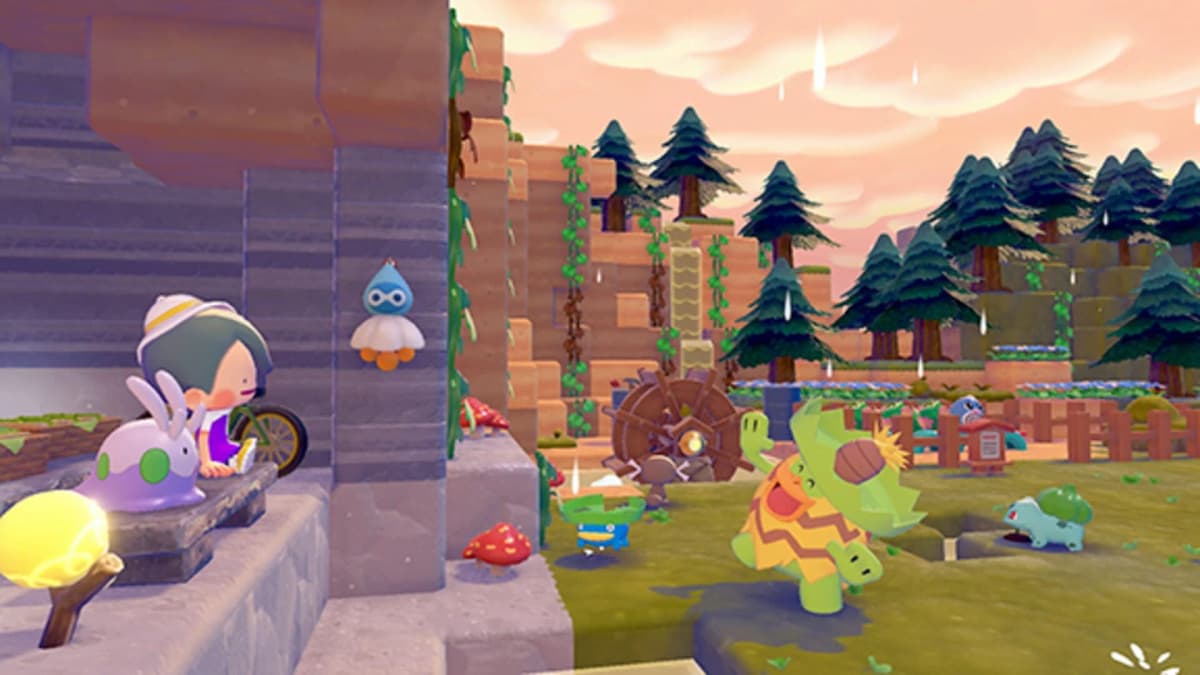
- Berry tree seeds (sometimes described as “saplings” or “brotes”).
- Different seed types corresponding to different berries.
The stock changes daily (real-time), so:
- Check the shop every time you pass a Center.
- Buy at least one of every new seed type you see.
- If money isn’t an issue, buy multiples – you’ll want more than one tree later.
Planting and harvesting seed-grown trees
Once you have berry seeds or saplings in your inventory:
- Go to a valid plot of soil/field on your island or in a restored zone.
- Open your inventory and select the seed/sapling.
- Choose the option to plant it in the soil.
- Water it if the game prompts you (growth is faster and more reliable if you treat it like other crops).
- Wait for it to grow into a tree over in-game time.
- When mature, harvest berries by headbutting the tree just like the wild ones.
From my experience, planted trees don’t fruit instantly; you’ll need to wait a bit and then keep revisiting them. That delay is exactly why the developer island cloning method is so powerful – it lets you skip the “hunt for seeds” step and jump straight into mass farming.
Method 3 – Fastest Way: Developer Island & 3D Printer Cloning
This is the method that turns berries from a slow drip into an essentially infinite resource. It uses three systems together: Strange Glasses, cloud islands, and the Pokémon Center’s 3D printer.
Step 1 – Requirements
Before you start, make sure you have:
- A rebuilt Pokémon Center (to access the shop and 3D printer).
- 100 Pokémon coins (Pokémonedas) to buy the Strange Glasses.
- Active Nintendo Switch Online – required for visiting cloud islands.
- Some rare Poké ingots (pokélingotes raros) for 3D printing the trees later.
Without NSO or rare ingots, you’ll be limited to the first two methods.
Step 2 – Buy and use the Strange Glasses
Inside the Pokémon Center:
- Talk to the shop clerk.
- Buy the Strange Glasses item for 100 Pokémonedas.
- Open your inventory and use the Strange Glasses.
The game will ask if you want to visit a cloud island. Confirm, and you’ll be prompted to enter a code.
Step 3 – Enter the developer island code PXCQG03S
When the game asks for the island code, input:
PXCQG03S
This sends you to the developers’ cloud island. Instead of a random player’s base, you land on a curated island that, crucially, has a garden containing all the berry trees planted together.
You can’t dig these up directly, but you can photograph them, which is where the 3D printer comes in.
Step 4 – Photograph the berry trees in Object Mode
On the developer island, walk to the garden with all the fruit trees. Then:
- Open the camera.
- Press
Yto switch to Object Mode (the mode used to capture objects instead of Pokémon). - Frame the berry trees so the game recognizes them as objects.
- Take clear photos of each type of berry tree you want to clone.
The important part is that the game registers each tree as an object in the photo; if you rush and only capture a corner, it might not work at the printer. I usually take a couple of extra shots per tree type just in case.
Step 5 – Use the 3D printer to clone the trees
Once you’re done snapping photos, leave the island and return to a rebuilt Pokémon Center. Inside, look on the left side of the building for the 3D printer.
Interact with the 3D printer and:
- Select the photos of the berry trees you just took.
- Confirm you want to print/clone them.
- Pay the cost in rare Poké ingots for each tree you print.
- Receive the cloned berry trees as items in your inventory.
You can now plant these cloned trees anywhere you can place normal saplings. They behave like regular berry trees: they grow and then can be headbutted for fruit as often as they refresh.
Step 6 – Plant and set up your personal berry farm
With cloned trees in your inventory:
- Pick a central area on your island or a zone you frequent.
- Plant one of each berry tree type, plus duplicates of the ones you use for recipes or paint.
- Space them so it’s easy to run a headbutt loop without getting stuck on geometry.
- Once grown, run a quick headbutt circuit every time you pass through to keep your berry stock high.
From this point on, berries basically stop being a limited resource. You pay upfront in Strange Glasses, Nintendo Switch Online, and rare ingots, but the payoff is permanent convenience.
Important note on ethics and patches: this method uses systems the game clearly supports (cloud islands and the 3D printer), but visiting the dev island with a public code to mass-clone trees is close to an exploit and could be adjusted or removed in future updates. Use it if you’re comfortable with that, but don’t be surprised if it changes later.
Efficient Berry Management Once You’re Set Up
Once you have a steady berry supply, a bit of organisation keeps you from wasting time or resources:
- Prioritise cloning rare types: If your Poké ingots are limited, don’t burn them on basic Zanama trees you can farm in Estepa Estéril. Use them on rarer colors/flavors that are harder to find in the daily shop.
- Keep a small “reserve” stash: I keep 10–15 of each berry type as an untouchable reserve for habitats or key recipes, and only spend from anything above that.
- Group trees by use: For example, put all “sweet” berries in one corner and more neutral/crafting ones in another, so you can quickly grab what you need for specific Pokémon tastes or paint.
- Loop trees with other chores: Combine your headbutt run with checking furnaces, woodcutting Pokémon, or metal mining so you’re not making separate trips just for berries.
Handled this way, berries stop being something you actively grind and become just another background resource that refills itself while you focus on bigger objectives.
FinalBoss // Gear
Level up your setup
01Best-selling Switch 2 gameson Amazon→02Switch 2 accessorieson Amazon→038BitDo controllerson Amazon→04Discounted game keyson Kinguin→
Affiliate links · As an Amazon Associate, FinalBoss earns from qualifying purchases.
Want to Level Up Your Gaming?
Get access to exclusive strategies, hidden tips, and pro-level insights that we don't share publicly.
Ultimate Guide Strategy Guide + Weekly Pro Tips