
Table of Contents (20)
Why Electricity Matters in Pokémon Pokopia
After spending my first 15+ hours in Pokémon Pokopia mostly decorating and farming, I completely underestimated how important electricity would become. Lamps, vending machines, crafting helpers, even some quest devices – they all either run better or only work at all when you give them power. I fumbled through a messy web of poles and half-working generators before I finally figured out a clean system.
This guide walks you through everything I wish I’d known from the start:
- Using Electric-type Pokémon for quick, temporary power
- Building the right generator for each situation – and how much power each gives
- Placing and crafting power poles so your grid actually connects
- Managing fuel, water flow, and elevation so generators stay efficient
- Unlocking and using wireless transmitters and switches with Porygon in Glitzerwolkia
If you stick with the steps below, you’ll go from “why did this lamp just turn off again?” to a reliable, always-on village grid that basically runs itself.
Step 1 – Quick Power with Electric-type Pokémon
Before you start building generators, the game quietly lets you power things using your Pokémon. This is perfect for early-game or when you only need something on for a short while.
Finding a Pokémon with Electrify
The key ability is essentially “Electrify” (or the local equivalent skill the game highlights for powering devices).
- Open your
Pokédex. - Use the filter to search by skill and select the Electrify-style ability.
- The Pokédex will show all Pokémon you’ve already discovered that can provide electricity.
I missed that filter at first and wasted time guessing which Electric-types would work. Use the filter – it saves a lot of trial and error.
Powering a Device Temporarily
- Put the Electric-type with Electrify in your active helper slot.
- Walk close to the device or lamp that needs power.
- If you’re in range, your Pokémon will automatically react and “charge” it – no extra button presses needed.
You’ll see the device switch on: lamps light up, vending machines hum to life, etc. The catch is that this power is temporary. After some in-game time (or if you leave the area long enough), the device shuts off again.
This is great for:
- One-off quest interactions
- Testing whether a device is placed where you want it
- Occasional use items you don’t need running 24/7
But if you want permanent light, automated machines, or a proper “city grid,” you’ll quickly hit the limits of this method. That’s where generators come in.
Step 2 – Understand Generator Types and Power Output
You’ll encounter your first generator blueprints in Welkwüstia, and more advanced options unlock as you progress into Murky Coast (Trübküstia). The game doesn’t clearly compare them, so I ended up rebuilding my setup several times until I understood their outputs.
Generator Types and What They’re Good For
- Mini-Generator – 5 power
Small, low-output option. Great for:- Single buildings or outposts
- Testing layouts without committing many resources
But don’t try to run a whole village off these; you’ll need too many.
- Windmill – 10–20 power
Base output is around 10 power at normal height, but if you place it on a higher elevation, it can reach roughly 20 power.- Ideal for hilltops near your main base
- No fuel required once built
The breakthrough for me was realizing I should plan a raised “utility hill” specifically for windmills.
- Water Wheel – 20 power (requires flowing water)
Consistent power if placed in flowing water, not still ponds.- Best near rivers or artificial channels you dig/shape
- Also fuel-free once installed correctly
I wasted time putting a wheel in a calm pond and wondering why it barely worked – always look for visible water movement.
- Furnace Generator – 30 power (fuel-based)
Highest output of the basic options but needs constant fuel.- Can feed a large cluster of devices
- Best for main base hubs where you’re often present to refuel
Treat it as your “industrial” power plant.
Most devices use roughly 1 unit of power. The important mental model is: add up your generator outputs, then don’t connect more devices to a line than your total power can support. When I pushed beyond the limit, some machines flickered or shut off during peak demand.
Step 3 – Setting Up Your First Stable Grid
Once you have at least one decent generator type unlocked (Windmill, Water Wheel, or Furnace Generator), you can build a simple but reliable grid around your village.
- Pick a central generator spot.
I recommend near the center of your main village, but slightly off to the side so the building doesn’t block pole lines. - Count your planned devices.
List lamps, vending machines, terminals, etc. If you have 8 devices, you need at least 8 power. Don’t forget future plans – give yourself 20–30% extra capacity. - Build accordingly.
- 8–10 devices → 1 high-elevation Windmill or Water Wheel in good flow
- 10–20 devices → 1 Furnace Generator or two Windmills
- Scattered outposts → 1 Mini-Generator per outpost
Once the generator is placed, you’re ready to deal with the real puzzle: power poles.
Step 4 – Power Poles: Finding, Crafting, and Placing
Don’t make my mistake of underestimating power poles. In Pokémon Pokopia, generators don’t magically power everything nearby; you have to run connections with poles, and their placement rules are stricter than they look.
Where to Get Power Poles
- Scavenged poles in Murky Coast (Trübküstia)
When you first reach Murky Coast via the main quest, you’ll see power poles already standing around. You can pick these up and reuse them for your own grid. I used these to prototype my layout before spending any crafting materials. - Crafted poles – recipe location
To craft your own, you need the blueprint:- Head to the southwestern island of Murky Coast.
- Look for a yellow Poké Ball lying around.
- Interact with it to unlock the power pole recipe at your workbench.
Materials: Getting Iron via Unratütox (Trubbish)
Poles usually require iron, and the cleanest way I found to stockpile it is through Unratütox (Trubbish):
- Build the “Landfill” habitat with:
- 1× Trash Can
- 1× Sign
- 1× Trash Bags
- Attract Unratütox to that habitat.
- Use its recycling specialty to turn trash items into iron over time.
Once I set this up, iron basically stopped being a bottleneck and I could spam poles freely.
Placing Poles and Getting a Clean Connection
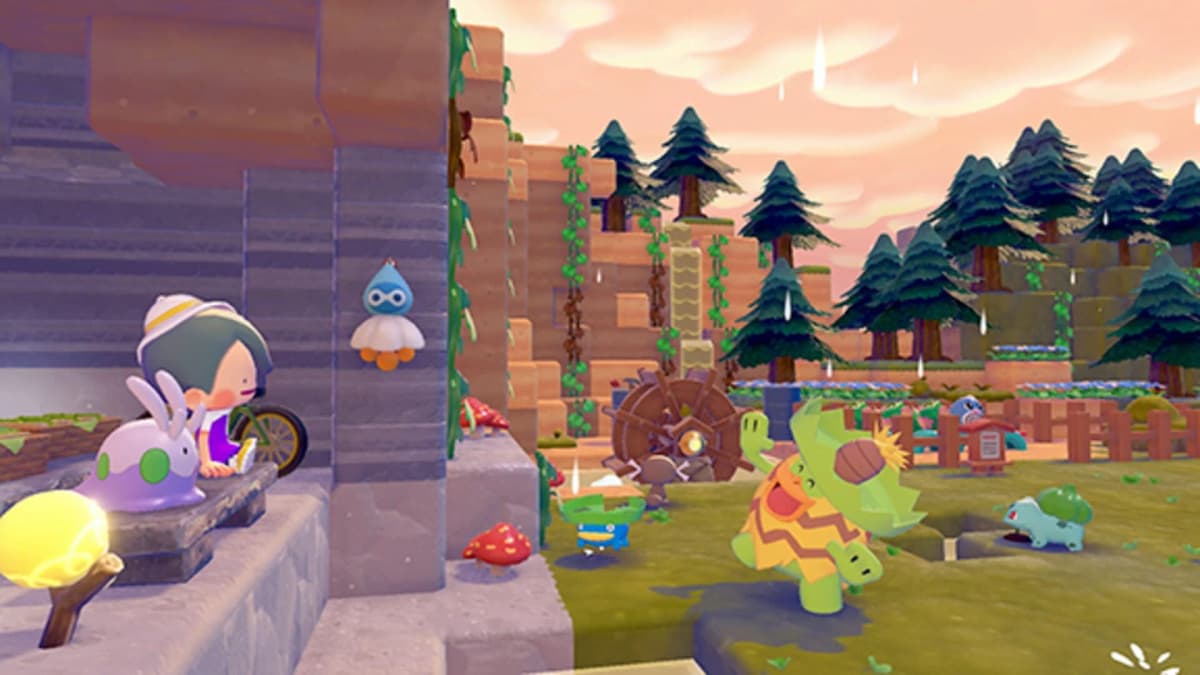
When you place a pole near a generator or another pole, the game shows a small preview line indicating the planned cable. Pay attention to that preview – it tells you whether you’re actually forming a valid connection.
- Keep line-of-sight clear.
If a building, cliff, or big object blocks the straight path between two poles, the preview won’t show a connection. Move the pole or route around the obstacle. - Mind the distance limit.
Each hop between poles has a maximum distance. If the preview doesn’t appear even in clear terrain, you’re probably too far away – place an intermediate pole. - Work in chains.
I place:- Generator → Pole 1 → Pole 2 → cluster of devices
Rather than trying to connect every device directly to the generator, I chain poles and then branch them near each area.
A good habit is to power one area at a time and test it: place generator, lay a short chain of poles, connect 2–3 devices, and confirm they all light up. Only then expand further. That debugging mindset saved me from chasing invisible connection issues later.
Step 5 – Managing Fuel, Water Flow, and Elevation
Once your basic grid is up, keeping it running efficiently is all about how you site your generators and feed them.
Furnace Generators: Fuel Without Headaches
Furnace generators hit 30 power, but only if they’re fueled. A couple of notes from my runs:
- Keep them where you pass often.
I put my main furnace generator right next to my central storage and crafting area. That way I naturally refuel it whenever I drop off items. - Use common fuel.
Check your crafting notes for which items count as fuel. In my case, basic wood stacks did the job, so I avoided burning rarer resources. - Overfuel slightly.
I’d rather overfill it a bit than risk the grid shutting down mid-night when I’m busy elsewhere.
Water Wheels: Flow Matters More Than Location
Water wheels only reach their full ~20 power potential in proper flowing water:
- Look for sections of river where the water visually moves more quickly.
- Avoid still ponds or tiny pools – output felt inconsistent and underwhelming there.
- Try to align the wheel with the flow direction rather than at a strange angle.
I sometimes shaped the terrain slightly to guide flow closer to my base, then dropped a wheel there. It’s more effort upfront but pays off with free, fuel-less power.
Windmills: Build Your “Utility Hill”
Windmills are sensitive to elevation:
- At normal ground level, expect around 10 power.
- On higher terrain (a hill or raised platform), they can double to about 20 power.
What finally worked for me was designating one elevated area behind my village as a utility hill and packing 2–3 windmills there. From that hill, I ran power poles down into different districts of my town.
Step 6 – Late-Game: Wireless Transmitters and Switches
Once your islands expand and your cable spaghetti starts to get out of hand, the game eventually hands you a cleaner solution: wireless transmitters.
How to Unlock Wireless Transmitters
- Progress the main story until you reach the final region, Glitzerwolkia.
- Follow the quests there to bring Porygon to your village.
- Once Porygon settles in, you gain access to:
- Wireless transmitters
- Switch components you can build into your grid
This is pretty late-game, so don’t wait for it to solve early power issues. Think of it as an upgrade for when your base already has a functional wired grid.
Why Wireless Is So Good
- No visible cables.
Perfect for keeping your town aesthetics clean. - Passes through obstacles.
You can link power across cliffs, walls, and buildings without worrying about line-of-sight. - Longer ranges.
You need fewer “hops” than with standard power poles.
The switches you unlock at the same time let you toggle parts of your network on and off. I used them to:
- Turn off decorative lighting areas at night to save furnace fuel
- Isolate workshops when I wasn’t crafting
- Quickly test new segments without shutting down my whole grid
Exact underground routing and all the advanced options aren’t fully documented in-game, but the basic approach that worked for me was: keep your old wired backbone where it’s already working, then gradually replace noisy or ugly sections with wireless links as you get the materials.
Example: Simple Murky Coast Starter Grid
To tie this together, here’s the layout I settled on during my first Murky Coast run that stayed useful well into mid-game:
- 1× Furnace Generator near my main storage and workbench area (30 power).
- 1× Windmill on a small hill behind the village (raised for ~20 power).
- Power poles from the furnace generator forming a ring road around the central plaza, with short branches into:
- Housing area (lamps + a couple of gadgets)
- Crafting zone (machines, lights)
- Docks (lamps only)
- Mini-Generator at a remote farm outpost, connected locally to just that cluster.
This gave me roughly 50 power to play with in the main village, which was plenty for all my devices plus some headroom. When I finally unlocked wireless transmitters, I left the core ring in place and just swapped the more awkward branches to wireless to clean up sightlines.
Common Mistakes to Avoid
- Relying only on Electric Pokémon for long-term setups.
They’re great testers, not permanent solutions. - Ignoring elevation for windmills.
If yours feels weak, move it higher before assuming you need more. - Placing water wheels in calm water.
Always look for clear flow animations. - Forgetting to route around obstacles.
If the preview line doesn’t appear between poles, something is blocking or too far. - Underbuilding power capacity.
Aim for at least a few unused power units for future expansion.
If you avoid these traps and follow the steps above, your island should quickly go from dim and manually powered to a bright, fully automated village. Once your grid is humming along, you can focus on what Pokopia does best: building, collecting, and making your dream Pokémon town feel alive.
FinalBoss // Gear
Level up your setup
01Best-selling Switch 2 gameson Amazon→02Switch 2 accessorieson Amazon→038BitDo controllerson Amazon→04Discounted game keyson Kinguin→Affiliate links · As an Amazon Associate, FinalBoss earns from qualifying purchases.
Want to Level Up Your Gaming?
Get access to exclusive strategies, hidden tips, and pro-level insights that we don't share publicly.
Ultimate Guide Strategy Guide + Weekly Pro Tips