
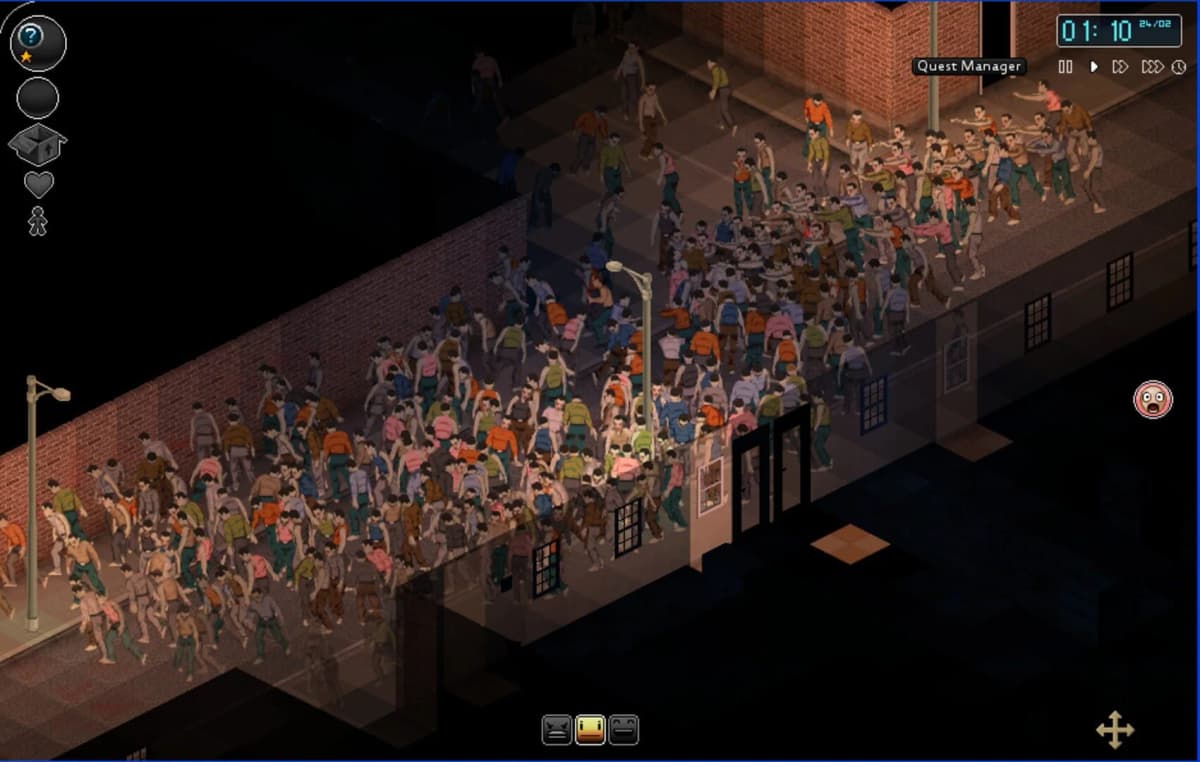
Project Zomboid’s long-awaited multiplayer is finally live — but don’t jump in blind
Game intel
Project Zomboid
Project Zomboid is the ultimate in zombie survival. Alone or in MP: you loot, build, craft, fight, farm and fish in a struggle to survive. A hardcore RPG skill…
Multiplayer finally arrives in Project Zomboid – and it’s everything you’d been waiting for (with caveats)
This caught my attention because Project Zomboid has been the poster child for patient early-access evolution: the Indie Stone iterates slowly, listens to the community, and then drops enormous updates that meaningfully change how you play. Build 42.13 is one of those moments – it brings multiplayer to the unstable branch, so you can finally team up, reinforce a base with friends, and stop pretending trading canned beans with NPCs is social interaction.
- Multiplayer servers are now available in the unstable 42.13 Steam beta – but old saves and mods are currently incompatible.
- Combat targeting, interior lighting, a new satchel slot, expanded double-click actions, trait tweaks and quality-of-life changes land alongside MP.
- The Indie Stone recommends whitelist/Steam co-op play and cautions against more than ~20 players on a server for now — expect rough edges.
Why this matters now
Project Zomboid has always been better with people. The game’s slow-burning, emergent chaos — barricading windows, managing food, and quietly praying the generator doesn’t die — becomes exponentially more interesting with other players. Multiplayer changes the math of survival: division of labor, grief potential, and the pure joy of coordinated base defense. Releasing MP on the unstable branch now gives the team and community a chance to stress-test systems before it becomes the new normal for build 42.
That said, “unstable” isn’t marketing-speak; it’s a warning. The Indie Stone explicitly asks players to use whitelisted servers or Steam co-op, avoid the debug tools in MP, and keep player counts below 20 while they tune performance. Old saves will not carry over cleanly and mods (even client-side ones) must be disabled until they’re updated. So if you love your mod list and legacy forts, back everything up before hitting the beta.
Breaking down the changes that actually affect gameplay
Multiplayer headline aside, 42.13 ships a handful of changes that will alter both combat and daily routines. Firearms now prioritize the head, then spine and pelvis before other limbs — a tweak that makes ranged combat feel more lethal and rewards aiming strategies rather than spray-and-pray. Interior lighting has been improved so rooms won’t randomly go pitch black, and window blockers like curtains will now let light through, improving visibility without breaking immersion.
A new ‘satchel’ slot consolidates satchels, water bags and canteens, and you can equip more items while walking. Double-click actions have been expanded across items, which speeds up repetitive tasks. There’s also a new motion-sensitive trait that makes characters more likely to catch illnesses when moving fast or turning quickly — a small but flavorful addition that encourages slower, more deliberate play for some builds.
Foragers get a small distance bonus if they find items further apart, crafting menus gain more subcategories, and some consumables now affect flu recovery — chamomile, honey, or mint in hot drinks will give you a boost. Yes, delicious little touches matter: they reward scavenging routes and give medics more to think about.

What to watch out for (and what the community should prioritize)
The immediate headache is compatibility. The conversion from older saves “will very likely break elements of your game.” Mods are disabled until creators update them. Ragdoll physics are removed for now and planned to return, and future unstable updates could disrupt ongoing multiplayer sessions. In short: treat this as a testing ground, not a finished product.
Community priorities should be stability and reproduction steps: server-side reports, modder support, and stress tests on different player counts. If you run a server, expect to help The Indie Stone reproduce issues — that’s how these long-term betas actually become stable.

Want to Level Up Your Gaming?
Get access to exclusive strategies, hidden tips, and pro-level insights that we don't share publicly.
Ultimate Gaming Strategy Guide + Weekly Pro Tips
How to join the unstable build
To try multiplayer, right-click Project Zomboid in your Steam library, open Properties → Betas, and opt into the ‘unstable’ branch. Turn off all mods, back up saves, and stick to whitelist or Steam co-op servers as recommended. The Indie Stone plans to add multiplayer to GOG once it’s deemed stable.
TL;DR — Should you play 42.13 now?
If you’re curious about multiplayer and willing to tolerate bugs, yes: jump in, but back your saves and disable mods. If you rely on a heavily modded game or a pristine save, wait for a stable release. Either way, this is a landmark moment for Project Zomboid — the social layer has finally arrived, and once the rough edges are sanded down it will change how people play the game for years.