
PS5 Pro owners should treat the latest system beta as a visual-default change, not a mandatory graphics upgrade. Enhance PSSR Image Quality now switches on automatically after the update, giving compatible games Sony’s upgraded PSSR reconstruction path without a trip through the settings menu. Leave it enabled first, then judge it with games you already know well.
The second feature has a far narrower job. A new Turn Off Bluetooth control is aimed at esports venues, tournament stations, and crowded demo areas where a room full of nearby DualSense controllers can create pairing chaos. It is a useful operational tool for organisers; it is a bad substitute for normal home troubleshooting.
Table of Contents (5)
What this PS5 beta changes
| Beta change | Who it affects | Default behaviour | Practical advice |
|---|---|---|---|
| Enhance PSSR Image Quality | PS5 Pro owners using compatible titles | Enabled automatically after the beta update | Leave it on, then compare image stability and fine detail in familiar scenes. |
| Turn Off Bluetooth | Esports venues, events, demo stations, local tournaments | Manual venue-control setting | Use only with a wired-controller plan and a tested station setup. |
| Base PS5 visual output | Standard PS5 and PS5 Slim owners | No PSSR change | This beta’s image-quality default does not alter the standard PS5 graphics pipeline. |
PSSR 2.0 by default: the useful part of the update
PSSR, short for PlayStation Spectral Super Resolution, is Sony’s AI-assisted image reconstruction technology for PS5 Pro. The upgraded image-quality mode is designed to improve the details that tend to fall apart first when a game is moving: thin geometry, foliage, distant textures, high-contrast edges, and fine patterns that can flicker or crawl across the screen.
Making the option default-on matters because the old arrangement required players to know it existed, find it, and decide whether to enable it before evaluating a game. That is exactly the sort of buried console setting that gets ignored by most people. Sony is effectively making the cleaner baseline the standard choice while retaining the off switch for titles where the reconstruction balance does not suit a particular display or preference.
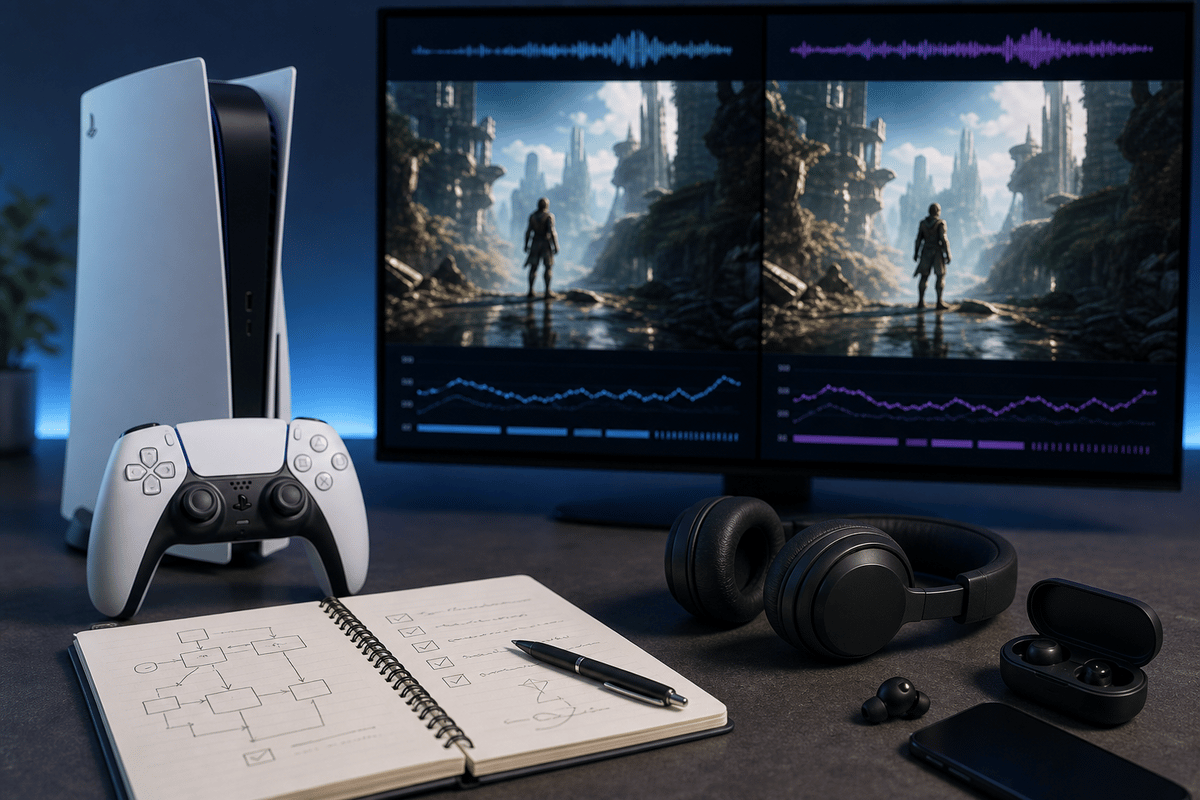
Expect the biggest gains in image stability rather than a dramatic resolution jump. Cleaner motion, less edge shimmer, and better retention of fine detail are the realistic wins. A well-tuned reconstruction system should make a lower internal-resolution image look more composed at normal sofa distance; it cannot rescue weak art direction, poor anti-aliasing, or a game struggling with its own performance mode.
How to test the new default properly
- Use a game and area you know. Load a repeatable scene with foliage, distant structures, transparent effects, detailed surfaces, or rapid camera movement. Random first impressions in a new game are a poor comparison tool.
- Keep the display chain fixed. Use the same HDR preset, VRR state, display game mode, seating distance, and in-game graphics mode for both tests. Changing several variables at once makes it impossible to tell what PSSR changed.
- Watch movement before screenshots. Pause-frame comparisons can show extra sharpness, but shimmer and instability reveal themselves while panning the camera or moving through dense environments.
- Toggle only if a specific game gives you a reason. The setting remains available under Settings > Screen and Video > Video Output > Enhance PSSR Image Quality. Turn it off to establish a clean control comparison, then keep the version that looks better on your own screen.
- Retest after major game updates. A developer patch can change rendering, anti-aliasing, performance modes, or PSSR support. A preference formed before that patch may no longer hold.
The sensible default is straightforward: leave Enhance PSSR Image Quality enabled globally and disable it only for a title that presents a clear visual drawback. Per-game judgement beats chasing an imaginary universal “best” setting. Some players prefer the crisp reconstructed look; others will notice an artifact in one game that outweighs the detail improvement. Both outcomes are valid, which is why the manual override still matters.
The Bluetooth-off setting is for venues, not living rooms
Bluetooth becomes surprisingly messy when several consoles, controllers, players, and spectators occupy a small space. A tournament organiser needs each station to identify the correct controller immediately, remain locked to that station, and avoid a nearby device connecting at the wrong moment. The new PS5 setting gives staff a blunt but potentially effective way to remove wireless controller management from that equation.
That makes sense for a wired competition setup: connect verified controllers by cable, label them per station, check input before opening the venue, and disable Bluetooth only after every station has passed that basic test. The gain is predictability. A console station with no wireless pairing path is far less likely to be derailed by controller confusion when dozens of devices are active nearby.
At home, the trade-off is much less attractive. DualSense controllers rely on Bluetooth for normal wireless play, so turning it off creates the problem of requiring cables before it solves anything. It also should not be treated as a generic fix for lag, random disconnects, or a controller that will not charge. Check the controller battery, USB cable, pairing state, console software, and local interference first.
Organisers should also test their complete workflow before relying on the setting during a live event. Bluetooth sits alongside broader console behaviour, and reported side effects can include changes to rest-mode and HDMI-CEC convenience features. A station should be tested with its display, capture hardware, wired controllers, power state, and recovery process already in place.
Who should change what
FinalBoss // Gear
Level up your setup
01Best-selling PS5 gameson Amazon→02DualSense controllerson Amazon→03PS5 SSD upgrades (M.2 NVMe)on Amazon→04Discounted game keyson Kinguin→Affiliate links · As an Amazon Associate, FinalBoss earns from qualifying purchases.
Want to Level Up Your Gaming?
Get access to exclusive strategies, hidden tips, and pro-level insights that we don't share publicly.
Ultimate Tech Strategy Guide + Weekly Pro Tips