
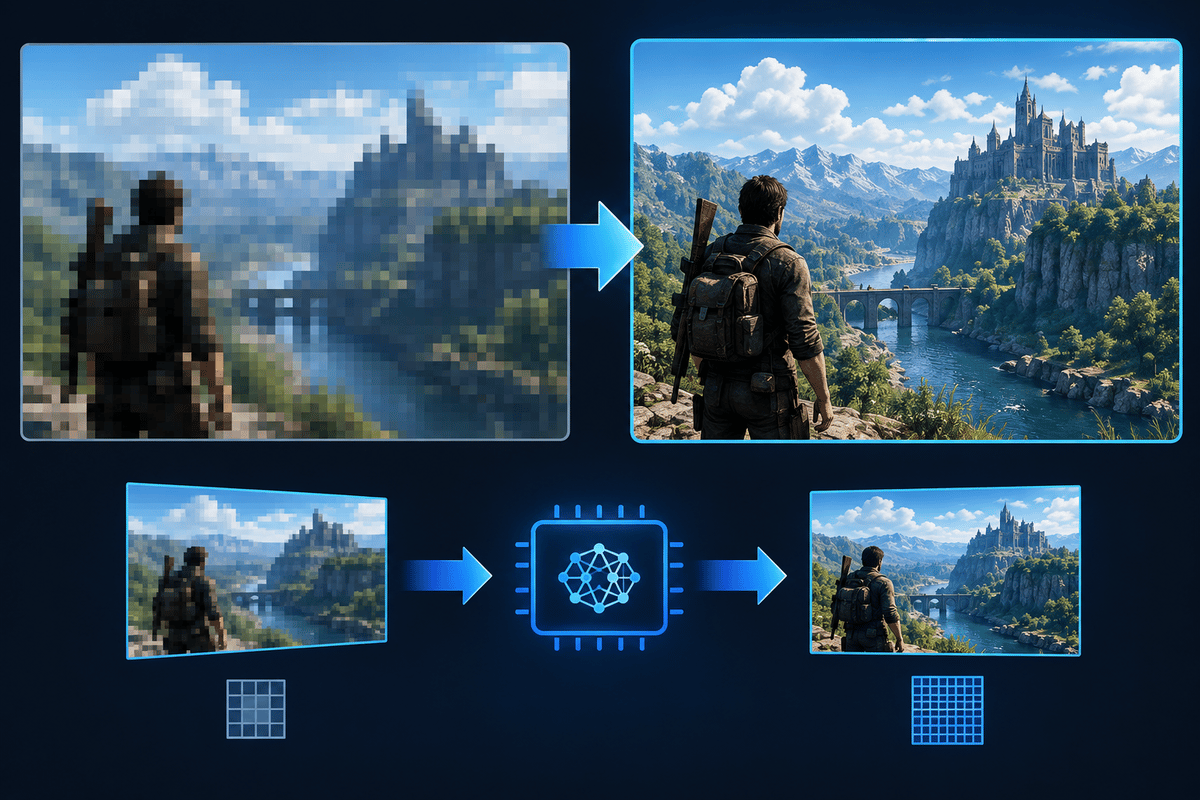
Quick Spectral Super Resolution, or QSSR, brings Sony’s neural upscaling to the base PS5. PlayStation Spectral Super Resolution (PSSR) stays on PS5 Pro as the higher-end version. Sony first kept PSSR exclusive to the Pro because its computational demands were more than the standard console could handle. Getting related technology onto the base PS5 took a streamlined neural-network architecture and a hand-tuned implementation built around that console’s performance budget. That compromise is what QSSR is.
Sharp screenshots are not the real test. Fine clothing patterns can look crisp while a character stands still, then dissolve once they move. Foliage can resolve into individual leaves in one frame and flicker through the next several. QSSR’s value depends on how well it holds those details over time and what the game spends to get there. Patch notes and graphics-mode documentation tell you whether a game supports it. Controlled motion tests tell you whether it improves the picture.
Table of Contents (7)
QSSR vs PSSR: what changes inside the imaging stack
QSSR is a lower-compute branch of Sony’s neural reconstruction technology, designed for the base PS5. PSSR is the more demanding version used on PS5 Pro. Both rebuild a more detailed, stable output from the game’s rendered image, but they work within different hardware budgets.
| Area | QSSR | PSSR |
|---|---|---|
| Target console | Base PlayStation 5 | PlayStation 5 Pro |
| Network design | Streamlined neural-network architecture | Higher-end, more computationally demanding implementation |
| Engineering priority | Improve reconstruction within the base console’s rendering budget | Use the Pro’s additional resources for higher-quality reconstruction |
| Intended image benefits | Better fine detail and temporal stability | Higher detail retention and reconstruction quality, particularly with a stronger source image |
| Game integration | Requires developer implementation and a compatible game build and mode | Requires developer implementation; a Pro-enhanced label alone does not identify the upscaler in every mode |
| Performance guarantee | Support alone specifies neither internal resolution nor achieved frame rate | Support alone specifies neither internal resolution nor achieved frame rate |
The full imaging stack starts before either upscaler runs. The game picks an internal rendering resolution, draws geometry and lighting, reconstructs the output, and then applies the rest of its image processing. PS5 Pro has more rendering headroom. Developers can spend it on a higher-resolution source or on more demanding graphics features. Those choices shape the final picture as much as PSSR does.
A higher-resolution source gives reconstruction more real information to work with. Thin railings, distant windows and small texture patterns are easier to keep when the original render already describes them clearly. A heavily reduced source resolution can leave even a sophisticated upscaler struggling with missing detail.
That is why a base PS5 vs Pro comparison measures the whole rendering pipeline. It cannot isolate the neural network unless source resolution, effects and other relevant settings are also controlled.
Where QSSR should make the biggest visible difference
Three image-quality terms matter here:
- Spatial detail is what a single frame resolves.
- Temporal stability is whether that information stays coherent across successive frames.
- Detail retention is whether small features survive camera movement, animation and changing lighting.
Thin geometry exposes weaknesses quickly. A wire narrower than a rendered pixel gets sampled differently as the camera moves. The result can be a sparkling line, a crawling edge or a feature that keeps disappearing. Reconstruction has to keep the image plausible and consistent while that information changes.
QSSR aims for better detail and stability within the base PS5’s limits. The most useful gains are less shimmer in moving foliage and better preservation of fine environmental and character detail. PSSR keeps the higher quality ceiling, especially when a Pro mode feeds it a higher-resolution render. Neither name guarantees flawless results in every scene.
Motion also causes problems that have nothing to do with resolution. The accuracy of a game’s motion data, newly revealed background areas and the handling of fine animated objects all affect reconstruction. Watch for smearing behind a character, trails around accessories and background breakup when something crosses the screen. Extra sharpening cannot fix those failures. It only makes their edges more obvious.
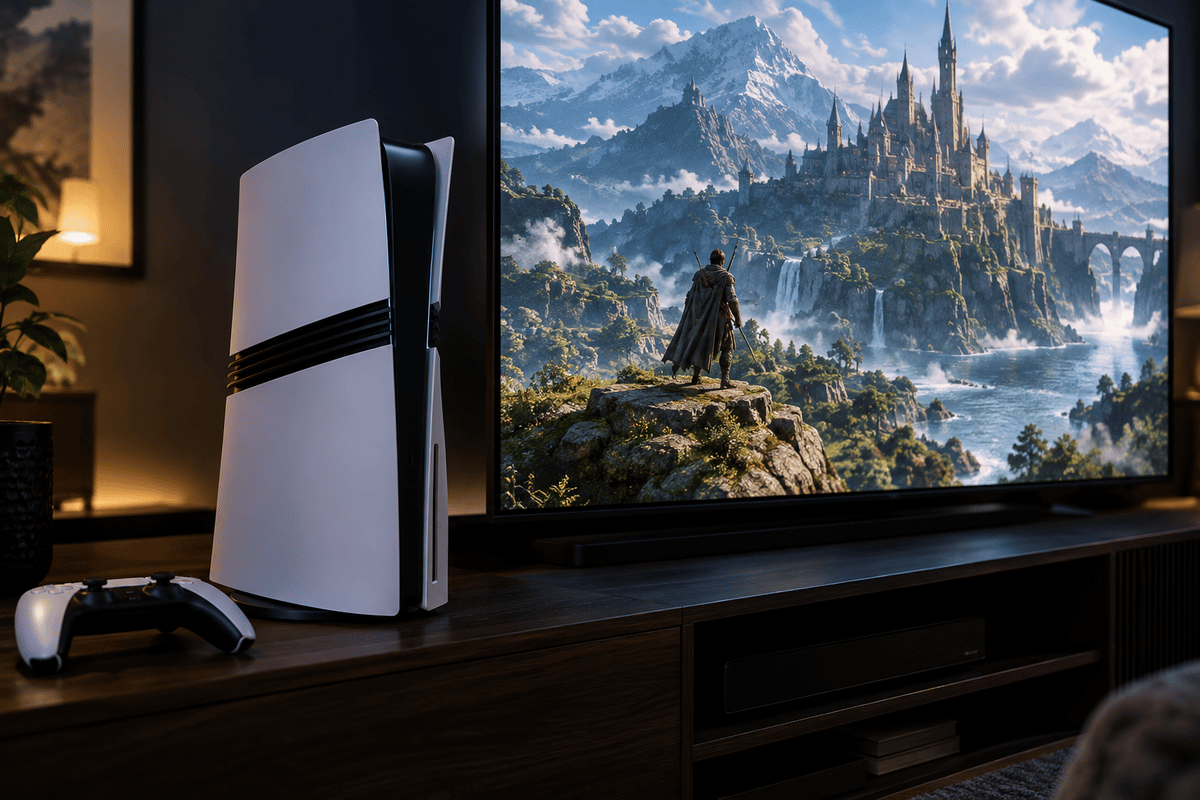
What changes in Marvel’s Wolverine and Ghost of Yōtei
Sony has named Marvel’s Wolverine and Ghost of Yōtei as the first games to get QSSR through patches. Daniel Craig, principal engineer in graphics research and development at Sony Interactive Entertainment, introduced the technology. Sony is making QSSR available to all PlayStation developers. That does not add it to existing games automatically: each game still needs its own implementation.
Insomniac Games head of technology Mike Fitzgerald pointed to pixel-level clarity and stability in Marvel’s Wolverine, including Madripoor streets and Shinjuku alleyways. Those areas are good places to inspect. Fine environmental edges and dense background detail expose reconstruction instability during a camera pan.
For Ghost of Yōtei, Sucker Punch Productions lead rendering engineer Jasmin Patry described improvements to foliage, fine clothing lines, and character and environmental detail. Those are sensible test targets. Vegetation moves independently of the camera, and fabric patterns have to stay coherent while characters animate.
QSSR reconstructs the rendered image. It does not rewrite character models, replace lighting systems or rebuild assets. Sony describes it as neural upscaling, not generative AI. A clearer garment pattern is therefore a reconstruction improvement, not evidence of a new texture pack.
How to check whether a game mode uses QSSR or PSSR
You cannot reliably identify the upscaler by looking at the image. Less shimmer shows that image quality changed, but several reconstruction methods can produce that result. Confirm support from the game’s patch notes or official mode description first. Then use gameplay to judge quality.
- Record the exact game build. Note the version number and install the update that adds the relevant upscaler. Console system software alone does not show that a game has integrated QSSR.
- Find an explicit technology reference. Look for QSSR or PSSR by name. “Improved image quality” and “PS5 Pro Enhanced” do not identify the reconstruction method.
- Check the graphics mode. Record performance, quality, balanced or any other mode exactly as the game names it. Different modes can use different reconstruction methods, and support in one does not mean support in the others.
- On PS5 Pro, check the system setting. Settings > Screen and Video > Video Output > Enhance PSSR Image Quality applies only to games that already support PSSR. It cannot add PSSR to games that lack it.
- Treat support and image quality as separate questions. Once you know the build and mode, assess stability, detail and artifacts on their own. A supported mode can still struggle in particular scenes.
If the mode documentation does not name the algorithm, describe your result as a comparison between those graphics modes. Naming an upscaler based on appearance alone makes the conclusion less useful.
A repeatable in-game image-quality test
Pick a save point or repeatable location with fine background detail and a moving character. In Ghost of Yōtei, focus on vegetation and patterned clothing. In Marvel’s Wolverine, check the detailed streets and alleyways once you can reach them.
- Lock the display conditions. Use the same output resolution, HDR setting, refresh-rate setting and VRR (variable refresh rate) configuration. Set TV sharpening to neutral, and turn off motion interpolation and noise reduction so they do not mask reconstruction behavior.
- Match the game settings. Keep motion blur and film grain identical, or turn them off for inspection where possible. Record any 120 Hz option, the ray-tracing setting and the graphics mode.
- Hold a static view for five seconds. Inspect clothing lines, foliage, signage and distant edges. Look for coherent detail. Halos or ringing around edges point to sharpening, not better reconstruction.
- Pan between two fixed landmarks. Take about five seconds for a slow pass, then repeat the same route quickly. Watch for foliage flicker, crawling edges, disappearing wires and loss of distant detail.
- Repeat with character movement. Move the character across a detailed background. Inspect hair, accessories and silhouette edges, then watch how quickly newly revealed background detail settles.
- Repeat in a demanding scene. Check whether image quality drops when more action or effects are on screen. Dynamic resolution can lower the input quality exactly when reconstruction has the most work to do.
- Capture stills and motion separately. Use matched screenshots for static detail and the least-compressed video you can get for motion. Social-media compression can erase fine breakup or add artifacts of its own.
Keep separate notes for static detail, stability in motion, trails or breakup, and frame-rate consistency. A single sharpness score hides the tradeoff that matters most: an image can look sharper while standing still and fall apart as soon as you move.
Frame rate can change the comparison
Compare modes with matching frame-rate targets wherever you can. A 30 fps target gives each frame about 33.3 milliseconds; a 60 fps target gives about 16.7 milliseconds. Those are frame budgets, not QSSR benchmark results. The shorter budget limits how much work the game can spend on rendering and reconstruction.
A quality-vs-performance comparison can also change source resolution, lighting and ray tracing at the same time. Any of those can affect the input image. A softer performance mode does not, on its own, show that its upscaler is worse.
For a base PS5 vs PS5 Pro comparison, use the same patched game, equivalent frame-rate targets and the same camera route. Even then, treat the result as a whole-console comparison unless you know the rendering inputs match. Ordinary captured footage is fine for spotting visible hitches, but precise frame-time claims need proper measurement tools.
Who benefits — and where the limits remain
The clearest winners are base PS5 owners playing Ghost of Yōtei or Marvel’s Wolverine once their QSSR patches arrive. Players bothered by shimmering grass, crawling edges on thin geometry or unstable clothing detail should notice the most, because those are the areas Sucker Punch and Insomniac singled out. These players get some of the PS5 Pro’s upscaling benefit without buying the Pro.
The limits are just as clear. QSSR only works in games that implement it, and only in the modes and builds that include it. Two games named for the rollout is not a library. QSSR also does not change a game’s internal resolution or frame-rate target. It improves the reconstruction of whatever the base console already renders.
Players who want the best possible reconstruction should stay on PSSR and the Pro. Sony calls PSSR its gold standard, and Pro modes can pair it with a stronger source image and extra rendering headroom. Sony’s own examples show how that headroom gets spent:
- The Last of Us Part II Remastered renders at 1440p in its Pro mode and uses PSSR to upscale to 4K while targeting 60 fps.
- Gran Turismo 7 applies PSSR to a native 4K source to add detail while enabling ray tracing during races.
QSSR on a base PS5 does not replicate that combination. Sony also notes that Pro results vary by title.
FinalBoss // Gear
Level up your setup
01Best-selling PS5 gameson Amazon→02DualSense controllerson Amazon→03PS5 SSD upgrades (M.2 NVMe)on Amazon→04Discounted game keyson Kinguin→Affiliate links · As an Amazon Associate, FinalBoss earns from qualifying purchases.
Want to Level Up Your Gaming?
Get access to exclusive strategies, hidden tips, and pro-level insights that we don't share publicly.
Ultimate Tech Strategy Guide + Weekly Pro Tips