
At $199.99 / £199.99 / €209.99, the Wolverine V4 Pro’s buying case rests on wireless operation and modular controls. The wired Wolverine V4 Tournament Edition shares the lineup’s central competitive features, including drift-resistant thumbstick sensing, Pro HyperTriggers and up to 8,000Hz PC polling. Paying for the Pro primarily changes how the controller connects and how its physical controls can be configured.
Razer announced the Wolverine V4 lineup on October 6, 2026. Both controllers are officially licensed for Xbox and support Xbox Series X|S and PC. The useful distinction is between shared input technology and the Pro’s additional hardware flexibility.
Table of Contents (6)
Wolverine V4 Pro and Tournament Edition specifications
| Feature | Wolverine V4 Pro | Wolverine V4 Tournament Edition |
|---|---|---|
| Platforms | Xbox Series X|S and PC; officially licensed for Xbox | Xbox Series X|S and PC; officially licensed for Xbox |
| Connection | Razer HyperSpeed Wireless and wired operation | Wired operation |
| Thumbstick sensing | Contactless capacitive sensors | Contactless, drift-resistant thumbstick sensors |
| Advertised PC polling | Up to 8,000Hz over wired and wireless connections | Up to 8,000Hz over its wired connection |
| Triggers | Razer Pro HyperTriggers with short-actuation and full analog modes | Razer Pro HyperTriggers |
| Rear controls | Four magnetic, swappable back buttons | Integrated rear buttons |
| Faceplate | Removable magnetic faceplate | Fixed faceplate |
| Other control details | Interchangeable standard, short convex and tall concave thumbstick caps | Micro-switch action buttons and an eight-way floating D-pad |
| Steam support | Native support on PC | Native support on PC through the wired connection |
The Tournament Edition’s fixed faceplate and integrated rear buttons matter more than their cosmetic description suggests. The Pro allows tool-free changes to the rear controls; the Tournament Edition leaves the physical arrangement fixed. For players who struggle to reach rear buttons without changing their grip, that distinction deserves more attention than the polling-rate headline.
What capacitive thumbsticks change
The Pro replaces conventional potentiometer sensing with contactless capacitive sensors. A potentiometer measures position through an electrical contact moving across a resistive track. Capacitive sensing removes that rubbing contact from the measurement process, addressing one source of wear-related drift.
The Pro pairs its sensors with a 16-bit analog-to-digital converter and registers approximately 3,000 steps of movement. The converter’s bit depth describes the electronics’ numerical capacity; it does not establish 65,536 mechanically distinct stick positions or an equivalent number of useful aiming adjustments. Game sensitivity, calibration and dead zones determine how much of that input detail reaches the player.
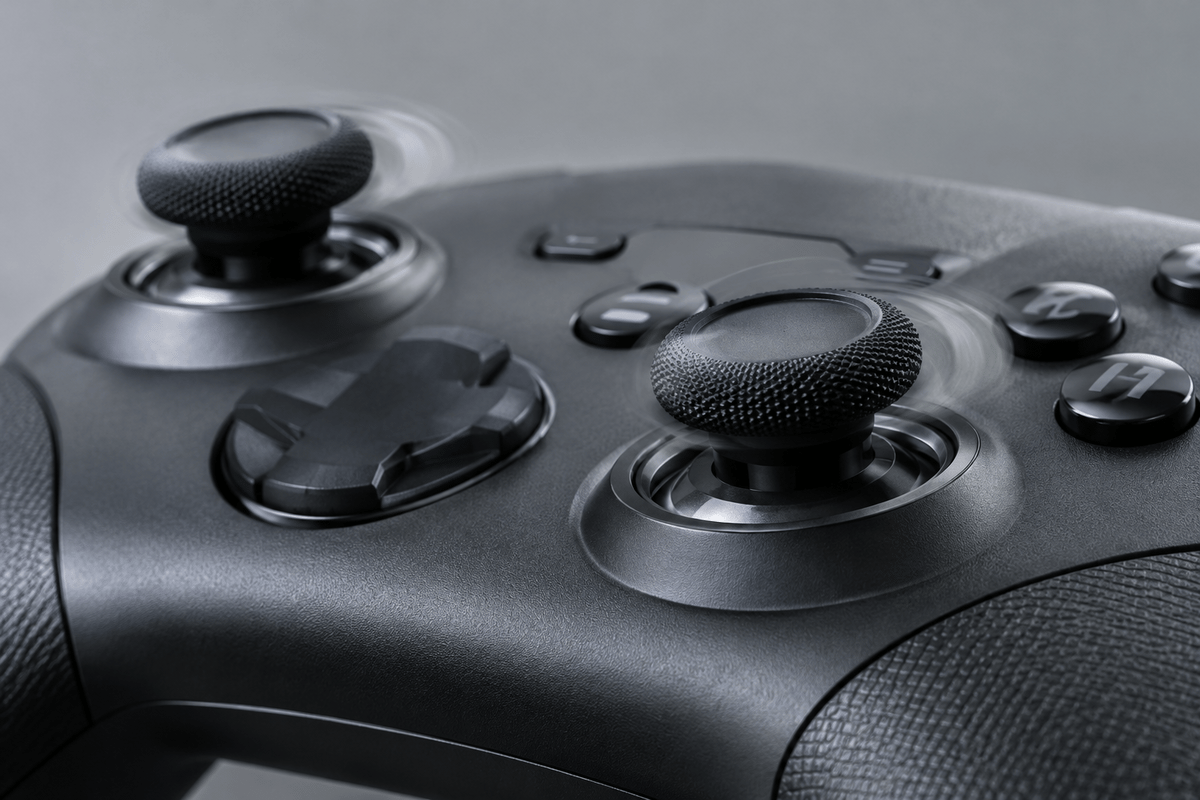
Contactless sensing also leaves mechanical components in place. Springs and centering mechanisms still determine where the stick rests. A drift-resistant sensor therefore provides a reason to expect less wear in the sensing element, rather than a reason to assume every controller will remain perfectly centered at a zero dead zone.
The distinction is narrower for owners of the Wolverine V3 Pro 8K PC, which already uses contactless TMR sensors. Capacitive sensing changes the measurement technology, but replacing a functioning TMR-equipped controller solely to escape potentiometer wear offers little justification: that earlier model already avoids potentiometer contacts.
8,000Hz polling: the reporting interval and its limits
At 8,000Hz, the theoretical interval between input reports is 0.125 milliseconds. At 1,000Hz, it is 1 millisecond. The difference between those intervals is 0.875 milliseconds. These figures describe how frequently the controller reports to the host; they do not measure the complete delay between moving a stick and seeing a response.
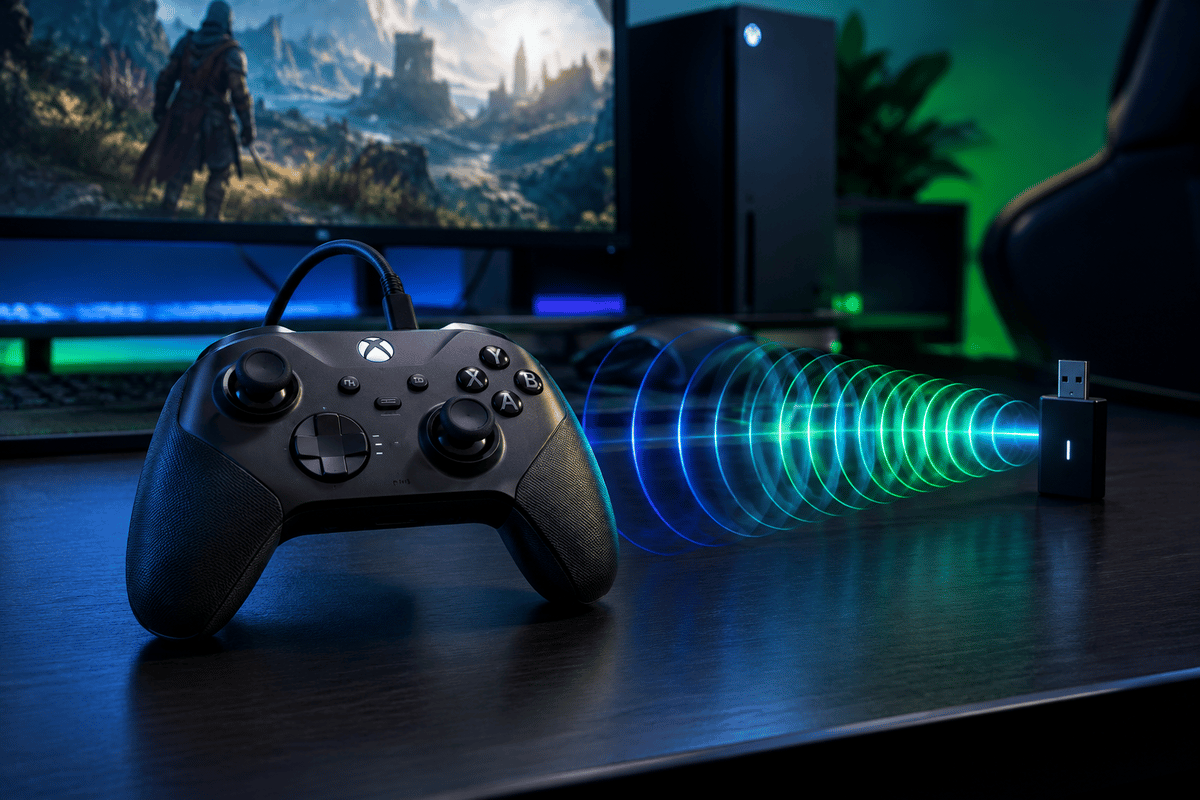
The Pro supports up to 8,000Hz on PC through both wired and HyperSpeed Wireless connections. The Tournament Edition offers the same maximum PC polling figure through its cable. Choosing the Pro therefore buys wireless access to that advertised reporting rate, rather than a higher maximum than the wired model.
Game input processing, simulation timing, rendering and display latency remain part of the response chain. At 240fps, a rendered frame lasts approximately 4.17 milliseconds. More frequent reports can give the game a newer input sample when it reads the controller, but they do not cause the game to render 8,000 frames per second.
Maximum polling is worth retaining when it produces stable behavior in the intended game. Compare it with a lower available setting under the same frame-rate cap and graphics settings, checking frame-time consistency as well as aiming response. If the higher rate introduces intermittent stalls, the additional reports are a poor trade for disrupted frame delivery.
HyperTriggers and rear buttons affect different parts of control
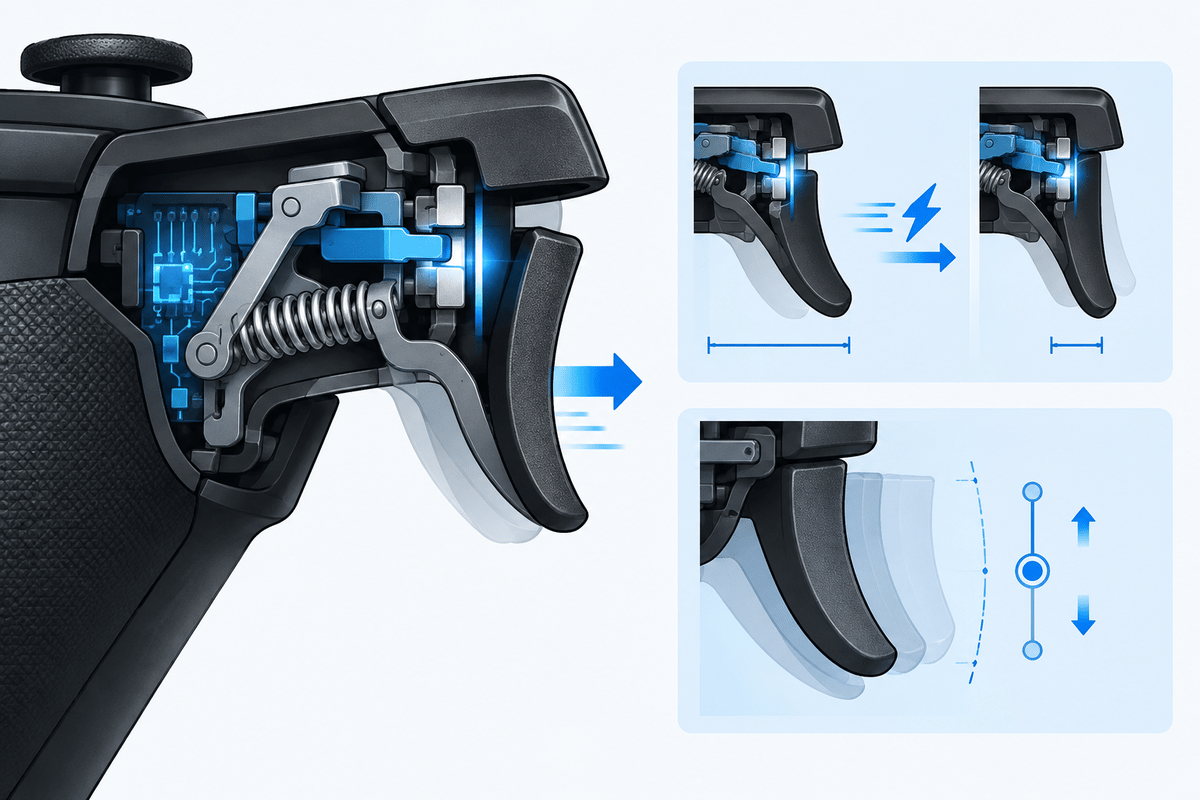
Razer Pro HyperTriggers use rear-mounted locks to switch between short, mouse-click-style actuation and a full-range analog pull. On the Pro, Synapse provides trigger actuation adjustment from 1.3mm to 8.2mm. Short travel suits a trigger assigned to firing; full analog travel preserves graduated acceleration, braking or other pressure-sensitive actions.
The game’s trigger interpretation remains decisive. A short physical pull can still meet an in-game activation threshold later than expected if the trigger settings are mismatched. Conversely, a racing control configured for gradual input needs sufficient travel to make partial pressure manageable. Check the game’s input meter after changing the trigger lock or actuation setting.
The Pro’s four swappable rear buttons serve a separate purpose: keeping common actions accessible while both thumbs remain on the sticks. Mapping jump, crouch, reload or another frequently used action to the rear can reduce interruptions to camera control. Button placement only helps when the control can be pressed deliberately without accidental activation during a firm grip.
Where the Pro earns its price
The Pro’s premium buys HyperSpeed Wireless with 8,000Hz PC polling, four magnetic swappable back buttons, a removable faceplate and interchangeable stick caps; players who stay wired and accept a fixed layout get the core sensing, trigger and polling features from the Tournament Edition.
Settings to check before competitive play
Razer Synapse supports up to four configurable profiles. The Pro also provides stick dead-zone adjustment from 0% to 15%. Separate shooter and analog-trigger configurations reduce the risk of carrying a short-trigger setting into a game that requires graduated pressure.
- Check stick centering before lowering dead zones. On the Pro, start with the available 0% setting in an input display, release both sticks and look for persistent movement. Increase the dead zone enough to suppress unwanted input, then check the game’s own dead-zone setting because it can filter small movements separately.
- Match trigger travel to the action. Use the short setting for digital firing actions and full travel for pressure-sensitive controls. Check both initial activation and maximum input after adjusting actuation.
- Test the intended connection. For the Pro, evaluate high polling over the wired or HyperSpeed Wireless connection that will actually be used. A result obtained through a cable does not describe the wireless behavior of the same setup.
- Check rear-button reach under a playing grip. On the Pro, rearrange the magnetic buttons if reaching one shifts a thumb off its stick. On the Tournament Edition, assess the fixed layout before committing to rear-button mappings.
- Keep polling comparisons controlled. Change the report rate while leaving the game’s frame cap, sensitivity and graphics settings unchanged. Retain the setting that preserves consistent frame times and predictable input.
FinalBoss // Gear
Level up your setup
01Top-rated gaming headsetson Amazon→02High-refresh gaming monitorson Amazon→03Gaming chairson Amazon→04Discounted game keyson Kinguin→Affiliate links · As an Amazon Associate, FinalBoss earns from qualifying purchases.
Want to Level Up Your Gaming?
Get access to exclusive strategies, hidden tips, and pro-level insights that we don't share publicly.
Ultimate Tech Strategy Guide + Weekly Pro Tips