
Table of Contents (11)
Why Picking the Right Gaming Keyboard Matters (And Why I Wasted Weeks Deciding)
After spending dozens of hours swapping keyboards between ranked Valorant, Baldur’s Gate 3, and casual typing, I realized what a huge impact the right keyboard has. My speed, accuracy, and even hand comfort changed drastically depending on what I used-sometimes for the worse. I got burned chasing flashy features and ended up with buyer’s remorse more than once. Here’s what I wish I’d known before diving into the “best gaming keyboard” quest and what actually saved my fingers (and wallet) in 2025.
Top Picks: What Actually Worked in Real Gaming Sessions
Here’s a straight answer: If you want a keyboard you can truly mold to your gaming style (and looks awesome on stream), the Glorious GMMK3 Pro is the most practical all-rounder I’ve tested. If you just want function on a budget, the Corsair K55 Core does the job reliably. For silent late-night marathons, nothing beats the Be Quiet! Dark Mount-my pick for not waking up the household.
- Most Customizable: Glorious GMMK3 Pro
- Best Budget: Corsair K55 Core
- Quietest: Be Quiet! Dark Mount
- Super-fast TKL: Logitech G Pro X Lightspeed TKL
- Sleek Mini: Razer Blackwidow V3 Mini Hyperspeed
- Slickest 60%: Corsair K65 RGB Mini
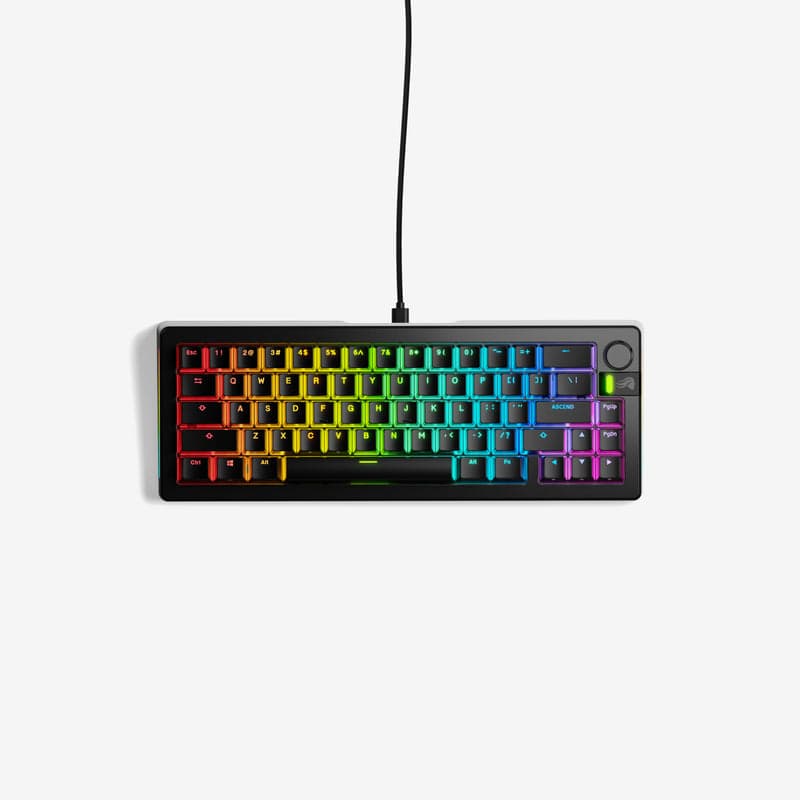
The Glorious GMMK3 Pro: Where I Stopped Wishing for More
I started with the GMMK3 Pro on a friend’s recommendation, but almost skipped it because the price seemed steep (starts ~$120, can go wild with upgrades). Turns out, it became my main board because I could finally fine-tune the feel, sound, and look exactly how I wanted-without soldering, researching niche parts, or blowing a grand. Being able to slot in Hall Effect switches was a game-changer for fine movement in Apex and racing games. Here’s what actually matters when using this board day-to-day:
- The default typing feel is solid and precise—if you don’t like it, you can tweak literally everything later.
- The layout is clean: no wasted space, but you get a (thankfully detented) volume knob.
- Analog switches are optional but give real advantage in games with variable input (faster strafing, analog movement, etc.).
- You pick between wired or wireless—and battery life isn’t a pain point even after long sessions.
- The biggest con? You can easily overspend chasing “the perfect build.” Start basic—mod later.
What I learned after modding: Don’t get fixated on perfection from day one. Play with the stock keys for a solid month, figure out what you don’t like (if anything), then consider upgrade kits. Some of my early “must-have” mods sat in my drawer unused.
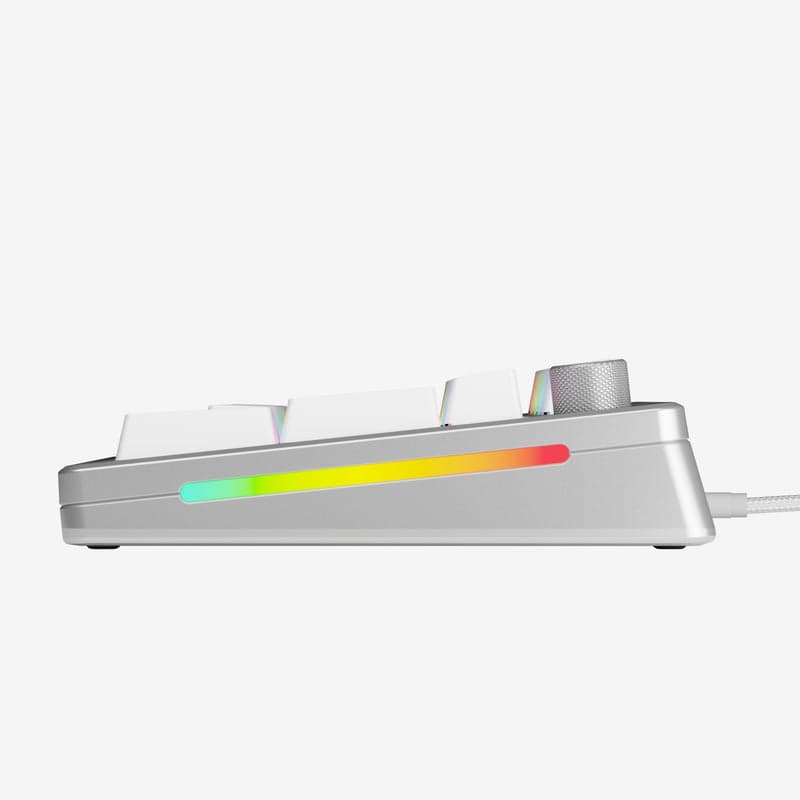
Corsair K55 Core: My Comfort Pick for Gaming on a Budget
I’ll be honest—I initially dismissed budget boards, assuming they’d all be mushy and laggy. But the K55 Core surprised me. Sure, it’s not mechanical, but for $30-40, it never let me down for casual sessions. The keys are snappy enough, and Corsair’s software syncs with my other lighting gear painlessly. This is the one I recommend to friends with limited cash or who just want something simple and reliable.
- RGB zones (not per-key) but still customizable patterns.
- Dedicated media controls—super handy for music during grindy quests.
- Membrane switches (not clicky), but decently responsive and quiet.
Don’t make my mistake: I once thought I needed mechanical switches to keep up in shooters. Unless you’re ultra-competitive, the K55 Core is honestly enough—and much less noisy, too.
Be Quiet! Dark Mount: Night Owl’s Dream Board
It took me ages to realize how much keyboard clatter drove everyone else crazy late at night. If stealth matters, the Be Quiet! Dark Mount is worth it. I tested it during overnight raids and literally got thanked by my roommate. It’s quieter than any mechanical board I’ve tried, and the soft key feel actually grew on me for PvE sessions.
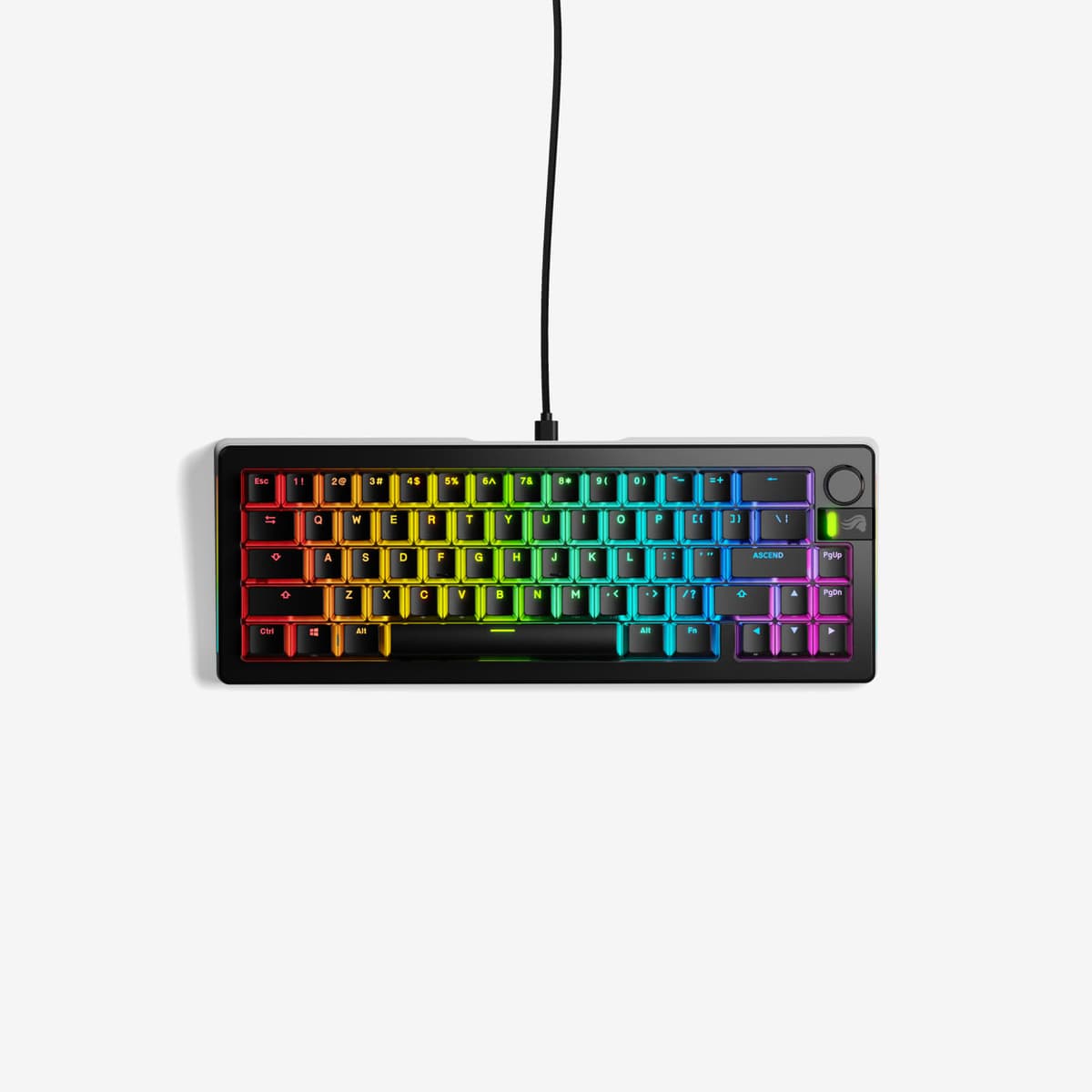
- Superb sound dampening—almost no audible clack.
- Smooth, comfy typing, though a bit softer than traditional mechanical switches.
- If you want both quiet and clicky, though, this won’t scratch the itch.
Other Notables: My Experiences with Popular “Also Tested” Boards
- Logitech G Pro X Lightspeed TKL: Exceptionally responsive and programmable. Love it for tight desk spaces, but the build feels a little less premium and you pay for the name.
- Razer Blackwidow V3 Mini Hyperspeed: 65% form factor is ideal if you hate desk clutter. Setup is a breeze. I wish it had better dampening, but wireless never lagged out on me.
- Corsair K65 RGB Mini: My go-to for tight LAN party setups. Wired only, but the RGB and compact form look amazing and it’s frequently on sale.
How to Choose: What Actually Matters (Lessons Learned the Hard Way)
- Set a budget: Don’t overinvest if you mostly play casually or type a lot.
- Pick your preferred size: Try a TKL or 65% if space is tight. Just know that losing the number pad (or function row on 60%) is painful if you use them often.
- Decide if you want analog switches: For games with variable speed (racing, some shooters), they’re a hidden gem—but only if your game supports them.
- Think about noise: If you stream or play late, prioritize sound dampening. You’ll thank yourself later.
- Check software compatibility: Brands like Corsair, Razer, Logitech make syncing lighting and macros easy—off-brands can be a headache here.
- Wired vs Wireless: I personally never had latency issues with modern wireless. Just remember to charge weekly.
I wasted hours researching “specs” that didn’t matter for my use. For example, key rollover/NKRO is standard on most decent gaming boards—don’t stress unless you’re doing insane multi-key combos.
What About Switches? The Battle Between Mechanical and Membrane
I started out thinking mechanical switches (like Cherry MX, Gateron, or Razer’s custom ones) were always better. But after daily driving both types, here’s my breakdown:
- Mechanical: Better for feel, durability, and customizability. If you value feedback or want to upgrade later, go this route. Great for both gaming and serious typing. (My preference for long sessions!)
- Membrane: Cheaper, usually quieter, sometimes a bit mushy—but perfectly fine for casual play or multi-purpose PC use.
If in doubt, try before you buy: visit a store or borrow from friends. I learned I actually preferred tactile (not clicky) switches after trying a bunch in person—something I never would have guessed reading specs online.
Common Mistakes I Made (So You Don’t Have To)
- Buying purely based on looks or RGB—performance and comfort > bling.
- Assuming more expensive always means better. My $50 backup board was just as reliable for months as my $200+ main.
- Getting a 60% layout, then missing the arrow keys way more than I expected. Map your hotkeys before you buy!
- Ignoring software bloat: some boards require resource-hogging apps for simple tweaks. Logitech and Corsair are solid, some others can be a hassle.
Pro Tips: Maximizing Your Keyboard for Different Playstyles
- FPS/MOBA players: TKL or 65% boards give more mouse room—noticeable on low-DPI setups. Rapid trigger switches = faster reaction time in Valorant and CS2.
- MMORPG & macro-heavy Builders: Get a full-size with extra dedicated macro keys. Trust me, there’s no substitute when running multiple skills/commands.
- Writers & Mix Use: Prioritize typing comfort and sound profile. Factory-lubed tactile switches save your hands over long quests or essays.
Switch up keycap profiles for extra comfort—I swapped to low-profile caps on my GMMK3 for extended writing, noticeably reducing fatigue. For RGB fans, take time programming color cues for keybindings—it helped me avoid costly spell misfires in chaotic raids.
Final Thoughts (and Where to Go Next)
Don’t overthink it: get hands-on, focus on comfort and features you’ll actually use, and remember, you can always upgrade later. I wish I’d started with something like the GMMK3 Pro and built my own preferences over time, instead of being paralyzed by all the “best of” lists. Happy fragging and don’t forget to stretch your wrists!
FinalBoss // Gear
Level up your setup
01Top-rated gaming headsetson Amazon→02High-refresh gaming monitorson Amazon→03Gaming chairson Amazon→04Discounted game keyson Kinguin→Affiliate links · As an Amazon Associate, FinalBoss earns from qualifying purchases.
Want to Level Up Your Gaming?
Get access to exclusive strategies, hidden tips, and pro-level insights that we don't share publicly.
Ultimate Guide Strategy Guide + Weekly Pro Tips