
Table of Contents (17)
Why Restaurant Tycoon 3 Codes Matter (and What This Guide Does)
In Restaurant Tycoon 3, the early game can feel slow: basic stoves, a couple of tables, and constant juggling between cooking, serving, and cleaning. Promo codes cut a big chunk out of that grind by dropping free Cash and Diamonds straight into your save so you can upgrade faster instead of waiting on tips.
The problem is that codes for this game change a lot. Some are added for new updates or events, then quietly expire. Even code lists on the internet can be out of date within days. This guide pulls everything into one place: the most recently reported working codes (as of early March 2026), how to redeem them cleanly, what to do when they fail, and how to spend the rewards efficiently.
If you want the TL;DR: redeem the newest codes first, grab your Diamonds and Cash, then funnel that straight into more tables, better appliances, and key premium upgrades instead of random cosmetics. The sections below walk through the details step-by-step.
All Current Restaurant Tycoon 3 Codes (March 2026)
Below are the codes most consistently reported as working around early March 2026. Because the developers can flip codes on or off without warning, think of this as a “start here and test” list rather than a permanent guarantee. Always redeem the newest-looking codes first.
New and High-Priority Working Codes
These codes are the freshest and should be your first stop. Rewards are based on in-game descriptions and recent community reports:
grass99– 500 Cash (great instant boost for early upgrades)moon1– 10 DiamondsUltrawEats– Special Ultraw-themed pack / freebiesFULMOON– Free in-game goodies (cosmetics / boosts, varies)Seniac– Free rewards themed around the creatorWeirdBlox– Free rewards tied to the WeirdBlox creator
These are the ones most likely to still be live when you read this, especially if you are playing close to March 2026. Always enter them exactly as shown in the Shop menu (details on that in the next section).
Older Codes Still Worth Trying
The next batch has been around longer. Some players still report them working, while others see them as expired. They take seconds to try, so it is usually worth punching them in just in case:
heart5– 10 Diamonds (status varies by server and date)toytime– 175 Cashclassic16– 15 DiamondsVitolinocode– Vitolino Bundle (cosmetics / themed items)vip123– 15 Diamonds (conflicting reports on whether it is expired)horse2026– 250 Cash (also sometimes flagged as expired)
Because different regions and servers can get updates at slightly different times, you may find that some of these still hit while others return an error. If a specific code tells you it is invalid, assume it has finally expired and move on to the next one.
About Expired and Legacy Codes
Older codes like itsfree, snowball, various holiday codes (for example, Christmas or Halloween themed), and several early-game Cash drops are now widely considered expired. You will still see them floating around on old lists, but they almost always return an “Invalid” or no-response message in-game.
This guide focuses on codes that still have a realistic chance of working so you do not waste time testing dozens of dead ones. If a code you remember using in the past suddenly stops working, that is normal for Restaurant Tycoon 3 – the devs rotate them regularly.
How to Redeem Codes in Restaurant Tycoon 3
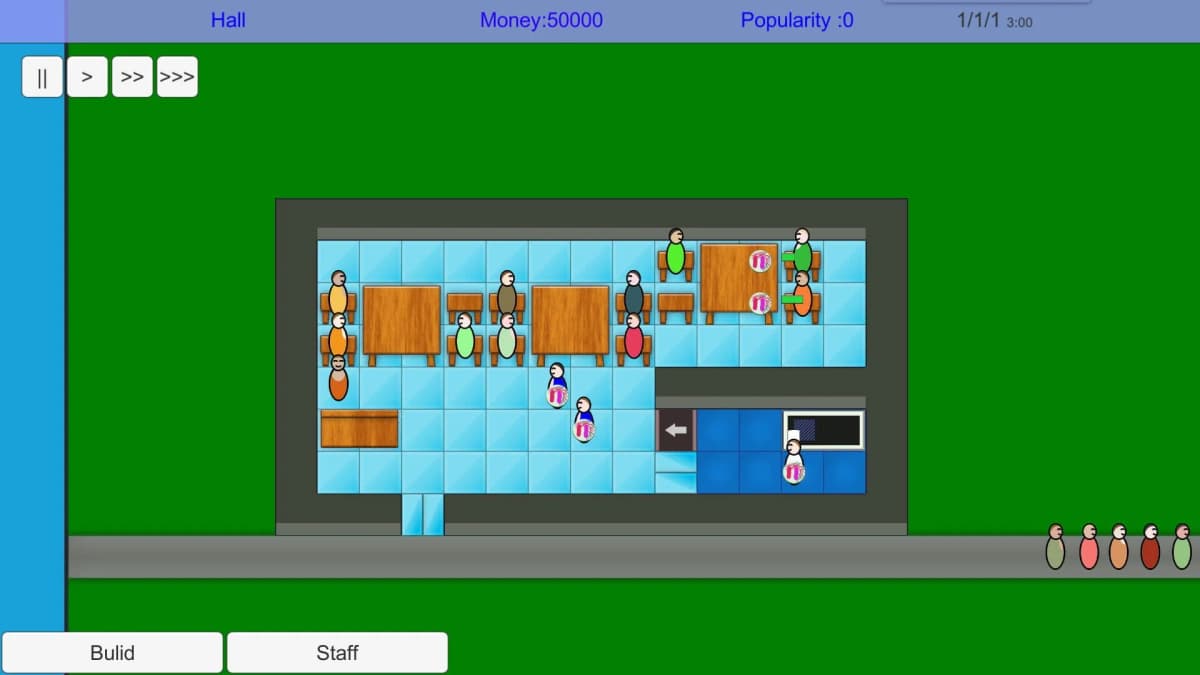
The redemption process is quick once you know where to look, but the UI is slightly different depending on whether you are on PC or mobile. The sequence below works on both.
- Launch Restaurant Tycoon 3 in Roblox and load into your restaurant.
- Wait until the main HUD appears (cash, Diamonds, and bottom toolbar). If you are still in any intro/tutorial pop-up, clear that first.
- On the bottom of the screen, tap or click the Shop button. It is usually a shopping cart or store icon.
- Inside the Shop, scroll all the way to the bottom of the window.
- Look for the text box labeled something like
Type code hereor a similar prompt. - Click or tap the box, then carefully type one of the codes from above. To avoid typos, copy–paste if you are on PC.
- Press the green Submit or Redeem button next to the box.
- If the code is active, you will see a quick confirmation and your Cash or Diamonds total will jump immediately.
If nothing seems to happen but you are sure you typed the code correctly, do not panic yet. The next section walks through all the common reasons codes fail and how to fix them.
Troubleshooting: When Restaurant Tycoon 3 Codes Do Not Work
This is the part that trips up most players: you follow the steps above, hit Submit, and either see an “Invalid” message or no message at all. Almost every issue falls into one of these categories.
1. Typos and Extra Spaces
Even a single wrong character can break a code. Common mistakes:
- Swapping letters and numbers (for example,
0vs.O,1vs.l) - Adding a space before or after the code when copy–pasting
- Missing part of the code if you double-click to select it and the selection cuts early
The safest method is to copy the code from a reliable list, paste it into the box, and then make sure there are no spaces before or after it.
2. Expired Codes
Restaurant Tycoon 3 codes are often tied to specific updates, seasonal events, or milestones. Once that window passes, the code can silently expire. When that happens, you will usually see one of these:
- An “Invalid code” error
- No pop-up at all, and no change to your balance
- A generic message like “Code not found”
If you know you have used the exact spelling and the code is more than a few weeks old, there is a good chance it has simply been turned off. Move on to newer codes instead of retrying over and over.
3. Already Redeemed on Your Account
Each code can only be redeemed once per account. If you used a code weeks or months ago and do not remember, the game may silently block a second redemption or show a short “Already redeemed” style message.
When testing big batches of codes, it helps to keep a simple note on your phone or PC of which ones you have already tried so you are not second-guessing yourself later.
4. Out-of-Date Servers
A surprisingly common issue is that a brand new code has been added to the latest version of the game, but the server you joined is still running an older build. In that case, the code may not be recognized yet.
- Leave your current Restaurant Tycoon 3 server.
- Rejoin the game from the Roblox page to get placed into a fresh server.
- Try the code again in the Shop menu.
If it still fails after swapping servers, assume the code is either expired or not actually active yet (occasionally a code gets teased before it is fully enabled).
How to Find New Restaurant Tycoon 3 Codes Faster
There is no official fixed schedule for Restaurant Tycoon 3 codes, but patterns have emerged over time. If you want to catch new ones early instead of waiting for lists to update, focus on these triggers:
- Major game updates: When the game gets a big content drop, balance patch, or new feature, check the game’s description and update notes for fresh codes.
- Seasonal events: Holidays (Halloween, Christmas, Valentine’s, etc.) often come with themed codes that expire quickly once the event ends.
- Milestones: Watch for codes tied to like goals, favorites, or visit milestones listed on the Roblox game page.
- Developer channels: Follow the developer’s Roblox group, in-game announcement boards, or any linked community channels. Codes are often teased there first.
- Server message of the day: Occasionally, codes are highlighted right in the in-game news or update pop-ups when you load in after a patch.
Building the habit of quickly scanning the game’s description and update notes whenever you see “updated” on Roblox will usually net you new codes before they hit older lists.
Best Ways to Spend Your Free Diamonds and Cash
Getting a pile of free currency is only half the story. The real power comes from spending it in ways that permanently boost your restaurant’s income and comfort. Here is a practical priority order that works well for most playstyles.
1. Cash: Boost Your Income Per Minute
Cash from codes like grass99, toytime, or horse2026 (if still active) should mostly go into things that help you serve more customers, faster:
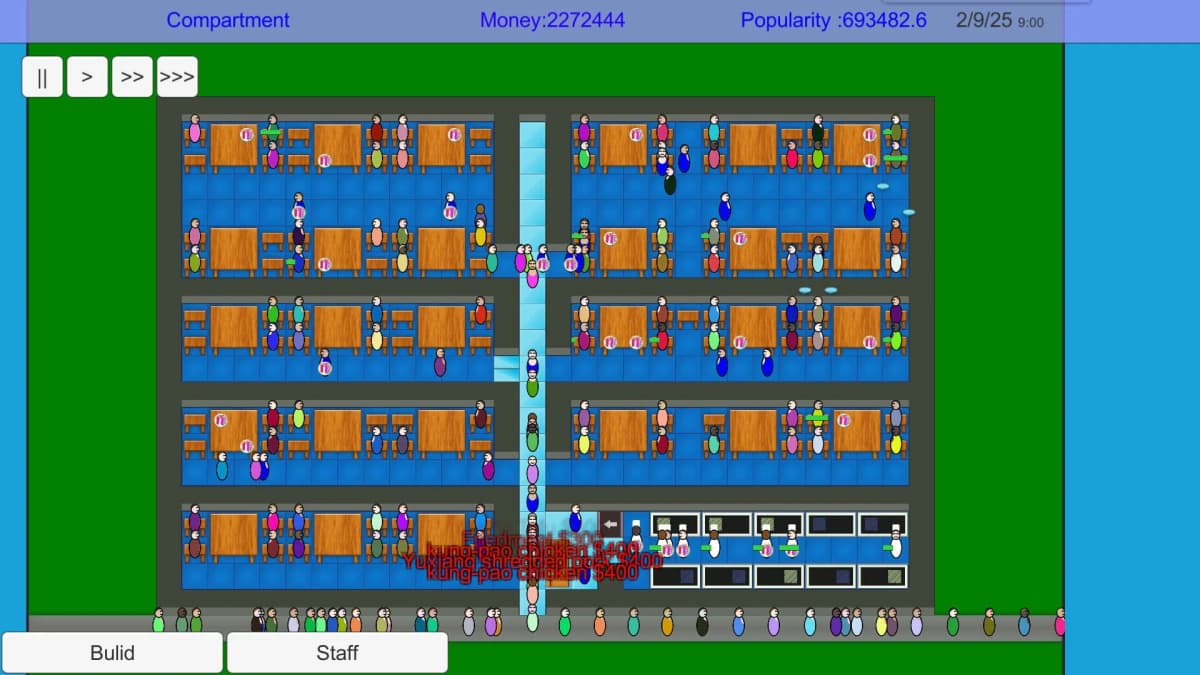
- Extra tables and chairs: More seats = more customers at once. This is usually the single biggest jump for your income in the early game.
- Additional stoves / cooking stations: If your chefs are queued up with dishes, a better or extra stove lets you turn over orders more quickly.
- More staff: Hiring extra waiters or chefs reduces how long customers are waiting around. Less waiting time means higher satisfaction and more tips.
- Basic decor for comfort: A few well-placed decorations can improve restaurant ratings without draining your whole Cash stack.
Avoid blowing early Cash on purely cosmetic items until your restaurant’s core flow (seating → ordering → serving → paying) feels smooth and you rarely see impatient customers.
2. Diamonds: Unlock Long-Term Upgrades
Diamonds are rarer, so codes that grant them (like moon1, heart5, classic16, and possibly vip123) are especially valuable. Think of Diamonds as your “premium upgrade” currency.
- Chef and waiter upgrades: Higher-level staff move faster and make fewer mistakes, which quietly boosts profits over time.
- Special features and perks: Depending on how far along you are, Diamonds can unlock extra music, cosmetic packs, or quality-of-life upgrades. Prioritize anything that improves the guest experience or your own efficiency.
- High-impact cosmetics: Once your core systems are strong, use spare Diamonds on cosmetic items that make your restaurant feel unique. That keeps the game fun over the long term.
One smart approach is to keep a small “emergency” stash of Diamonds in case a new upgrade or premium feature is added in an update. That way, when a cool new option drops, you do not have to wait to earn Diamonds the slow way.
Common Mistakes to Avoid with Restaurant Tycoon 3 Codes
Codes look simple, but there are a few easy traps that cost time or reduce the value you get from them. Here is how to avoid the most common ones:
- Redeeming codes and immediately logging off: Try to redeem when you have at least a few minutes to actually spend the rewards. That way you remember what you got and where it went.
- Sitting on new codes “for later”: Because codes expire unpredictably, it is usually better to redeem them as soon as you see them.
- Using Cash on random small decor first: Get your tables, stoves, and staff in a good place before filling every corner with decorations.
- Ignoring server restarts when a code fails: New codes especially may require joining a fresh server. Always try a quick rejoin before assuming a new code is dead.
- Trusting only very old lists: If a code roundup has not been updated in months, treat it as a history lesson, not a working list.
Wrap-Up: Redeem Fast, Upgrade Smart
Restaurant Tycoon 3 codes are one of the easiest ways to skip the slowest part of the grind and jump straight to running a busy, efficient restaurant. Start with the newest codes like grass99, moon1, and UltrawEats, then work down the list of older ones that might still be active.
Redeem them through the Shop menu, double-check for typos, and do a quick server hop if something should be active but is not working. Then funnel that free Cash and Diamonds into more seats, faster kitchens, better staff, and a few premium upgrades that keep your customers (and you) happy.
Codes will keep changing as new updates and events hit, but with the habits in this guide-checking update notes, testing fresh codes early, and spending rewards wisely-you will always be a few steps ahead of the grind.
FinalBoss // Gear
Level up your setup
01Mobile gaming controllerson Amazon→02Top-rated gaming headsetson Amazon→038BitDo controllerson Amazon→Affiliate links · As an Amazon Associate, FinalBoss earns from qualifying purchases.
Want to Level Up Your Gaming?
Get access to exclusive strategies, hidden tips, and pro-level insights that we don't share publicly.
Ultimate Guide Strategy Guide + Weekly Pro Tips