
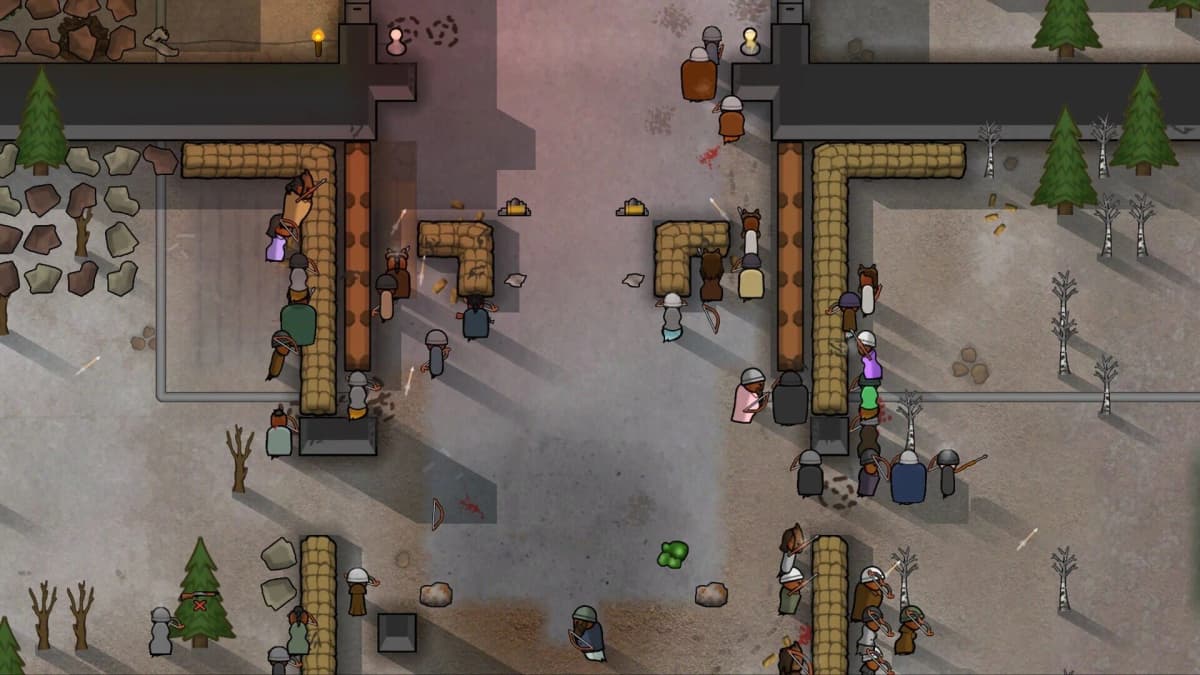
Colony management, presentation and gameplay remain unchanged in RimWorld 1.7. The PC beta replaces Unity with Ludeon Studios’ in-house Waylith Engine, concentrating the practical changes in loading speed, simulation throughput and hardware compatibility.
This guide covers RimWorld’s PC Steam unstable/beta branch. The branch instructions and performance figures below do not apply to RimWorld: Console Edition – Chronicles Bundle.
Table of Contents (6)
What the performance gains mean for a colony
Ludeon puts the improvement at roughly 2-4 times faster in its own tests, depending on the workload. The affected operations include startup, loading large mod lists, generating maps and worlds, and advancing the simulation. That range cannot be applied uniformly to every save or interpreted as a guaranteed frame-rate multiplier.
| Engine or workload | RimWorld 1.6 | RimWorld 1.7 beta | Practical significance |
|---|---|---|---|
| Game engine | Unity | Ludeon’s Waylith Engine | The underlying runtime changes while appearance and gameplay stay the same. |
| Ludeon’s late-game colony test | Comparison baseline | About 2.2× faster | A simulation-heavy save can benefit without changing its colony design. |
| Ludeon’s 1,500-mod loading test | 14 minutes | 6 minutes | An eight-minute reduction, or approximately 57% less loading time. |
Frames per second and ticks per second measure different bottlenecks. FPS describes how frequently the game draws the screen; TPS describes how quickly it advances the colony simulation. A responsive view can coexist with a colony that struggles to advance at accelerated speed. For a crowded late-game save, improved simulation throughput matters more than a higher FPS counter.
The large-mod loading result is also a separate benefit. Saving eight minutes at startup makes repeated launches less costly, but says nothing by itself about combat stutters or simulation speed once the colony loads. Compare the same save, load order and simulation speed on both versions rather than treating the headline multiplier as a result for every activity.
Which mods need closer inspection
Ludeon says most existing mods should carry over without author updates. A yellow “possibly unsupported” warning can result from a mod’s version declaration rather than a functional failure. The warning alone is insufficient reason to remove a mod from an otherwise working load order.
There is no named list of broken mods in the supplied compatibility information. The useful distinction is how deeply a mod interacts with the engine. Prioritize testing these categories:
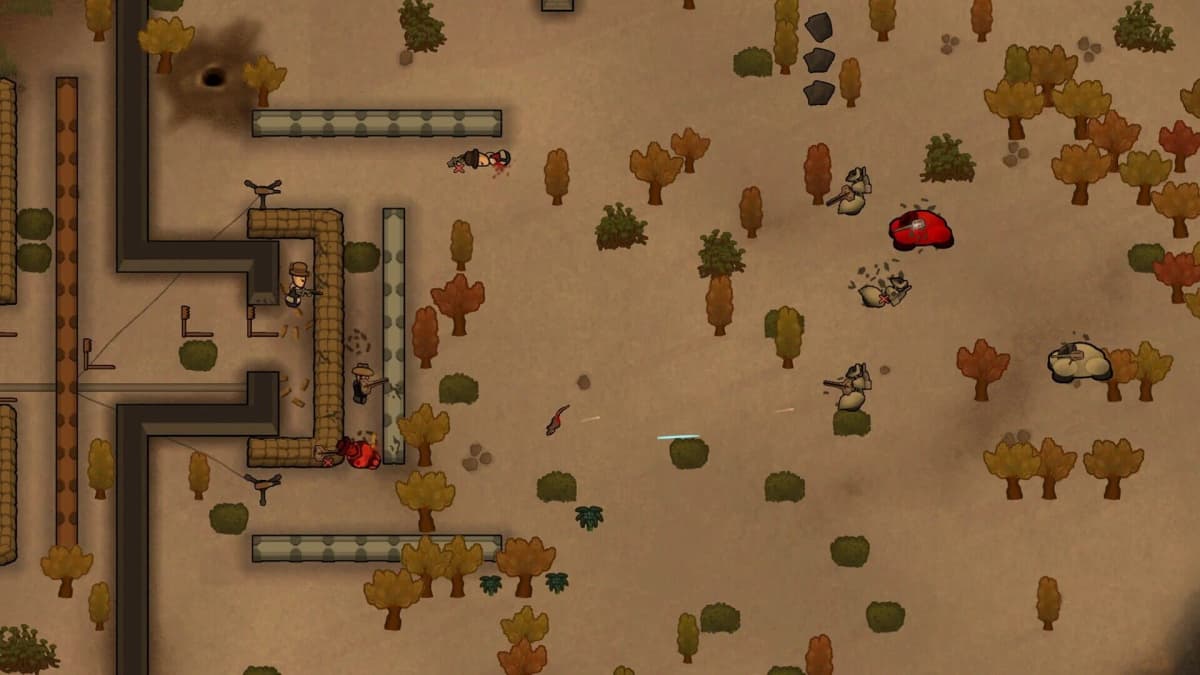
- Unity-dependent rendering or library integrations: these touch the runtime being replaced, so their dependencies deserve inspection.
- Performance, threading and simulation patches: changes to how the engine executes work can affect assumptions behind their patches. Test their actual functions rather than assuming an old optimization remains beneficial.
- Native DLLs and external components: check that their integrations still initialize and operate, not merely that RimWorld reaches the menu.
- Older frameworks and tightly ordered modpacks: shared libraries and load-order dependencies can make one failure affect several apparently unrelated content mods.
A successful launch is only the first compatibility check. Load a copied colony, draft colonists, let animals perform their normal jobs, and exercise the mod-specific systems that the save depends on. During longer testing, include combat, caravans and quests. A framework failure may remain hidden until a particular event or action calls it.
Startup RAM: measure the footprint and what happens afterward
Some 1.7 configurations reach approximately 12-13 GB of RAM at startup. That figure describes particular installations; it is not a universal minimum requirement. It also does not establish how much memory remains occupied during play or whether usage continues growing.
The distinction matters on a 16 GB PC. A 12–13 GB game footprint would leave only about 3–4 GB of nominal capacity for Windows and other applications. A 32 GB system has considerably more headroom for that footprint, but capacity alone cannot establish that a particular modpack runs correctly.
For a Windows comparison, use the same mod list and save in both versions, with similar background applications:
- Launch to the main menu and wait for loading to finish. Open Task Manager with Ctrl + Shift + Esc, then record RimWorld’s memory figure under Processes.
- Check the whole machine. Under Performance → Memory, record memory in use and available memory. The game’s process figure alone does not show how much capacity Windows has left.
- Load the copied colony. Record both figures again after the map appears. This separates the startup footprint from the loaded-save footprint.
- Run the colony for 10–15 minutes. Check memory again, then repeat during subsequent sessions. Watch for continued growth alongside pauses, heavy paging or crashes.
High initial usage and sustained growth are different problems. A large footprint that stabilizes may fit comfortably on one machine and exhaust another. Growth across repeated loads or ordinary play deserves further investigation, especially if available system memory approaches zero.
If 1.7 creates memory pressure that the same installation avoids on 1.6, test a smaller mod list using a separate save. Removing content mods from the active colony can introduce missing objects or dependencies, making the memory experiment harder to interpret. Reverting to 1.6 is preferable to continuing a valuable colony through repeated memory-related failures.
How the warning about older PCs affects the decision
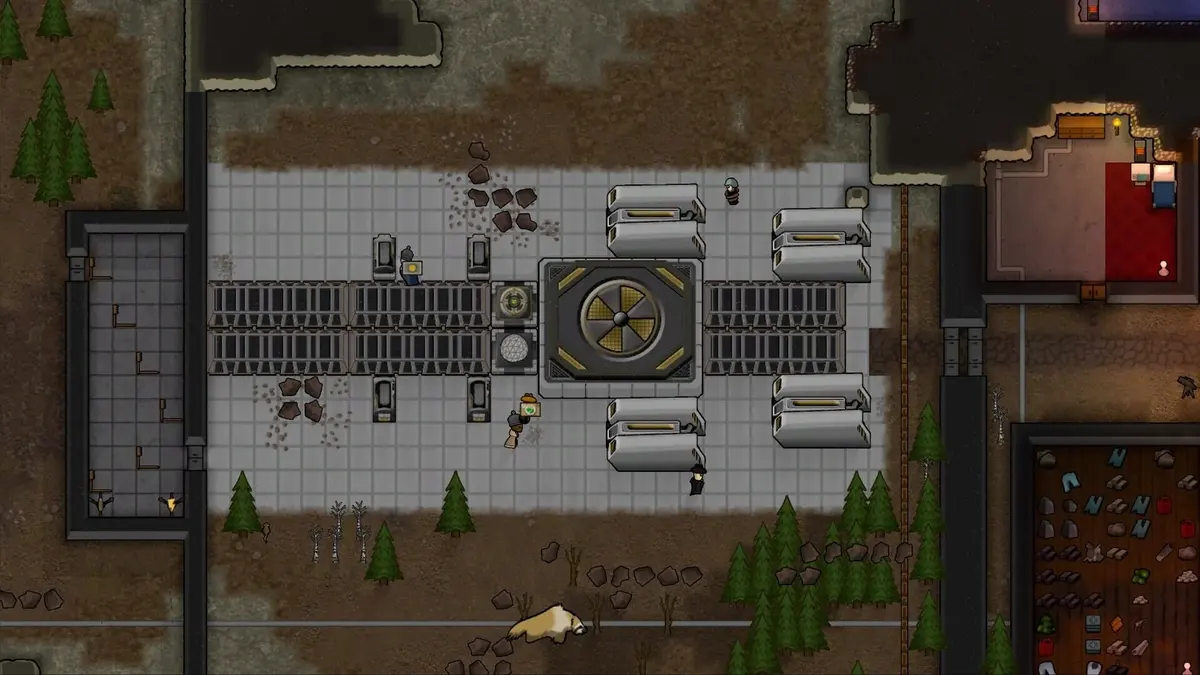
Ludeon warns that PCs more than 10 years old may not run 1.7. Treat this as a compatibility concern, rather than simply an expectation of lower performance. A machine that handles 1.6 successfully still needs to demonstrate that it can launch and operate under Waylith.
The age warning does not provide a component-by-component buying specification. Before purchasing RAM or replacing a graphics card, establish whether the beta launches on the existing system. If it fails, record the processor model, operating-system version, graphics hardware, driver version and exact error. More memory will not solve every engine-compatibility failure.
For a PC in that age range, keep the 1.6 rollback route available throughout testing. Passing startup is useful, but map generation and a loaded colony are the more meaningful operational checks.
When the beta is worth testing
Switch branches without sacrificing the 1.6 colony
Ludeon states that 1.6 saves load in 1.7 and that 1.7 saves can load back in 1.6. Mod changes remain a separate variable: an updated framework, removed content or altered mod state can complicate that return. Preserve the original save rather than relying solely on backward compatibility.
- Record the 1.6 baseline. Note startup duration, memory usage and how the target colony behaves at your usual simulation speed.
- Back up the save folder and load order. Keep the backup outside the working save directory, and retain a record of the enabled mods.
- Open RimWorld’s Steam Properties → Betas menu. Select the available 1.7 unstable/beta branch and let Steam finish updating. This changes the selected installation; it does not create a separate 1.6 copy automatically.
- Use a duplicated save with the same load order. Save the beta test under a distinct name so subsequent saves cannot replace the original colony.
- Run the compatibility and memory checks above. Include map generation and several in-game days, then repeat across several sessions.
- Test the return path before committing. Switch back to the stable 1.6 branch through Steam and load a copy of the beta save with the intended mod setup. Keep the untouched 1.6 backup regardless of that result.
A failed essential mod, repeated crashes, or memory pressure that interrupts play is a reason to return that colony to 1.6. Keep the test save separate until those specific failures are resolved.
FinalBoss // Gear
Level up your setup
01Top-rated gaming headsetson Amazon→02High-refresh gaming monitorson Amazon→03Gaming chairson Amazon→04Discounted game keyson Kinguin→Affiliate links · As an Amazon Associate, FinalBoss earns from qualifying purchases.
Want to Level Up Your Gaming?
Get access to exclusive strategies, hidden tips, and pro-level insights that we don't share publicly.
Ultimate Tech Strategy Guide + Weekly Pro Tips