
Table of Contents (7)
RPCS3 Can Now Use Owned PS3 Discs as a Live Game Source
From 6 September 2026, RPCS3 has been able to boot owned PlayStation 3 game Blu-rays directly from a compatible optical drive. The important change is procedural: a PS3 disc can now serve as the active game source instead of first becoming an ISO, then a decrypted ISO, then an extracted game folder on a PC drive.
That removes one of the most tedious parts of using physical PS3 games with emulation. It also gives a boxed PS3 library a more console-like route onto Windows, Linux, macOS, and FreeBSD. The disc remains in the drive, RPCS3 reads its data during play, and the emulator decrypts that data on the fly.
The scope is specific. Direct playback applies to PlayStation 3-format Blu-ray game discs. Standard video Blu-rays, DVDs, and ordinary data discs are outside this feature. RPCS3 still needs its normal PS3 firmware installation, a drive capable of reading the PS3 disc layout, and a matching disc decryption key.
| Requirement or feature | Direct PS3 disc playback in RPCS3 |
|---|---|
| Supported operating systems | Windows, Linux, macOS, and FreeBSD |
| Supported media | PlayStation 3-format Blu-ray game discs |
| Optical-drive requirement | A compatible Blu-ray drive able to read the PS3 disc structure |
| DVD-drive support | No; a standard DVD drive cannot read PS3 Blu-ray discs |
| Decryption requirement | A matching per-disc dkey placed in RPCS3’s data/redump directory |
| Game-data handling | Disc data is read and decrypted live during use |
| PS3 firmware | Required through RPCS3’s standard firmware-install process |
| Permanent game copy | Optional; a full dumped ISO and extracted folder are no longer mandatory |
The Old Workflow Was a Storage-Heavy Chain of Tools
For years, physical-disc use in RPCS3 meant preparing the game before the emulator could touch it. A compatible Blu-ray drive was already necessary, but reading the disc was only step one. The typical route involved creating an ISO, locating a matching IRD file, patching the image, decrypting it with a separate utility, extracting the result, and finally pointing RPCS3 to the finished game files.
Every stage added another place for the process to fail. A mismatched IRD, an incomplete dump, an incorrect disc revision, a damaged ISO, or a tool that no longer behaved correctly on a modern OS could halt the process. Storage use was equally inefficient: the original ISO, a decrypted copy, and extracted files could coexist while the game was being prepared.
| Practical factor | Direct disc playback | Legacy dump-first workflow |
|---|---|---|
| Path to first boot | Select the compatible drive after firmware and dkey setup | Dump, patch, decrypt, extract, then import game files |
| Tools required | RPCS3, the drive, PS3 firmware, and a matching dkey | RPCS3 plus imaging, IRD patching, decryption, and extraction tools |
| Storage overhead | No compulsory full local game copy | Full ISO, decrypted image, and extracted files may be retained |
| Disc role | Live game source during gameplay | Source material for a local digital copy |
| Best fit | Playing from an owned physical library with minimal preparation | Maintaining a disc-independent digital archive |
Direct playback does not eliminate all writes to storage. Games that install packages or data to the PS3 internal drive still perform that installation inside RPCS3’s emulated HDD. The difference is that the emulator can now pull that material from the original Blu-ray instead of requiring a fully prepared local game dump first. RPCS3 also includes optimized install handling for packages read from the disc drive.
Drive Compatibility Decides Whether the Feature Exists
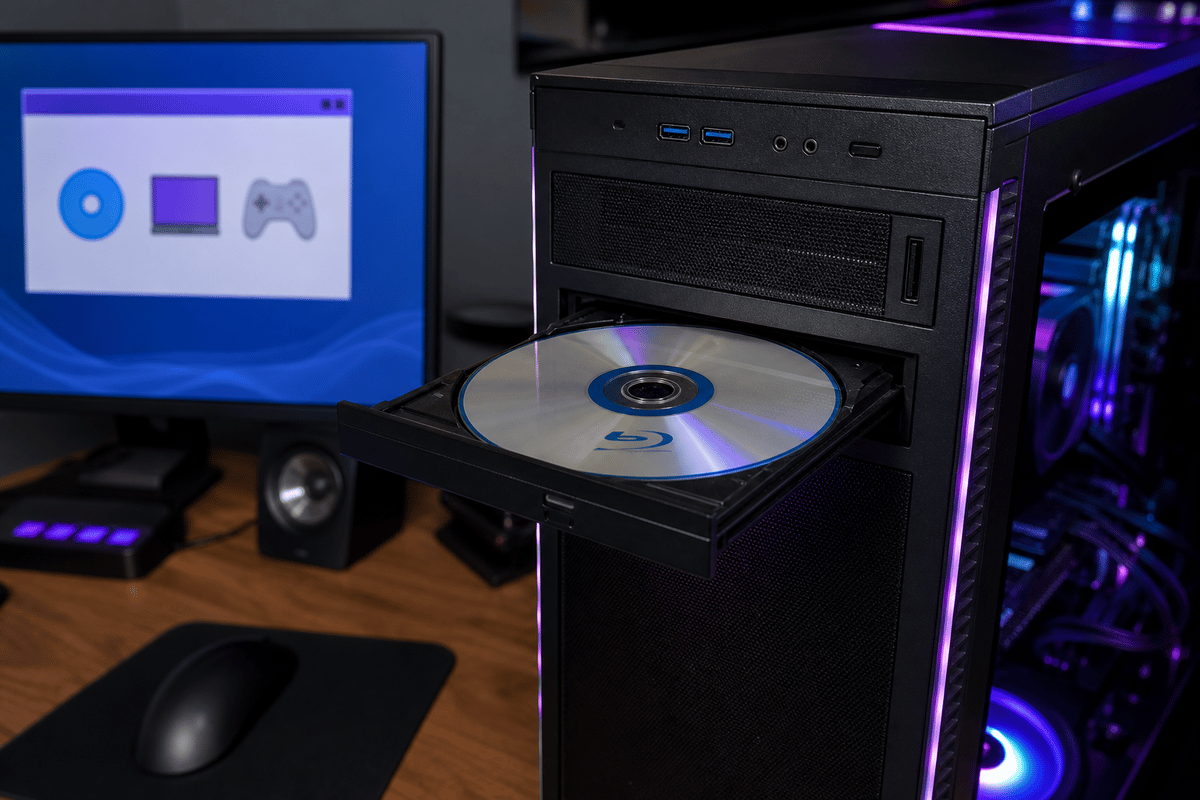
A Blu-ray logo on the front of a PC drive is insufficient. PS3 game discs use a specialized structure, and only certain drives can expose that structure in a way RPCS3 can use. Standard DVD drives are immediately ruled out, while many ordinary Blu-ray drives also fail this test.
RPCS3 maintains compatibility information covering drives from LG, ASUS, Samsung, Sony, Lite-On, HP, Plextor, and BenQ. That range includes internal and external hardware, but model-level verification matters more than the badge. The LG BP55EB40 is one documented external example; it can handle PS3 discs with factory firmware or with OmniDrive firmware. Firmware flashing remains a separate maintenance risk and should not be treated as a casual prerequisite.
The first compatibility check is deliberately basic. Insert a PS3 game disc and inspect it through the operating system’s file browser: File Explorer on Windows, Finder on macOS, or the installed Linux file manager. A drive that cannot list files from the disc has already failed the requirement. A visible file structure establishes that the drive can see the format; RPCS3’s launch log then confirms whether the emulator detects the disc and accepts its key.
The dkey Requirement Remains the Gatekeeper
Direct disc access simplifies the data path, but it does not remove PS3 disc encryption. RPCS3 requires a matching disc decryption key, commonly called a dkey, for each disc. The key belongs in the emulator’s data/redump directory and must match the disc ID and revision being used. A readable disc without its matching key cannot be decrypted and booted by RPCS3.
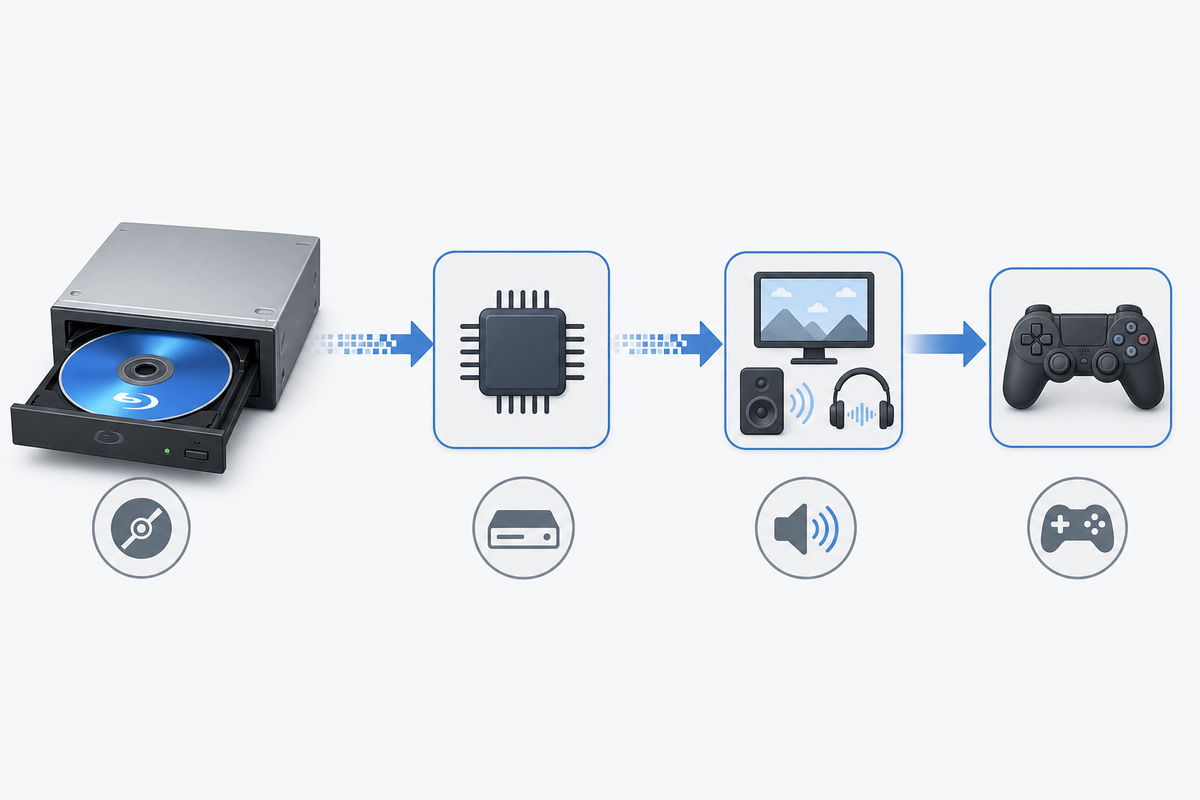
This is why “plug and play” needs a precise reading. The term applies after the base setup is complete. Inserting the disc alone does not launch a game. RPCS3 must already have PS3 firmware installed, the physical drive must be selected as the source, and the correct dkey must be available. Once those conditions are met, the emulator reads and decrypts the disc live rather than asking for a full dump pipeline.
Physical ownership remains central to the use case. The direct-disc route is built around using an owned Blu-ray as the primary artifact, with the optical drive acting much like the one in a console. It reduces the number of transformations between the original media and the emulator, which is useful for day-to-day access. It does not replace a separately verified digital archive for anyone whose preservation goal is disc-independent storage.
A Practical Verification Routine
- Confirm drive access in the OS. Insert the PS3 Blu-ray and verify that the operating system can list its files. Failure here points to an incompatible drive rather than an RPCS3 setting.
- Install PS3 firmware in RPCS3. Direct discs use the same firmware prerequisite as games loaded from storage.
- Match the disc ID and revision to its dkey. Place the correctly named key in
data/redump. A key for a different release or revision will not decrypt the target disc. - Select the optical drive in RPCS3. Choose the physical drive as the game source, then start the title through the emulator interface.
- Read the launch log. A clean boot should show disc detection, successful key loading, and on-the-fly decryption activity.
- Check installation behavior where applicable. Titles that copy data to the emulated HDD should complete their disc-based package installation without errors.
- Use hash verification for archival confidence. Comparing disc-read data against known-good hashes can identify read errors from an aging disc or optical drive.
Repeatable boots matter more than a single successful launch. A disc that consistently appears in the OS, matches its dkey, and starts with clean logs provides a far more dependable direct-play setup than one that succeeds only intermittently. Optical media and drives are mechanical hardware; stability should be established before treating the setup as a long-term access route.
Direct Playback Changes Access, Not PS3 Emulation Itself
Disc loading and game emulation are separate layers. A title can be detected correctly from Blu-ray, decrypt correctly, and still require the usual RPCS3 configuration work for PPU, SPU, GPU backend, resolution scaling, and audio. Heavy SPU workloads, difficult RSX behavior, game-specific bugs, and uneven compatibility retain the same importance they had with extracted game folders.
That distinction prevents a common misunderstanding. Direct disc playback fixes the front end of the process: access to legitimate physical media without a mandatory multi-tool ripping routine. It does not alter the underlying difficulty of reproducing PlayStation 3 hardware on a modern PC.
The feature also reaches beyond a conventional desktop setup. Linux builds of RPCS3 can use direct disc support, including on PS4 and PS5 hardware running Linux where the operating system can expose the console’s internal Blu-ray device to user-space software. That route carries its own kernel, driver, and hardware-access work, so it belongs in the enthusiast category rather than the simple-PC-install category.
Who Direct Disc Playback Serves Best
The strongest fit is a player with an owned PS3 collection, a verified compatible Blu-ray drive, and limited interest in building a large local archive. In that situation, direct playback reduces setup friction and avoids dedicating substantial SSD or HDD capacity to duplicate copies of games already sitting on a shelf.
Collectors focused on preservation should treat it as an additional access method rather than a full archival replacement. Direct playback preserves the role of the original disc, while validated dumps preserve access if a disc becomes unreadable or the drive fails. Those are complementary goals with different hardware and storage costs.
FinalBoss // Gear
Level up your setup
01Top-rated gaming headsetson Amazon→02High-refresh gaming monitorson Amazon→03Gaming chairson Amazon→04Discounted game keyson Kinguin→Affiliate links · As an Amazon Associate, FinalBoss earns from qualifying purchases.
Want to Level Up Your Gaming?
Get access to exclusive strategies, hidden tips, and pro-level insights that we don't share publicly.
Ultimate Tech Strategy Guide + Weekly Pro Tips