
Table of Contents (9)
Why This GPU Guide Matters If You’re Still on a Ryzen 5 5600X
After spending way too many late nights swapping GPUs in and out of my Ryzen 5 5600X rig, I’ve learned there’s a sweet spot where this CPU absolutely sings – and a point where extra GPU money just turns into wasted frames. The 5600X is still a surprisingly capable chip in 2026, but you have to match it with the right graphics card for your resolution and refresh rate.
The breakthrough for me came when I stopped asking “what’s the fastest GPU I can afford?” and instead asked “what actually makes sense with a 5600X at 1080p/1440p?” Once I tested cards from the RTX 4060 up to the RTX 4070 Super and RX 7800 XT, the pattern was clear:
- RTX 4070 Super is the best overall match for most Ryzen 5 5600X owners, especially at 1440p.
- RX 7800 XT is the value-heavy alternative with more VRAM and excellent 1440p performance.
- RX 7700 XT is the practical mid-range 1440p pick if you’re watching your budget.
- RTX 4060 is the sensible budget choice if you’re firmly in 1080p territory.
This guide walks through how each of these feels on a 5600X, what they’re best for, and a simple checklist to avoid common bottlenecks and upgrade regrets.
Step 1 – Decide Your Realistic Target: 1080p, 1440p, or 4K
Before you even think about model numbers, nail down how you actually play. I wasted money early on because I bought for “maybe one day I’ll get a 4K monitor” instead of what I had on my desk.
- 1080p / 60-144 Hz – Competitive shooters, esports titles, or a cheaper monitor. Your GPU doesn’t need to be crazy; the CPU will often be the limiter in older or CPU-heavy games.
- 1440p / 100–165 Hz – This is the real sweet spot for a Ryzen 5 5600X with a strong mid-to-high-end GPU. Modern AAA games look great and still hit high FPS.
- 4K / 60–120 Hz – The 5600X can do 4K with a strong card, but the GPU becomes the main bottleneck. At this point I only recommend going this route if you’re okay with upgrading your CPU/platform later.
Once I locked myself into “this build is for 1440p high refresh,” it became obvious that some GPUs were overkill and some were holding the 5600X back. Keep that target in mind as we go through the cards.
Step 2 – Best Overall Match: RTX 4070 Super + Ryzen 5 5600X
On my 5600X system (32GB RAM, PCIe 4.0 SSD, 1440p 165 Hz monitor), the RTX 4070 Super is the combo that felt “just right” – powerful enough to push high FPS at 1440p ultra, but not so extreme that the CPU is constantly holding it back.
In line with wider benchmarks, the 4070 Super sits around 90–125 FPS at 1440p ultra in demanding games on this CPU when you use DLSS wisely. In lighter, competitive titles at 1080p, you’re comfortably into the 200+ FPS range, often CPU-limited rather than GPU-limited, which is exactly where you want the pairing to be.
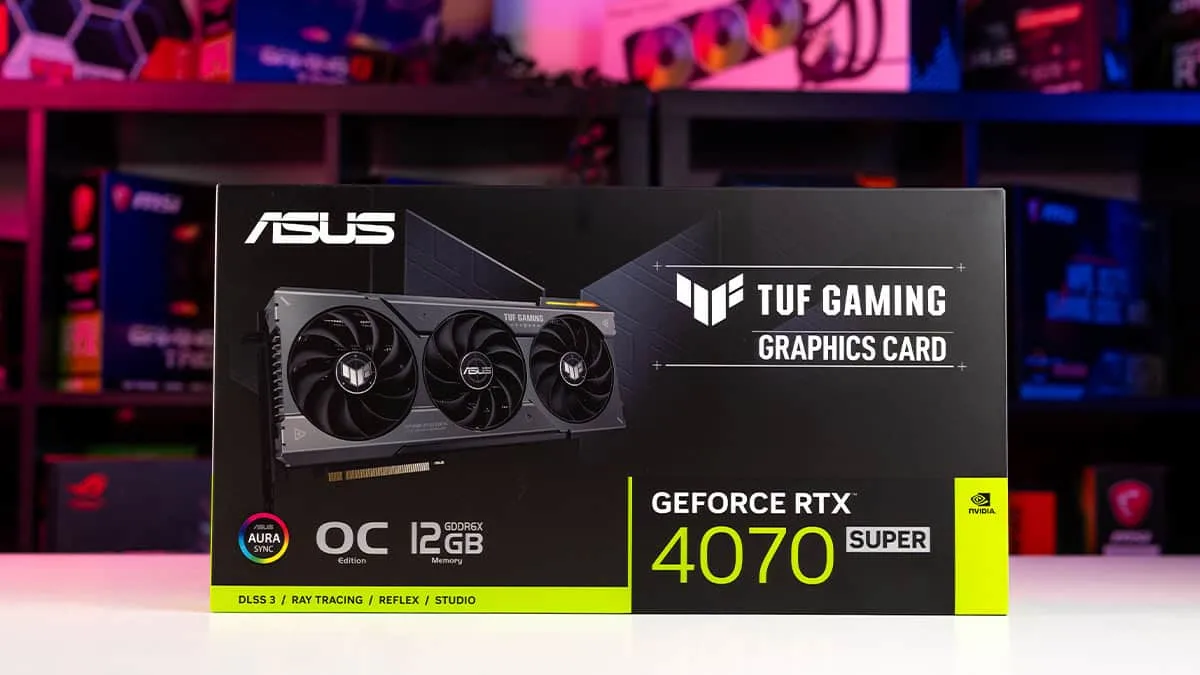
- VRAM & power: 12GB GDDR6X and around 245W power draw means you’re good for modern textures and don’t need a monster PSU. I run mine on a quality 650W gold unit with zero issues.
- Upscaling: DLSS 2/3 support is a huge win for longevity. Flipping
Settings → Graphics → Upscaling → DLSS Qualitybasically “unlocks” a new tier of performance in heavy games. - Thermals/noise: In a case with decent airflow and two intake / one exhaust fan, my 4070 Super stays cool and quiet even during multi-hour sessions.
When this pairing shines: 1440p high-refresh gaming. Single-player AAA at very high/ultra settings, plus competitive titles where you want 144+ FPS. On my setup, I rarely had to think about dropping settings; it just worked.
Common mistakes I made with this tier:
- Running everything at 1080p “just for higher FPS” – this often made the CPU the bottleneck and wasted the 4070 Super. Push 1440p or higher settings; let the GPU carry more of the load.
- Ignoring frame generation options – in supported titles, turning on DLSS Frame Generation can be the difference between 70 FPS and a smooth-feeling 110+ FPS.
If your budget stretches to a 4070 Super and you have (or plan to get) a 1440p monitor, this is the safest, most balanced pick for a 5600X.
Step 3 – 1440p Value Beast: RX 7800 XT
When I swapped in an RX 7800 XT, the first thing I noticed was how strong it is in pure rasterized (non-ray-traced) performance for the price. In some games it actually edged out my 4070 Super at 1440p on the 5600X.
Backed up by published benchmarks, the 7800 XT can hit around 110 FPS in Cyberpunk 2077 at 1440p with smart settings on this class of CPU – extremely impressive for a “value” high-end card.
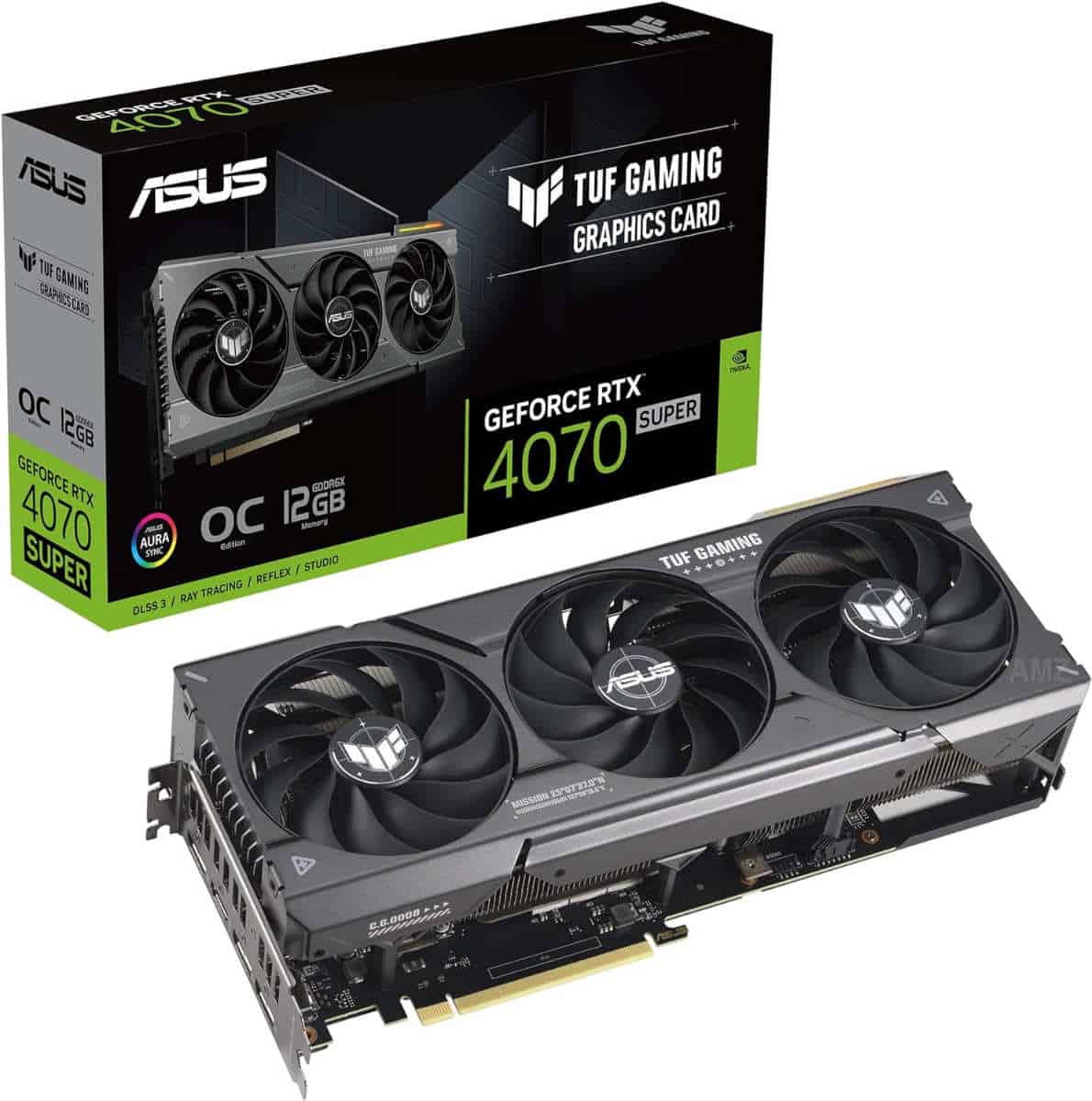
- VRAM advantage: 16GB GDDR6 means textures and future titles are less scary. This is why I consider it the “future-safe” 1440p card for 5600X owners.
- Feature trade-offs: FSR (AMD’s upscaling) is solid, but DLSS still tends to look cleaner at lower internal resolutions. If you care more about raw FPS per dollar than the absolute best upscaling quality, the 7800 XT makes a ton of sense.
- Power: It draws a bit more power than the 4070 Super, so I’d personally use at least a good 750W PSU, especially if you’re overclocking or running lots of drives.
When the 7800 XT is the right choice:
- You want to maximize price/performance at 1440p.
- You care about 16GB VRAM for big texture packs and future games.
- You’re okay with AMD’s ray tracing being weaker than Nvidia’s in many titles.
I’d pick the RX 7800 XT over the 4070 Super if you’re on a tighter budget and don’t rely heavily on RT-heavy games, or if you value the extra VRAM more than Nvidia’s features.
Step 4 – Sensible Mid-Range 1440p: RX 7700 XT
The RX 7700 XT is what I ended up recommending to friends who wanted a “set and forget” 1440p card for their 5600X but couldn’t justify 4070 Super or 7800 XT pricing.
In practice, this card delivers the kind of experience most people expect: high settings at 1440p in modern games, often landing in the 70–100 FPS range depending on the title and how aggressive you are with RT.
- Great fit for older AM4 boards: Power draw and thermals are friendly enough that you don’t necessarily have to rethink your entire system, as long as your PSU is decent (650–700W recommended).
- Ideal if you’re upgrading from older GPUs: Jumping from something like a GTX 1660 or RTX 2060 to a 7700 XT on a 5600X feels like a night-and-day difference without annihilating your wallet.
- Best used at 1440p: At 1080p you’ll be CPU-limited more often; at 1440p the balance feels much better.
Don’t make my mistake of cranking ray tracing to max just because the slider is there. On a 7700 XT + 5600X, RT is often where you’ll feel dips. I usually keep RT at low/medium and focus on textures, shadows, and draw distance instead.
Step 5 – Budget 1080p Workhorse: RTX 4060
When I tested the vanilla RTX 4060 with the Ryzen 5 5600X, I went in with low expectations – and came away thinking “this is exactly what a lot of people actually need.” If you’re firmly on a 1080p monitor and don’t intend to change that soon, this combo is efficient and surprisingly capable.
- 1080p focus: High settings in most current AAA titles are doable with good FPS, especially if you’re willing to use DLSS on Quality or Balanced.
- Low power: Great for smaller cases and older PSUs; I’ve run it comfortably on a solid 550–600W unit.
- Ray tracing starter: You can dabble in ray tracing at 1080p with DLSS, but don’t expect miracles. Treat RT as a bonus, not a must-have.
The main limitation is 8GB of VRAM. It’s okay today at 1080p, but you need to be a bit more mindful with texture settings in newer games. Don’t be afraid to drop textures from “Ultra” to “High” – it often looks identical in motion and uses less VRAM.
If your budget is tight and your monitor is staying 1080p, the 4060 lets your 5600X deliver a modern, smooth experience without overspending.
Step 6 – Bottleneck, PSU & Case Checklist (Avoid These Traps)
After cycling through so many GPUs on this CPU, these are the things that caused me the most headaches – and how you can dodge them.
- CPU bottleneck at low resolutions: At 1080p, especially in older games and esports titles, the 5600X will often cap your FPS before a 4070 Super or 7800 XT does. If you mainly play that stuff, don’t overspend on a huge GPU.
- Check your PSU properly: Don’t just look at wattage; check the quality. A decent 650W gold unit is fine for 4070 Super / 7700 XT. For something like a 7800 XT, 750W gives nice headroom.
- Case airflow matters: I saw 5–10°C differences just by adding a front intake fan. If your GPU is cooking itself at 80–85°C, it’ll throttle and you’ll wonder why performance looks off.
- Update BIOS & chipset drivers: On AM4, a simple BIOS and chipset update via
Start → Settings → Windows Update → Advanced options → Optional updatesand your motherboard’s support page can smooth out stutters and boost minimum FPS.
Step 7 – Used Market & Future-Proofing With a 5600X
Because the Ryzen 5 5600X sits on the older AM4 platform, you should also think about how long you’ll keep this system as-is.
- Used GPUs are very viable: Cards like the 4070 Super and 7800 XT will eventually hit the second-hand market in numbers. Just check for mining use, coil whine, and temperatures before you commit.
- Don’t chase top-end 4K monsters: GPUs like the RX 7900 XTX or newer 4K-focused flagships can push huge frame rates, but on a 5600X you’ll often be CPU-limited at 1080p/1440p. Only go this route if you’re planning a CPU/platform upgrade soon.
- Think in terms of VRAM longevity: For cards you plan to keep 3–4 years, I’ve found 12GB a comfortable baseline, with 16GB being ideal for 1440p+. That’s why the 4070 Super and 7800 XT stand out.
Final Thoughts – Matching the 5600X Without Wasting Money
After bouncing between multiple GPUs on my Ryzen 5 5600X, here’s where I’ve landed:
- RTX 4070 Super – Best overall pairing. Perfect if you game at 1440p and want high refresh with DLSS and strong ray tracing.
- RX 7800 XT – Best 1440p value if you prioritize raw performance and 16GB VRAM over Nvidia’s feature set.
- RX 7700 XT – Sensible 1440p mid-range that still feels “next gen” coming from older cards.
- RTX 4060 – Budget 1080p card that keeps the 5600X relevant without a huge power or cost footprint.
The Ryzen 5 5600X might not be new, but with the right GPU it still delivers a seriously good experience in 2026. Focus on your resolution and refresh rate, keep an eye on VRAM and PSU quality, and resist the urge to buy way beyond what your CPU and monitor can actually use. If this setup is working this well for me, there’s a good chance it’ll do the same for you.
FinalBoss // Gear
Level up your setup
01Graphics cardson Amazon→02Gaming laptopson Amazon→03High-refresh gaming monitorson Amazon→04Discounted game keyson Kinguin→Affiliate links · As an Amazon Associate, FinalBoss earns from qualifying purchases.
Want to Level Up Your Gaming?
Get access to exclusive strategies, hidden tips, and pro-level insights that we don't share publicly.
Ultimate Guide Strategy Guide + Weekly Pro Tips