
Table of Contents (6)
Why SCS ripped up the old Route Advisor – and why you should care
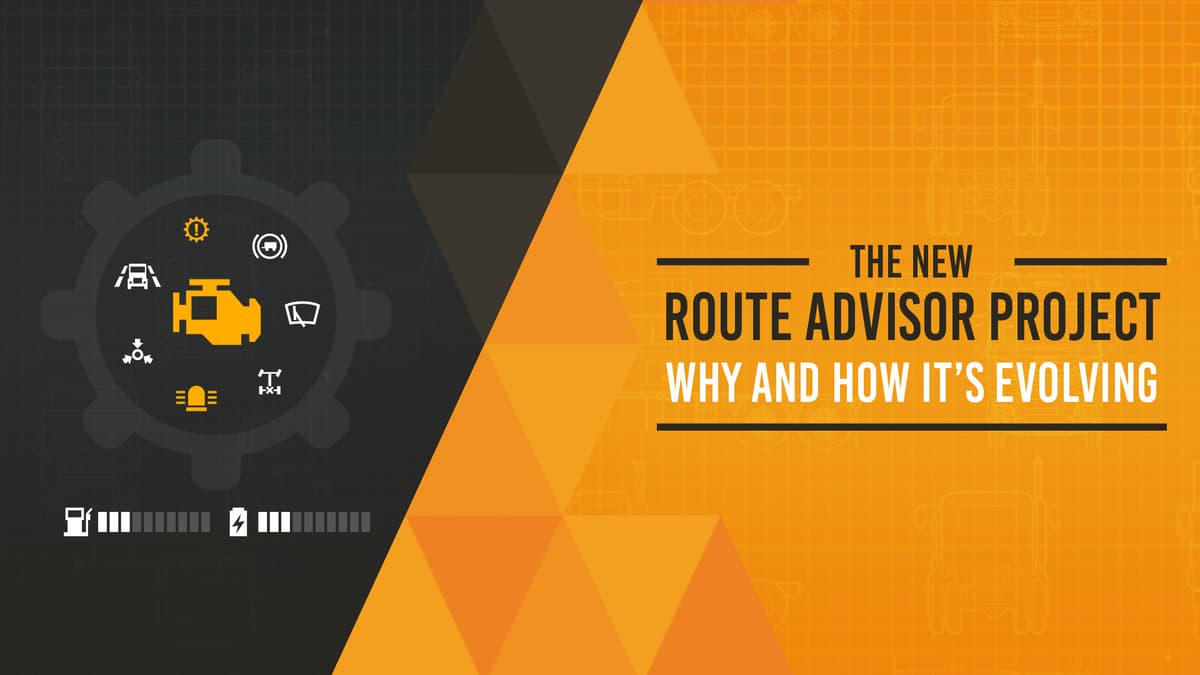
This caught my attention because the Route Advisor has been a faithful, if cramped, co-pilot for Euro Truck Simulator 2 players for over a decade. SCS Software didn’t just tweak the UI – they broke a single, overloaded panel into a modular, widget-based HUD designed to surface the right information at the right time without turning your screen into a spammy overlay.
- Key takeaway: a widget-based Route Advisor exposes more driving-critical data (RPM, gear, time-to-rest, delivery time) without clutter.
- It centralises deeper, less urgent info in a Quick Info menu and reduces intrusive notifications and automatic parking prompts.
- This change is a direct response to increasing vehicle complexity, varying displays, and more diverse control methods.
Breaking down the redesign – what actually changed
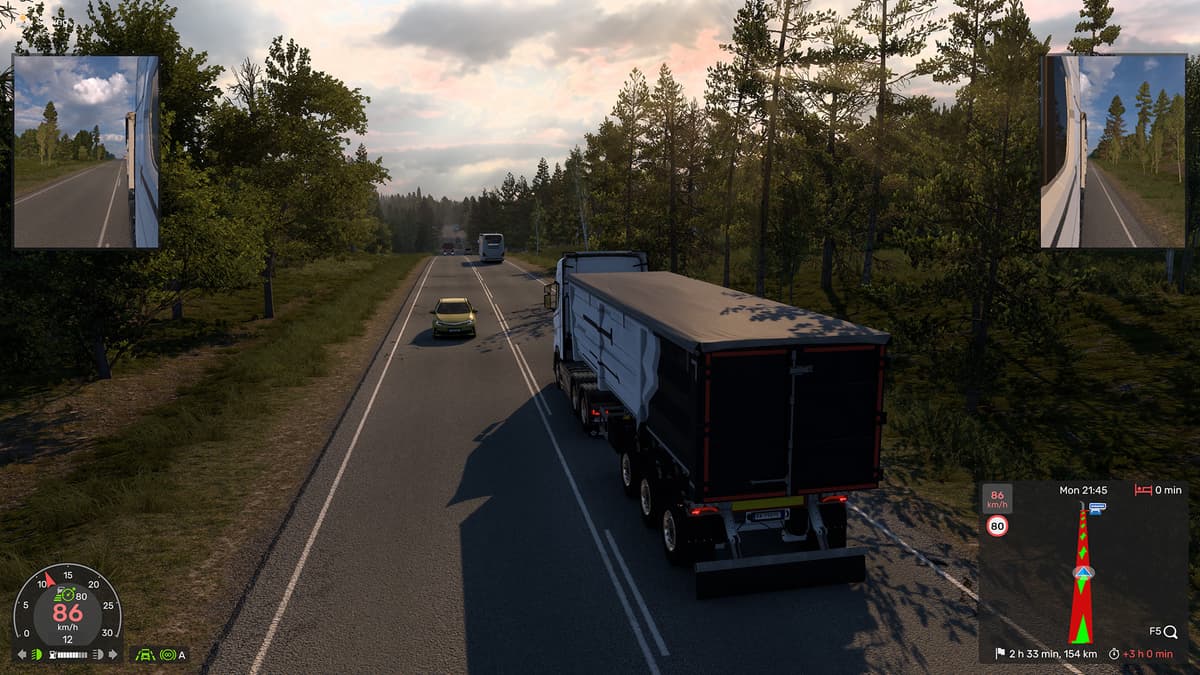
SCS moved from one compact panel that tried to do everything to a collection of focused widgets. Each widget has a single purpose and can be toggled on or off independently: show it in the cab, show it in exterior view, both, or not at all. That means players who want a minimalist driving view can hide everything, while simulator fiends who want all the telemetry can pin what matters to them.
- New visible stats: speed, selected gear, fuel, engine RPM, and precise timers for rest and delivery.
- Indicators widget: shows active systems (cruise control levels, retarder, lane assist, lights, parking/differential locks, wipers, air pressure) only when they’re relevant.
- Damage feedback: moves from opaque percentages to actionable info — when damage will start affecting behaviour and when new damage occurs.
- Notifications: colour-coded and limited to one at a time to avoid message fights; alerts, warnings and announcements are separated.
- Automatic parking: now a subtle, optional widget instead of a loud, repetitive block of text.
- Quick Info menu: houses detailed job data, damage percentages, vehicle adjustments, and control references away from the live HUD.
Why now? The design problem SCS actually solved
SCS’s own explanation is straightforward: over the years trucks and assists added more systems, players’ screens ranged from tiny laptops to massive ultrawides, and input methods spread from keyboard-only to wheels and gamepads. Packing more and more into one panel was becoming counterproductive — you end up hiding states, forcing tab-switching while driving, and confusing players mid-manoeuvre.
This isn’t just an ETS2 problem. PC Gamer’s recent coverage of Helldivers 2 highlighted how modern games layer on complex systems and community mechanics that demand clear, immediate feedback. Likewise, PC Gamer’s piece on Heart of the Machine shows strategy games rolling out branching systems and deeper UI-dependent decisions. Put simply: as games get systemic depth, their UIs need to evolve from info-dumps to context-aware, readable displays — and SCS’s widget move is aligned with that trend.
What this will feel like at the wheel
In practice, expect a cleaner screen and fewer “what just happened?” moments. Instead of scrolling or digging for whether cruise or lane assist is engaged, you’ll get a clear icon when it matters. Damage will tell you not just a number but when it starts to matter for handling. Delivery timers and time-to-rest are now precise and visible, which actually changes how you plan breaks and split-second route choices.
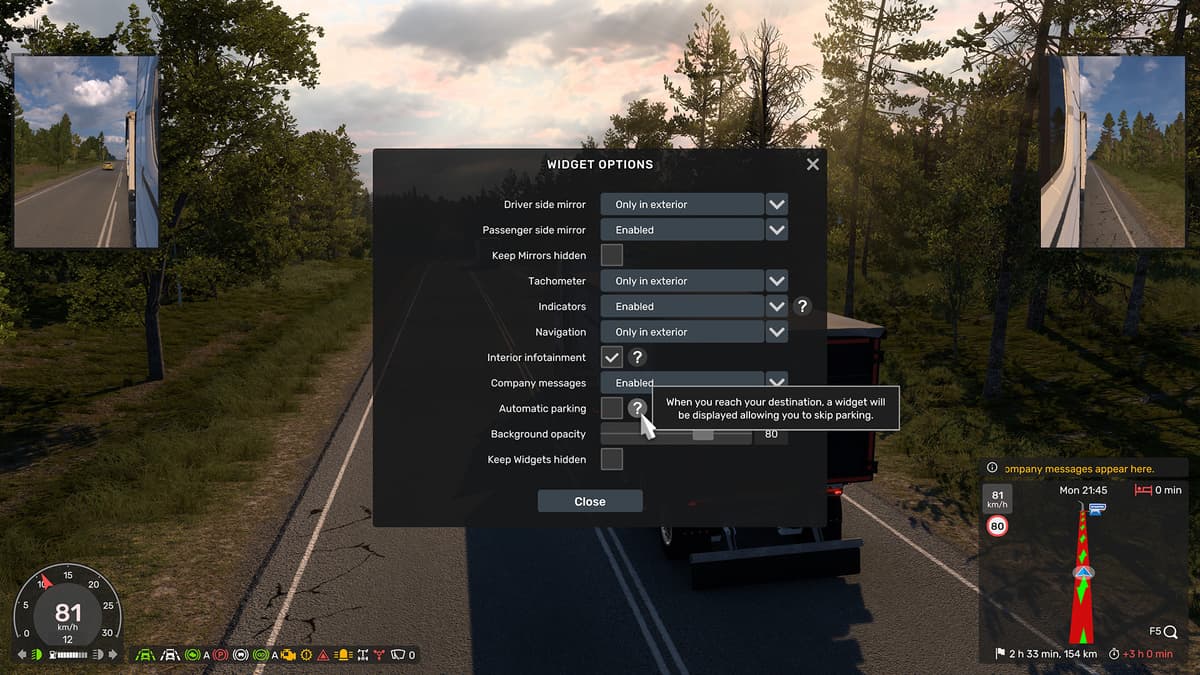
There’s also a community wrinkle: long-time players will grumble — this was their familiar cockpit crutch. SCS knows that and shipped F3 as before to toggle UI elements, plus granular widget on/off options. The redesign is a foundation: expect more widgets, refinements and possibly community-requested toggles as SCS responds to feedback.
What SCS still needs to prove
The core technical promise is solid, but execution will matter. Can the widget system stay unobtrusive on cramped screens? Will wheel and gamepad users get sensible default layouts? And crucially: will SCS iterate quickly on community pain points or let the old-guard nostalgia freeze progress? Their statement promises continued refinement — but gamers will judge by subsequent patches, not intent.
TL;DR
SCS replaced a decade-old, one-size-fits-all Route Advisor with modular widgets to make essential driving info immediate and readable. It’s a meaningful UI evolution that answers a real problem — games are more complex, and UIs must stop being static data dumps. If SCS follows up with sensible defaults and steady iteration, this could be one of those small-sounding changes that actually improves hundreds of hours of play for ETS2 pilots.
FinalBoss // Gear
Level up your setup
01Top-rated gaming headsetson Amazon→02High-refresh gaming monitorson Amazon→03Gaming chairson Amazon→04Discounted game keyson Kinguin→Affiliate links · As an Amazon Associate, FinalBoss earns from qualifying purchases.
Want to Level Up Your Gaming?
Get access to exclusive strategies, hidden tips, and pro-level insights that we don't share publicly.
Ultimate Gaming Strategy Guide + Weekly Pro Tips