
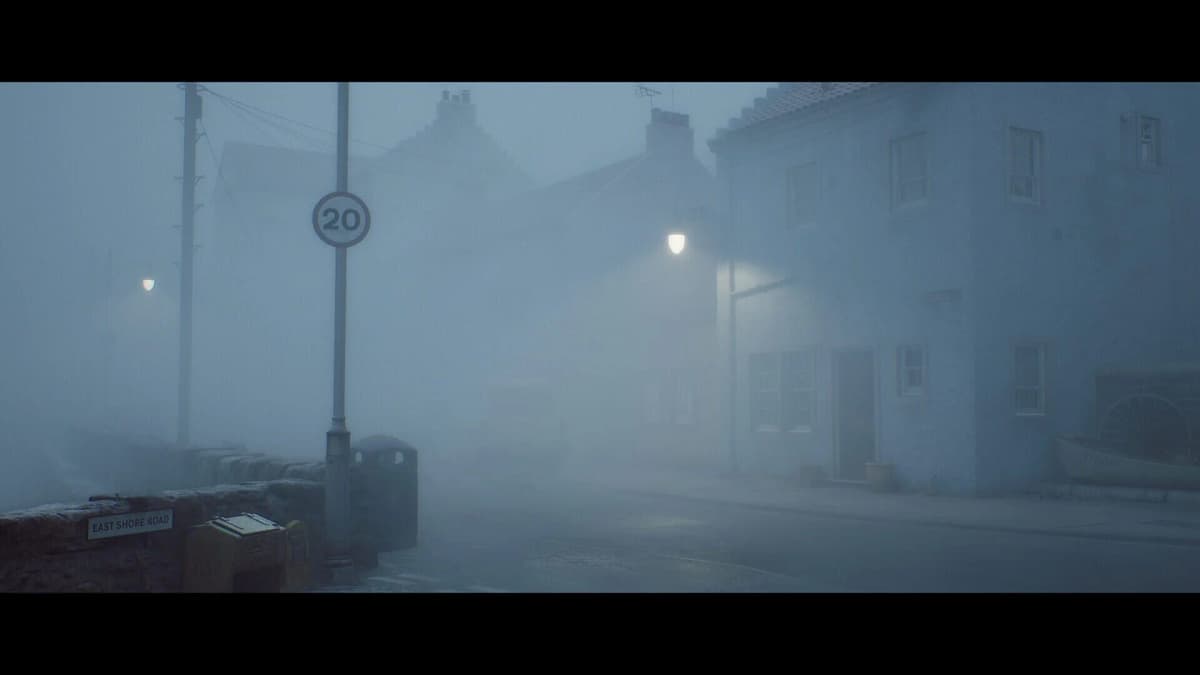
Silent Hill: Townfall requires 75 GB of free storage, Windows 11 x64, and DirectX 12 before performance even enters the calculation. The published minimum specification targets 1080p at 30 FPS on Low settings with an RTX 2060 Super or Radeon RX 6600; the recommended tier targets 4K at 30 FPS on High with Balanced DLSS, FSR, or TSR upscaling.
That makes the answer straightforward. A Windows 11 PC with 16 GB of RAM, a Ryzen 5 3600 or Core i7-8700K, and an RTX 2060 Super or RX 6600 clears the published baseline. For the advertised 4K/High presentation, the requirement rises to 32 GB of RAM, a Ryzen 7 5700X or Core i7-9700K, and an RTX 3080 or RX 7800 XT.
Table of Contents (9)
Silent Hill: Townfall PC requirements, decoded
Minimum specification: 1080p/30 on Low
- Operating system: Windows 11 x64
- Processor: AMD Ryzen 5 3600 or Intel Core i7-8700K
- Memory: 16 GB RAM
- Graphics card: NVIDIA GeForce RTX 2060 Super or AMD Radeon RX 6600
- Graphics API: DirectX 12
- Storage: 75 GB free space; install on an SSD
This is a defined performance target rather than a loose “will launch” requirement. A system that only meets these parts should be planned around 1080p, Low settings, and a 30 FPS cap or target. It is not a published 1080p/60 specification.
Recommended specification: 4K/30 on High with upscaling
- Operating system: Windows 11 x64
- Processor: AMD Ryzen 7 5700X or Intel Core i7-9700K
- Memory: 32 GB RAM
- Graphics card: NVIDIA GeForce RTX 3080 or AMD Radeon RX 7800 XT
- Graphics API: DirectX 12
- Storage: 75 GB free space; an NVMe SSD is preferable for this tier
Important: the recommended target is 4K/30 High with DLSS, FSR, or TSR set to Balanced. Treat that as an upscaled 4K target. The listed hardware does not represent a native-4K, 60 FPS promise.
Use this yes-or-no rig checklist
- Confirm Windows 11 x64. Windows 11 is part of both published spec tiers. A Windows 10 machine may still have capable hardware, but it sits outside the supported configuration.
- Check the install drive, not total free space across every drive. You need 75 GB available on the drive where Townfall will be installed. Reserve roughly 90 GB before preloading or installing so patches, shader cache files, and normal drive overhead do not leave the SSD nearly full.
- Confirm DirectX 12 support. The game requires DirectX 12 at both the minimum and recommended levels. The RTX 2060 Super, RX 6600, RTX 3080, and RX 7800 XT all satisfy this requirement.
- Match your CPU and RAM to the tier you want. Ryzen 5 3600/Core i7-8700K plus 16 GB RAM is the 1080p/30 baseline. Ryzen 7 5700X/Core i7-9700K plus 32 GB RAM aligns with the published 4K target.
- Check the GPU against the correct target. An RTX 2060 Super or RX 6600 is sufficient for the Low preset target. It is far below the listed 4K/High class, where the RTX 3080 and RX 7800 XT sit.
If every item matches the minimum line, the PC is equipped for the official 1080p/30 Low target. If the operating system, DirectX support, storage, or minimum GPU falls short, solve those basic requirements before spending on visual-quality upgrades.
Storage: plan for 90 GB, install on an SSD
The stated install requirement is 75 GB, but 75 GB free is an unsafe amount of remaining capacity for a large modern PC game. Leave roughly 90 GB free on the target drive. That extra room covers installation overhead, future patches, shader cache data, saves, and the free-space buffer Windows needs to avoid unnecessary paging.
| Drive type | Townfall suitability | Practical result |
|---|---|---|
| Mechanical HDD | Avoid where possible | Long scene loads, texture streaming delays, and hitching are more likely during transitions. |
| SATA SSD | Practical baseline | Suitable for the minimum target and provides consistent asset streaming without requiring a platform overhaul. |
| NVMe SSD | Preferred for the recommended tier | Best fit for 4K/High planning, faster loads, and additional headroom for future large releases. |
A basic SATA SSD is sufficient if the rest of the system is aimed at 1080p/30. An NVMe drive improves loading and streaming behavior, but it should not be treated as a substitute for the recommended GPU and 32 GB RAM when targeting 4K/High.
What Balanced DLSS, FSR, and TSR mean for 4K
Silent Hill: Townfall’s 4K/High specification assumes an upscaler is active in Balanced mode. DLSS is NVIDIA’s option, FSR is AMD’s option, and TSR is another reconstruction method available to the game. Each produces a 4K output image from a lower internal resolution to reduce GPU load.
This matters because 4K is the most demanding part of the recommended profile. The RTX 3080 and RX 7800 XT are listed for 4K/30 High with Balanced upscaling, so use 30 FPS as the planning figure. Higher frame rates may be possible with reduced resolution, lower settings, or more aggressive upscaling, but they are outside the advertised target.
Upgrade order without overspending
Upgrade only the component preventing your target. Buying an RTX 3080-class card for a PC that still uses a mechanical drive, has 16 GB of RAM for a 4K setup, or cannot run Windows 11 creates an expensive imbalance.
- Move the game to an SSD first if you only have an HDD. This is the lowest-cost change that directly improves installation viability, loading behavior, and asset streaming consistency.
- Raise memory to 32 GB if you are pursuing 4K/High. The recommended specification doubles memory from 16 GB to 32 GB. It also gives the system room for overlays, voice chat, browsers, and capture software without placing additional pressure on the game.
- Upgrade the GPU for visual settings and resolution. Townfall’s 4K/High target is primarily graphics-card limited. This is the component that determines whether the recommended preset is realistic.
- Upgrade the CPU and platform when the processor is below minimum. A processor under Ryzen 5 3600 or Core i7-8700K should be addressed before aiming for the higher tier. Systems already near the recommended CPU class can prioritize graphics hardware instead.
GPU purchase targets
| Goal | GPU level to target | Expected use in Townfall |
|---|---|---|
| Meet the published minimum | RTX 2060 Super or Radeon RX 6600 | 1080p, Low settings, 30 FPS target. |
| Match the published recommendation | RTX 3080 or Radeon RX 7800 XT | 4K, High settings, 30 FPS target with Balanced DLSS, FSR, or TSR. |
| Buy a newer card near the recommended class | RTX 4070 or Radeon RX 7900 GRE | Suitable candidates for the same high-end target; settings and upscaling remain relevant at 4K. |
A Ryzen 7 3700X or Core i7-10700K remains close enough to the recommended CPU class for a 4K-focused build, where the GPU carries the larger rendering load. A CPU below the minimum line changes that calculation and should be upgraded as part of the platform plan.
Final purchase and preload decision
Buy or preload for PC if the system has Windows 11 x64, DirectX 12 support, at least 75 GB free on an SSD, 16 GB RAM, and a Ryzen 5 3600/Core i7-8700K with an RTX 2060 Super/RX 6600 or stronger. Reserve the 4K/High target for a 32 GB system with Ryzen 7 5700X/Core i7-9700K-class processing and RTX 3080/RX 7800 XT-class graphics, using Balanced upscaling for the advertised 30 FPS result.
FinalBoss // Gear
Level up your setup
01Graphics cardson Amazon→02Gaming laptopson Amazon→03High-refresh gaming monitorson Amazon→04Discounted game keyson Kinguin→
Affiliate links · As an Amazon Associate, FinalBoss earns from qualifying purchases.
Want to Level Up Your Gaming?
Get access to exclusive strategies, hidden tips, and pro-level insights that we don't share publicly.
Ultimate Guide Strategy Guide + Weekly Pro Tips