
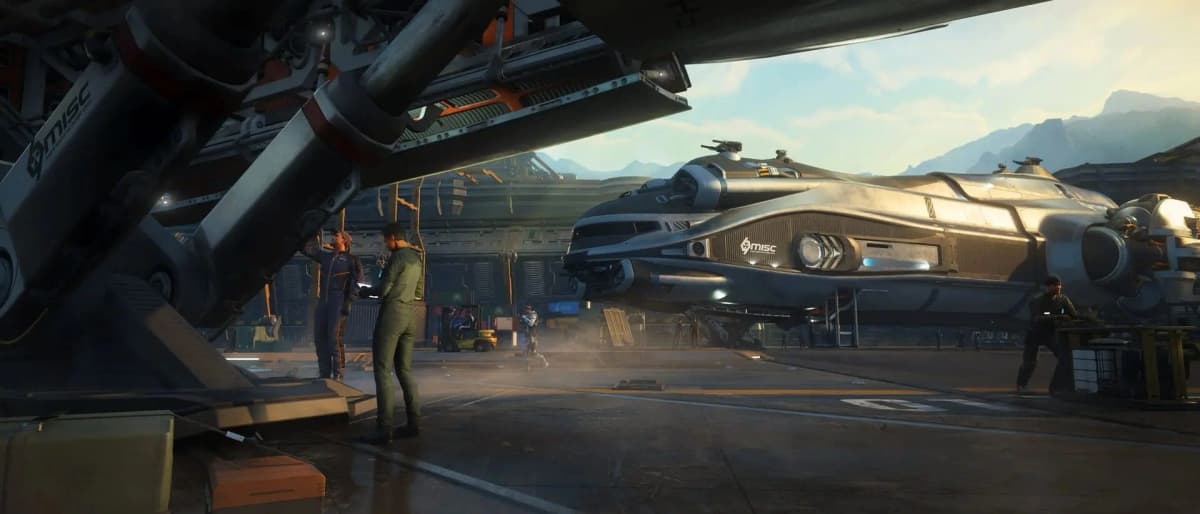
The Constellation Rental Offer is a Transport contract in Star Citizen Alpha 4.10.2’s RSI Discovery Month. Completing it gives you five days with the Constellation Mk V Centaurus and its RSI Skylark snub fighter. The rest of the event runs on Defense, Transport and Collection missions that award points toward permanent items: ship paints, flight blades, components, armor, weapons and tools.
RSI Discovery Month runs October 9-20, 2026, with missions across Stanton, including locations around Hurston, ArcCorp, microTech and their moons. Don’t leave the rental contract or a final reward tier for October 20. Finish both with a session to spare.
Table of Contents (8)
Rent the Centaurus in five steps
- Launch the 4.10.2 LIVE client.
- Open mobiGlas, go to the RSI Discovery Month contracts and select the Transport category.
- Accept “RSI Discovery Month: Constellation Rental Offer.” Some listings shorten it to “RSI Discovery Month: Rental Offer.”
- Complete the contract’s objectives and claim the reward. You can complete it once per account.
- Go to a vehicle terminal, pull the Centaurus and confirm the Skylark is available with it.
Treat completion as the start of your five days. If you want to crew the Centaurus with friends, or fit the Skylark into the same window, set up those sessions before you finish the contract. You only get one shot at this rental, and five calendar days disappear quickly when your free evenings are limited.
Four tracks, four tiers each
The mobiGlas Journal tracks four progression lines: Defense, Transport, Collection and Your Total. Each line has four reward tiers. A completed mission adds points to its own category and to Your Total. It does not add points to the other two categories.
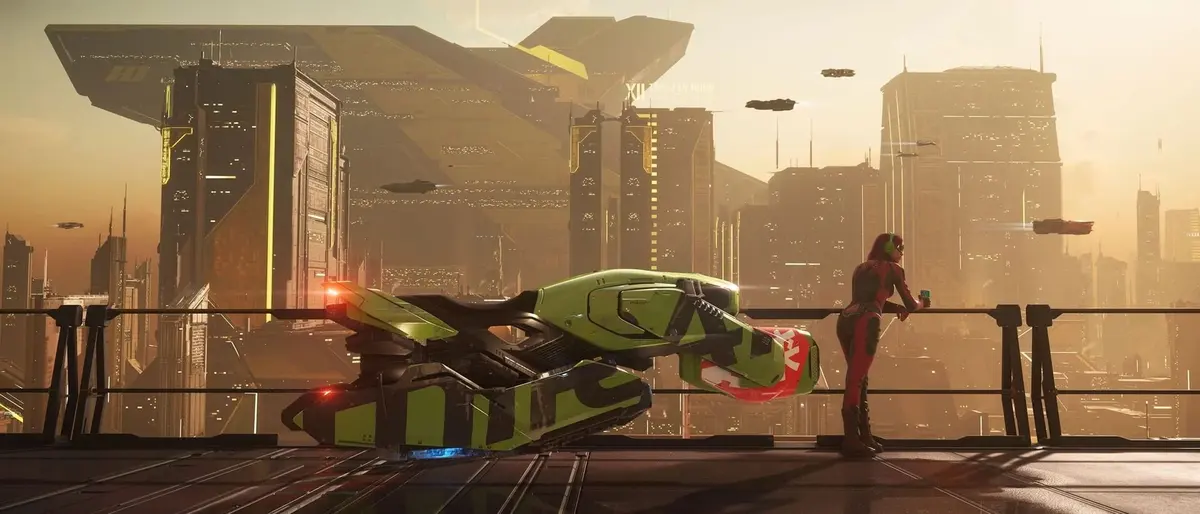
For example, a Transport run moves your Transport and Your Total bars, but it does nothing for a Defense tier. If you want a specific category reward, stay in that branch. If you are chasing the overall track, you can pick whichever contracts suit your ships.
What each track pays out
Exact point thresholds for each tier aren’t available. The reward lines include these items:
- Defense: Grade B power plants in sizes 2–3 and a Meteor flight blade.
- Transport: Grade B coolers in sizes 2–3 and a Zeus Mk II flight blade.
- Collection: Grade B radars and a Mantis flight blade.
- Your Total: Aurora Mk II and Constellation Mk IV flight blades along the track. Tier 4 includes Grade A power plants in sizes 1–3.
The Grade A power plants make the overall track the strongest target if you want component upgrades. Because every mission feeds Your Total, it is also the easiest track to fill while you grind whichever branch you prefer. Ship paints, armor, weapons and tools are also in the pool. Unlike the Centaurus, all earned items stay on your account after the event.
Pick contracts your current ships can finish
Start with whatever matches equipment you already own and requires little repositioning. Transport alone covers several different jobs, and a courier delivery needs a very different setup from hauling or refueling.
Defense: bring a fighter and FPS kit
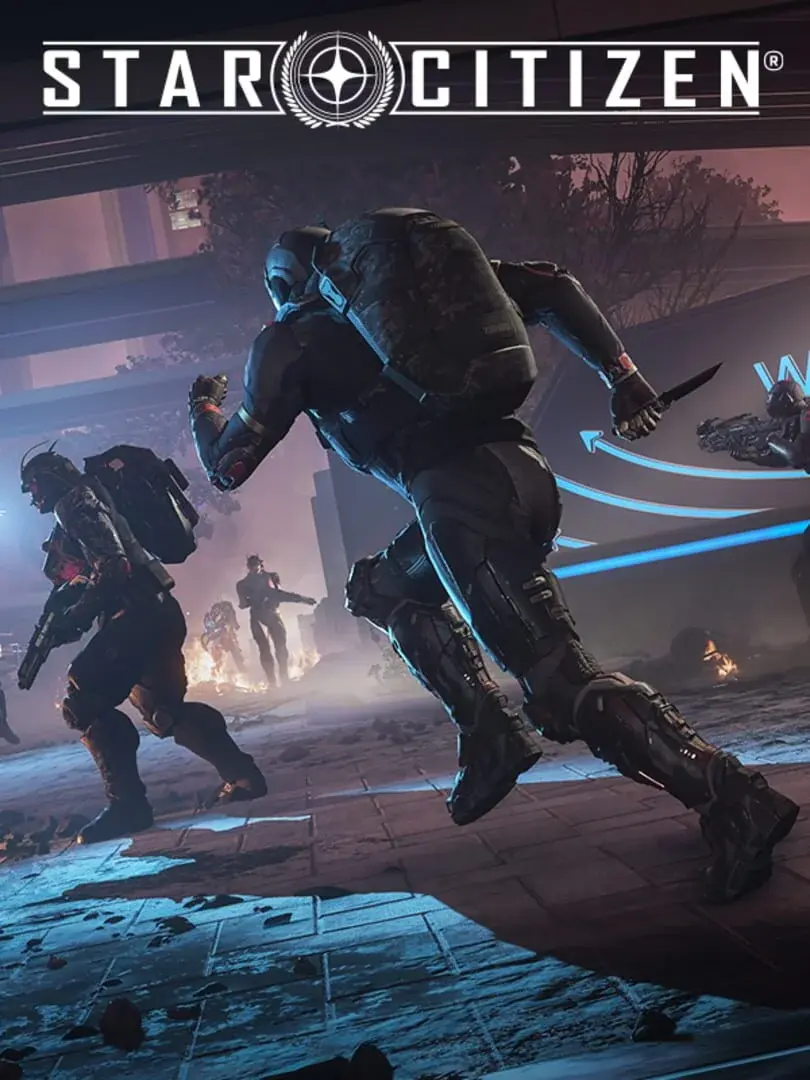
Defense contracts mix ship and ground combat:
- Defending a friendly ship
- Patrolling designated areas
- Eliminating specific targets
- Clearing hostile groups
- Defeating hostile leaders
These contracts come from groups including the Bounty Hunters Guild, Foxwell and Northrock. Check whether an objective needs a combat ship, ground gear or both. If your hangar has no fighter, put your hours into the other two tracks.
Transport: courier, recovery, refuel, haul
Transport covers several job types:
- Courier deliveries to RSI event locations
- Recovering cargo lost in transit or taken by hostiles
- Refueling stranded ships
- Hauling cargo across Stanton
The special Transport activities are the RSI Relay Race, which has you moving golden Constellation model boxes, and the Rental Offer itself. Before accepting a job, check the destination, the cargo requirement and whether it needs dedicated refueling equipment.
Collection: read the material and processing state first
Collection is the non-combat route. Contracts include:
- Salvaging abandoned ships and delivering construction materials to Lagrange points
- Mining, refining and delivering Iron, Beryl and Quantanium
- Selling raw or refined materials to designated organizations
Mining the right ore still won’t complete a contract that asks for refined material or a specific buyer. Check whether the contract wants raw or refined material, and where it must go, before you undock.
When a contract, reward or rental goes missing
- No Discovery Month entries: Make sure you launched 4.10.2 LIVE and that the date falls within October 9-20. Look in both the Journal and the Contracts tab, because availability can shift with player state and server conditions.
- A mission didn’t move a tier: Confirm the contract shows as completed, then compare the matching category bar and Your Total. Remember that a Transport completion only feeds Transport and Your Total.
- No Centaurus at the terminal: Check that the Rental Offer is completed and claimed, not just accepted. Then try the vehicle terminal again.
- A tier item didn’t arrive: Check whether the Journal shows a claim action for that tier. The Centaurus and Skylark rental doesn’t count as a tier reward, so it won’t appear there.
FinalBoss // Gear
Level up your setup
01Flight sticks & HOTASon Amazon→02High-refresh gaming monitorson Amazon→03Gaming chairson Amazon→Affiliate links · As an Amazon Associate, FinalBoss earns from qualifying purchases.
Want to Level Up Your Gaming?
Get access to exclusive strategies, hidden tips, and pro-level insights that we don't share publicly.
Ultimate Guide Strategy Guide + Weekly Pro Tips