
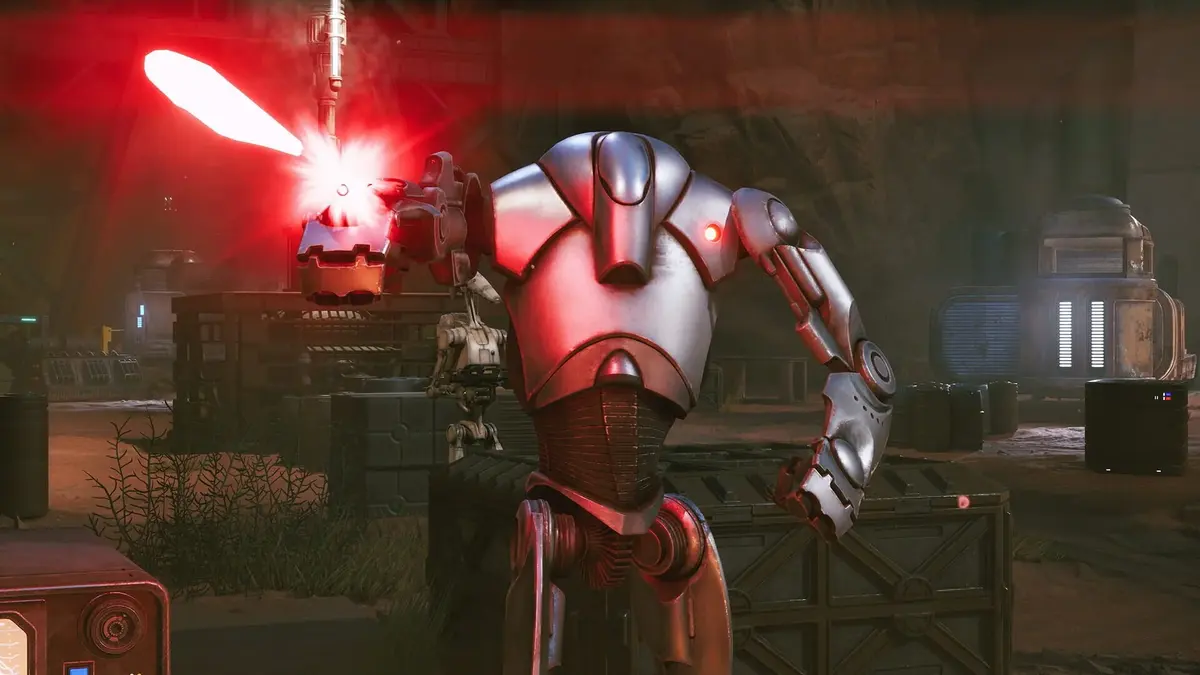
Star Wars Zero Company has a PC requirement sheet that tells a far harsher story than the usual “minimum versus recommended” fine print. EA’s floor is a Core i5-8400 or Ryzen 5 2600X, 16GB of RAM, and a GTX 1080, RX 5600 XT, or Intel Arc B580 for 1080p at 30 FPS on Low. The recommended target jumps to a Core i7-10700K or Ryzen 7 3700X, 32GB of RAM, and an RTX 3080 or RX 7800 XT for 1440p at 60 FPS on High.
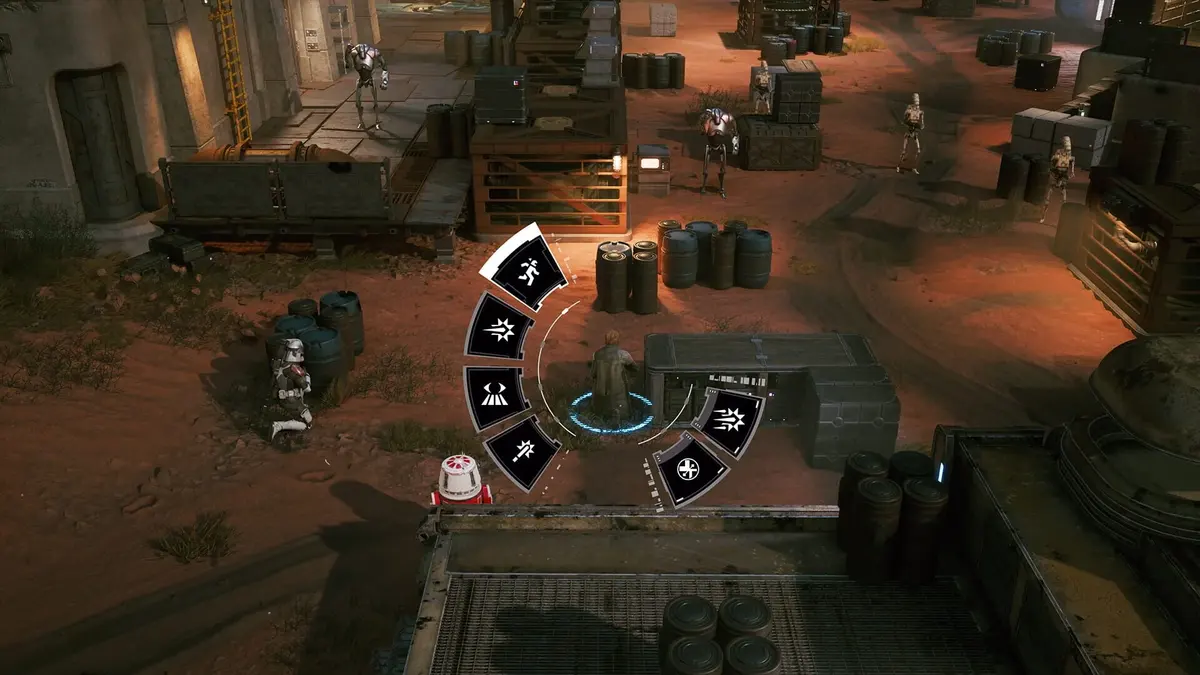
That is a wide performance gulf, and players treating the recommended column as a casual suggestion are feeding the stability backlash. Star Wars Zero Company is a turn-based tactics game. It gives each operator three action points, asks players to weigh cover, elevation, overwatch zones, backup shots, and the shared Advantage resource before committing. A locked 30 FPS is a far better trade than a mid-turn freeze after Hawks has already spent the move that mattered.
I am not letting EA off the hook here. Microstutters in cutscenes, crashes at mission loads and mission endings, and full freezes during a turn are unacceptable in a $big-budget PC release window. A Razer Blade 16 with an RTX 5090 and Ryzen AI 9 HX 370 restarting after driver crashes proves that this is not simply a case of underpowered hardware. Another high-end system with a Ryzen 7 9850X3D, 32GB RAM, and RTX 5090 has frozen during turns. Hardware far beyond the published target should not be collapsing under a tactical campaign.
Still, the existence of serious bugs does not make every setting choice equally smart. The honest version of this launch is conflicted: Zero Company’s squad combat rewards careful planning, but the same players being asked to plan three moves ahead also need to treat the PC version like a fragile operation until its stability improves. The safest route is boring. It is also the route that lets you finish a mission instead of watching the game die while the Infinite Coil is about to make its move.
Table of Contents (5)
The minimum spec is a warning label, not a performance promise
Players see a GTX 1080 or Ryzen 5 2600X in a requirements box and understandably assume they can make compromises around it: medium textures here, a higher resolution there, an unlocked frame rate because the game is turn-based anyway. That logic is exactly how a rough launch becomes miserable. EA’s published target for that tier is already Low settings at 1080p and 30 FPS. The company has effectively told buyers where the baseline sits.
The recommended target is not modest either. An RTX 3080 or RX 7800 XT paired with 32GB of RAM is the stated bar for 1440p/60 on High. That does not mean every machine below it is doomed. It means 1440p/60 High should be treated as a goal to earn through testing, not the opening move on launch day.
Zero Company also requires 50GB of available storage, uses DirectX 12, and supports 64-bit Windows 10 and Windows 11, with Windows 11 recommended. Give the install breathing room rather than filling a drive to the ceiling, verify the game files before touching ten graphics sliders, and update the GPU driver. Those steps lack glamour, but they target the failures that ruin a campaign before any visual tweak can help.
My stability-first settings order for Star Wars Zero Company
There is no verified magic Unreal Engine command or secret renderer switch that solves Zero Company’s crashes. Anyone presenting a copy-paste “UE5 fix” as a guaranteed cure is selling panic management as expertise. Start with the settings and launcher hygiene that reduce variables instead of adding more.
- Repair or verify the installation first. Do this before lowering every visual option. Broken or incomplete files can create crashes that no resolution setting will solve.
- Install the current graphics driver. If a driver update creates new instability, use a clean driver reinstall only after the ordinary update and file repair steps have failed.
- Disable overlays and runtime hooks. Turn off third-party overlays, recording layers, performance monitors, and other software that inserts itself between the game and the GPU while diagnosing problems.
- Use 1080p, Low, and a 30 FPS cap as the recovery baseline. That is the official minimum target. It gives players a known starting point rather than a fantasy benchmark.
- Raise one setting group at a time. Test a mission, a cutscene, the galaxy map, and a mission exit after each change. Stability that survives a menu screen proves nothing.
- Cap at 60 FPS before attempting uncapped performance. An uncapped frame rate can produce GPU spikes and ugly frame pacing even when the average FPS looks impressive.
I would keep the 30 FPS cap until Zero Company survives several missions without a crash, a hard hitch, or a freeze during an enemy turn. Then I would test 60 FPS. That order may offend the PC crowd that sees 30 as a personal insult, but this is not a twitch shooter where every extra frame changes the contest. In Zero Company, a stable camera and predictable inputs matter more than watching a clone-era firefight run at an unnecessary 120 frames per second.
Use the problem in front of you, not a generic “best settings” list
The worst PC guides act as if every stutter comes from the same place. They do not. A machine struggling to render a scene needs a different response from a machine that locks up during loading, and neither problem is fixed by randomly turning every modern graphics feature on.
| What is happening | Most sensible first move | What to avoid during testing |
|---|---|---|
| Low FPS while moving the camera or viewing large fights | Drop resolution, use Low settings, and hold a 30 FPS cap | Jumping straight to 1440p/60 High below the RTX 3080 or RX 7800 XT class |
| Frame-time spikes or uneven motion despite decent average FPS | Cap the frame rate at 60 FPS or lower and disable overlays | Leaving the game uncapped because a benchmark average looks good |
| Crashes at launch, loading screens, or mission completion | Verify files, update the GPU driver, then test with extra hooks disabled | Changing five graphics features at once and losing the ability to identify the trigger |
| Freezes during a turn or cutscene hitching | Return to the Low 1080p/30 baseline and test a full mission cycle | Assuming a powerful GPU automatically rules out a game-side issue |
| Instability after enabling upscaling, frame generation, or latency tools | Turn those features off temporarily and establish a stable capped baseline | Stacking multiple timing and rendering layers while chasing a crash |
That final row matters. Upscaling, frame generation, and latency reduction options can be useful performance tools, but they are extra moving parts. When a game is already hitching or crashing, more moving parts means more possible causes. Disable them temporarily, lock performance, and add them back one at a time only after the game has proved it can finish missions cleanly.
Frame generation deserves particular skepticism in a tactics game. It can make a frame counter look spectacular while the underlying game still has uneven frame delivery. I would rather play a clean, native-feeling 60 FPS than inflate a number while camera movement stutters, cutscenes hitch, or an Advantage chain feels delayed. Advantage does not consume AP, which means Zero Company already encourages players to squeeze extra value from a turn. The last thing that system needs is unreliable presentation making a carefully planned sequence feel broken.
Why a stable 30 FPS build still works for Zero Company
There is a real player consequence to treating 30 FPS as a temporary tactical choice rather than a defeat. Zero Company’s battles are built around information: line of sight, enemy cover, elevation, overwatch retaliation zones, backup attacks, shove effects, and enemy positioning near ledges. A concussion grenade, a Force push, or Kabb’s uppercut can send an enemy off a ledge and remove a threat immediately. Cly’s jetpack can turn a distant objective or extraction zone into a reachable play.

All of that asks for clarity and consistency. The game will still feel responsive at a locked 30 if its frame times are even. It feels dreadful at an erratic 70, where the camera catches, animations judder, and an apparently harmless turn transition freezes the entire mission. PC players have been trained to worship the largest number in the corner of the screen. Zero Company is a useful reminder that the number means less than whether the game keeps faith with the plan you just made.
The Den makes that stability even more valuable. Between operations, players talk to their squad, recruit operators, adjust loadouts, buy weapon modifications and utility items through the black market, heal injuries, and upgrade facilities. The galaxy map consumes limited intel points to open operations and text-driven missions that hand out credits, capacitors, and other rewards. That is a campaign economy built around deliberate choices. Losing progress or risking a crash during the payoff for those choices is where technical instability stops being a nuisance and starts poisoning the whole loop.
EA still owns the high-end crash problem
Here is where the “player-choice problem” argument has to stop pretending it explains everything. A player on a mid-range PC choosing 1440p/60 High despite the published requirements is making an aggressive trade. A player with an RTX 5090 system freezing in the middle of a turn is dealing with a game that has failed a basic expectation.
The troubleshooting routine can reduce risk. It cannot absolve a release that needs players to disable overlays, cap performance, verify files, and strip away optional rendering features before they can trust a mission. Those steps are triage. They are not the polished PC experience EA and Bit Reactor should want attached to a smart, character-driven Clone Wars campaign.
Zero Company has too much going for it to let technical sloppiness define the launch. Hawks and the squad are carrying a story about a former Republic commander dishonorably discharged after a failed mission, then thrown against Fathom and the Separatist-aligned Infinite Coil. The combat has the right kind of aggression: push forward, earn Advantage by damaging or eliminating enemies, spend it on extra actions, and keep the squad hard to kill through smart positioning. Even the optional permadeath toggle gives players control over how punishing that campaign becomes.
That is why I refuse to wave away the PC complaints as launch-week noise. A tactics game earns devotion when players can trust its systems. Right now, the sensible approach is to begin at EA’s 1080p/30 Low baseline, remove instability variables, then climb toward 60 FPS only after the game survives real campaign conditions. The unresolved tension is whether future fixes will let Zero Company’s excellent tactical ideas breathe on PC, or whether players will keep being asked to manage the game’s performance with more care than they manage the battlefield.
FinalBoss // Gear
Level up your setup
01Graphics cardson Amazon→02Gaming laptopson Amazon→03High-refresh gaming monitorson Amazon→04Discounted game keyson Kinguin→
Affiliate links · As an Amazon Associate, FinalBoss earns from qualifying purchases.
Want to Level Up Your Gaming?
Get access to exclusive strategies, hidden tips, and pro-level insights that we don't share publicly.
Ultimate Gaming Strategy Guide + Weekly Pro Tips