
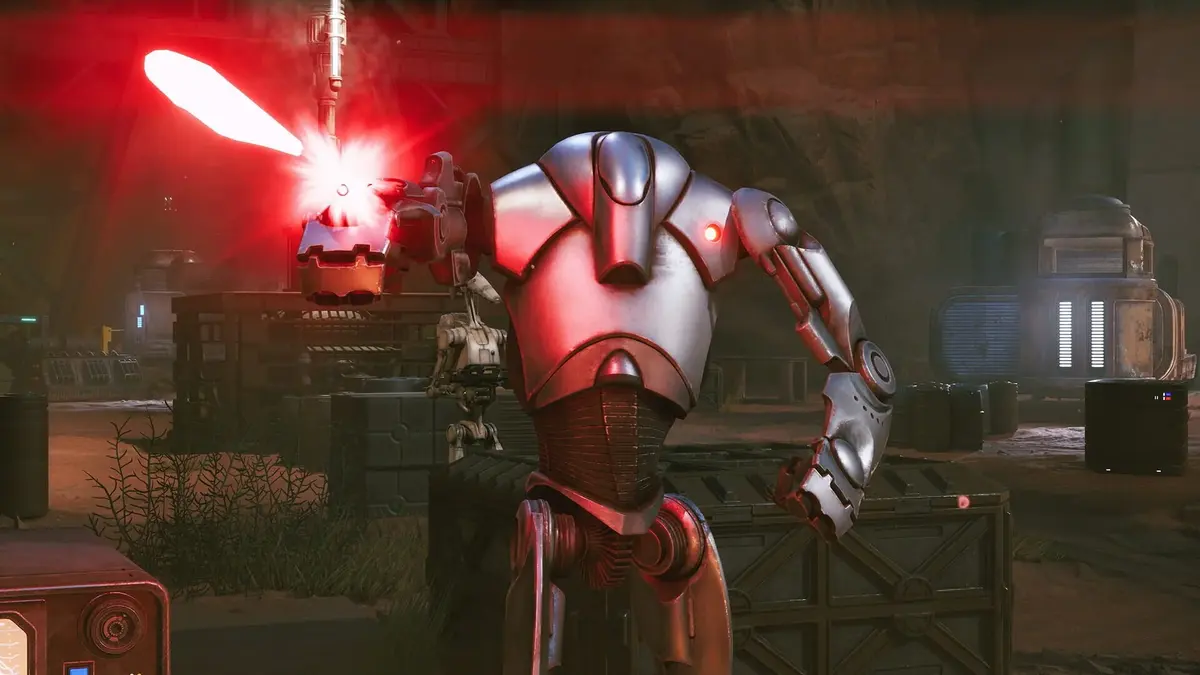
A shot labelled 100% Chance-to-Hit could still miss before patch 1.1. That is a brutal way to lose a tactical turn, and the update corrects it. If an apparently guaranteed attack failed in an older build of Star Wars Zero Company, update the game before treating that result as a combat rule.
Patch 1.1 arrived on September 9, 2026, thirteen days after the August 27 launch, for PlayStation 5, Xbox Series X|S and PC. Its biggest contributions are more reliable combat calculations and fixes for problems that threaten campaign continuity. Here is what changed, what to do when PS5 problems persist, and where post-launch content stands.
Table of Contents (5)
Patch 1.1: the combat fixes that matter
The update primarily repairs bugs, stability problems and interface errors. It does not overhaul the game’s core numerical balance. Several corrections nevertheless change what you should expect from particular weapons, abilities and progression systems:
- Tier 2-4 Scatterguns: higher-tier weapons were using Tier 1 values. The patch corrects those values, addressing a concrete reason an upgrade could underperform.
- DC-17m Anti-Armor: attacks could fail to score critical hits or receive grenade-damage bonuses. Those errors, along with targeting problems, are corrected.
- Ion Blaster and Force attacks: Ion Blaster critical-damage calculations are fixed, as are Tel-Rea Vokoss’ Force-attack damage display and bonus calculations.
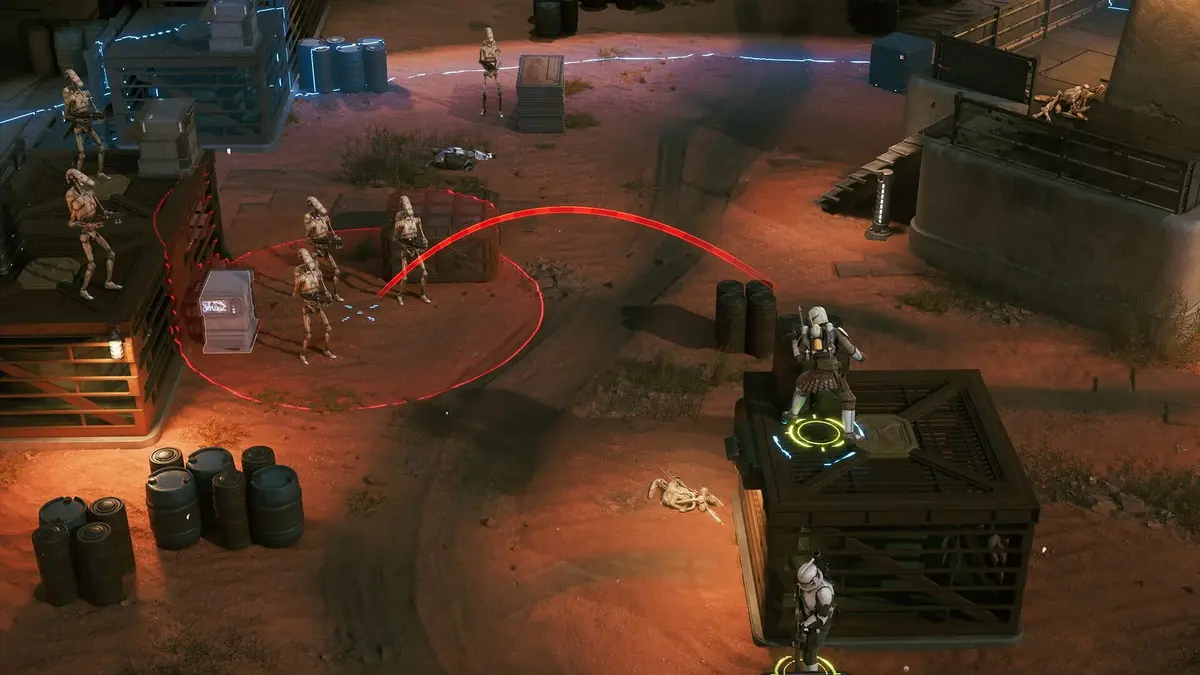
- Overwatch and Rocket Strike: multiple Overwatch errors and Rocket Strike targeting problems are addressed. An old clip of faulty targeting should not determine how you expect the updated ability to behave.
- Talents and specialization tracking: A Life of Labor could repeatedly accumulate bonuses without a proper limit. The patch also corrects secondary-specialization passive Cross Training and Operations requirement tracking.
- Bacta Tank: it can no longer be used more than once per Cycle. Plan recovery around that restriction rather than relying on repeated uses.
- Tel-Rea’s hero mission: its final battle no longer ends prematurely with one survival turn remaining.
These changes matter because damage previews, weapon upgrades and ability interactions inform your turn planning. A missed guaranteed shot or an incorrectly calculated critical hit can invalidate an otherwise sensible decision. Patch 1.1 repairs several of those underlying calculations.
PS5 save, crash and menu problems addressed by patch 1.1
Start by checking for an update from the game’s PS5 home-screen tile, then close and relaunch the application after installation. The table below separates problems addressed by patch 1.1 from precautions and recovery actions you can take yourself.
| Problem | Patch 1.1 correction | Practical PS5 action |
|---|---|---|
| Save corruption after a sudden or forced shutdown | Addresses the shutdown-related corruption fault. | Let saving and autosaving finish before closing the application or shutting down the console. |
| Beskar saves temporarily disappearing or Beskar mode crashing | Fixes the temporary save deletion and a Beskar-mode crash. | Install the update before retrying the affected campaign. Do not assume it can reconstruct an already damaged save. |
| Character or information corruption involving the Databank | Fixes corruption associated with using the Databank while saving and editing characters. | Allow an active save to finish before continuing Databank edits. |
| Main menu becoming unresponsive during the introductory cinematic | Fixes a rare softlock triggered by rapid inputs. | Avoid repeatedly pressing buttons through the opening. If the menu is already stuck, restart the game. |
| Missing preorder or Deluxe Edition items, or an extra autosave after loading | Corrects missing edition items and unintended autosave creation. | Update and relaunch before checking the affected items or save list again. |
The crucial distinction is between preventing another failure and recovering progress already lost. Installing a patch addresses the fault it targets; it does not automatically mean an existing corrupted campaign can be repaired. Avoid overwriting your campaign while investigating a save-specific crash.
PS5 camera, Overwatch and visual problems
Combat cameras have pointed towards unintended corners, Overwatch has behaved inconsistently with its displayed cone, and characters have disappeared visually while their dialogue continued. Cinematic and character-animation glitches have also occurred. Patch 1.1 includes Overwatch, animation and visual-stutter fixes, but its listed corrections do not map every one of these symptoms to a specific resolution.
If a camera, character display or interface problem occurs on your installed build, restart the application rather than repeatedly reloading the same broken state. Treat that as a recovery attempt, not a permanent fix. When Overwatch behaves unexpectedly, record the operator, weapon, cone placement and enemy movement involved; “Overwatch failed” alone leaves out the interaction that needs investigating.
The update also corrects Global Illumination and Reflections settings that incorrectly referenced Ray Tracing. That correction concerns the settings labels; it does not provide a reason to recommend a particular PS5 graphics configuration. Character-display fixes include Tel-Rea’s lightsaber remaining visible after switching to an Astromech.
What to do if crashes continue after updating
If the same campaign save repeatedly crashes, testing a fresh campaign in a separate save slot can help distinguish a save-specific problem from a wider application fault. Preserve the original campaign: starting again is a diagnostic check, not a way to recover its progress.
For a bug report to EA support, capture the details that identify the failure:
- Installed game version and PS5 platform: this separates an older launch fault from a problem occurring after an update.
- Mission and save slot: note whether the crash follows one particular campaign or also occurs in a fresh save.
- The action immediately before failure: include a Databank edit, save operation, ability activation or rapid cinematic input where relevant.
- Repeatability: explain whether the same sequence causes the same crash, softlock or targeting error after relaunching.
Those details are especially useful for combat hangs and Overwatch faults, where the exact sequence of actions can matter more than the mission name alone.
DLC status, patch 1.2 and New Game Plus
EA has not announced DLC, a story expansion, additional campaigns, playable characters, planets, missions or classes. Bit Reactor is continuing technical support, and patch 1.2 has also been announced. Keep those update announcements separate from expectations of new playable content.
There is also no dedicated New Game Plus mode. Subsequent playthroughs can unlock certain customization options, but those unlocks should not be treated as a New Game Plus system. If that mode is your reason to begin another campaign, the current game does not offer it.
The verdict: install the technical updates for a more dependable campaign, particularly on PS5, but make replay decisions around the game already available. Patch 1.1’s combat and save fixes are substantial practical improvements; an expansion remains something to wait for an announcement about, rather than something to plan your next run around.
FinalBoss // Gear
Level up your setup
01Best-selling PS5 gameson Amazon→02DualSense controllerson Amazon→03PS5 SSD upgrades (M.2 NVMe)on Amazon→04Discounted game keyson Kinguin→Affiliate links · As an Amazon Associate, FinalBoss earns from qualifying purchases.
Want to Level Up Your Gaming?
Get access to exclusive strategies, hidden tips, and pro-level insights that we don't share publicly.
Ultimate Guide Strategy Guide + Weekly Pro Tips