
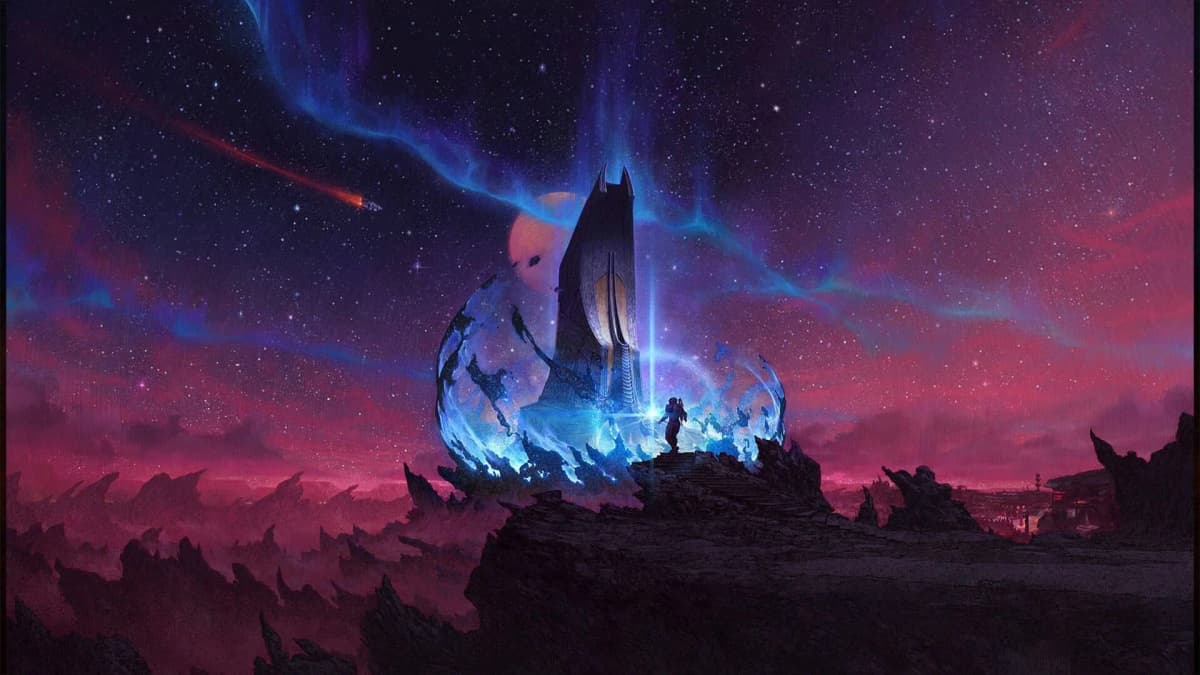
Reaching the Algorab system and docking at Anchorpoint Station functions as the mechanical gateway to the core content of Starfield: Shattered Space. The game does not explicitly surface the navigation and ship-build requirements for this journey, which creates a friction point for players transitioning from the base campaign into the DLC. Algorab is classified as a high-level star system with a recommended level of 70. Shattered Space content itself is broadly recommended from level 35 upward to avoid being underpowered for main encounters, but realistically entering Algorab between level 50 and 70-or higher in a New Game Plus cycle-provides sufficient combat endurance and ship resources for the transit. The primary barrier is not a quest flag or key item; it is distance. A stock or lightly modified ship typically lacks the grav jump range and fuel storage to cross the necessary light-years in a single leap. Success depends on plotting a multi-hop route through the starmap and preparing the ship for consecutive jumps.
Table of Contents (8)
Step 1: Locating Algorab on the Starmap
Open the starmap from the scanner or main menu and zoom out to view the full galaxy layout. Algorab sits in the outer reaches and is not radially adjacent to early-game hubs such as Alpha Centauri, Sol, or Narion. Depending on your map zoom level and screen resolution, you may need to pan across multiple sectors to locate it. Use the cursor to highlight the Algorab system name and select it as your active route target. The starmap interface will draw a dashed line through every intermediate system required to bridge the gap from your current location. This line is the authoritative path; visual proximity on the two-dimensional map projection does not guarantee a direct jump link.
If the route line segments turn red or fail to connect, your ship’s grav drive range is insufficient for one or more legs. Note each intermediate system along the chain. You must visit them in sequence. Systems along this path may be unexplored; jumping to them automatically reveals their local map and allows you to continue. Once the route is set, the waypoint persists on your cockpit HUD, providing directional guidance for each jump. Before departing, clear any active bounties or hostile faction statuses that could trigger interdiction by pirate or faction vessels in untrafficked systems.
Step 2: Ship Preparation and Jump Range
Inspect your ship’s specifications through a ship services technician or the ship builder interface. A grav drive capable of 20 to 30 light-years per jump is the practical threshold for reducing the Algorab route to a manageable number of hops. Drives below this threshold may require five or more consecutive jumps, multiplying fuel costs and exposure to random encounters. Note that jump range is inversely affected by ship mass. A vessel overloaded with heavy cargo bays, habitation modules, or bulky weapon mounts will underperform its drive’s theoretical maximum. If your range is insufficient after upgrading the drive, reduce mass by removing non-essential modules or offloading cargo into a station container.
Fuel capacity operates as a hard limit on consecutive travel. Each jump consumes a percentage of your total fuel reserves proportional to distance traveled. Undersized tanks force unplanned stops in systems that may lack docking facilities. If you cannot install larger fuel tanks, plan the route to pass through systems containing major stations-visible on the starmap as established settlements—where you can refuel between hops. The cost of refueling is negligible compared to the time loss of being stranded without a station in range.
Step 3: Executing Multi-Hop Navigation
With the route locked and the ship prepared, initiate the first grav jump. In the cockpit, align with the waypoint marker and hold the jump input until the drive charges and the animation completes. After arriving in each intermediate system, pause to reopen the starmap and confirm the next leg is still plotted. Random hostile contacts, environmental anomalies, or accidental deviation from the waypoint can interrupt the sequence. Check the fuel gauge on your HUD before charging the next jump. If reserves drop below one-third of maximum, prioritize finding a station in the current system to dock and refill.
Do not mistake cruise mode for interstellar travel. The Free Lanes update introduced cruise mode to facilitate high-speed transit between planets, moons, and stations within a single star system, including an autopilot function that handles alignment and braking. Grav jumps remain the exclusive mechanic for crossing the void between star systems. Activating cruise mode while targeting another star will produce no movement. Conversely, once you arrive in Algorab, cruise mode becomes the correct tool for covering the intra-system distance to Anchorpoint Station. Manual piloting is advised if the scanner detects hostile signatures en route, as cruise autopilot does not evade threats.
Step 4: Arrival in Algorab and Approaching Anchorpoint Station
When you complete the final grav jump into Algorab, scan the area immediately. The system hosts high-level hostile patrols. If your ship is under-leveled, avoid engagement and boost toward the nearest celestial body or station marker for cover. Open the local system map or use the targeting scanner to lock onto Anchorpoint Station. The station appears as a large orbital structure distinct from planetary bodies.
If Anchorpoint is not adjacent to your arrival point, engage cruise mode to close the gap. Target the station first, then activate cruise; the autopilot will align your trajectory and accelerate to transit velocity. Disengage cruise manually when the HUD indicates you are within 10 to 15 kilometers of the station perimeter, or earlier if you detect traffic or debris. Transition to standard engine thrust and reduce velocity to below 50 meters per second. High approach speeds cause overshoot, forcing a wide turn in a potentially dense collision zone. Maintain a steady vector toward the station’s docking side, which the targeting marker highlights.
Step 5: Docking Procedure
Anchorpoint Station requires alignment with a specific docking port. As you approach, the HUD displays a docking reticle that indicates both lateral alignment and distance. Center the reticle and match your ship’s orientation to the port’s facing. The indicator transitions from yellow to green as you enter the acceptable approach cone. Maintain a speed below 20 meters per second in the final 500 meters; excessive velocity causes the docking lock to fail.
Once the prompt appears, initiate the docking request and hold position. Do not apply lateral thrust, boost, or yaw corrections during the locking countdown. Sudden inputs reset the sequence and may register as a collision risk. If the station rejects the request, verify that you are not carrying scanner-detected contraband and that you have targeted the public docking ring rather than a restricted military or engineering segment. Large ships with wide hulls require additional precision, as their hitboxes interact with the docking trigger earlier than the visual model suggests. If you overshoot, reverse thrust gently and allow the reticle to re-center rather than attempting a tight loop inside the station’s superstructure.
Common Failures and Corrections
- Insufficient jump range: If the starmap route terminates prematurely, your drive lacks the range for the next segment. Upgrade to a higher-class grav drive at a ship technician, or reduce ship mass by removing heavy structural components and stored cargo. Re-check the route after each modification.
- Fuel exhaustion mid-route: Before departure, identify at least two intermediate systems on your path that contain known stations. If you deplete fuel unexpectedly, land on any available planet or moon. Passive fuel recovery occurs while landed, or you can use an outpost builder—if deployed—to access fuel resources. In the absence of either, the rescue option from the pause menu returns you to the last docked location, though this abandons progress toward Algorab.
- Cruise mode confusion: Attempting to use cruise mode to cross stars results in no movement. Remember: starmap grav jumps for interstellar legs, cruise mode for intra-system legs only. After jumping into Algorab, select Anchorpoint on the local map, then engage cruise.
- Docking overshoot: Approach stations at low throttle. If you pass the docking ring, apply reverse thrust and re-align from a distance rather than turning inside the collision volume, where station geometry can trap or damage your hull.
- Level discrepancy: Entering Algorab significantly below level 50 subjects you to patrols with shield and weapon ratings that exceed early-game equipment. Delay the journey until you have tier-3 or tier-4 ship components, or invest heavily in shielded cargo holds and defensive turret systems to survive transit.
Efficiency Considerations
For repeated visits, upgrade to a Class C reactor and grav drive to push jump range above 30 light-years. This typically collapses the route into two or three hops, eliminating the need for mid-route refueling. Establishing a personal outpost in a system adjacent to Algorab provides a respawn and resupply hub that bypasses public station docking queues. If you are operating in New Game Plus with endgame equipment, the navigation challenge becomes trivial, but the manual docking procedure at Anchorpoint remains identical.
Ensure your installation includes the Free Lanes update. Builds prior to this patch lack cruise autopilot, meaning intra-system travel to Anchorpoint requires continuous manual thrust. The current build streamlines this segment and reduces transit time substantially.
Practical Summary
Reaching Algorab and docking at Anchorpoint Station is a test of ship range, fuel logistics, and controlled piloting. Plot the route through the starmap, outfit a grav drive capable of 20 to 30 light-years, manage fuel across multiple hops, and switch to cruise mode only after entering the Algorab system. Approach Anchorpoint at low speed, align with the docking reticle, and avoid corrective thrust during the locking sequence. Meeting these mechanical requirements clears the gateway into Shattered Space’s primary content.
FinalBoss // Gear
Level up your setup
01Best-selling Xbox Series X|S gameson Amazon→02Xbox controllerson Amazon→03Top-rated gaming headsetson Amazon→04Discounted game keyson Kinguin→
Affiliate links · As an Amazon Associate, FinalBoss earns from qualifying purchases.
Want to Level Up Your Gaming?
Get access to exclusive strategies, hidden tips, and pro-level insights that we don't share publicly.
Ultimate Guide Strategy Guide + Weekly Pro Tips