

I’d flag one trap before you leave: reaching the Algorab system and docking at Anchorpoint Station are two separate navigation steps. A plotted grav-jump course gets you into the system; it does not attach your ship to the station. Make sure Shattered Space is active, clear the early story requirement, then use the starmap for Algorab and the local system view for Anchorpoint.
Table of Contents (12)
The Fast Route to Algorab and Anchorpoint Station
- Confirm that Shattered Space is installed and enabled from
Main Menu → Creations / Add-ons. - Finish the main quest “One Small Step” by reaching New Atlantis and joining Constellation.
- If you are starting the expansion, grav jump to a system that is not tied to an active quest or encounter.
- Open the starmap, select Algorab, choose Set Course, and initiate the grav jump.
- After arriving in Algorab, open the local system map, select Anchorpoint Station, then set it as your destination.
- Fly toward the station marker, target Anchorpoint, close to docking range, and use the on-screen Dock prompt.
The important distinction is simple: Set Course points your ship toward the destination, while Dock only becomes available once Anchorpoint is targeted and you are close enough. Do not spend time circling the station waiting for the game to dock you automatically.
Check Shattered Space Before Plotting the Route
If Algorab or the Anchorpoint objective is part of your current Shattered Space progress, handle the expansion checks first. A save that has not met the DLC’s starting conditions can make the route feel broken when the real problem is that the content has not activated.
1. Make Sure the DLC Is Installed and Enabled
On PC and Xbox, check the Starfield game page to confirm that Shattered Space has finished downloading. Premium Edition and Constellation Edition owners receive the expansion automatically, but it still needs to be installed on the platform you are playing.
Then launch Starfield and check Main Menu → Creations / Add-ons. Shattered Space should be listed as enabled before you load your save.
- Installed but disabled: Enable it from the Add-ons menu, then reload your save.
- Missing from the menu: Return to the Starfield page on your platform and confirm the download completed.
- Using an older save: The save still needs to meet the story requirement below.
2. Complete “One Small Step”
You must finish the introductory main mission “One Small Step”. The requirement is met once you have reached New Atlantis and joined Constellation. A character in New Game Plus can also qualify if that introductory quest was completed in an earlier universe.
Once the DLC is enabled and the story gate is cleared, make a grav jump to any system that is not currently connected to a quest or active encounter. That clean jump is the reliable way to trigger the expansion’s opening sequence.
Warning: Do not use a quest-marked destination for this activation jump. If your grav jump is already tied to another mission or encounter, choose a different system first, let the jump complete, and then return to your Algorab route.
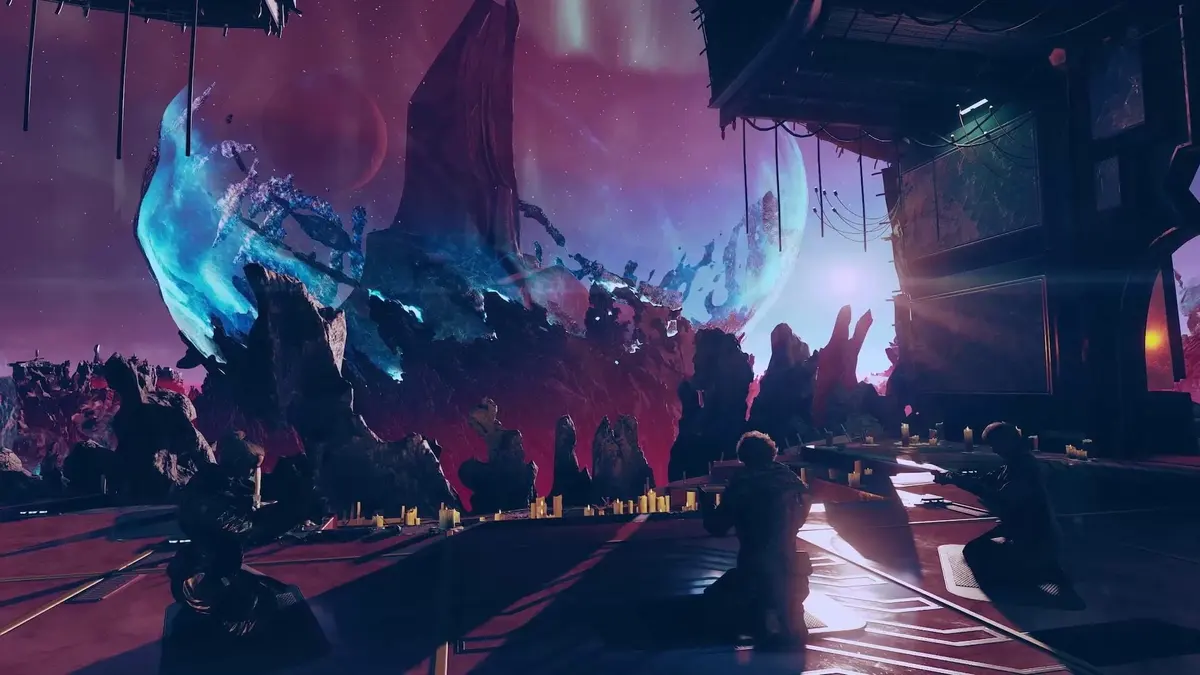
How to Plot a Course to Algorab
Use the starmap rather than trying to navigate through nearby systems manually. Algorab is a system-level destination, so the game’s route plotting is the cleanest way to handle the jump sequence.
- Enter your ship and open the starmap.
- Zoom out until you are viewing the Settled Systems star map.
- Move the cursor to Algorab and select the system.
- Choose Set Course to create the route.
- Initiate the grav jump when the game gives you the prompt.
If Starfield draws a route with more than one jump, let the plotted course handle it. The route line is there to move you through the necessary systems; manually hopping between stars is where players tend to lose the destination or end up following an unrelated mission marker.
When the grav jump ends, you have completed the long-distance part of the trip. You are in Algorab, but Anchorpoint Station still needs to be selected and approached inside that system.
Find Anchorpoint Station After Arriving in Algorab
Once you are in Algorab, switch from the galaxy-scale starmap to the local system view. This is the moment to stop treating the objective like a star-system route and start treating it like a ship approach.
- Open the map while in Algorab.
- Locate Anchorpoint Station in the system view.
- Select the station and use Set Course if it is not already your active target.
- Exit the map and follow the destination marker in space.
- Keep the station in front of you until it is close enough to target directly.
Do not waste time checking every planet or moon in Algorab. Anchorpoint is a station destination, so your local map and ship HUD are the useful tools here. Once it is selected, the marker gives you a straight approach instead of turning the search into a visual hunt through the system.
How to Dock at Anchorpoint Station
Docking has three requirements: Anchorpoint must be your current target, your ship must be within docking distance, and you must use the docking prompt rather than only following the navigation marker.
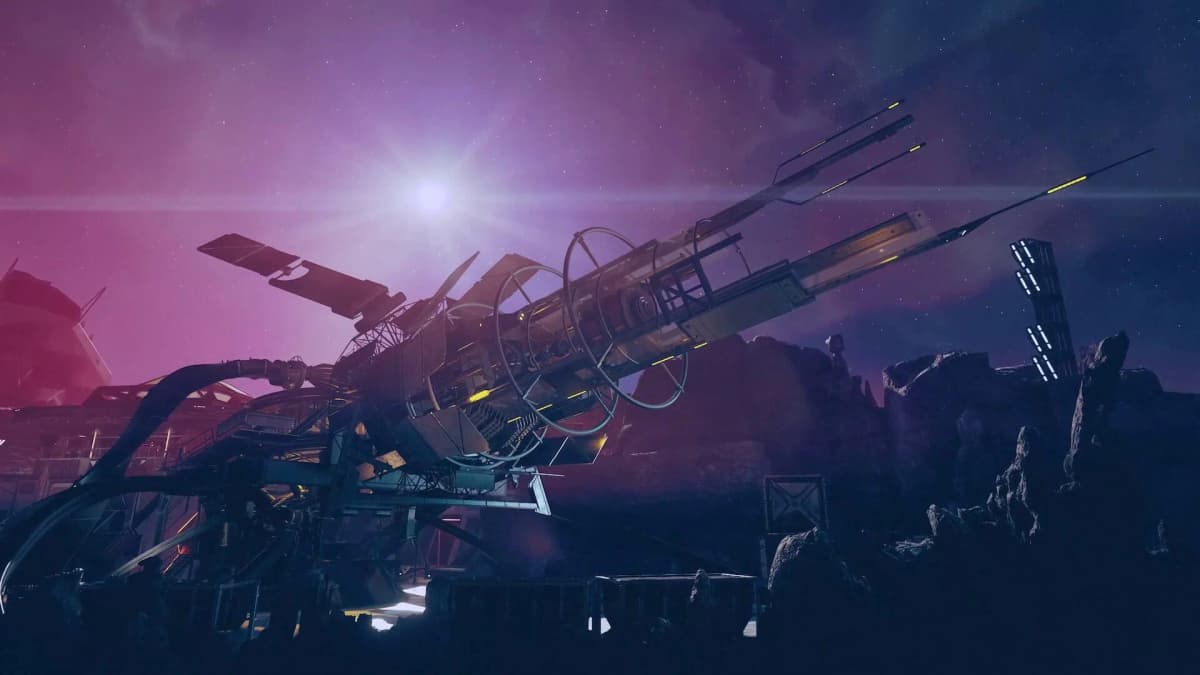
- Fly toward Anchorpoint Station until it fills more of your forward view.
- Target the station using your ship targeting controls.
- Close to 500 meters or less.
- Use the on-screen Dock prompt as soon as it appears.
- After the docking animation, choose to board Anchorpoint Station.
With default controls, docking is usually R on PC and X on a controller. If you use remapped controls, trust the prompt shown on your HUD; that prompt is more reliable than memorizing a default button layout.
Common mistake: Players often reach the station, keep flying past it, then assume the dock command failed. Slow your approach, target the station again, and watch for the range requirement. Docking only appears when the game recognizes Anchorpoint as the active target at close range.
Fixes for the Most Common Algorab and Anchorpoint Problems
Shattered Space Does Not Start
- Confirm Shattered Space is installed through your platform’s Starfield page.
- Check that it is enabled in
Creations / Add-onsfrom the main menu. - Make sure “One Small Step” is complete.
- Grav jump to a system with no active quest or encounter attached to it.
You Can Reach Algorab but Cannot Find Anchorpoint
Return to the local system map and select Anchorpoint Station directly. Reopening the galaxy map and setting a new route to Algorab will only repeat the first half of the trip. You need the station itself as the current destination after entering the system.
The Dock Prompt Does Not Appear
- Check that Anchorpoint is actively targeted, not merely visible in front of your ship.
- Move closer until you are within 500 meters.
- Turn back if you overshot the station; range and target lock both matter.
- Use the contextual Dock prompt on the HUD rather than repeatedly opening the map.
Why the Destination-First Method Saves Time
Starfield’s space navigation works best when you treat each layer separately. First, plot the interstellar route to Algorab. Second, select Anchorpoint in the local system. Third, target the station and dock at close range. Trying to combine those actions into one autopilot expectation is what turns a short trip into a confusing detour.
The newer navigation conveniences and expanded space-travel options make moving around the Settled Systems smoother, but they do not remove the final docking step. Anchorpoint still has to be approached like a station, with a target lock and a close-range dock command.
FinalBoss // Gear
Level up your setup
01Best-selling Xbox Series X|S gameson Amazon→02Xbox controllerson Amazon→03Top-rated gaming headsetson Amazon→04Discounted game keyson Kinguin→
Affiliate links · As an Amazon Associate, FinalBoss earns from qualifying purchases.
Want to Level Up Your Gaming?
Get access to exclusive strategies, hidden tips, and pro-level insights that we don't share publicly.
Ultimate Guide Strategy Guide + Weekly Pro Tips