
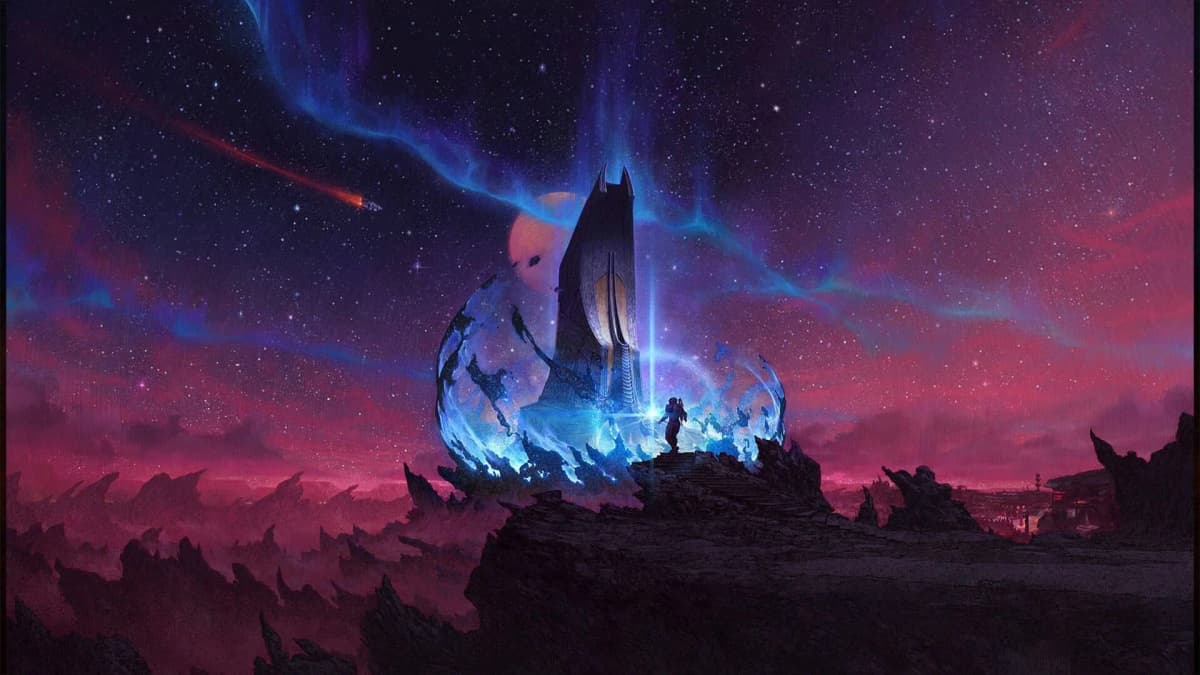
Reaching the Algorab system and docking at Anchorpoint Station is the mechanical gateway to Starfield: Shattered Space. The game does not explicitly warn you that a stock ship may lack the single-jump range to reach this fringe system, which leaves many players staring at a red line on the starmap without knowing why. You need three conditions met before the trip is even possible: the Shattered Space DLC installed and active, the main quest “One Small Step” completed, and a ship that can either cover the distance directly or bridge the gap through a chain of intermediate systems. Because an unmodified Frontier is commonly reported as too short-ranged for a direct hop, plan for a refit or a multi-stop route. Save your game before you begin plotting; recovering from a bad jump or a blown docking approach is much faster with a reload than with a long backtrack.
Table of Contents (8)
Prerequisites Before You Plot the Route
- Shattered Space DLC installed and recognized on the title screen.
- The main quest “One Small Step” fully completed.
- A ship grav drive with enough range for fringe travel, or credits and patience for a chain of jumps.
- A hard save made in a settled system with a ship technician nearby, in case you need to upgrade mid-planning.
Plotting the Route to Algorab
Open the starmap from your scanner or pause menu and search for Algorab. It sits on the outer edge of the charted sectors, far from the core worlds where standard early-game contracts keep you. If the plotted line glows red, your grav drive range is insufficient for a direct jump. Do not attempt to brute-force it; the game simply will not let you commit. Instead, zoom out and look for a closer system along the same general bearing that shows a valid blue or white connection from your current location. Select that intermediate system, confirm the fuel cost, and jump. Once you arrive, open the starmap again and re-select Algorab. If the line is still red, repeat the process with another waypoint. A typical route from the settled systems may route through one or two neighboring sectors before Algorab becomes reachable, depending on your drive quality. Each time, verify the route line is valid and that your fuel readout reflects the expenditure before you hold the jump input.
Grav-Jump Expectations and Ship Prep
Long-range hops to fringe systems like Algorab consume significantly more fuel than local transit. If you have been optimizing your ship for cargo capacity by stacking heavy modules, you may unknowingly reduce your jump range below the threshold needed for the final leg. Before you depart, visit a ship technician and consider either upgrading to a higher-tier grav drive or temporarily removing dense structural parts to lighten the frame. Raw light-year range is the only stat that matters for this trip; combat performance is irrelevant until you arrive. If you have accumulated X-Tech from the Free Lanes update, you can push top-tier drive upgrades even further, but a basic range-focused refit is usually enough to cut a three-hop chain down to one or two jumps.
Arriving in Algorab and Locating Anchorpoint Station
When you finish the final hop, the system will load and place you at a standard entry point, often thousands of kilometers from your objective. Pause and check your mission log. If a Shattered Space quest is active, Anchorpoint Station should appear as a distinct objective marker. If the marker is missing, pulse your scanner to force the local map to populate. Algorab is a sparse system compared to the core worlds, which means there are fewer celestial objects to clutter your HUD, making the station easier to identify once the scan resolves. Should it still not appear, exit to the main menu and reload the save you made before entering the system; occasionally the station’s instance fails to initialize on the first load.
Traveling to Anchorpoint In-System
Do not attempt to cross the remaining distance on standard thrusters. Instead, target Anchorpoint Station and engage Cruise Mode, introduced in the Free Lanes update, or set autopilot to its orbital marker. The autopilot will align your vector and accelerate you to transit velocity. Watch the distance ticker closely. Disengage autopilot once you are within roughly ten to fifteen kilometers; Cruise Mode is excellent for covering large separations quickly, but the final docking corridor requires manual finesse. Cut throttle, deploy landing gear, and let momentum carry you the rest of the way while you align with the station’s port axis.
Docking Approach Checklist
As you close the final distance, run through this list to avoid the common overshoot or missing prompt:
- The target HUD reads “Anchorpoint Station,” not a nearby planetary body.
- Your relative speed is below fifty before you pass the five-hundred-meter mark.
- The docking prompt appears in the lower-center HUD; if it fails to show, back off to about one kilometer, re-target, and drift in slowly.
- Approach from a vector that matches the station’s rotation; coming in perpendicular or from directly above the ring can delay the prompt.
Troubleshooting Common Problems
If the starmap shows no valid route to Algorab at all, your grav drive range is almost certainly the bottleneck. Return to a ship technician and prioritize range over every other stat. If you arrive in Algorab but the station is invisible, confirm that “One Small Step” is fully complete and that the Shattered Space DLC badge appears on the title screen. Console players should verify the add-on is installed in system settings; PC players should check the main menu for the expansion logo. If autopilot consistently flings you past the docking ring, remember that Cruise Mode retains inertia; begin manual braking at roughly twenty kilometers out rather than waiting for the UI to cue you.
Efficiency Notes for the Return Trip
Since the Free Lanes update, intra-system travel is far less tedious, but it also trains you to move fast. Resist that instinct for the final kilometer. A slow, straight approach from the station’s designated docking vector triggers the prompt faster than a high-speed flyby. If you plan to explore Shattered Space extensively, the grav drive you install for this trip will continue to pay off throughout the DLC’s remote locations, saving you time on every subsequent fringe jump.
FinalBoss // Gear
Level up your setup
01Best-selling Xbox Series X|S gameson Amazon→02Xbox controllerson Amazon→03Top-rated gaming headsetson Amazon→04Discounted game keyson Kinguin→
Affiliate links · As an Amazon Associate, FinalBoss earns from qualifying purchases.
Want to Level Up Your Gaming?
Get access to exclusive strategies, hidden tips, and pro-level insights that we don't share publicly.
Ultimate Guide Strategy Guide + Weekly Pro Tips