
Table of Contents (7)
SteamOS Is Expanding, but Handheld Support Still Has Tiers
SteamOS 3.8.25 Beta broadens Valve’s handheld ambitions with initial built-in gamepad support for the MSI Claw 8 EX AI+, Ayaneo Pocket S2, and Konkr Fit. That is meaningful progress for owners of devices that previously sat outside the comfortable Steam Deck orbit. It does not put those machines on equal footing with hardware sold as Powered by SteamOS.
The practical split is straightforward. The Steam Deck, Steam Machine, and Lenovo Legion Go S sit in the official SteamOS category. The original Lenovo Legion Go and Asus ROG Ally family have broader SteamOS support, particularly around AMD hardware, but remain systems where specific features need checking. The latest beta’s “initial gamepad support” tier is earlier still: the handheld’s integrated controls are getting a more deliberate SteamOS path, while secondary inputs and system behavior need real validation.
For a buyer, that changes the answer from “Can SteamOS run?” to “How much of the handheld experience works without turning every update into a troubleshooting session?” Booting into Steam’s console-style interface is the easy part. Correct button detection, reliable suspend and resume, Bluetooth stability, Wi-Fi behavior, gyro, rear buttons, power controls, and TDP management are where a handheld either feels polished or feels like a small Linux project living in a backpack.
SteamOS Handheld Compatibility Snapshot
| Handheld | Current SteamOS Position | What It Means in Practice | Buying Position |
|---|---|---|---|
| Lenovo Legion Go S | Officially supported / Powered by SteamOS | Closest third-party alternative to a Steam Deck-style out-of-box experience, with the strongest expectation of device-specific tuning and fixes. | Safest new SteamOS handheld purchase. |
| Asus ROG Ally and ROG Ally X | Expanded support | Strong candidates for a SteamOS install, especially for owners willing to verify hardware behavior and their own game library. | Excellent for repurposing; less certain than the Legion Go S for a fresh purchase. |
| Lenovo Legion Go | Expanded support | A viable SteamOS route for the original large-screen Legion Go, with extra attention needed for detachable-controller behavior and input mapping. | Good enthusiast option, not a turnkey guarantee. |
| MSI Claw 8 EX AI+ | Initial gamepad support in SteamOS 3.8.25 Beta | Valve is actively building recognition for the integrated controls. Advanced functions and broader platform behavior remain a check-before-committing item. | Promising, but wait for wider hands-on validation if SteamOS is the main reason to buy. |
| Ayaneo Pocket S2 | Initial gamepad support in SteamOS 3.8.25 Beta | Basic handheld control recognition is moving in the right direction, while gyro, rear inputs, sleep, and model-specific behavior still require testing. | Best approached as an enthusiast experiment for now. |
| Konkr Fit | Initial gamepad support in SteamOS 3.8.25 Beta | The built-in controller path is receiving early support, making SteamOS more practical to test than it was before. | Wait for confirmation of full controls and system behavior. |
| OneXPlayer AMD models | Improved support across the wider AMD handheld group | SteamOS is becoming more plausible across the family, though the exact model and hardware revision still matter. | Verify the precise model before planning a Windows replacement. |
Why “Initial Gamepad Support” Matters More Than It Sounds
A handheld PC lives or dies by its integrated controller. Windows can fall back on desktop controls, touch input, and an external keyboard when something goes sideways. SteamOS is designed around launching a game, picking up the device, and using it like a console. If the sticks, triggers, face buttons, or system shortcuts register incorrectly, the clean Steam interface stops feeling clean very quickly.
Initial support generally signals that Valve has begun teaching SteamOS how to identify the device’s built-in control hardware and route that input through Steam Input properly. That should improve the fundamentals: navigation in Gaming Mode, gamepad detection in games, and access to control layouts. It is a necessary foundation, especially for niche handhelds with their own firmware and input-controller quirks.
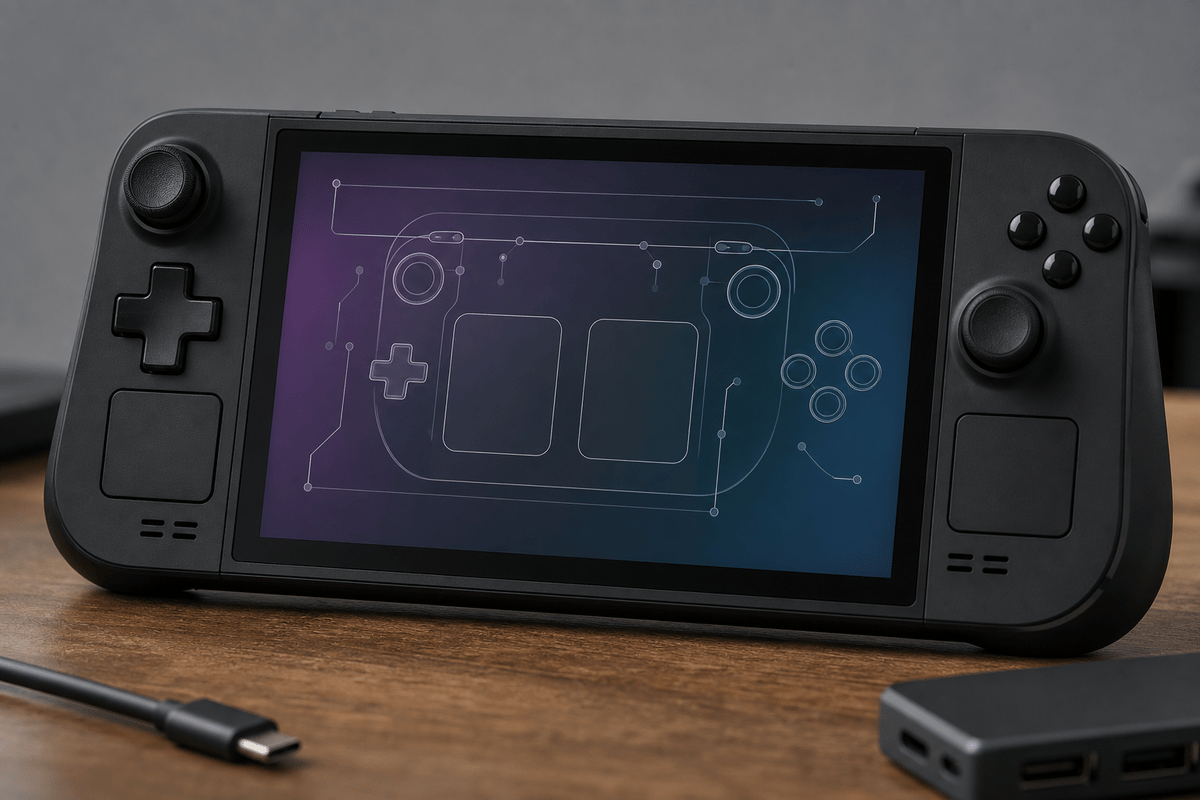
The unfinished portion is the stuff enthusiasts notice immediately. Rear buttons may need separate mapping work. Gyro behavior can vary. Device-specific shortcuts, detachable controllers, haptics, RGB controls, sleep and wake, charging behavior, and performance modes all sit outside the simple “buttons work” milestone. A beta build can make a handheld usable for basic play while leaving enough rough edges to frustrate anyone expecting Steam Deck-level consistency.
AMD Handhelds Remain the Safer SteamOS Lane
Valve’s broader SteamOS guidance still points AMD-based handhelds toward the smoother path. That is why the ROG Ally family, original Legion Go, and other AMD-powered models are the most sensible machines to consider for a SteamOS conversion. Support is spreading beyond a single Valve-made handheld because the hardware base is becoming easier for Valve to target.
That does not make every AMD handheld an official SteamOS product. The Legion Go S remains the clearest low-friction option because it was built and positioned for SteamOS support from the start. An original Legion Go or ROG Ally can be an excellent reuse case, particularly for owners tired of managing a Windows handheld interface, but it belongs in the verify-first category.
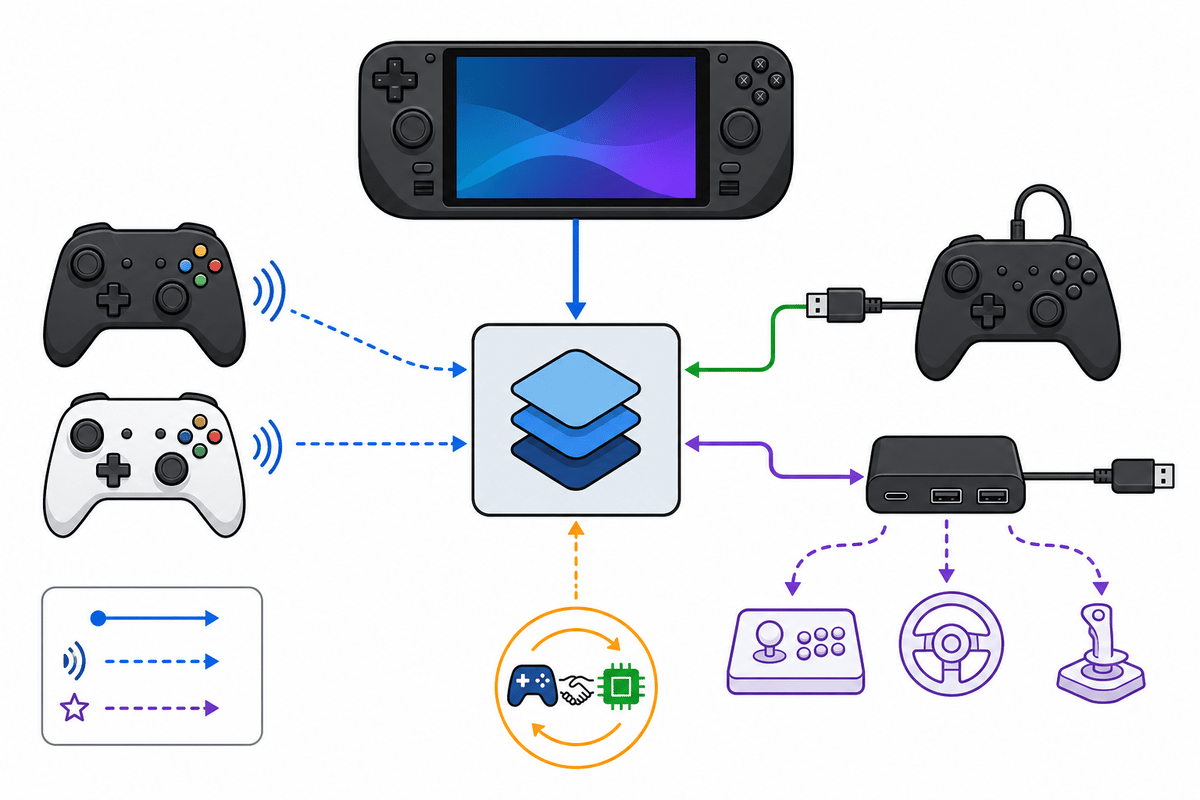
The MSI Claw situation shows why input support and platform support must be treated separately. Its new initial gamepad support is a real positive: Valve is working on the part that makes the device function as a handheld inside SteamOS. It does not erase the wider compatibility uncertainty around a device family that has had a less straightforward fit than the dominant AMD handheld group.
SteamOS Improves the Interface, Not the Hardware Budget
SteamOS can make a handheld feel substantially better to use. Gaming Mode is built around a controller, quick settings are designed for a small screen, Steam Input is deeply integrated, and the system avoids much of the desktop clutter that makes Windows handhelds feel like laptops shrunk to uncomfortable proportions.
Frame rate and battery life still depend on the APU, screen resolution, power limit, cooling system, game compatibility, and graphics drivers. SteamOS cannot turn every handheld into a Steam Deck equivalent, and it cannot guarantee that every PC game behaves perfectly on Linux-based software. Treat the operating system as a usability upgrade with possible performance benefits in individual cases, rather than a free hardware upgrade.
The 3.8.25 Beta also includes refreshed Linux driver support for the Steam Controller and work addressing rare post-sleep CPU performance issues on Steam hardware. Those fixes sound minor next to a new handheld name in the patch notes, but they are the unglamorous work that determines whether a portable system stays pleasant after weeks of suspend, resume, downloads, and quick play sessions.
Compatibility Checks Before Replacing Windows
- Confirm the exact processor and model revision. AMD-powered handhelds are the safest category for SteamOS today. Product families often contain multiple configurations, and the name on the box alone is not enough.
- Identify Valve’s support tier. Official Powered by SteamOS hardware carries the least risk. Expanded support is a reasonable enthusiast path. Initial gamepad support means the device is still earning its handheld credentials.
- Check the storage setup. Valve’s installation path is aimed at handhelds with NVMe storage. Ensure there is a viable installation route before treating SteamOS as a replacement rather than a test drive.
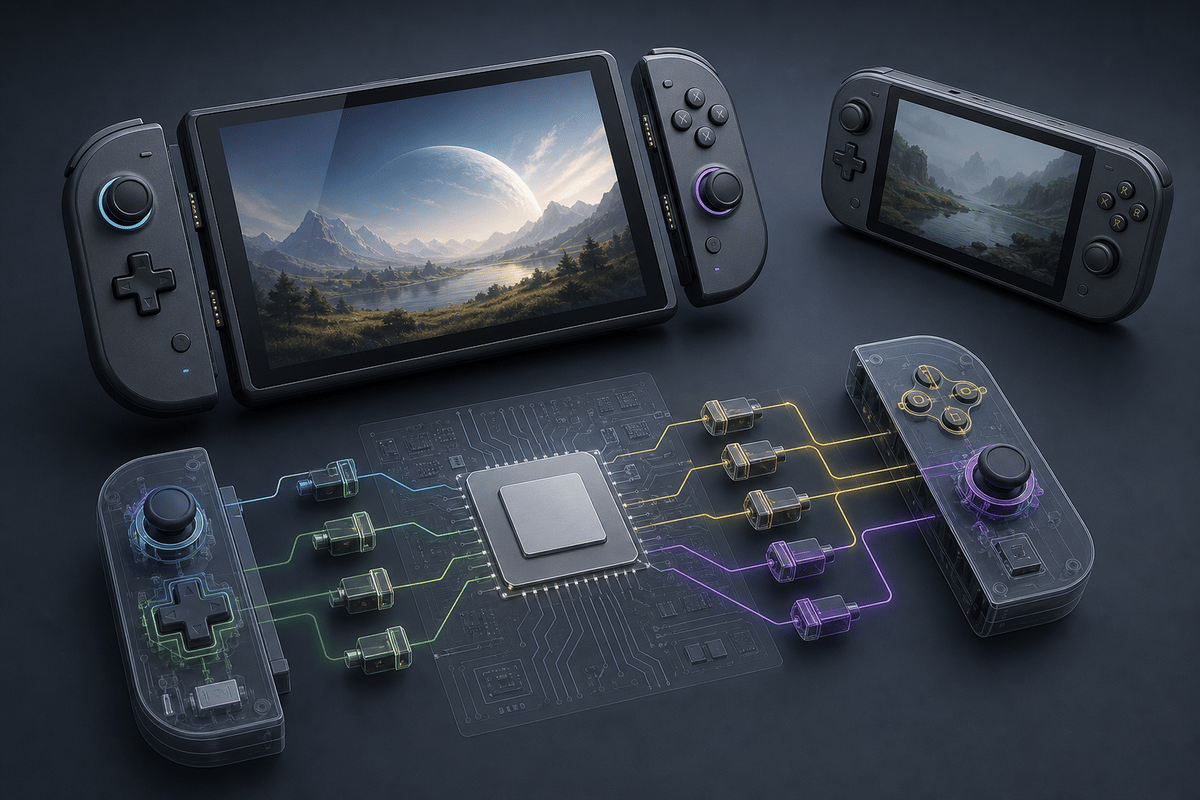
- Test every control that matters. Sticks, triggers, face buttons, D-pad, menu buttons, rear buttons, gyro, touch input, and any detachable-controller behavior deserve individual checks.
- Test suspend, wake, audio, Wi-Fi, Bluetooth, charging, and performance controls. A handheld that plays games but fails after sleep or loses wireless peripherals is not ready to replace a daily-use device.
- Install the games that define the purchase. SteamOS compatibility only matters if the specific library is reliable at the settings and frame-rate targets that make sense for the handheld.
Who Benefits From This Update
The Lenovo Legion Go S benefits most because it remains the direct answer for buyers who want SteamOS with minimal uncertainty. It is the third-party handheld to choose when the goal is a console-like portable PC rather than an operating-system experiment.
Existing ROG Ally, Ally X, and original Legion Go owners are next in line. SteamOS gives those systems a credible second life, particularly for players who value Steam’s controller-first interface over Windows flexibility. The hardware is already in hand, so testing storage, input, sleep, and the real game library costs far less than buying another handheld on a promise.
MSI Claw 8 EX AI+, Ayaneo Pocket S2, and Konkr Fit owners have a reason to pay close attention, but they should read “initial gamepad support” literally. The update makes these handhelds more viable targets for experimentation. It does not yet make them safe blind purchases for anyone who expects every feature to work like it does on a Steam Deck.
FinalBoss // Gear
Level up your setup
01Top-rated gaming headsetson Amazon→02High-refresh gaming monitorson Amazon→03Gaming chairson Amazon→04Discounted game keyson Kinguin→
Affiliate links · As an Amazon Associate, FinalBoss earns from qualifying purchases.