
Why Mods Matter in Fallout 4’s 2025 Wasteland
After more than 300 hours roaming the Commonwealth since the Fallout TV revival, I’m still hungry for fresh surprises. Bethesda’s next-gen patch promised silky framerates but often delivered stutters, missing textures, and load-order nightmares. I’ve wrestled with every bug so you don’t have to—here’s my lean, battle-tested mod lineup to turn chaos into a seamless Wasteland adventure.
Essential Tools & Utilities: Building a Solid Foundation
Every epic modded playthrough starts with the right backbone. These utilities keep your game stable and conflicts at bay:
- Downgrader (Nexus Mods): Roll back to the pre-next-gen build for full legacy compatibility. Pro tip: back up your save folder before you touch anything.
- Fallout 4 Script Extender (F4SE): The scripting engine required by most advanced mods. Match F4SE to your game’s build and update side by side.
- Unofficial Fallout 4 Patch: Community-driven fixes for quest bugs, broken scripts, and random crashes. A must if you hate mid-mission hiccups.
- Mod Configuration Menu (MCM): Tweak dozens of mod settings in-game without diving into .ini files. Instant life-changer when experimenting.
- Mod Organizer 2: Create isolated profiles, manage load order, and test risk-free. Keeps your main install pristine.
- LOOT: Sort plugins automatically after every install or removal. Run it religiously—your sanity depends on it.
Total Conversion Must-Haves: Reinvent Your Journey
Ready for a ground-zero refresh? These total conversions plunge you into entirely new worlds and challenges.
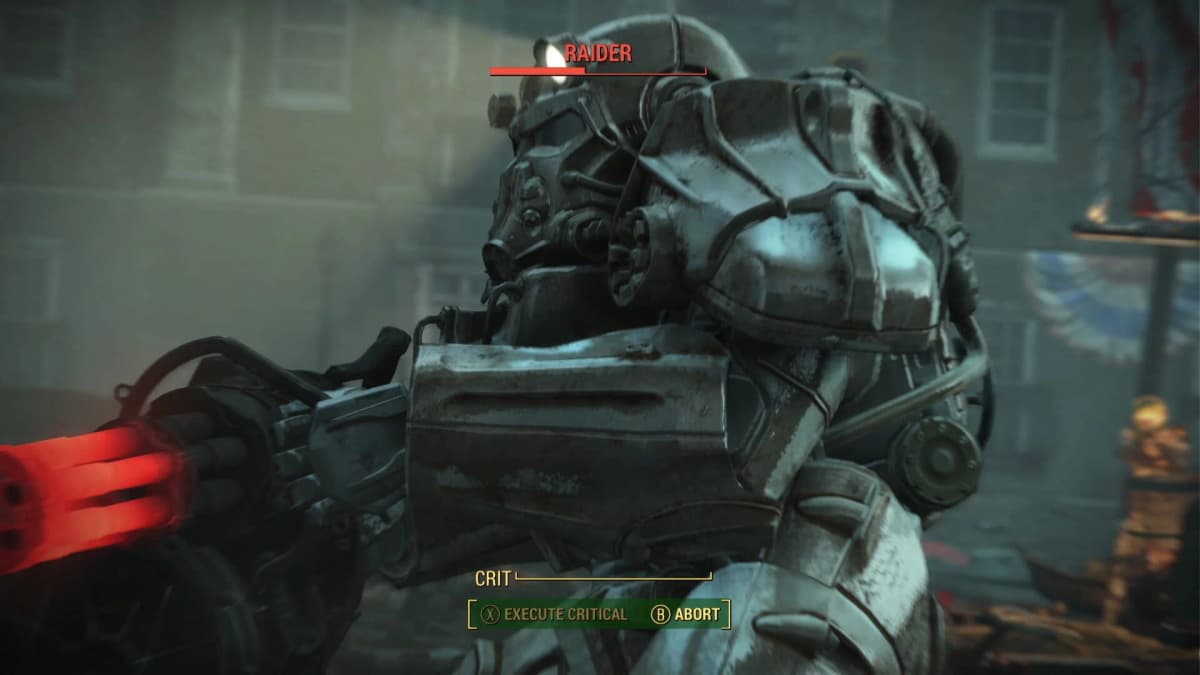
Fallout London
This monumental mod—crafted by the Fallout London Team—transports you from the Commonwealth to a meticulously rebuilt, radiation-scarred London. Over 200 quests, 20 factions, and original voice acting by Neil Newbon and Colin Baker deliver an experience rivaling official DLC.
- Create a dedicated MO2 profile called “Fallout London” to prevent asset clashes.
- Disable other major overhauls until you verify stability—this mod is enormous.
- Keep an eye on Nexus comments for hotfixes and community optimization tips.
MAIM Redux (Combat Overhaul)
If you crave punishing firefights, MAIM Redux elevates enemy AI, realistic bullet physics, and refined damage models. Combat transforms into a tactical puzzle where cover, ammo conservation, and critical strikes matter more than ever.
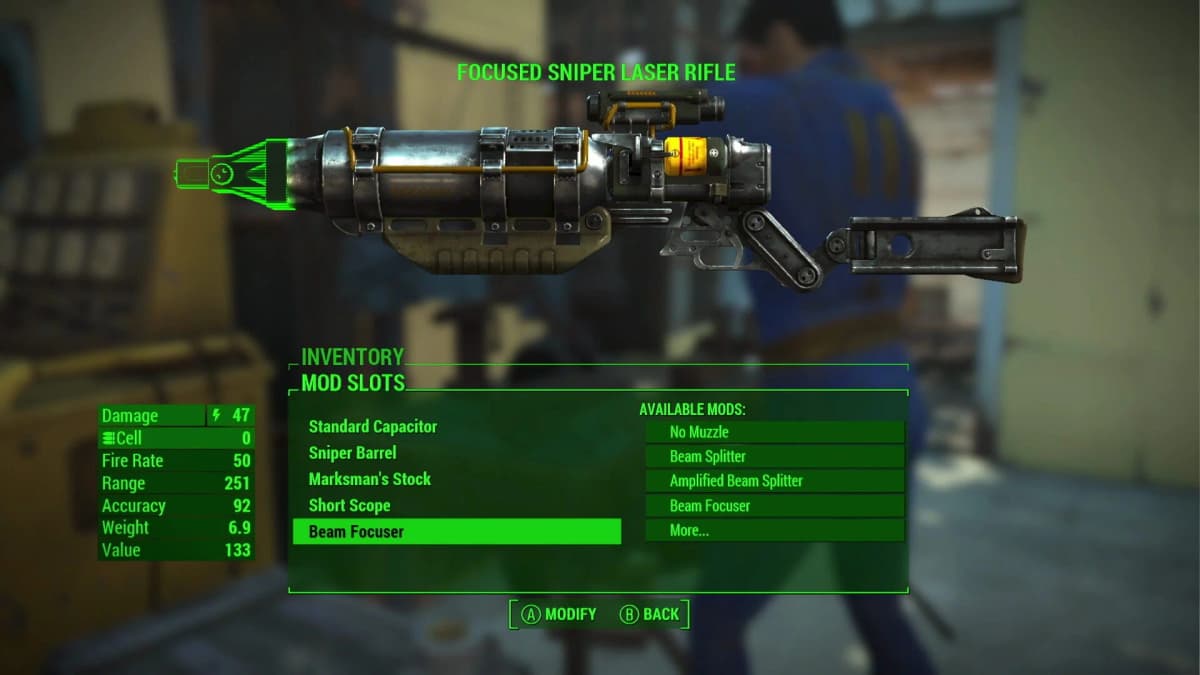
- Use a separate profile to avoid conflicts with other difficulty or AI mods.
- Test loadouts in quiet Commonwealth corners before diving into hardcore survival runs.
- Always pair with the Unofficial Patch to iron out quest or script issues.
Gameplay & Combat Enhancements: Master Every Encounter
Fine-tune movement, VATS, and stamina systems to make every firefight and chase sequence feel fresh.
- Enhanced Movement: Smooth sprint, climb, and crouch animations banish robotic stutters. Feels like a new engine under the hood.
- Classic VATS: Restore the original pause-and-plan mechanic. Combine with a motion mod to avoid glitches mid-target.
- Stamina Regen Overhaul: Slows sprint recovery to force tactical retreats. Ideal for hardcore or role-playing runs.
Gear & Armor Upgrades: Show Off Your Loot
Your arsenal should look and feel as formidable as it hits.
- Plasma Defender: Jaw-dropping weapon animations, new fire modes, and modular attachments. Watch for texture overlaps with other energy weapons.
- Space Marine Armor: A lore-friendly power suit complete with custom shaders. Expect minor body replacer conflicts if you stack multiple armor packs.
- Armorsmith Extended: Expand crafting with new armor slots, upgrade tiers, and high-resolution textures—perfect for hoarders.
Settlement & Crafting Overhauls: Build with Purpose
Transform settlements from afterthoughts into thriving hubs.
- Settler Built Settlements: Automates basic construction so you spend less time clicking and more time exploring.
- Better Settlers: Adds outfit variety, idle animations, and extra dialogue lines—your towns will finally feel alive.
- Crafting Workbenches: Merges weapon, armor, and settlement menus into one seamless interface. No more frantic menu-hopping.
- Sim Settlements 2: Let NPCs plan and build districts for you. Your settlements become living cities (prepare your rig).
Pro Tip: Avoid stacking too many building mods at once—floating debris and frozen NPCs are real nightmares.
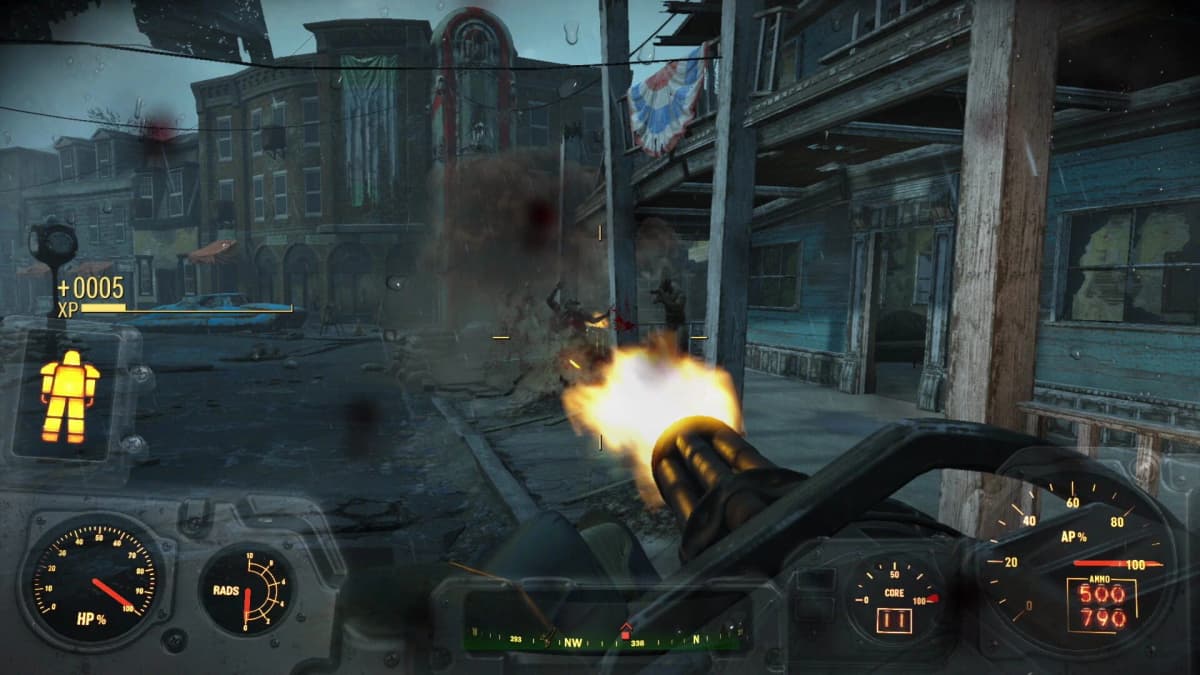
Visual & Atmospheric Makeovers: Rekindle Immersion
Fix pop-in, boost lighting, and restore that sense of wonder.
- True Storms: Overhauls weather, lighting, and particle effects—thunder that rattles your speakers. Load it early.
- Diamond City Lights: Upgrades neon signs with soft glows and realistic neon flicker. Install after weather mods.
- Cel Shaded: Apply a comic-book palette for a bold, stylized wasteland. Place last in your visual chain.
- ENB Framework: Add depth-of-field, dynamic shadows, and bloom—you’ll need to tune enbseries.ini for performance balance.
FinalBoss // Gear
Level up your setup
01Graphics cardson Amazon→02Gaming laptopson Amazon→03High-refresh gaming monitorson Amazon→04Discounted game keyson Kinguin→Affiliate links · As an Amazon Associate, FinalBoss earns from qualifying purchases.
Navigation & Completion Aids: Hunt with Confidence
Track collectibles, chart safe routes, and clear map clutter.
- Improved Map With Visible Roads: Highlights highways and side streets for efficient route planning.
- Smaller Map Markers: Reduce icon clutter—perfect for explorers who want to actually see their surroundings.
- Collectibles Helper: Displays bobbleheads, holotapes, and magazines on your HUD. Ideal for completionists chasing 100% runs.
Stability & Troubleshooting: When Mods Collide
Load Order Management
- Always run LOOT after installs or removals—never skip this step.
- Group similar plugins (visual, audio, AI) to spot conflicts faster.
Script & VRAM Limits
- Use a script merger or disable non-essential features when you hit Papyrus caps.
- Switch to medium-res textures or enable dynamic LOD if you max out VRAM.
Version Mismatches
- Roll back with Downgrader or wait for official support when Bethesda updates.
- Check Nexus comments for community hotfixes before uninstalling a beloved mod.
Advanced Modding Strategies: Level Up Your Setup
- Profile Swapping: Keep separate builds for survival, storytelling, or visuals—switch instantly in MO2.
- Staggered Installs: Add one major mod at a time and test thoroughly to isolate conflicts.
- Backup Saves: Export profiles and savegames regularly using MO2’s backup tool.
- Crash Log Analyzer: Inspect Papyrus logs to pinpoint script errors instead of guessing.
Bonus Mods Spotlight
- Place Everywhere: Let you place objects off-grid or underwater for truly custom builds.
- DEF_UI: Fully customize HUD elements, resize crosshairs, and clear menu clutter.
- Scrap Everything: Strip away wreckage and debris for cleaner, cohesive settlements.
Quick Load Order Reference
- Downgrader / F4SE / Unofficial Patch
- Mod Configuration Menu
- Fallout London (profile)
- MAIM Redux (profile)
- Enhanced Movement + Classic VATS + Stamina Overhaul
- Weapon & Armor Mods (Plasma Defender, Space Marine Armor, Armorsmith Extended)
- Settlement Overhauls (Settler Built, Better Settlers, Sim Settlements 2)
- Navigation Aids
- Visual Mods (True Storms, Diamond City Lights, Cel Shaded, ENB)
- Run LOOT & test in-game
Conclusion
The Fallout 4 mod community in 2025 is more vibrant than ever. Invest a little time in your toolkit, and you’ll unlock hundreds of extra hours of exploration, storytelling, and tactical combat. If you hit a snag, strip back to a bare profile, reintroduce mods one by one, and share your discoveries on the Nexus forums. Together, we’ll keep the Wasteland endlessly exciting—one mod at a time.