
Table of Contents (17)
Why Texture Packs Matter: My Quest for the Perfect Minecraft Look
After logging over 600 hours in Minecraft Java Edition, I reached a point where vanilla’s charm wore thin and my builds started to look samey. Swapping texture packs was my lifeline to rediscover the game, but I had no clue how wildly packs could change not just visuals, but the whole vibe. Through trial, error, and many mismatched worlds, I’ve narrowed down the packs worth your time, plus some details on what makes each unique-and what you need to watch out for when installing them.
Top Texture Packs I’ve Stuck With (and Why)
I wasted plenty of hours installing packs that just didn’t click or destroyed my FPS. Here are the packs I genuinely kept in rotation, what they transformed, and why they might fit your style.
John Smith Legacy – Medieval Perfection
If you crave rustic, RPG vibes, John Smith Legacy is unbeatable. The breakthrough moment came when I walked into my own village and every plank, cobblestone wall, and path looked like a handcrafted medieval town. The nuanced gravel and detailed wooden doors sucked me in for hours.
- Best For: Medieval builds, survival worlds, or D&D fans.
- Tips: Pair with shaders like Sildur’s for ultra-depth lighting. It works smoothly on mid-range PCs-no crashes or lag for me.
- Pitfall: Some mob skins look “too classic RPG” if you’re used to vanilla.
Faithful 32x/64x – Vanilla, Optimized
I thought I’d never need a “higher-res vanilla,” but Faithful proved me wrong. Every texture stays true to Mojang’s base art but glows up with much sharper details. My personal breakthrough was realizing animals and plants looked right-just crisper. If you want familiar vibes but HD, Faithful 32x/64x is perfect.
- Best For: Players who crave vanilla but less grainy visuals.
- Tips: The 64x version is gorgeous but does need better hardware. If your FPS drops, try 32x instead.
- Pitfall: Faithful can make some particle effects look a bit “off” until you adjust your settings.
Epic Adventures – Realistic, Without Losing Minecraft’s Soul
This one became my go-to for realistic exploration. The 32x textures add depth but never go full photorealistic. My bamboo jungles looked lush and my caves less like Lego. Paired with my usual BSL shaders, it creates a gorgeous but still distinctly Minecraft world.
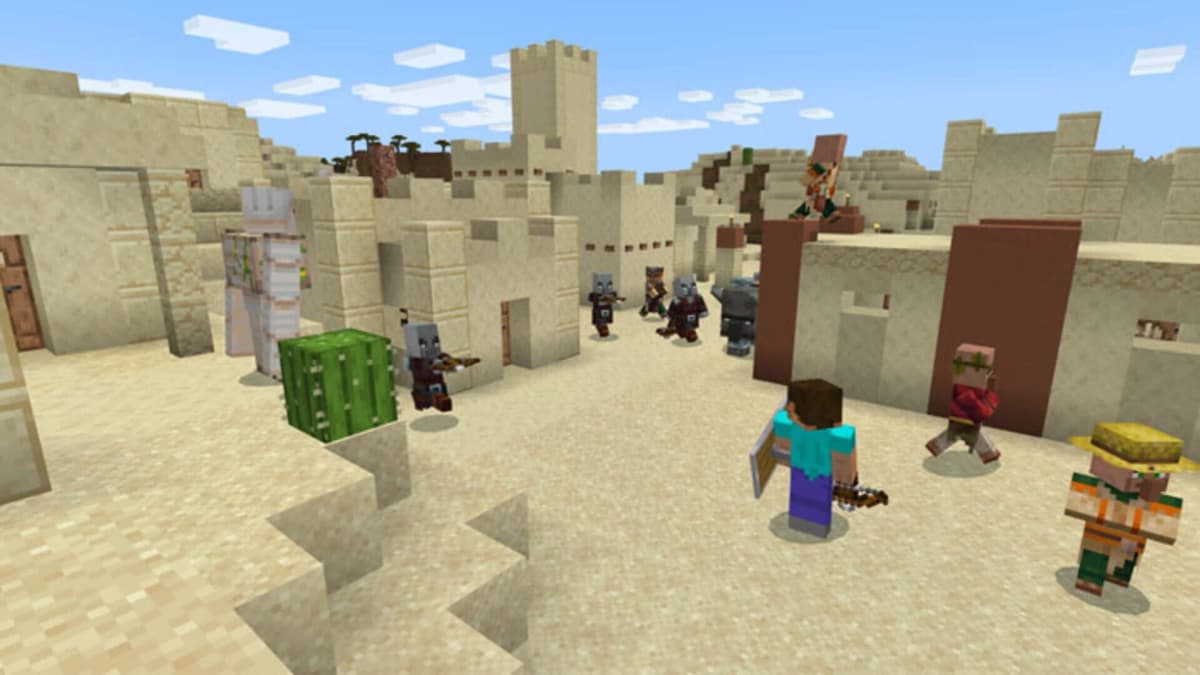
- Best For: Players who want fantasy realism without blowing up resource usage.
- Tips: Doesn’t hit performance as hard as ultra-HD packs.
- Pitfall: Some colors are slightly darker; tweak your monitor or in-game gamma if it feels too moody.
Better Berries – Colorful Details I Didn’t Know I Needed
The day I found Better Berries was the day my forests started to feel alive. Blueberry and huckleberry bushes gave my world more variety, which is great for base decorating or themed farms. If you’re bored of vanilla’s one berry, don’t sleep on this pack.
- Best For: Builders who want more colorful flora.
- Tips: It works with top shader mods and most other flora packs, but check for conflicts if you’re running “Stay True” or “Better Leaves”.
Jicklus – Vanilla, but With Whimsy
Jicklus was my comfort pack for months. It doesn’t stray far from default Minecraft, but the warmer palette and cuter animals gave my world a cozy, storybook feel. The subtle changes meant my farms, forests, and mobs looked fresh, but never alien. It’s my suggestion for anyone who wants “different, but not too different.”
Ray’s 3D Rails – Fixes That Bothered Me for Years
I always hated the flatness of default rails and ladders; Ray’s 3D Rails makes a shocking difference, especially if you build mineshafts or roller coasters. Installation is seamless and works alongside packs like Faithful or Epic Adventures for 3D detail where it counts.
Ray’s 3D Rails – Fixes That Bothered Me for Years
I always hated the flatness of default rails and ladders; Ray’s 3D Rails makes a shocking difference, especially if you build mineshafts or roller coasters. Installation is seamless and works alongside packs like Faithful or Epic Adventures for 3D detail where it counts.
🎮 Get This Game at the Best Price
Compare prices instantly and save up to 80% on Steam keys with Kinguin — trusted by 15+ million gamers worldwide.
*Affiliate link — supports our independent coverage at no extra cost to you
Enhanced Boss Bars/Immersive Interfaces – UI Tweaks You’ll Notice
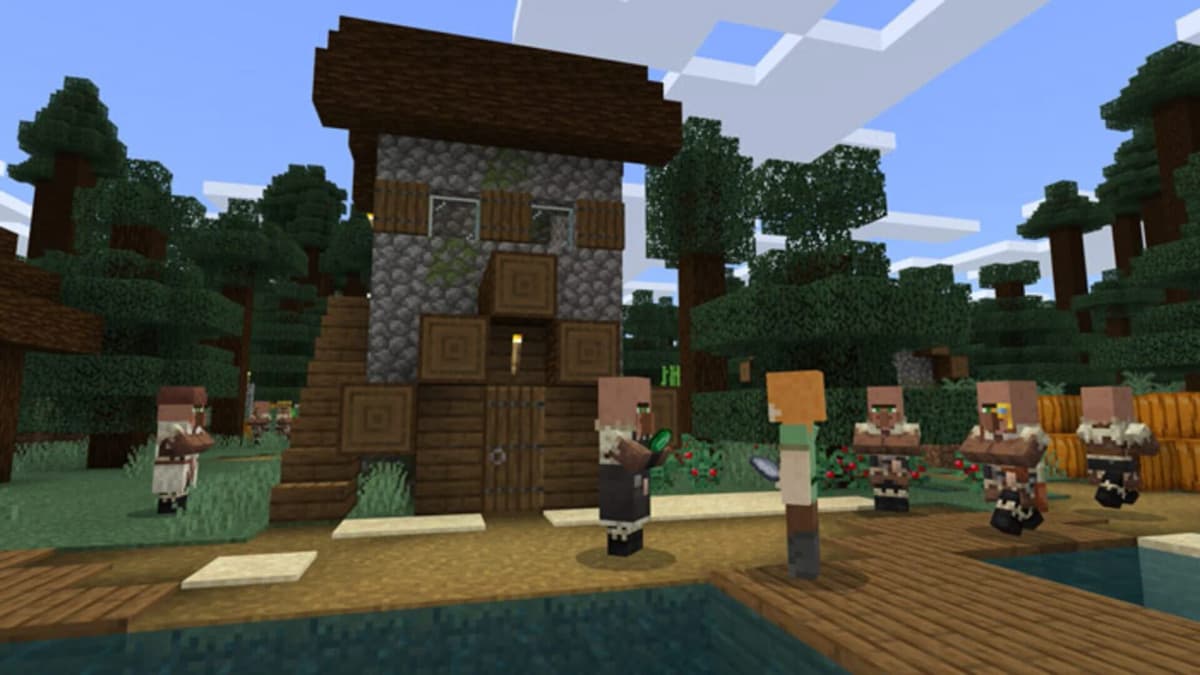
After years of the same bland UI, these packs finally gave my battles and inventory screens some personality. The day I first saw a unique Ender Dragon bar was a legit “whoa” moment. If you get tired of vanilla’s samey health bars and menus, these are quick wins for immersion.
Quickfire Special Mentions (That I Swap In and Out)
- Bare Bones: Minimalist, snappy FPS – perfect for low-end laptops.
- Stay True: Vanilla feel, but nicer leaves and flowers – forced me to stop using “default” after years.
- Dramatic Skys: The skies are gorgeous—watch out for distracting tornadoes and meteor showers.
- Default Dark Mode: UI is way easier on my eyes at night. An absolute must for late sessions.
- Mob Plushies: Purely for fun—my base looks like a toy store and I love it.
- Better Vanilla Building: A unique twist on vanilla, but can clash with other packs.
How to Install Texture Packs (and Not Break Everything)
Don’t make my mistake of dragging zip files everywhere. Here’s the streamlined process I wish I’d known from the start. This only takes 3–5 minutes per pack when you know what you’re doing.
- 1. Download the pack from a trusted source. Never unzip unless instructions say so.
-
2. Start Minecraft Java Edition and select
Options → Resource Packs → Open Pack Folder. - 3. Move the texture pack zip into that folder. Close the folder window.
- 4. In-game: Hover over the pack and click the right arrow to activate it. Then hit ‘Done’.
Tip: For multiple packs (like UI + terrain), drag them into the folder and rearrange load order in-game. The topmost pack “wins” when two conflict. Pro tip: Always back up your .minecraft folder before a texture pack binge.
Common Problems & My Personal Workarounds
- Packs Not Loading? Double-check you downloaded the correct version (e.g., 1.20/1.21—packs rarely auto-update).
- Weird Purple/Black Textures? This almost always means the pack isn’t compatible with your version or you dragged a folder instead of a zip.
- Crashes or Low FPS? Try a lower-res version (32x instead of 128x). Shaders and high-resolution packs together melt weak hardware fast.
- Textures Overlap/Conflict? Order matters. Stack your favorite terrain pack below UI or mob packs in the selection screen.
Bonus: Combining Packs Without a Hitch
My ultimate setup is usually Faithful for base textures, Ray’s 3D Rails for realism, Default Dark Mode for UI, and Dramatic Skys on top. I swap out Jicklus or Epic Adventures depending on my mood. It took trial and error—but trust me, stacking UI packs above block packs keeps menus readable. If something looks glitched, re-order until it snaps into place or disable the newest addition.
Your World, Your Style: Finding What Clicks
I cycled through over 30 packs before finding “the one.” The process took patience, lots of relaunches, and more than a few times where I broke my textures. Don’t be afraid to experiment: a small UI pack here, a full terrain overhaul there, or just seasonal tweaks for new life. Most importantly, back up your saves and screenshots before big changes.
No texture pack is truly “the best”—only what inspires you to build something new or see the world differently. Give these a try, and don’t make my mistake of sticking with the same old look for years. Minecraft should be yours, block by beautiful block.
TL;DR Quick Picks
- Best medieval/RPG: John Smith Legacy
- Best clean HD: Faithful
- Best realism: Epic Adventures
- Coziest laptop-friendly: Bare Bones
- Most fun with builds: Jicklus/Berry Packs
Now, jump in and make your world look exactly the way you want—it’s worth every restart.
FinalBoss // Gear
Level up your setup
01Top-rated gaming headsetson Amazon→02High-refresh gaming monitorson Amazon→03Gaming chairson Amazon→04Discounted game keyson Kinguin→Affiliate links · As an Amazon Associate, FinalBoss earns from qualifying purchases.
Want to Level Up Your Gaming?
Get access to exclusive strategies, hidden tips, and pro-level insights that we don't share publicly.
Ultimate Guide Strategy Guide + Weekly Pro Tips