
Table of Contents (12)
Introduction: Why I Turned to Mods
After clocking over 100 hours in Ready or Not, the vanilla experience started to feel stale. I knew every hallway, groaned at the same AI routines, and craved more pulse-pounding firefights. That’s when I dove into the modding scene—only to waste hours on broken installs and version clashes. In this guide, I’ve cut through the clutter to highlight seven battle-tested mods that unlock fresh missions, deeper immersion, and smarter tactics. Whether you’re breaching militia compounds solo or coordinating hostage rescues with your squad, these picks will breathe new life into your tactical shooter runs.
Before You Dive In: Setup & Pitfalls to Avoid
- Backup First: Copy your
%LOCALAPPDATA%\ReadyOrNotfolder before installing any mods. If something breaks, restore the original in seconds. - Use a Mod Manager: Vortex or Mod Organizer 2 handle load order, auto‐updates, and rollback—no manual folder juggling needed.
- Update Regularly: After each game patch or DLC (like Dark Waters), revisit your mod list. Even top mods can go out of sync overnight.
- Check Compatibility: Read each mod’s multiplayer notice. Some are single-player only; others require every lobby member to match versions.
- Maintain a Changelog: Jot down which mods you tweak or disable. When conflicts arise, your notes will pinpoint the culprit fast.
And when you squad up: sync your mod collection and .ini settings in advance—version mismatches stall raids faster than a dud breach charge.
Top Ready or Not Mods
1. Recorded or Not – Authentic Bodycam Perspectives
This overhaul replaces your HUD with real bodycam footage—fish-eye distortion, dynamic motion blur, and realistic exposure shifts when you burst into dark rooms. Every breach feels like a SWAT op highlight: head-bob jitters, glass shard flares, and the subtle swirl of dust motes adding tangible tension.
Installation & Key Tip: Unzip into /Mods/RecordedOrNot and activate in your mod manager. In the Settings.ini, dial down motion blur and tweak FOV to prevent eye strain. If you use ReShade, disable overlapping blur to keep visuals crisp.
2. Ready or Not Here I Come – Smarter, Deadlier AI
Vanilla suspects can feel predictable, but this AI overhaul teaches enemies to flank, feign surrenders, set ambushes, and call for reinforcements. My first firefight with this mod had bad guys bursting from unexpected angles—utter chaos in the best way. Patrol routes and backup timings shift dynamically, so no two raids play out the same.
Installation & Key Tip: Copy files to /Mods/AIOverhaul then restart. Run a quick solo mission to spot any clashes with other AI tweaks. And remember: rushing rooms without cover still gets you fragged.
3. Gunfighter – Premium Weapon Handling & Movement
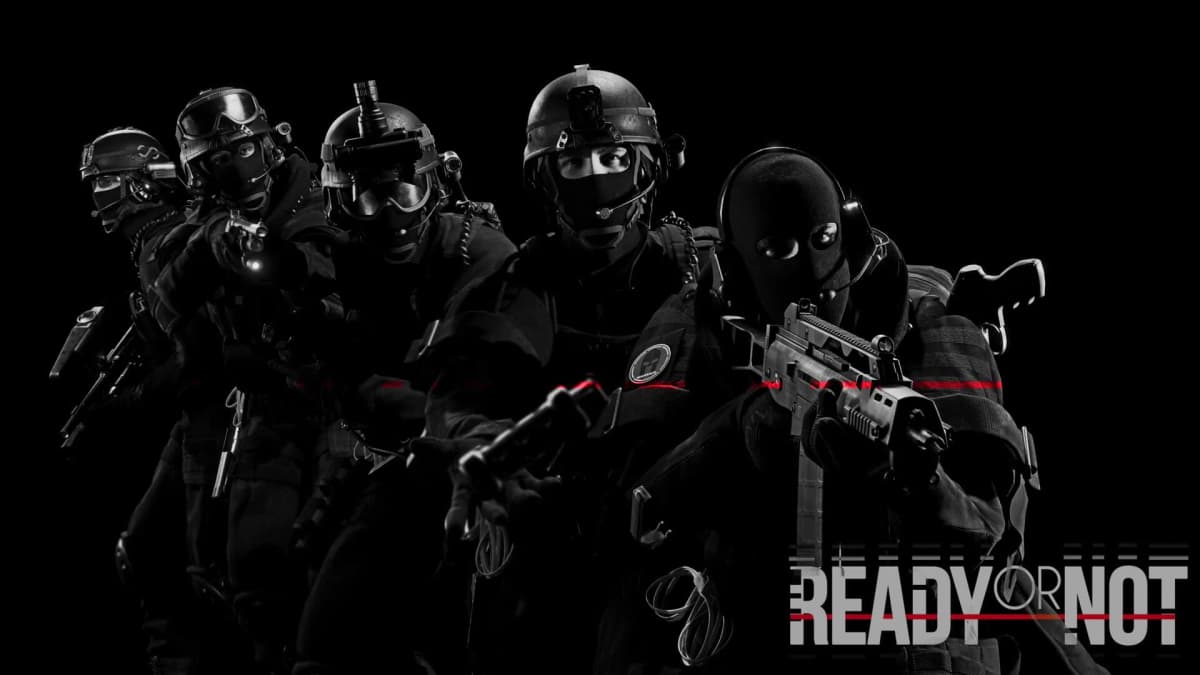
Gunfighter turns gunplay into a ballet of controlled violence. Realistic recoil patterns, fine-tuned weapon sway, and smooth reload animations make every shot feel weighty. Low-ready stances, precise shoulder peeks, and extra customization slots let you tailor your kit, whether you’re a breaching shotgun specialist or a long-range marksman.
Installation & Key Tip: Install to /Mods/Gunfighter, then tweak Gunfighter.ini for quick-draw speed and transition smoothness. Disable this mod in competitive lobbies to avoid version conflicts—and back up your preferred .ini settings for rapid reloads.
4. (Mostly) Uncensored or Not – Restoring Raw Grit
After official patches tamed blood effects, (Mostly) Uncensored brings back visceral gore: ragged flesh wounds, realistic bullet exits, and authentic splatter patterns. It’s not for the squeamish, but if you want the raw edge of real SWAT operations, this mod delivers.
Installation & Key Tip: Merge assets into your main game folder, then enable “Allow Uncensored Assets” in the launcher. Note: some public servers may enforce filters, so verify compatibility before jumping online.

5. Don’t Call Me Shirley – Custom 737 Hostage Rescue Map
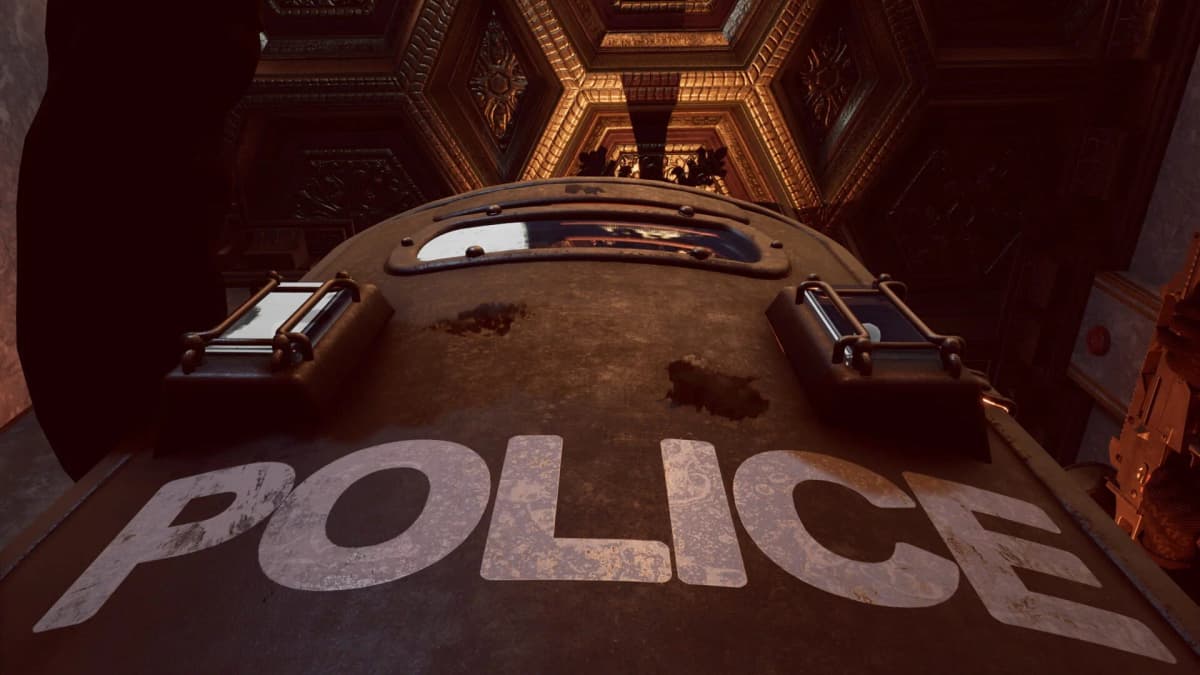
Suit up for a hijacked airliner scenario in this fan-made map. Tight aisles, low ceilings, and panicked hostiles create non-stop tension. On Realistic difficulty with a full squad, the 30-minute mission demands flawless coordination and well-timed flashbangs.
Installation & Key Tip: Drop files into /Mods/Maps/737Rescue, then select it from the custom map menu. Best with four-plus players; solo is possible but agonizingly slow. Carry extra breaching charges and lock down chokepoints to stay alive.
6. Attachment Expansion – Dozens of New Optics & Gear
Blow past the usual MRDS and grips. Attachment Expansion adds over 50 new parts—holographic sights, angled foregrips, advanced compensators, and more. Mixing and matching transforms your loadouts, whether you’re ghosting a compound or executing a full-frontal entry.
Installation & Key Tip: Unzip into /Mods/Attachments. If icons overlap or parts won’t equip, disable other gear mods one at a time to find conflicts. Always check the mod’s compatibility notes before play.
7. Girls’ Frontline 2 Exilium Skin Pack – Whimsical Character Swaps
Not a hardcore realism pick, but swapping your Judge shotgun for anime-style models from Girls’ Frontline 2 is a hilarious palate cleanser after tense raids. The pack is lightweight and performance-friendly—just warn your squad if they aren’t ready for kawaii OPS.
Installation & Key Tip: Place skins in /Mods/Skins/Anime and select your favorite Operator in the loadout menu. No impact on hitboxes or performance, but expect some lobby banter when you deploy.
Expert Tips for Smooth Modding
- Test mods in single-player immediately after game updates to catch softlocks or crashes.
- Keep a pristine vanilla folder on standby to revert instantly if things go sideways.
- Sync mod lists, .ini files, and load orders with friends—version mismatches kill lobbies faster than a misthrown flashbang.
- Read user comments, changelogs, and patch notes on each mod page; community fixes often arrive before official updates.
- Use Steam Workshop subscriptions for auto-updates when available, but always verify compatibility before jumping online.
- Maintain your own changelog so you know exactly which mods and settings you’ve tweaked.
Wrapping Up: Your Next Steps
These seven mods deliver fresh challenges, smarter enemies, and immersive visuals that breathe new life into Ready or Not. Start small—enable a couple of mods at a time, sync with your squad, and tweak settings until everything runs smoothly. As your confidence grows, explore custom maps, advanced gear packs, and experimental AI enhancements.
Always credit and support mod authors—they’re the reason your SWAT operator feels reborn. Now suit up, breach in, and experience Los Sueños like never before. With the right loadout and the setup tips above, you’ll spend less time troubleshooting and more time pulling off flawless raids.
FinalBoss // Gear
Level up your setup
01Graphics cardson Amazon→02Gaming laptopson Amazon→03High-refresh gaming monitorson Amazon→04Discounted game keyson Kinguin→Affiliate links · As an Amazon Associate, FinalBoss earns from qualifying purchases.
Want to Level Up Your Gaming?
Get access to exclusive strategies, hidden tips, and pro-level insights that we don't share publicly.
Ultimate Guide Strategy Guide + Weekly Pro Tips