
Table of Contents (22)
Why I Keep Coming Back to the Sims 4 Gallery
After 500+ hours of building, downloading, and tweaking Sims 4 homes since 2014, I still get that spark of inspiration only the right lot can deliver. Whether you’ve stared at a blank screen in panic or watched a dream build flop, this guide comes from those epic fails and triumphant wins—and a whole lot of coffee-fueled late nights.
Inside, you’ll find my top 11 Sims 4 Gallery picks for 2025, essential navigation tricks, build hacks, troubleshooting tips, and platform-specific notes to make sure your download-and-place sessions go off without a hitch.
Why the Gallery Rocks Right Now
The official EA Gallery has never been more powerful. In 2025, cloud sync is smoother, search filters are sharper, and community uploads are thriving. You can pull stunning starter homes, custom-content-powered mansions, and themed fantasy builds straight into your game in seconds.
- Cloud Sync Upgrades: Larger builds load faster thanks to optimized file transfers.
- Filter by Packs: Tick off required expansion, game, or stuff packs so you never end up with missing décor.
- Custom Content Integration: The “Include CC” toggle catches any add-ons you need before you hit Download.
Overview of Sims 4 House Downloads
Beyond EA’s Gallery, you can find Sims 4 houses on community hubs like Mod The Sims, The Sims Resource, plus social channels like Pinterest and YouTube. Each resource offers unique finds—some include CC, others rely solely on base-game assets.
Key Download Considerations:
- Required Packs: Expansion, game, or stuff packs that a build depends on.
- Custom Content: Separate downloads for hair, furniture, or lighting meshes.
- Lot Size & Type: Must fit your chosen world’s available spaces.
- Patch Compatibility: Always check if a build is updated for the 2025 patch.
How to Download and Install Sims 4 Houses
Getting a Gallery lot into your game is simple once you know the steps, but it can trip you up if you rush:
- In-game, press F4 or click the Gallery lightbulb icon.
- Search by lot name or creator ID.
- Click the cloud icon to sync the build to your library.
- Head into Build/Buy (F2) → Gallery → My Library.
- Select the lot, click “Place Lot,” then choose “Furnish.”
If CC is required, download the linked package from the creator’s page (Mod The Sims or TSR), then install it to your Mods folder before loading the save.
Platform-Specific Notes
Whether you play on PC, Mac, or console, a few quirks matter:
- PC/Mac: You get full Gallery access, CC support, and mod managers like Sims 4 Tray Importer.
- PlayStation & Xbox: Gallery and EA Play integration is built-in, but no custom content support. Stick to base-game-friendly builds.
- Cross-Platform Sync: Use EA Play on console and PC to share your creations across devices.
Top 11 Sims 4 Gallery Picks for 2025
From whimsical fairy hideaways to sleek desert mansions, these builds cover every mood and storyline you crave. All lots are confirmed updated for the latest patch.

1. Toadstool Fairy Cottage
Creator: VelvettB | Requires: Enchanted by Nature DLC
Mossy accents, butterfly décor, and toadstool stools bring enchanted tales to life in Innisgreen’s forests. Perfect for fae Sims or a magical start to your story.
2. Underground Modern House
Creator: Acsimms | Requires: Custom Content (check Gallery)
Three sunken levels with glass walls, a rooftop garden, and stealthy “spy movie” vibes. Don’t forget to grab the matching CC pack for seamless finishes and hidden passage doors.
3. British Semi-Detached
Creator: Jessicapie | Requires: For Rent Game Pack
Two homes under one roof—ideal for rentals or multi-family dramas. Classic brick exteriors meet cozy, divided interiors that scream “morning tea on the porch.”
4. Modern Luxury Desert House
Creator: MrdesimsYT | Requires: None
Floor-to-ceiling windows, an outdoor kitchen, and sand gardens make this Oasis Springs mansion unforgettable. Peek the speed-build video on YouTube for quick furnishing inspiration.
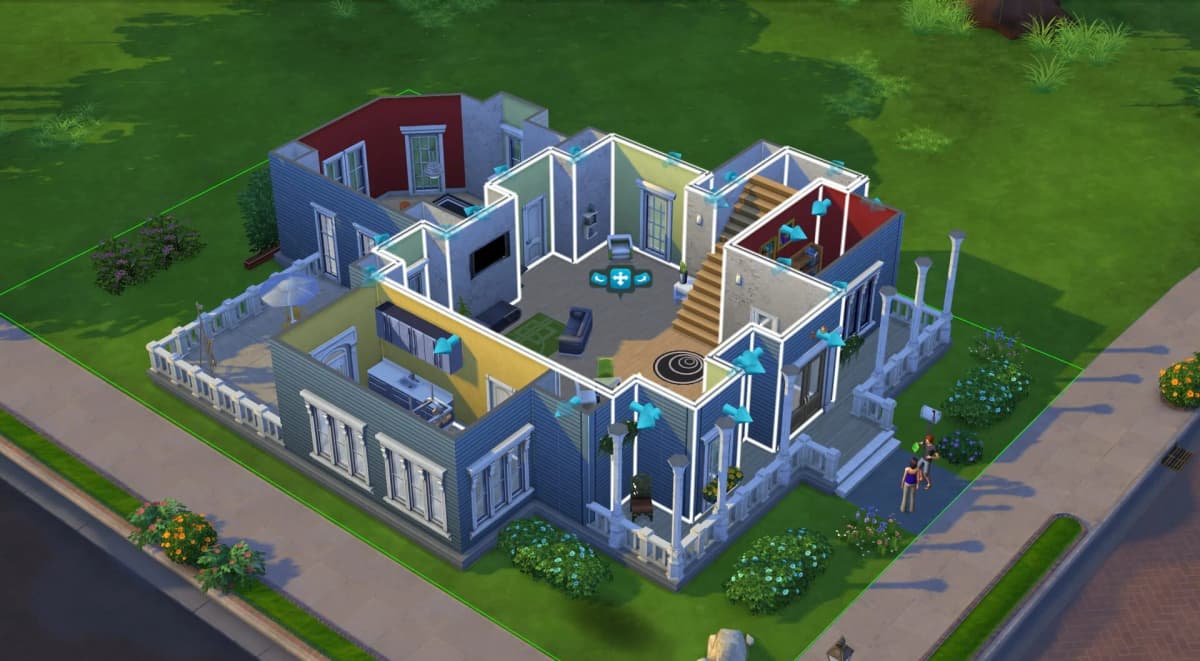
5. Candy Shop & Café Apartment
Creator: ninahschmidt | Requires: Get to Work, For Rent
Run a candy shop and café downstairs, live upstairs—zero commute for your entrepreneurial Sims. Bonus: custom counters and treat displays add major charm.
6. Realistic Family House
Creator: Cyberdollyt | Requires: None
Three bedrooms, a backyard basketball hoop, and fuss-free design. Newcomers will adore this move-in-ready starter home with real-life flow and scale.
7. Modern Beach House
Creator: Gryphi | Requires: Additional window and door kits
Bold lines, asymmetric shapes, seaside decks—snag the window and door kits to nail this high-design coastal retreat. Perfect for beach parties and sunrise yoga.
8. River Cabin
Creator: KateEmerald | Requires: None
Waterfalls, split levels, and sprawling decks turn terrain into your playground. Terrain tools can be tricky, but the payoff is a rustic escape worth the extra work.
9. Luxurious Mansion
Creator: Simproved | Requires: Multiple Expansion Packs
Thirteen bedrooms, secret lab, home cinema, bowling alley, nightclub—brace yourself for an epic multi-stage build. Pro tip: save early and often to avoid losing progress.
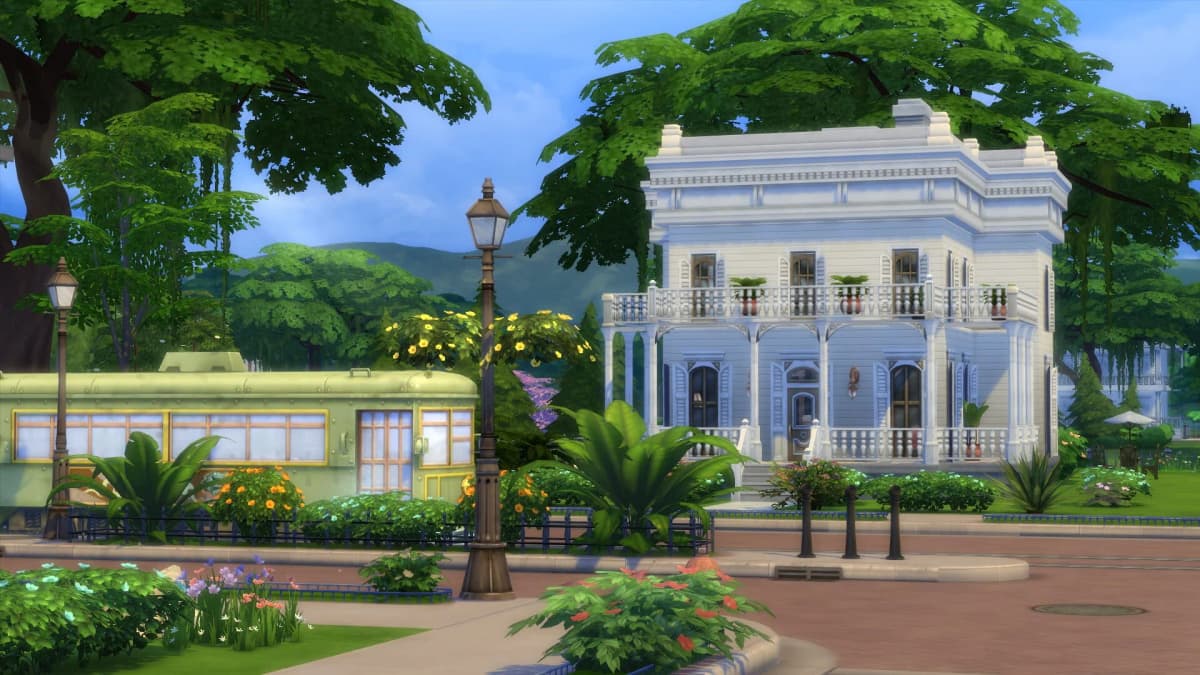
10. Mountain Cabin
Creator: KateEmerald | Requires: Outdoor Retreat
Master terrain and lighting in Granite Falls. Trim dense trees if you need smoother performance or a clearer mountain view.
11. Tiny Treehouse
Creator: AvelineYT | Requires: Video tutorial
Compact, minimalist, and perched in the canopy. No Gallery listing—follow the creator’s tutorial or poke around reverse-engineering your own elevated hideout.
Tips for Optimizing Your Sims 4 Downloads
- Clear Cache Regularly: Delete localthumbcache.package to prevent slowdowns and corrupted thumbnails.
- Use a Mod Manager: Tools like Sims 4 Tray Importer help you back up and sort lots and CC.
- Check File Size: Larger files can hang in the Gallery—filter by size if you’re on slower connections.
- Patch Before Download: Always install the newest Sims 4 update before pulling community builds.
Gallery Navigation Tips
- Open in-game only: Press F4 or click the lightbulb icon to avoid main-menu errors.
- Search smart: Use creator IDs or lot names, then sort by “Most Popular” for stable downloads.
- Verify requirements: Tick “Include Custom Content” and check pack icons before hitting Download.
- Sync first: Click the cloud icon and wait—larger builds can take a few seconds to appear.
- Place with care: In Build/Buy (F2), go to “Gallery → My Library,” select your lot, then choose “Place Lot” and “Furnish.”
Pro Tip: Use bb.moveobjects on to adjust landscaping or misaligned items after placement.
Build & Personalize with Confidence
- Start small: Try the Realistic Family House or Tiny Treehouse to master core build controls.
- Landscaping last: Tackle terrain-heavy lots like River Cabin once you’re comfortable with terrain tools.
- Monitor object count: Detailed lots can tank performance—save often and declutter props as needed.
- Mix and match: Combine rooms from different builds on a blank lot to practice layouts risk-free.
Troubleshooting Placement Issues
- Enable cheats: Open the console (
CTRL+SHIFT+C), enterbb.moveobjects on, then place the lot. - Check DLC: Missing sections often mean missing packs—always confirm requirements in the Gallery.
- Match lot size: A 50×50 build won’t fit on a 30×20 plot—bulldoze or switch to a larger lot.
- Use Furnish mode: If items vanish during placement, undo (
CTRL+Z) and re-place as “Furnished.”
Advanced Tip: Combine platforms, see-through stairs, and bb.showhiddenobjects to craft floating homes or multi-level treehouses.
Wrapping Up
Whether you’re downloading bold Gallery gems or recreating dream designs from scratch, these 11 Sims 4 homes and pro tips will keep your build sessions fresh and fun. From easy starter homes to sprawling mansions, the 2025 Sims 4 Gallery has something for every storyteller. Start small, enable cheats wisely, and remember: your dream Sims 4 home is just one late-night session away. Happy Simming!
FinalBoss // Gear
Level up your setup
01Top-rated gaming headsetson Amazon→02High-refresh gaming monitorson Amazon→03Gaming chairson Amazon→04Discounted game keyson Kinguin→Affiliate links · As an Amazon Associate, FinalBoss earns from qualifying purchases.
Want to Level Up Your Gaming?
Get access to exclusive strategies, hidden tips, and pro-level insights that we don't share publicly.
Ultimate Guide Strategy Guide + Weekly Pro Tips