
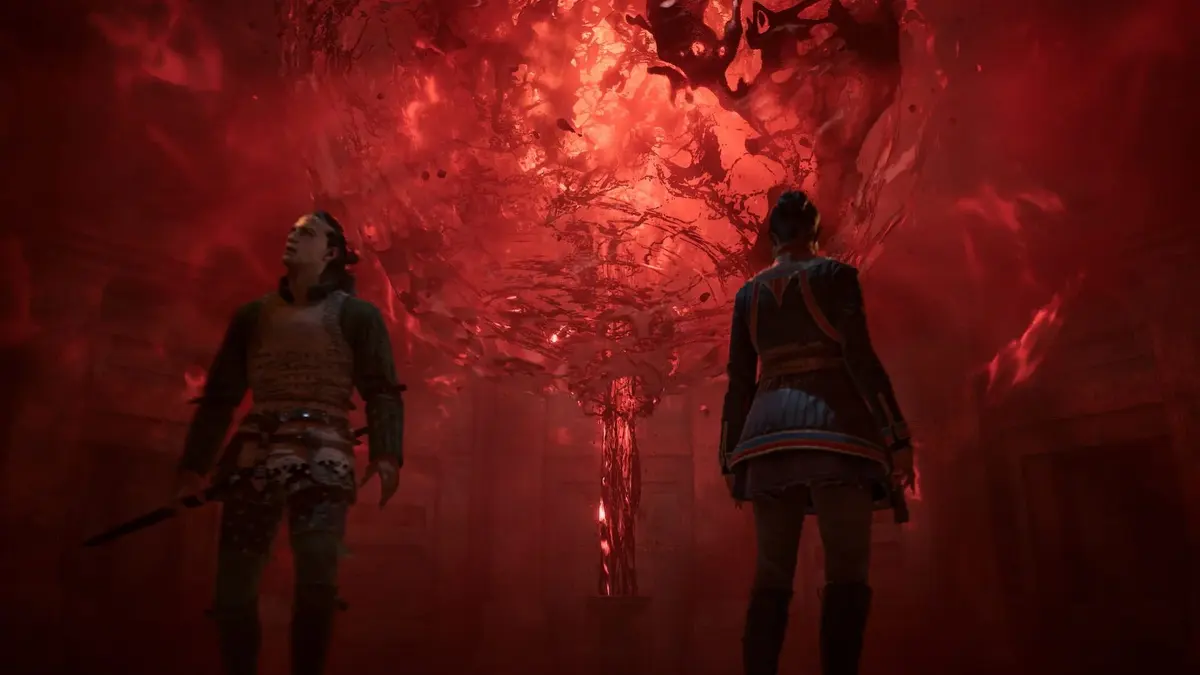
A game patch that lets players save again is not a victory lap. It is emergency maintenance. The Blood of Dawnwalker Hotfix 1.0.4, released September 9, targets the failures that can turn an RPG run into dead time: blocked saves, stalled quests, infinite loading, stability problems, and PC frame-rate drops triggered by certain controller setups.
Rebel Wolves has put its attention in the right place. Content can wait when players are stuck in On the Run, trapped in a cave during Deep Down, or staring at a save error after making progress. The uncomfortable part is that these are the sort of launch issues a studio needs to erase quickly, because every blocked quest teaches players to stop trusting the game’s systems.
Table of Contents (4)
Saving and quest progression were the real fires
Hotfix 1.0.4 fixes an issue that prevented players from saving the game and addresses several quest-progression blockers. On Steam, the patch is listed as Hotfix 1.0.4; PlayStation 5 and Xbox Series X|S players should find it under Update 1.005. Different labels, same job: get affected saves and story progress moving again.
The quest fixes matter more than a vague “general improvements” line would suggest. The update addresses an infinite loading problem caused by progressing On the Run, prevents Coen getting stuck in a cave during Deep Down, and removes a progression blocker in The Heart Wants What It Wants. In Smoke and Ashes, investigating the rag is now optional, while one solution in Hive and Seek no longer ends prematurely.
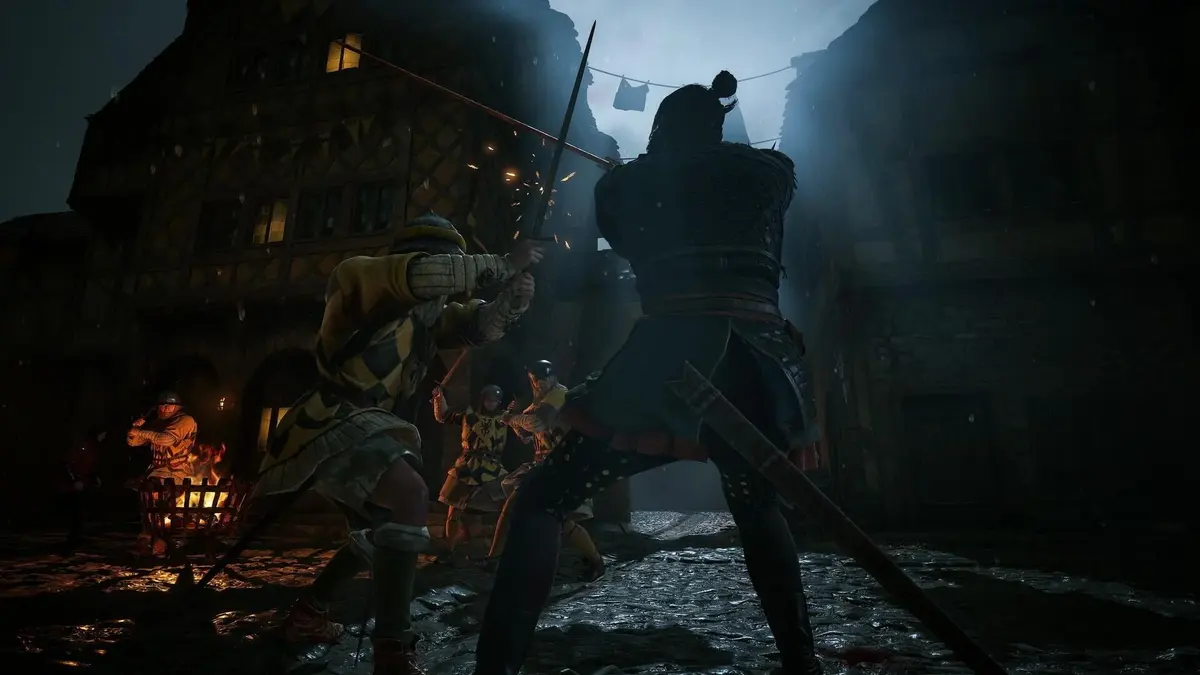
There are also smaller state fixes that sound silly until they wreck a quest chain: dead NPCs can no longer start dialogues, characters should no longer refuse to talk after nearby NPCs have been killed, and Ocha will no longer attack Coen when guards attack her. Torches, meanwhile, can no longer grow without control. A vampire RPG has room for weirdness; multiplying fire props was not the evocative kind.
The controller fix is specific, and PC players should read the fine print
The headline performance fix is aimed at PC players using controllers with outdated GameInput software. That configuration could cause FPS drops simply from having a controller connected. Hotfix 1.0.4 is meant to stop that particular problem.
That wording matters. This does not promise to cure every stutter, shader hitch, or frame-time dip in the game. It fixes a defined controller-and-GameInput conflict. Earlier September work had already addressed controller dead zones and sprint-input behavior, which means input handling has been a recurring post-launch cleanup job rather than a one-off annoyance.

Players using FSR Frame Generation should also keep an eye on VSync behavior after updating. The hotfix has been associated with work in that area, but the essential verified PC fix remains the GameInput-related controller FPS drop.
What affected players should do now
- PC and Steam: Let Hotfix 1.0.4 download, then fully close and relaunch the game. Do not assume a background Steam download has switched the running build.
- PC controller users: If frame rate drops began when a controller was connected, update first and check the GameInput setup tied to that controller.
- Blocked quest players: Install the patch before retrying the quest state. Reload the game rather than continuing from an old session that was already stuck.
- PS5 and Xbox Series X|S: Manually check for Update 1.005 before loading the affected save. Console version labels do not match Steam’s Hotfix 1.0.4 naming.
- Anyone hit by save failures: Once updated, create a fresh manual save immediately. That is the fastest practical test that the save-blocking issue is gone on that file.
The patch also removes a very visible reminder of unfinished work
Among the stability and progression repairs, Hotfix 1.0.4 removes a red pipe placeholder asset labeled “DO NOT USE.” It is a minor fix compared with restoring a broken save, but it neatly captures why this patch had to land fast. Placeholder debris, runaway torches, dead people holding conversations, and quests that will not advance all point to a game still being aggressively stabilized in public.
The next meaningful test is simple: whether players can resume pre-patch saves without fresh blockers in the affected quest chains. If save errors, infinite loading in On the Run, or PC controller-induced FPS drops remain after a clean restart on the updated build, those are no longer launch-week quirks. They are the next items Rebel Wolves needs to put on the operating table.
FinalBoss // Gear
Level up your setup
01Top-rated gaming headsetson Amazon→02High-refresh gaming monitorson Amazon→03Gaming chairson Amazon→04Discounted game keyson Kinguin→
Affiliate links · As an Amazon Associate, FinalBoss earns from qualifying purchases.
Want to Level Up Your Gaming?
Get access to exclusive strategies, hidden tips, and pro-level insights that we don't share publicly.
Ultimate Gaming Strategy Guide + Weekly Pro Tips