
Table of Contents (8)
The practical answer: 16GB RAM, an SSD, and sensible upscaling matter most
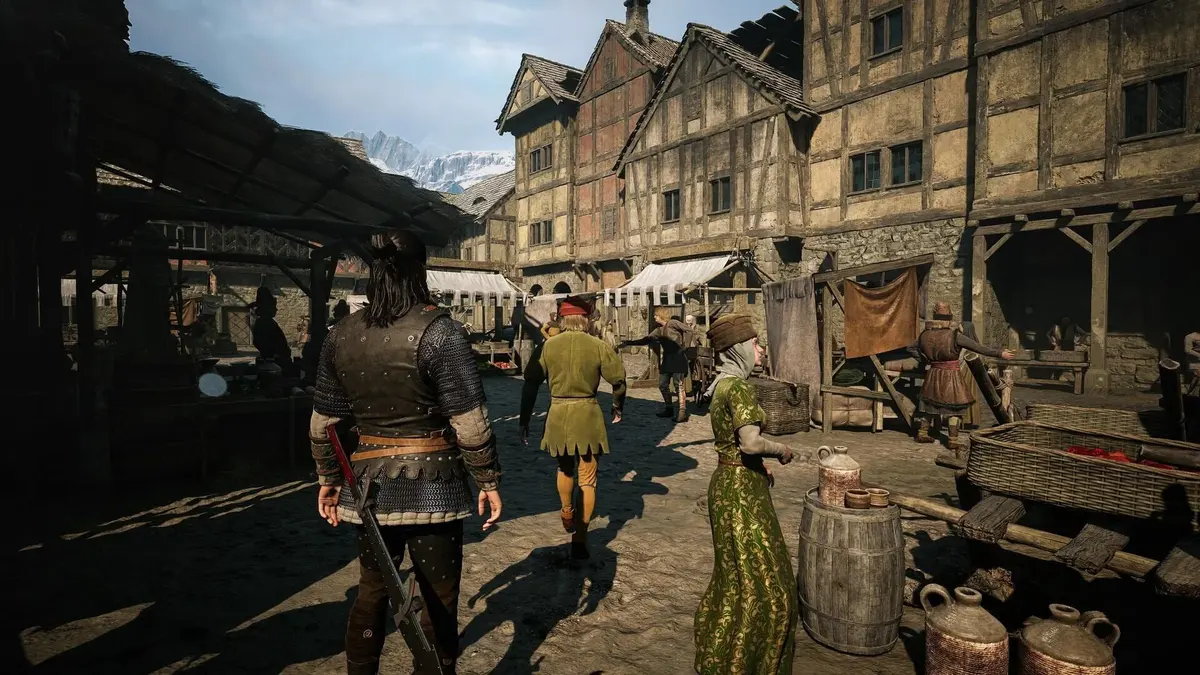
The Blood of Dawnwalker has a much more realistic PC entry point than its first hardware guidance implied. A GTX 1060- or Radeon RX 580-class machine can target 1080p at 30 fps on Low, while a modern mid-range system is the sensible place to start for 1080p/60. The catch sits at the top end: the published 4K/60 Ultra target assumes DLSS, FSR, or XeSS is enabled.
Rebel Wolves’ Unreal Engine 5 RPG launches on September 3, 2026 for PC, PlayStation 5, and Xbox Series X|S. On PC, the important pre-launch check is straightforward. Every listed tier requires Windows 10 or later, DirectX 12, 16GB of system memory, and 60GB of free SSD space. A mechanical hard drive and an 8GB RAM build sit outside the stated requirements before graphics settings even enter the discussion.
Final PC requirements and performance targets
| Target | CPU | GPU | Memory requirement | Upscaling guidance |
|---|---|---|---|---|
| 1080p / 30 fps / Low | Intel Core i5-11400F or AMD Ryzen 7 2700X | GeForce GTX 1060 or Radeon RX 580 | 16GB RAM; 60GB SSD | Native 1080p is the stated baseline |
| 1080p / 60 fps / Medium | Intel Core i7-11700K or AMD Ryzen 7 5700X | RTX 2060 Super, GTX 1070 Ti, RX 5700, or Intel Arc A750 | 16GB RAM; 8GB VRAM; 60GB SSD | Native is the target; Quality upscaling can smooth dips |
| 1440p / 60 fps / High | Intel Core i7-11700K or AMD Ryzen 7 5700X | RTX 4060, RX 7600 XT, or Intel Arc B580 | 16GB RAM; 8GB+ VRAM; 60GB SSD | Start with DLSS, FSR, or XeSS Quality |
| 4K / 60 fps / Ultra | Intel Core i7-12700K or AMD Ryzen 7 7800X3D | RTX 4070 Ti or Radeon RX 9070 | 16GB RAM; 12GB+ VRAM; 60GB SSD | DLSS, FSR, or XeSS enabled is part of the published target |
The final requirements are lower, but the 4K fine print matters
The welcome development is at the bottom of the chart. Early hardware guidance put an RTX 3050-, GTX 1070-, RX Vega 56-, or Arc A580-class card at the floor. The finalized low target instead reaches down to GTX 1060 and RX 580 hardware. That is a meaningful shift for players holding onto older Pascal and Polaris cards, even if 30 fps on Low remains a modest target for a modern Unreal Engine 5 release.
One awkward detail deserves attention before buying an upgrade. Some requirement summaries still use a GTX 1080 for the 1080p/30 line, while the finalized tier table lists GTX 1060 or RX 580 hardware. Either way, the practical advice remains the same: a 6GB GTX 1060 or 8GB RX 580 should be treated as the lowest viable rung, with Low settings, 1080p output, and no expectation of a locked 60 fps experience.
The top tier has also been brought back to earth. Earlier discussion around a 4K maximum setting pointed at RTX 5090-class hardware. The final 4K/60 Ultra profile calls for an RTX 4070 Ti or Radeon RX 9070 with at least 12GB of VRAM, paired with an i7-12700K or Ryzen 7 7800X3D. That still represents a serious gaming PC, but it is a far more useful target than a flagship-only recommendation.

DLSS, FSR, and XeSS: use the right tool for the resolution
DLSS, AMD FSR, and Intel XeSS are all available in the PC build. The game’s final performance wording explicitly ties 4K/60 Ultra to having one of them turned on. That should shape expectations: 3840×2160 at Ultra is designed around reconstruction from a lower internal resolution, not brute-force native rendering.
| Resolution target | Best starting point | When to lower the mode | What to avoid |
|---|---|---|---|
| 1080p / 30 fps / Low | Native resolution | Use an upscaler only if GPU load creates repeated frame-time spikes | Ultra Performance modes, which can make fine detail look unstable at 1080p |
| 1080p / 60 fps / Medium | Native resolution on the listed GPUs | Enable Quality mode when 60 fps is inconsistent in heavier scenes | Starting with Balanced before checking native performance |
| 1440p / 60 fps / High | DLSS, FSR, or XeSS Quality on RTX 4060-, RX 7600 XT-, and Arc B580-class cards | Move to Balanced if frame pacing remains uneven | Assuming 8GB VRAM leaves room for every Ultra texture setting |
| 4K / 60 fps / Ultra | Balanced mode on RTX 4070 Ti- or RX 9070-class hardware | Use Performance if 60 fps remains out of reach after sensible Ultra reductions | Disabling upscaling and expecting the published target to hold |
For Nvidia RTX owners, DLSS is the first setting worth testing. Radeon owners should begin with FSR, and Intel Arc users should start with XeSS. The larger point is image quality at a given output resolution. At 1440p, Quality mode usually preserves enough source detail that foliage, hair, and distant architecture do not dissolve into a smeared mess. At 4K, Balanced is the sensible default because the display resolution leaves the upscaler more pixels to work with.
There is no published native 4K Ultra requirement. Anyone buying a GPU specifically for native 4K at the highest preset should avoid treating the RTX 4070 Ti and RX 9070 line as a guarantee for that scenario. The official target is 4K/60 with reconstruction enabled, and that distinction is the difference between a sensible purchase and a very expensive assumption.
What Unreal Engine 5 changes for a mid-range PC
The Blood of Dawnwalker uses Unreal Engine 5, DirectX 12, advanced lighting, and dense geometry. That combination explains why the game insists on an SSD even though the install footprint is a manageable 60GB. Fast storage helps the engine stream world data while moving through Vale Sangora; an old HDD can turn a tolerable average frame rate into ugly traversal hitching and delayed asset loading.
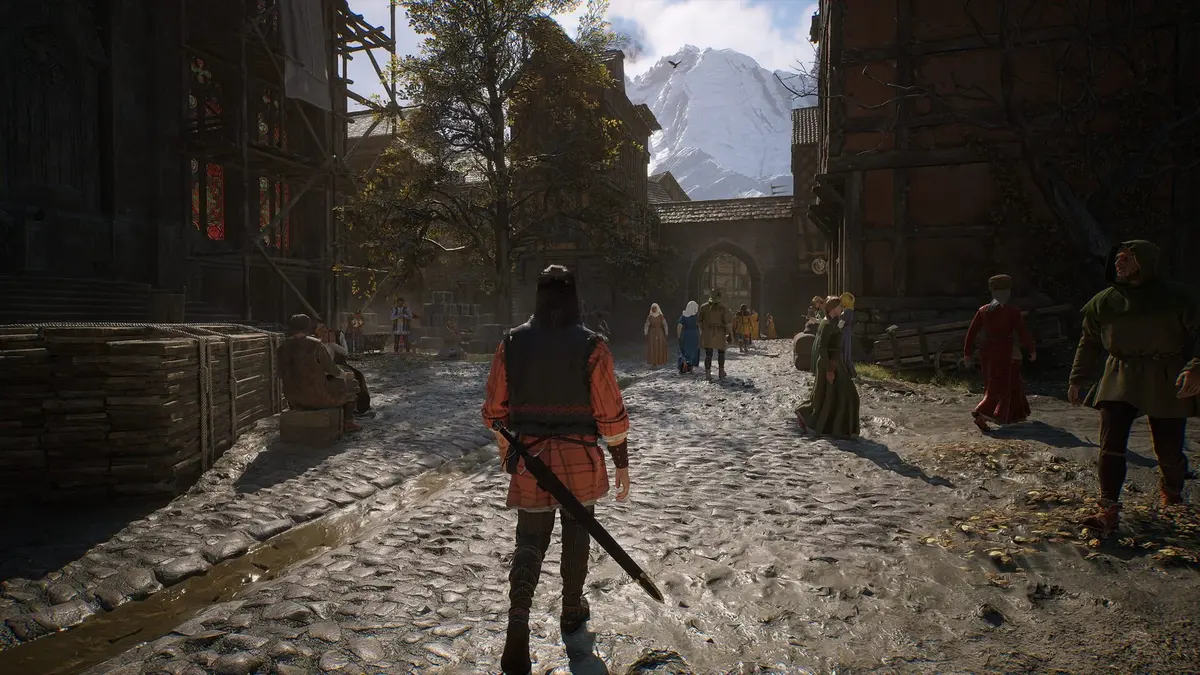
The developer has not detailed which Unreal Engine 5 features can be individually disabled, nor whether the graphics menu exposes granular controls for systems such as global illumination, geometry detail, or ray-traced effects. Treat the Low, Medium, High, and Ultra labels as broad presets until the final PC menu is available. Frame generation should also stay out of any buying decision because it has not been confirmed as a supported feature.
VRAM is the other pressure point. The 1080p/60 tier asks for 8GB, the 1440p High guidance also starts at 8GB, and 4K Ultra steps up to 12GB or more. An 8GB card can still be a capable 1440p option, but texture quality, shadows, and other memory-heavy settings deserve closer scrutiny than average fps alone. A counter showing 60 fps means little if the frame-time graph spikes every time the engine streams a new chunk of terrain.
Recommended settings by PC class
- GTX 1060 or RX 580 systems: Stay at 1080p Low and target 30 fps. Install the game on an SSD, keep background apps out of memory, and prioritize stable frame pacing over pushing visual settings.
- RTX 2060 Super, GTX 1070 Ti, RX 5700, or Arc A750 systems: Begin at 1080p Medium with native rendering. A Quality-mode upscaler is a sensible fallback when demanding scenes pull performance beneath 60 fps.
- RTX 4060, RX 7600 XT, or Arc B580 systems: Target 1440p High and start with Quality upscaling. Balanced mode is the next move when the GPU is the limit; reducing heavy preset options is preferable to immediately jumping to a blurrier mode.
- RTX 4070 Ti or RX 9070 systems: Use 4K Ultra with upscaling enabled and monitor VRAM behavior. Balanced is the practical starting point for the advertised 60 fps target, while Quality mode is worth trying when there is headroom.
The game systems make stable performance more valuable
Vale Sangora is a fictional 14th-century Carpathian region split into three dominions under vampiric officers serving Brencis, the ruler who seized control during a plague. Coen, the protagonist, is a Dawnwalker: human by day and vampire by night. That split affects gameplay, including how he approaches encounters and uses his abilities.
Blood-drinking can unlock new abilities, but it also corrupts Coen. Meanwhile, the campaign gives players 30 days and 30 nights after the prologue to save his family. Time advances through quests, activities, and learning new abilities rather than through a continuously ticking real-world countdown. The structure reduces the pressure to sprint through the game, but inconsistent stutter during exploration or combat would still be especially irritating in an RPG built around deliberate choices and shifting day-night capabilities.
Pre-launch PC checklist
- Confirm the basics first: Windows 10 64-bit or newer, DirectX 12, 16GB RAM, and at least 60GB free on an SSD are mandatory across the published tiers.
- Match the GPU to the display: GTX 1060 and RX 580 hardware belongs at 1080p Low, while 4K Ultra calls for 12GB-plus GPUs in RTX 4070 Ti or RX 9070 territory.
- Do not overlook the CPU: Older quad-core chips such as an i5-6600K or i7-7700K sit below the named CPU floor and may undermine frame pacing even when the graphics card is adequate.
- Start conservatively with upscaling: Native at 1080p, Quality at 1440p, and Balanced at 4K is the cleanest ladder for image quality before reducing settings further.
- Update GPU drivers before launch: This matters most for Intel Arc hardware, which is included in the official guidance at both the 1080p/60 and 1440p tiers.
FinalBoss // Gear
Level up your setup
01Graphics cardson Amazon→02Gaming laptopson Amazon→03High-refresh gaming monitorson Amazon→04Discounted game keyson Kinguin→
Affiliate links · As an Amazon Associate, FinalBoss earns from qualifying purchases.