
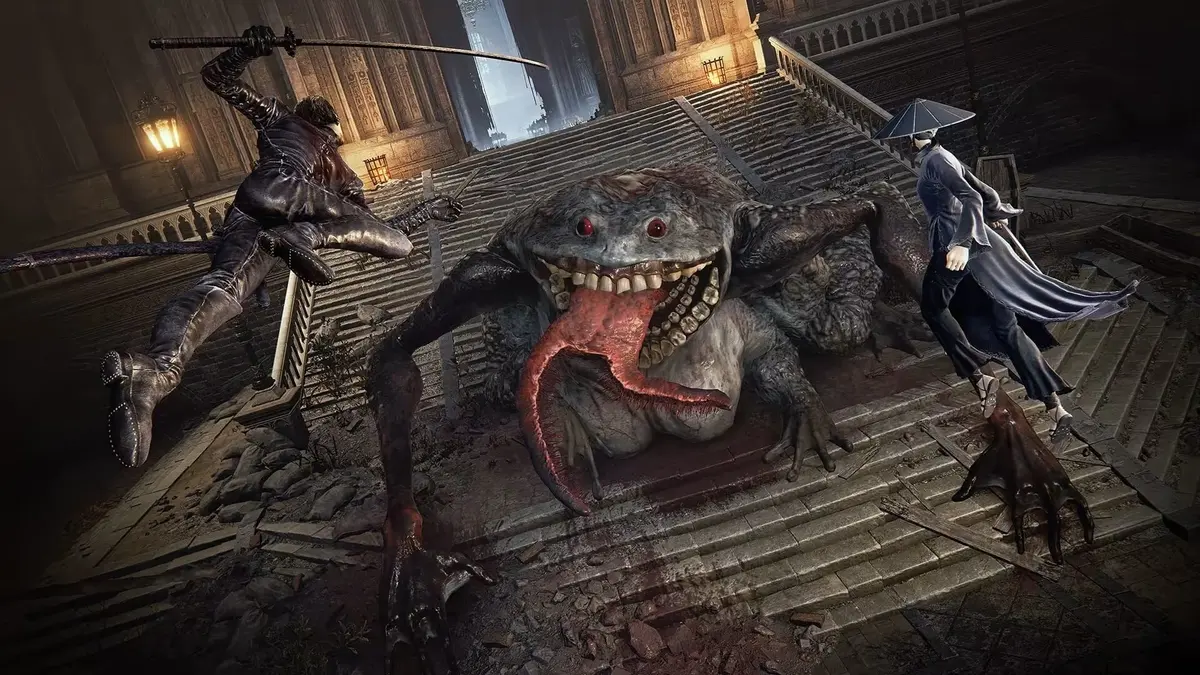
The Duskbloods Network Test on Switch 2: Access and Code Guide
At 19:26 JST on August 21, The Duskbloods Network Test ran into login trouble before many selected players could get past the opening connection screen. FromSoftware closed that day’s session at 20:47 JST, roughly two hours before its planned 23:00 end. The key access update is simple: new applications are closed, and only players who entered the lottery and received a code can still prepare for a future Network Test session.
If you have a selection email or a code on the Network Test campaign page, access depends on four things lining up: a Nintendo Switch 2, the same Nintendo Account used for registration, an active Nintendo Switch Online membership, and the correct regional Nintendo eShop. A code alone will not bypass any of those checks.
Current Network Test status after the first session closure
The closed test period was scheduled for August 21 through August 24, 2026, in five four-hour sessions across regions and time zones. The August 21 opening session was cancelled early after widespread login and connectivity failures. FromSoftware confirmed that the day’s session was closed and said it would continue improving the servers before announcing further scheduling information.
Do not treat the original timetable as proof that a remaining session will run at its listed time. The official Network Test exists to measure server load, multiplayer stability, and balance for an online PvPvE game built around up to eight players in a single session. Nintendo and FromSoftware also warn that session dates and times may change or be canceled without notice. An active subscription, a clean download, and a valid code still do not guarantee entry if the service is closed or unstable.
The Network Test application period itself ran from July 22 to July 28, 2026. It was a lottery, not a first-come, first-served sign-up. Selected applicants were notified on August 7, and download codes began going out around August 18. If you did not submit an application during the July window, there is no current route to register for this test wave.
Current status: can I still get in?
Only in a very specific sense. You cannot file a new application after the August 21 closure, and you cannot create a fresh path into the test by making another Nintendo Account or checking a different eShop region. The signup window is over.
What you can still do is verify whether you were already selected. Check the email address tied to the Nintendo Account you used on the campaign site, and check the Network Test campaign page if it shows a code or selection status in your account area. If you already have a valid code, you can still redeem it and preload the client on Nintendo Switch 2 so you are ready for any remaining or rescheduled session information announced through official channels.
That distinction matters. After the first session closed early, the practical question stopped being “How do I apply?” and became “Was I chosen already, and is my setup ready if another session opens?”
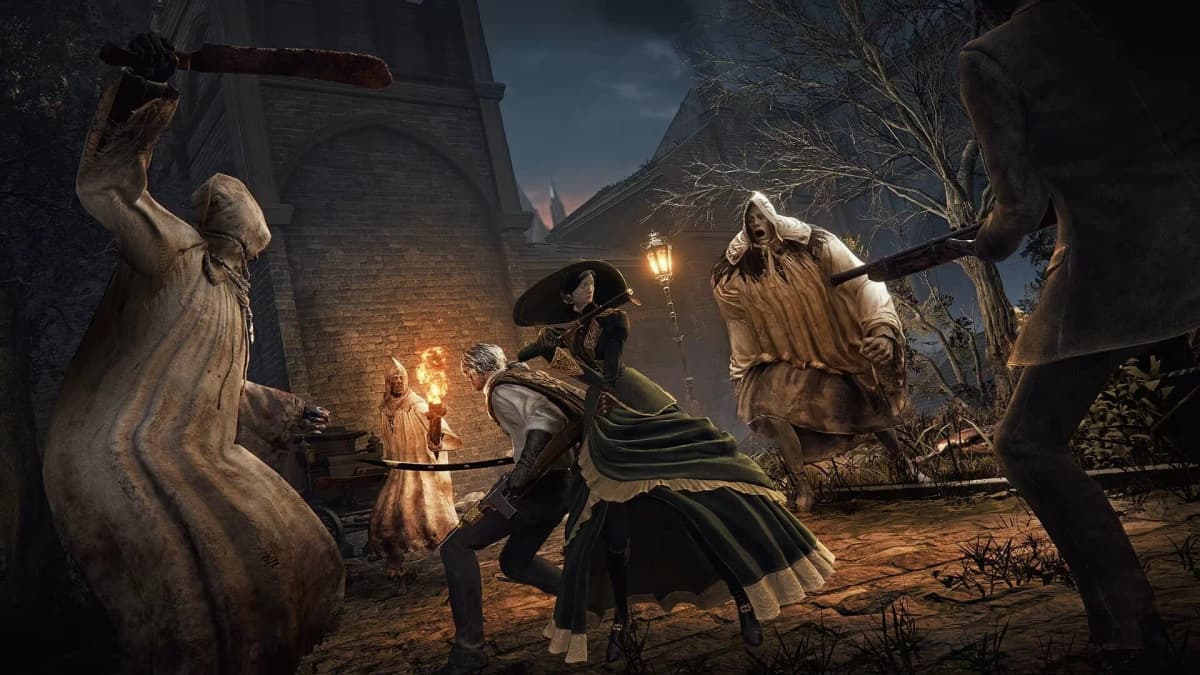
The Duskbloods Network Test access path for selected players
Selected players follow a short chain, but every link needs to match the original registration details. The campaign used Nintendo Account sign-in, selection was handled by lottery, and download codes began appearing around August 18, a few days before the intended first session.
- Application: The player submitted one lottery entry with a Nintendo Account during the July 22 to July 28 registration window.
- Selection: Selected participants were notified on August 7, with code information distributed starting around August 18 through the email tied to that account and/or the campaign page’s account area.
- Redemption: The code needs to be redeemed through the Nintendo eShop setup that matches the Nintendo Account and region used to apply.
- Download: After a successful redemption, The Duskbloods Network Test client can be added to a Nintendo Switch 2 ahead of an active session.
- Login: The client is online-only. It connects only while a valid Network Test session is open and the servers are accepting players.
The most common account trap is redeeming on the wrong Switch 2 profile. A console can hold several user profiles, but the profile that opens Nintendo eShop needs to be linked to the Nintendo Account that received the code. Using another profile with a different region can cause the eShop to reject the code or fail to recognize the entitlement.
Requirements checklist before redeeming a Network Test code
Check these items before waiting for a revised session announcement. Fixing an account or storage problem during a four-hour test window is exactly how a short access period turns into no play time at all.
- Nintendo Switch 2 console: The test is exclusive to Nintendo Switch 2. Original Nintendo Switch, Switch OLED, and Switch Lite hardware cannot run the client.
- Nintendo Account: You need the same account used on the Network Test campaign site, linked to a user profile on your Nintendo Switch 2.
- Active Nintendo Switch Online: Nintendo Switch Online is mandatory for the test’s online play.
- Subscription timing: Make sure Nintendo Switch Online remains active for the session you intend to play. An expired membership can block online access even if the client is already installed.
- Correct eShop region: The download code is locked to the registration region. A Japanese code cannot be redeemed by a United States-region eShop account, and the same restriction applies in reverse.
- Email access: Keep access to the inbox connected to your Nintendo Account. Selection notices and code information started going out around August 18.
- Free storage: Leave enough free space to install the test client comfortably instead of trying to scrape by with the bare minimum.
- Reliable connection: Download the client well before a session. The game is online-only, and trying to preload during a busy test window adds an unnecessary eShop and bandwidth problem.
- Disposable progress: Network Test save data does not transfer to the 2026 retail release. The build exists to collect server and balance data, so treat every character and unlock as temporary.
FinalBoss // Gear
Level up your setup
01Best-selling Switch 2 gameson Amazon→02Switch 2 accessorieson Amazon→038BitDo controllerson Amazon→04Discounted game keyson Kinguin→Affiliate links · As an Amazon Associate, FinalBoss earns from qualifying purchases.
Want to Level Up Your Gaming?
Get access to exclusive strategies, hidden tips, and pro-level insights that we don't share publicly.
Ultimate Guide Strategy Guide + Weekly Pro Tips
Redeem and preload the client before the session
Once your code arrives, redeem it as soon as practical while signed into the registration-linked profile on Nintendo Switch 2. After a successful redemption, the eShop listing for The Duskbloods Network Test should let you begin the download.
The file itself is not the hard part. The timing is. A short Network Test session leaves very little room to troubleshoot a slow connection, a full storage setup, or an account-region mismatch. Download the client before your earliest possible session whenever you can, then leave the console updated, charged, and connected.
Do not delete the Network Test client lightly if you still expect to use it. Removing it can also remove its local save data, and there is no retail carryover to protect anyway. After the Network Test period formally ends, the installed client will no longer connect to the servers.
Original five-session timetable for Europe
These were the original planned European session slots. They are still useful for understanding the intended access windows, but the August 21 cancellation means players should rely on any revised Network Test notice before planning around them.
| Session | Central European Summer Time | British Summer Time |
|---|---|---|
| August 21 | 12:00–16:00 CEST | 11:00–15:00 BST |
| August 22 | 04:00–08:00 CEST | 03:00–07:00 BST |
| August 22–23 | 20:00–00:00 CEST | 19:00–23:00 BST |
| August 23 | 12:00–16:00 CEST | 11:00–15:00 BST |
| August 24 | 04:00–08:00 CEST | 03:00–07:00 BST |
For reference, the original Japanese opening slot was August 21 from 19:00 to 23:00 JST. That is the session affected by the early closure, with login issues acknowledged at 19:26 JST and the closure notice issued at 20:47 JST.
A quick timeline helps make sense of the access process
This test had a cleaner structure on paper than it did once the servers went live. In order, the key dates were:
- July 22, 2026: Applications opened on the official Network Test site.
- July 28, 2026: Applications closed.
- August 7, 2026: Selected applicants were notified.
- August 18, 2026: Download codes began being distributed, and selected players could start preparing their consoles.
- August 21 to August 24, 2026: The Network Test window was scheduled across five four-hour sessions, with times varying by region.
That timeline also explains why late fixes are limited. If you missed the application window, there is no second door. If you were selected but ignored the code email, there is still a practical path back in: verify the code, redeem it through the matching account and region, and prepare for any remaining session information.
What to do when the Network Test will not let you log in
Start by separating an account problem from a server problem. If Nintendo eShop rejected the code, the usual cause is a mismatch between the code’s regional eShop and the Nintendo Account profile used for redemption. If the client is installed but blocks access during a confirmed open session, confirm that Nintendo Switch Online is active and that the console is using the correct linked profile.
During the August 21 disruption, selected players with valid access could still hit immediate login and connectivity errors. In that situation, reinstalling the client, creating a second Nintendo Account, or repeatedly re-entering the same code is unlikely to help if the session itself has been closed or the login service is unstable. The practical move is to keep the installed client, retain the original account and code details, and wait for updated session information from official channels.
The safer assumption is not that a new client patch will suddenly appear, but that the schedule can shift. That is why the most useful preparation is boring preparation: correct account, active subscription, code redeemed, client installed, and expectations tied to official notices instead of the original timetable alone.