
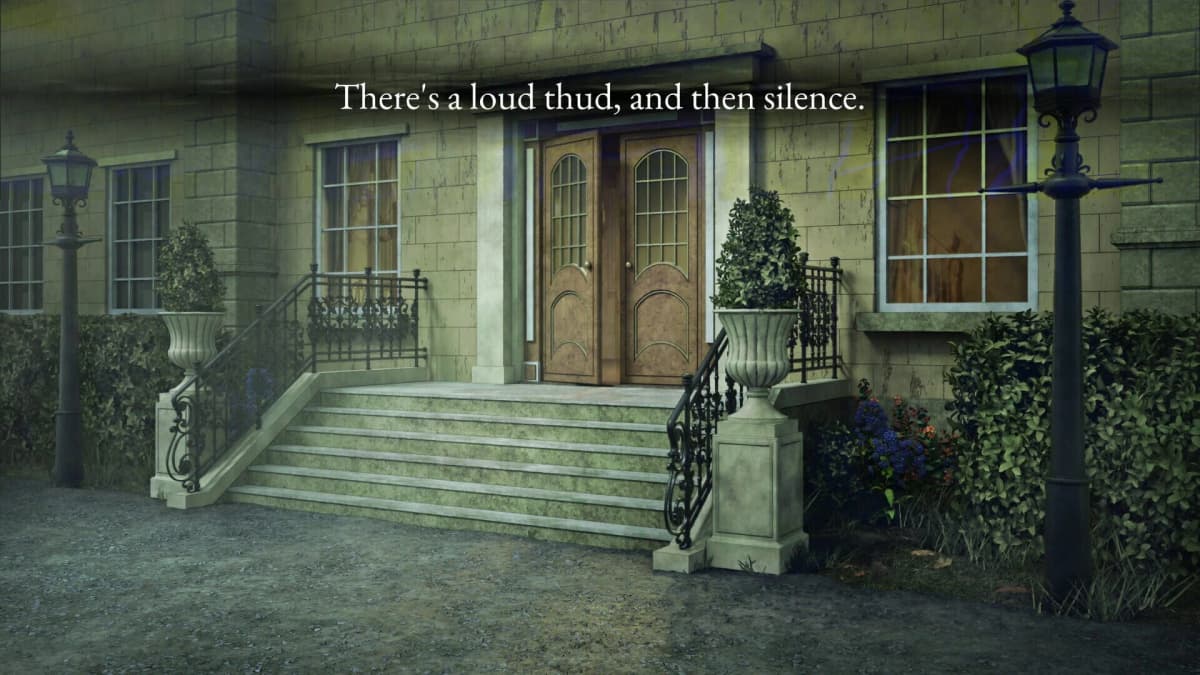
Part 6 advances when you apply Rupert Galley’s confirmation to Thornton’s timeline, rebuild the entries in their corrected order, then use the manual page to format the Kitchen code. Enter that exact result into the Kitchen prompt to unlock the next scene. The Chapel key appears in the newly opened Kitchen investigation, so collect it before heading back toward the Chapel.
The trap: the timeline’s chronological order is only the first half of the puzzle. The manual page determines how the final code is read and entered. A correct set of clues can still fail if you type the fields in timeline order rather than the manual’s order.
Table of Contents (6)
Part 6: What You Need to Do
- Use Rupert Galley’s confirmation to correct Thornton’s timeline.
- Sort every relevant record by its timestamp.
- Keep each clue as a three-part entry: Timestamp – Location – Character.
- Use the manual page as the formatting key for the Kitchen code.
- Submit the completed Kitchen code, inspect the unlocked scene, and take the Chapel key.
Rebuild Thornton’s Timeline First
Start with Thornton’s existing timeline and treat Rupert Galley’s confirmation as a revision to that evidence. Update the affected entry, then put the full set back into timestamp order before attempting any code work.
Write each event in a simple three-column note. Keeping the data separated matters because the Kitchen solution is built from labels and codes rather than from the story’s wording.
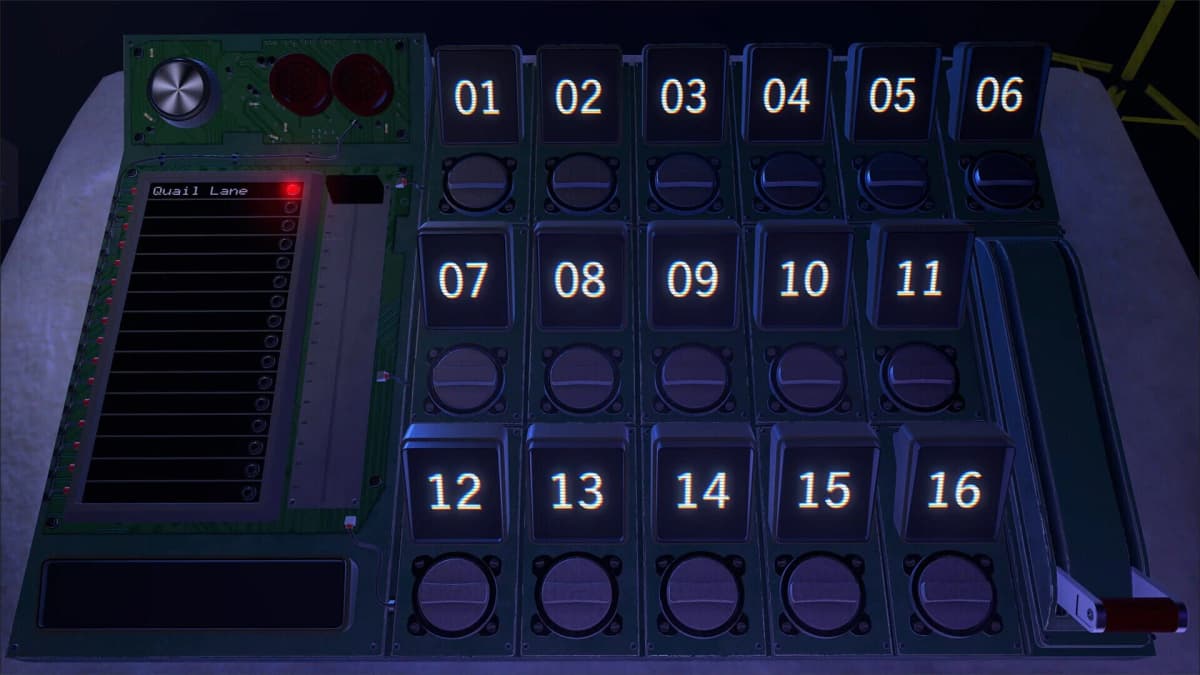
- Timestamp: Preserve the displayed format. The normal sequence runs from
01through27, while values such as00and+64are special entries and must remain exactly as written. - Location: Copy the room abbreviation rather than expanding it into a full room name. Later material introduces upstairs-room codes including
ED,TO,MA,VI,HE,OS, andCH. - Character: Keep the character marker exactly as shown. These can be numbers and, in some cases, letters.
Rupert’s confirmation is the checkpoint here. Apply it to the matching timeline point, then sort again. Do not leave the old version in your notes and add Rupert’s information as a separate late entry; that produces a believable-looking sequence with the wrong Kitchen result.
Turn the Corrected Timeline Into the Kitchen Code
Once the entries are sorted, open the manual page and follow its field order exactly. The manual is the decoder for this step: it tells you which part of each corrected record belongs in the final Kitchen input and in what sequence.
- Read your revised timeline from the earliest relevant timestamp to the latest.
- Find the Kitchen-related entry or entries indicated by the manual page.
- Take the timestamp, location, and character information in the order the manual displays.
- Copy the resulting code without changing capitalization, leading zeroes, abbreviations, or symbols.
- Enter the completed string in the Kitchen code prompt.
Keep the manual page open while entering the answer. The easy error is to build a clean chronological list, then submit that list directly. The Kitchen prompt expects the manual’s arrangement of the evidence, so use the page as the final authority for the input order.
Kitchen Code Errors That Stop Progress
- You used discovery order: Re-sort the evidence by timestamp after applying Rupert’s correction.
- You changed a special timestamp: Keep
00and+64intact. They are labels, not values to simplify. - You expanded a room code: Enter the abbreviation shown in the evidence and manual, including later upstairs-room labels.
- You treated Rupert’s clue as a new event: Replace or revise the matching Thornton timeline point, then rebuild the sequence.
- You followed the timeline instead of the manual: Recheck the manual’s field layout before resubmitting.
Where to Find the Chapel Key
A successful Kitchen submission opens the next Kitchen scene. Enter that new scene and inspect the available investigation material for the Chapel key. The key is tied to the unlocked Kitchen progression, so it will not be available from the earlier pre-code Kitchen state.
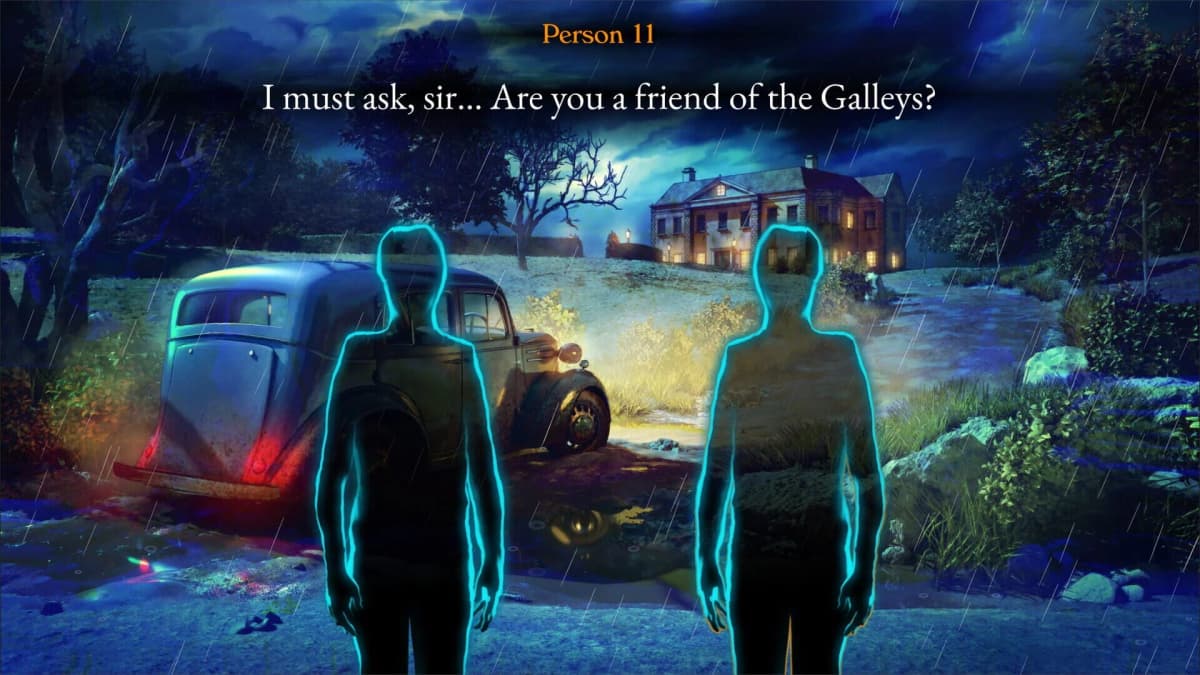
Take the Chapel key as soon as it appears, then route back to the Chapel and use it to continue the investigation. If you reach the Chapel without the key, return to the newly unlocked Kitchen scene and make sure you collected the item rather than only viewing the scene transition.
Keep Your Notes Useful for Later Codes
The Incident at Galley House is a PC and Steam remake of Type Help, and its clue structure rewards keeping a clean record rather than relying on memory. Players coming from evidence-heavy mysteries such as Obra Dinn or The Roottrees Are Dead can use the same habit here: preserve every label exactly, revise old assumptions when new testimony arrives, and separate chronology from code formatting.
Jeremy Johnston and Evil Trout’s investigation format makes those small notation details matter, including for players using the game’s Japanese-language in-game support. For the next stretch, retain your corrected Thornton timeline, the manual page, and a note that the Chapel key came from the post-code Kitchen scene.
FinalBoss // Gear
Level up your setup
01Mobile gaming controllerson Amazon→02Top-rated gaming headsetson Amazon→038BitDo controllerson Amazon→Affiliate links · As an Amazon Associate, FinalBoss earns from qualifying purchases.
Want to Level Up Your Gaming?
Get access to exclusive strategies, hidden tips, and pro-level insights that we don't share publicly.
Ultimate Guide Strategy Guide + Weekly Pro Tips