
Table of Contents (9)
Your shiny new console is fine. Your screen is the real bottleneck.
The gap between what a PS5, Xbox Series X, or a “Switch 2” can output and what most living room TVs can actually show is wider than most people realise. Those boxes are ready for 4K, 120fps, variable refresh rate, and genuinely good HDR. A lot of TVs tap out at 60Hz, with sluggish input lag and “HDR” that mostly means “too bright menus”.
Over the last couple of months I rotated three consoles across a pile of 27-48 inch monitors in my office: an IPS 4K workhorse, a couple of mid‑size OLEDs, and one absurd 48‑inch panel that turned my desk into a fake cinema. The long story made short: QD‑OLED is absolutely the endgame for console visuals right now, but it’s not automatically the right answer for every player, every room, or every wallet.
If the goal is “best QD‑OLED monitor for a Switch 2 and friends” the list is shorter than people assume, and there are still strong reasons to buy a boring IPS instead of chasing perfect blacks.
My setup and how I actually tested this stuff
To keep this grounded, here’s what I used:
- PlayStation 5 and Xbox Series X, both set to 4K with 120Hz and VRR enabled.
- A docked “Switch 2” dev-style box (think: modern Nintendo hardware that can output up to 4K, but with a lot of games still hovering around 60fps).
- Desk distance: about 70cm/27in from my eyes, with a second “couch test” about 1.8m/6ft back.
- A rotation of key monitors:
- Acer Nitro XV282K – 28″ 4K IPS, 144Hz, 1ms GTG, HDMI 2.1.
- Alienware AW3225QF – 32″ QD‑OLED, 4K, 240Hz, ~1300‑nit HDR peak, Dolby Vision.
- Asus ROG Strix XG32UCWMG – 32″ 4K WOLED, 240Hz, True Black, USB‑C, KVM, BFI up to 120Hz.
- Asus ROG Swift PG27AQDP – 27″ QHD OLED, 480Hz.
- BenQ MOBIUZ EX480UZ – 48″ 4K OLED “TV‑sized” monitor.
I mostly focused on three types of games:
- Cinema‑style single‑player (FF7 Rebirth, Spider‑Man 2, big‑budget action RPGs).
- Fast 120Hz multiplayer (Call of Duty, Halo Infinite, Fortnite performance modes).
- Colorful Nintendo‑style platformers and action games, where art direction matters more than raw pixel count.
Swapping the same consoles and games across very different panels in the same room made the trade‑offs painfully obvious.
HDMI 2.1 and VRR matter more than buzzwords
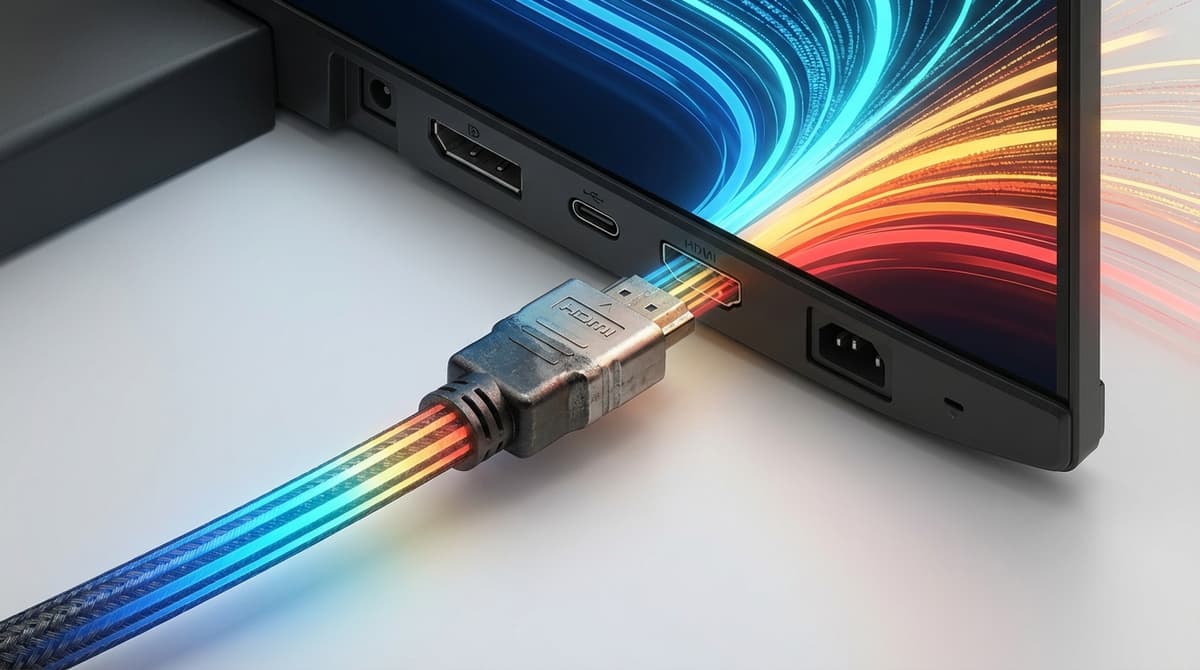
Before panel tech, one boring spec has to be right: HDMI 2.1.
PS5 and Series X are built around 4K/120 via HDMI 2.1. Without it, those “performance mode” toggles might as well not exist. On a random older 4K TV in my living room, a 120Hz‑capable game just falls back to 60. On the Acer Nitro XV282K or the Alienware QD‑OLED, the same game instantly locks into 120Hz, and it feels like someone pulled a layer of molasses off the controls.
Then there’s VRR (variable refresh rate). With VRR enabled, those swings between 80–120fps in performance modes stop producing judder and tearing. Elden Ring’s inconsistent frame pacing feels less janky. A Switch‑style console that fluctuates between 40–60 in heavier scenes is a lot easier on the eyes.
So the non‑negotiables for a 2026 console monitor:
- HDMI 2.1 with full 4K/120 support.
- VRR over HDMI (FreeSync or G‑Sync Compatible; naming doesn’t matter much for consoles).
- Low input lag at 120Hz.
Any monitor without that combo is a non‑starter, no matter how good its colors or HDR claims look on the box.
OLED vs IPS with consoles: the real differences on a couch
On paper, OLED wins everything. Perfect blacks, no blooming, instant response times. In practice, for a console player, it’s a triangle of image quality vs. risk vs. price.
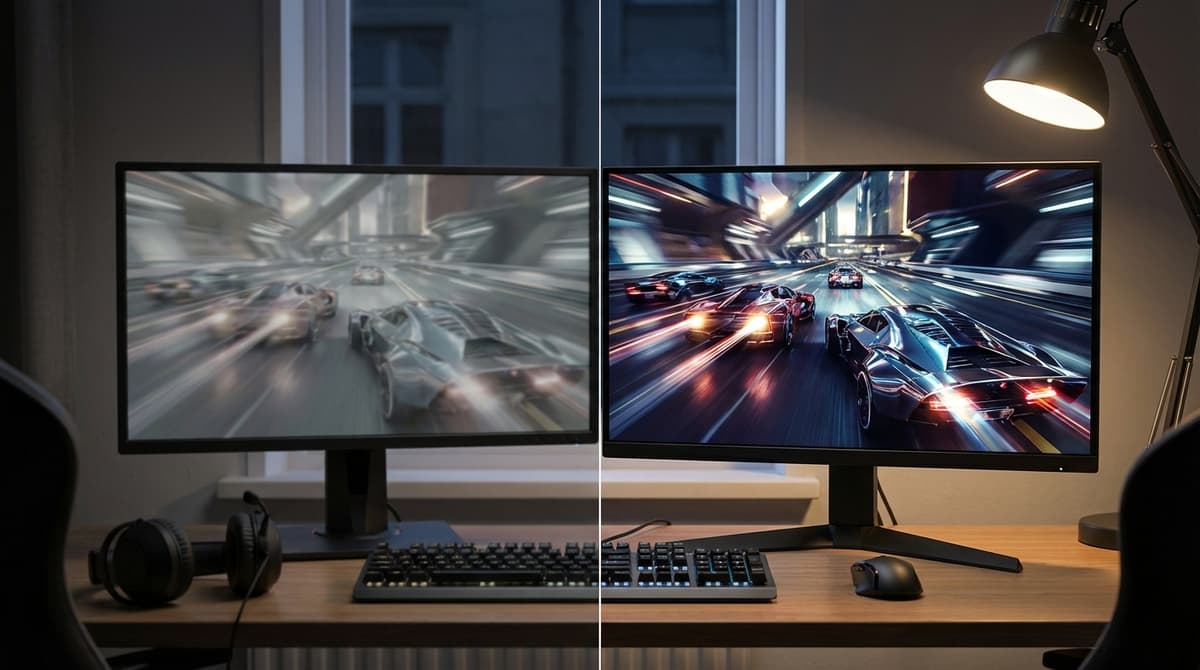
Playing a night mission in Modern Warfare on the Alienware AW3225QF after testing it on the Acer XV282K was brutal. On the IPS, dark alleys were a washed grey, HUD elements glowed against a slightly elevated black floor. On the QD‑OLED, the world disappeared into inky black, muzzle flash lit up brickwork details that just didn’t exist on the IPS, and HDR explosions actually felt like light, not just a white blob.
QD‑OLED in particular hits this sweet spot of wide color gamut and serious HDR brightness. The AW3225QF hitting around 1300 nits in highlights means specular effects in Spider‑Man 2 – sun bouncing off glass, metallic suits – look closer to a decent OLED TV than any IPS monitor I’ve used.
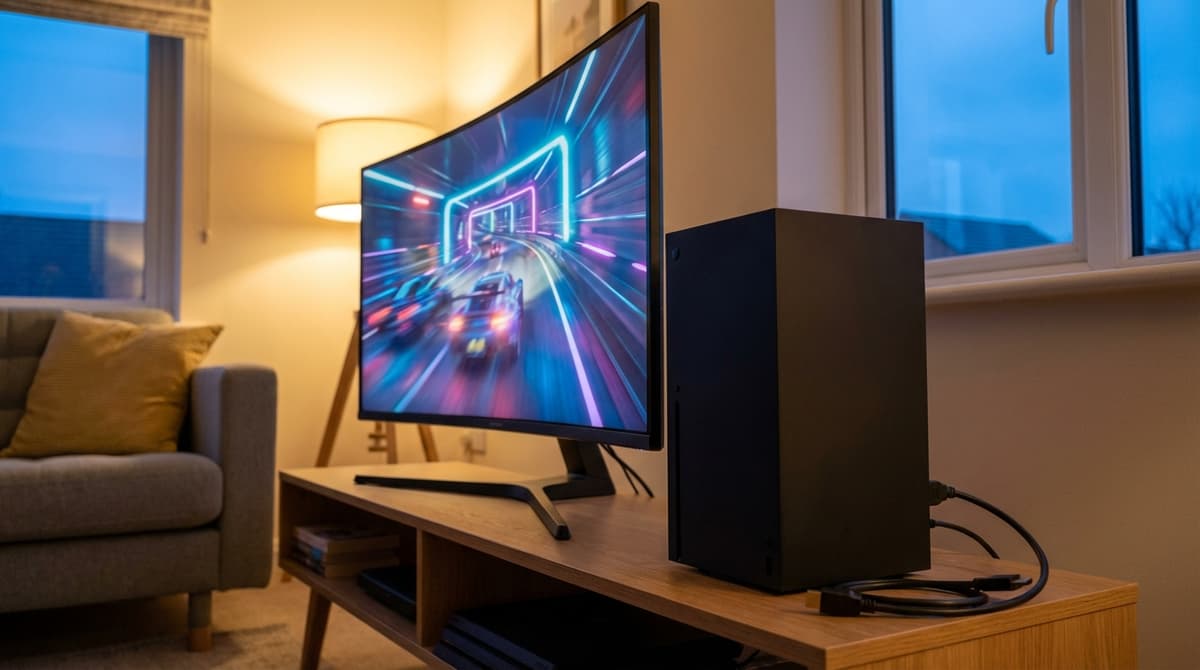
WOLED, like the Asus ROG Strix XG32UCWMG, gives slightly different behavior: still perfect blacks, but a bit less vivid color in bright scenes compared to QD‑OLED, and a white sub‑pixel structure that can occasionally make tiny text look softer up close. From a normal console sitting distance, though, the difference is more “nerd argument” than “obvious downgrade”.
The catch: OLED still has burn‑in risk. It’s much better in 2026 – especially with pixel shifting, logo dimming, and screen savers – but it’s not gone. Long FIFA sessions with a bright score bug in the same spot, or hundreds of hours of a JRPG with a static HUD, are exactly the kind of usage patterns the warranty small print quietly side‑eyes.
This is where the Acer Nitro XV282K and its IPS buddies earn their keep. IPS has worse blacks, weaker HDR, and more blooming in dark UI scenes. But it also has:
- No meaningful burn‑in concern.
- Often lower prices for 4K/120 + HDMI 2.1.
- Great motion clarity at 120Hz and 144Hz for fast shooters.
On the XV282K, a bright Nintendo‑style platformer or a 120fps shooter still feels incredible. In a lit room, the lack of OLED‑level blacks is less noticeable; the vivid art and snappy response carry the experience.
The QD‑OLED sweet spot: Alienware AW3225QF
If the goal is “best QD‑OLED monitor for a Switch 2, PS5, and Series X all sharing one screen”, the Alienware AW3225QF is the one that kept pulling me back in.
At 32 inches, 4K doesn’t feel wasteful at a desk and still works from a small couch. 27‑inch 4K looks razor sharp but can make console UIs and subtitles tiny unless scaling options behave. 48‑inch 4K is glorious but takes over a room. 32 just lands in the middle: big enough to feel like a “real” screen, small enough not to dominate a desk.
Swapping between a Switch‑style platformer and a PS5 blockbuster on the AW3225QF showed what QD‑OLED is really good at:
- Cartoon color pop: Saturated reds, blues and greens that don’t clip into neon smear.
- HDR without the fake look: Fire, magic spells and city lights that get bright without washing out everything else.
- Fast motion: 240Hz is kind of wasted on consoles, but it means rock‑solid 120Hz response and near‑instant pixel transitions.
- Dolby Vision: On supporting consoles and games, tone‑mapping is simply better than generic HDR10.
HDR cutscenes from Spider‑Man 2 on the Acer IPS vs the Alienware QD‑OLED looked like two different games. On IPS, it was “nice, a bit bright”. On QD‑OLED, nighttime skylines had depth; individual windows glowed instead of forming a muddy block.
Is it overkill for a hypothetical Switch 2 that runs lots of games at 60fps or lower resolutions? Kind of. Those games won’t tap the 240Hz refresh, and many won’t push true 4K assets. But art‑driven games on QD‑OLED still gain from the contrast and color. The first time a colorful 3D platformer swung from a cave into broad daylight on the Alienware, the jump in brightness and clarity felt like a generational leap even though the actual render resolution hadn’t changed from the IPS.
The safer, cheaper play: Acer Nitro XV282K and friends
For a lot of console setups, especially mixed‑use desks, I’d still point people toward something like the Acer Nitro XV282K.
It gives the important stuff:
- 4K resolution at 144Hz.
- HDMI 2.1 for 4K/120 with PS5 and Series X.
- 1ms GTG response, so 120Hz shooters feel crisp.
- IPS durability, with basically no burn‑in anxiety.
Booting into a Switch‑style dashboard for a quick platformer, then jumping to 120Hz performance mode on Xbox, then using the screen for work at 60Hz, the XV282K handled everything without making me think about panel care, logo dimming, or how long static HUD elements had been on‑screen.
The trade‑off is black levels and HDR. Dark caves and horror games look “good enough” rather than jaw‑dropping; small bright UI elements on black backgrounds cause some haloing. But in a moderately lit room, it fades into the background faster than expected.
Niche picks: giant screens, esports, and desk warriors
Not everyone wants a 32‑inch, sit‑closer‑than‑a‑TV setup. A few outliers that stood out while swapping panels around:
- BenQ MOBIUZ EX480UZ (48″ 4K OLED): If the “monitor” is actually replacing a small TV in a bedroom or studio, this is wild for consoles. A 48‑inch OLED at 4K turns story‑heavy games into a cinema. The downside is desk practicality: it’s massive at arm’s length, and burn‑in concerns get louder when UI elements are screen‑sized.
- Asus ROG Swift PG27AQDP (27″ QHD OLED, 480Hz): This thing is pure overkill for consoles in terms of refresh rate; they’ll top out at 120Hz. But if PC esports is also on the menu, it’s a monster. For PS5/Series X it basically functions as a 1440p OLED: still gorgeous, with perfect blacks and insane response, but you’re not seeing 4K assets in their full detail.
- Asus ROG Strix XG32UCWMG (32″ 4K WOLED, 240Hz): The more “utility” OLED pick. True Black performance, 4K/240, plus USB‑C and KVM so a laptop and multiple consoles can share the same screen without cable hell. Black Frame Insertion up to 120Hz is interesting for people who love CRT‑like motion clarity at the cost of brightness and some flicker.
All of these share one thing: they make it painfully obvious that console hardware isn’t the weak link anymore. The screens are.
So what actually is the “best QD‑OLED monitor for Switch 2” right now?
If a new Nintendo console is in the mix alongside a PS5 or Series X, and the priority is a single screen that flatters everything, the Alienware AW3225QF sits at the top of the pile for me.
It’s not cheap, and it carries the usual OLED caveats, but it hits the right mix:
- 32‑inch 4K feels right at both a desk and a small couch.
- QD‑OLED color and contrast make Nintendo‑style art and cinematic AAA games both shine.
- 240Hz overhead means 120Hz console gaming is effortless.
- Dolby Vision support is a nice bonus where it’s available.
The caveat is simple: anyone planning to leave a console home screen paused for hours, or run UI‑heavy games for thousands of hours, needs to be honest about burn‑in risk tolerance. Modern protection features and smarter panel care help, but they don’t erase physics.
For players who want to plug in a Switch‑style console, leave it on all day, stream, browse, and game without a second thought, something like the Acer Nitro XV282K or any comparable 28–32 inch 4K IPS with HDMI 2.1 and VRR is still the recommendation that feels easiest to live with.
Near‑future curveball: 4K/360Hz OLED in the second half of 2026
There’s one last wrinkle. Panel manufacturers are already talking up 4K OLEDs hitting 360Hz in the back half of 2026. For PC, that’s huge. For consoles, it doesn’t change much in the short term; they’re still capped far below that.
But it does mean that anyone dropping big money on a 4K/240 OLED today is buying into a moving target. The current crop of QD‑OLEDs already feel insanely responsive for 120Hz console gameplay. The future 4K/360 generation will mostly matter to people who also chase ultra‑high‑fps PC titles.
FinalBoss // Gear
Level up your setup
01Best-selling Switch 2 gameson Amazon→02Switch 2 accessorieson Amazon→038BitDo controllerson Amazon→04Discounted game keyson Kinguin→Affiliate links · As an Amazon Associate, FinalBoss earns from qualifying purchases.
Want to Level Up Your Gaming?
Get access to exclusive strategies, hidden tips, and pro-level insights that we don't share publicly.
Ultimate Reviews Strategy Guide + Weekly Pro Tips