
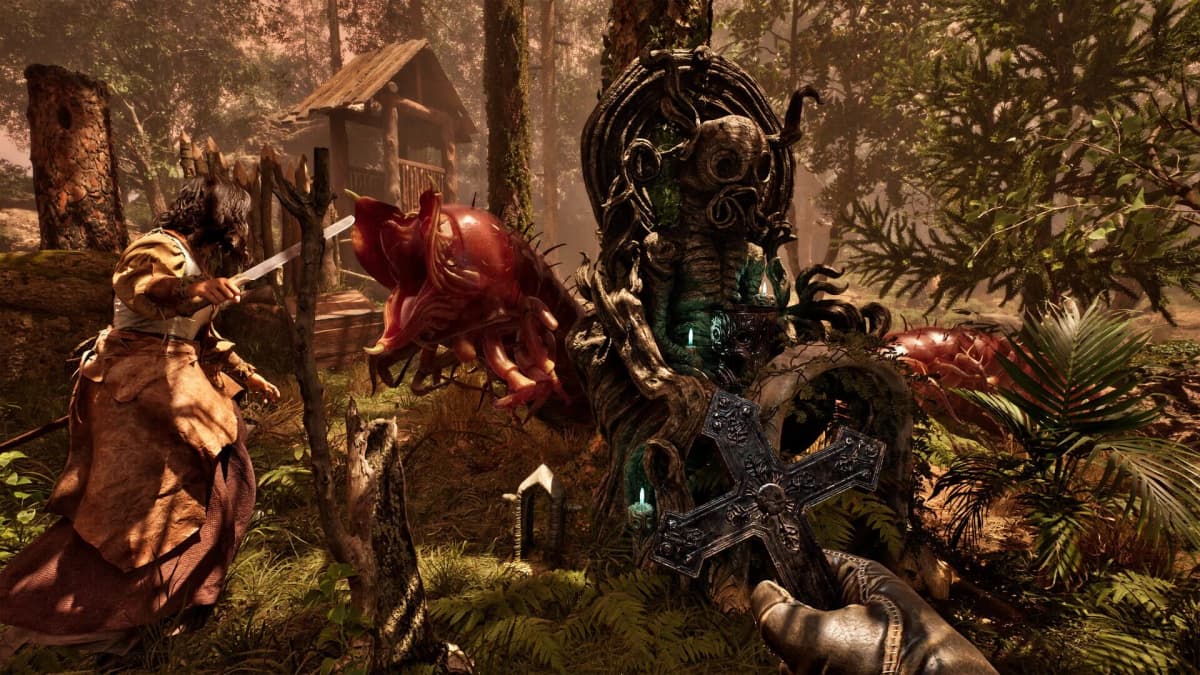
The free Steam offer for The Mound: Omen of Cthulhu requires a manual claim. Owning the base game does not add the Lost Explorers’ Swords Pack automatically, including when the base game was purchased in a bundle. The offer ends on July 29, 2026, so confirm the entitlement before spending time on secondary checks.
Table of Contents (5)
Eligibility Requirements for the Free DLC
Steam checks two conditions before it will add the pack to an account: the player must be signed in and the same account must own The Mound: Omen of Cthulhu. The DLC cannot be claimed against an account that only has access to a demo or does not own the base game.
- A Steam account is required.
- The Steam account must be logged in before opening the DLC store page.
- That account must own the base game, The Mound: Omen of Cthulhu.
- The Lost Explorers’ Swords Pack must be manually added to the account while the promotion remains active.
- The promotion deadline is July 29, 2026.
Warning: Steam returns an eligibility error when the account does not own the base game. This is a license requirement, not a normal store-page fault. Buying or owning the main game is necessary, but it still does not complete the DLC claim by itself.
Use This Claim Workflow Before the Deadline
Start by checking the account currently signed into Steam. The relevant detail is the account’s ownership of the base game, not whether the game is installed or whether another Steam account on the same PC owns it.
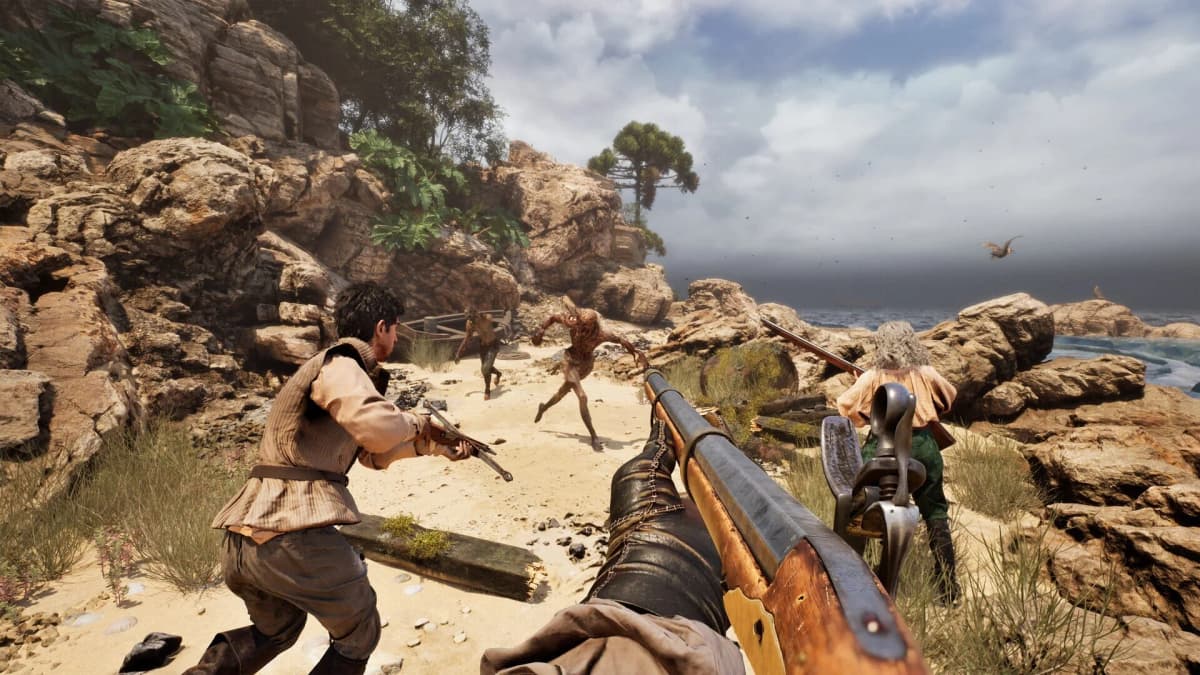
- Sign into the Steam account that owns The Mound: Omen of Cthulhu.
- Open the Steam store listing for the Lost Explorers’ Swords Pack while still signed in.
- Use the free add-to-account control for the pack. Do not assume the DLC was added with the base game or through a bundle purchase.
- Wait for Steam to update the product status, then check that the DLC listing reflects ownership.
The important part of this sequence is the final ownership state. A free DLC listing can remain visible after it has been claimed; its presence on the store is not evidence that the account still needs it.
How to Confirm the Lost Explorers’ Swords Pack Was Claimed
The Steam DLC page should stop presenting the pack as something the eligible account needs to obtain and should instead show that the account owns it. This is the cleanest verification point immediately after claiming.
- Check that you are still logged into the same Steam account used for the claim.
- Return to the Lost Explorers’ Swords Pack listing after the claim attempt.
- Confirm that the store status indicates ownership rather than offering the pack as unclaimed.
- Keep the DLC check separate from the base game and any demo listing.
A demo entry does not confirm DLC ownership. The base game, the demo, and the Lost Explorers’ Swords Pack are separate Steam listings, so the relevant status is the one attached to the DLC page itself.
What to Check When Steam Will Not Add the DLC
Most failed claims fall into one of three states: Steam is signed out, the wrong account is signed in, or the signed-in account does not own the base game. Check those conditions before treating the page as a technical problem.
- You receive an ownership or eligibility error: Confirm that the signed-in account owns The Mound: Omen of Cthulhu. The pack cannot be claimed without that license.
- You bought the game in a bundle: Open the DLC listing and claim the pack separately. Bundle ownership does not automatically redeem this time-limited DLC.
- The page still shows the pack after claiming: Check its ownership status rather than relying on whether the listing remains visible. Claimed DLC can continue to have a store page.
- You are checking a demo: Treat the demo as separate from the pack. It does not satisfy the base-game ownership requirement or prove that the DLC was added.
- You are close to the deadline: Prioritize the manual claim first. The offer closes on July 29, 2026.
Deadline-Safe Steam Checklist
- Sign into Steam.
- Verify that the active account owns The Mound: Omen of Cthulhu.
- Manually claim the Lost Explorers’ Swords Pack from its Steam listing.
- Confirm that the DLC listing updates to an owned status.
- Complete the claim before July 29, 2026.
The offer is time-limited, while the base-game ownership check is immediate. Once the pack page shows ownership on the correct Steam account, the claim is complete.
FinalBoss // Gear
Level up your setup
01Top-rated gaming headsetson Amazon→02High-refresh gaming monitorson Amazon→03Gaming chairson Amazon→04Discounted game keyson Kinguin→
Affiliate links · As an Amazon Associate, FinalBoss earns from qualifying purchases.
Want to Level Up Your Gaming?
Get access to exclusive strategies, hidden tips, and pro-level insights that we don't share publicly.
Ultimate Guide Strategy Guide + Weekly Pro Tips