
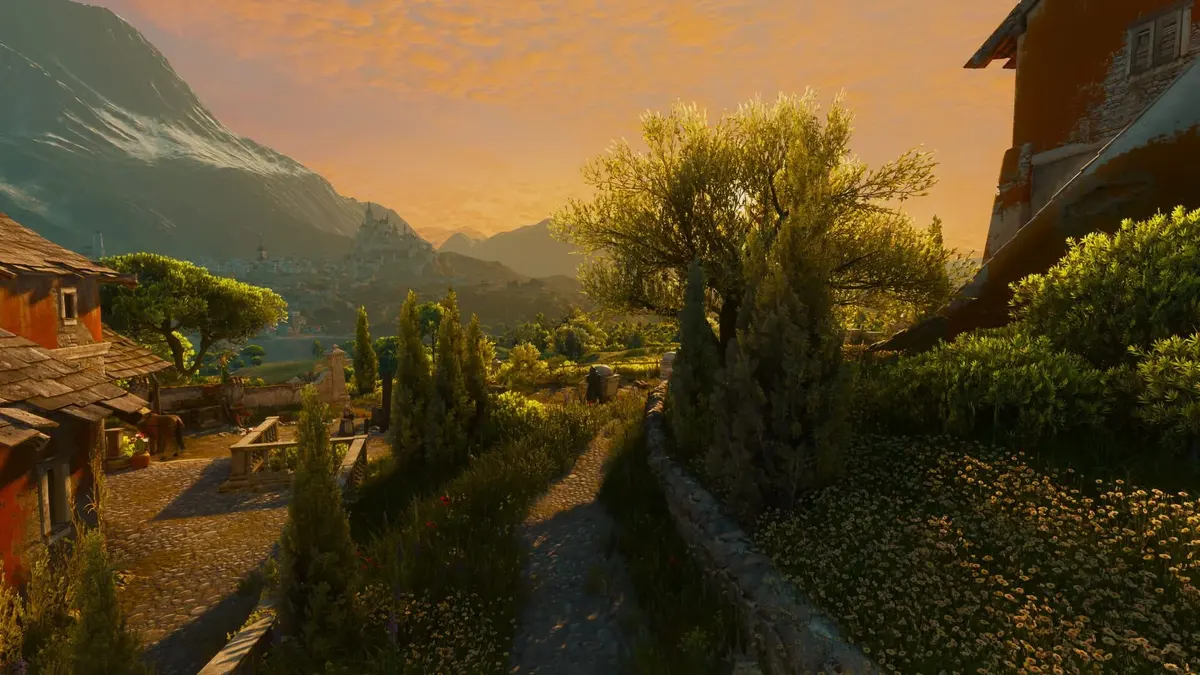
The Witcher 3: Wild Hunt — Remastered 5.0 requires 64-bit Windows 11, an SSD and hardware meeting the minimum CPU, GPU and memory requirements for a supported installation. Windows 10 may still launch the game, but that is an unsupported experiment—not an alternative to meeting the new baseline.
Keeping Windows 10 means accepting that a working launch today could break after a later patch. Compatibility mode and launch parameters cannot restore CD Projekt Red’s testing or technical support. The supported route is Windows 11 with suitable hardware and a working DirectX 12 graphics environment.
Before downloading the free upgrade, check those requirements separately. A powerful graphics card does not resolve an unsupported operating system, and upgrading Windows does not compensate for an older GPU or a hard-drive installation.
Table of Contents (7)
The Witcher 3 Remastered 5.0 minimum PC requirements
The minimum configuration targets 1080p at 30 frames per second (FPS) using Low settings. Treat that as the starting point for basic playability, rather than a promise of 60 FPS, high-quality settings or ray tracing.
| Component | Minimum requirement | Practical implication |
|---|---|---|
| Operating system | Windows 11, 64-bit | Windows 10 falls outside the supported configuration. |
| Processor | Intel Core i5-8400 or AMD Ryzen 5 2600 | Check the exact model; an “i5” or “Ryzen 5” label alone is insufficient. |
| Graphics card | Nvidia GeForce GTX 1660 6 GB, AMD Radeon RX 5500 XT 8 GB, or Intel Arc A580 | The GPU model and its dedicated video memory (VRAM) matter; shared system memory does not substitute for VRAM. |
| System memory | 12 GB RAM | This is separate from the graphics card’s memory. |
| Graphics API | DirectX 12 | The GPU and installed driver must support the game’s DirectX 12 renderer within its supported Windows 11 environment. |
| Storage | 60 GB SSD | Leave additional free space for downloading and unpacking updates. |
| Performance target | 1080p, Low settings, 30 FPS | Higher settings and ray-traced modes need a stronger configuration. |
The SSD requirement deserves particular attention for returning players. Version 5.0 combines a rebuilt DirectX 12 renderer with improved asset streaming—the loading of game assets as you move through the world—and more demanding visual options. Moving an existing installation from an HDD to an SSD addresses a requirement that an operating-system upgrade leaves untouched.
What ending Windows 10 support means
CD Projekt Red no longer develops or tests this version under Windows 10. The game may still install and launch there, but compatibility and performance are not guaranteed. A future update could introduce a Windows 10-specific crash or rendering fault, and technical support may require the problem to be reproduced on Windows 11.
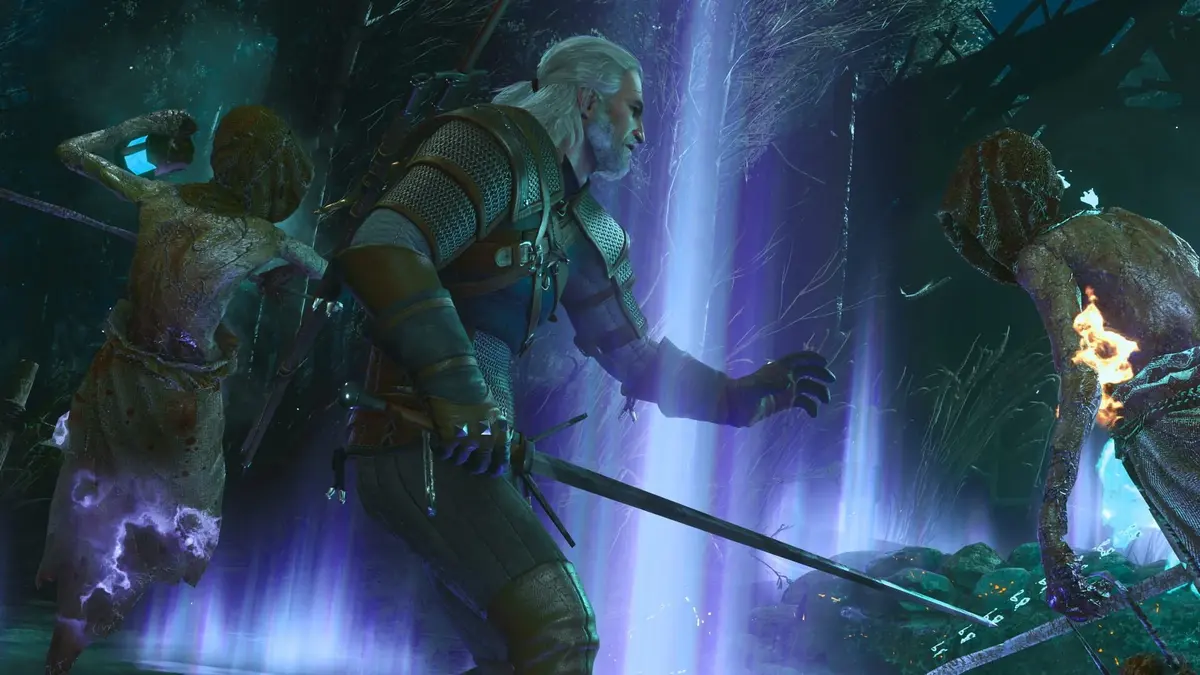
That distinction matters when troubleshooting. Successful installation only tells you that the installer completed. Reaching the main menu tells you that the current build launches. Neither establishes that later patches, longer sessions or every graphics setting will work on the unsupported operating system.
If migration is temporarily impossible, testing your existing Windows 10 installation is an unsupported experiment. Back up your saves first and avoid modifying game files to force a launch. Unofficial “Windows 11 compatibility” patches and replacement executables add another variable without restoring support.
Windows 11 and DirectX 12: check both
Windows support for DirectX 12 and the game’s supported operating system are separate requirements. Windows 10 supports the DirectX 12 graphics API, but version 5.0 specifies Windows 11 as its supported environment. Within that environment, the game’s native DirectX 12 renderer still needs a suitable GPU and compatible graphics driver. Having DirectX 12 on Windows 10 does not satisfy the Windows 11 requirement.
Windows 11 includes DirectX 12. Installing an older DirectX redistributable will not make an incompatible GPU suitable or bring Windows 10 back into the support baseline. Focus on Windows updates, the correct graphics driver and the actual GPU model.
Windows 11 eligibility is a separate check from the game’s minimum specifications. Before planning a migration, run Microsoft’s PC Health Check: Windows 11 also has supported-processor, TPM 2.0 and UEFI Secure Boot requirements. Avoid buying a GPU or SSD for this update before establishing whether the rest of the PC can take the supported operating-system upgrade.
Pre-install checks in the order that matters
- Check Windows and the processor. Open Settings → System → About. Confirm Windows 11, a 64-bit operating system and the exact CPU model. Compare that processor with the Core i5-8400 or Ryzen 5 2600 baseline. If you are still on Windows 10, run PC Health Check before planning the upgrade.
- Check installed RAM. The same About page lists system memory. You need at least 12 GB; the GPU’s VRAM does not count toward this requirement.
- Identify the GPU and dedicated VRAM. Open Task Manager → Performance → GPU. Check the graphics-card name and dedicated GPU memory. Pay attention to the specified 8 GB version of the RX 5500 XT rather than assuming every card carrying that name meets the requirement.
- Inspect DirectX and the driver. Press Windows key + R, enter dxdiag and check the System and Display tabs. A “DirectX 12” entry on the System tab does not, by itself, establish that the graphics card meets the game’s minimum.
- Check the installation destination. The game library must be on an SSD. In Windows, search for Defragment and Optimize Drives to inspect the drive’s media type. Check free space on that specific drive, including room beyond the 60 GB game requirement for updates.
- Update before the first launch. Install pending Windows 11 updates and the appropriate Windows 11 graphics driver from Nvidia, AMD or Intel. Restart before testing the game so that pending changes do not complicate diagnosis.
- Establish a basic graphics baseline. On minimum-class hardware, start at 1080p with Low settings and ray tracing disabled. Test ordinary traversal and combat before raising settings; a main-menu frame-rate reading is a poor basis for choosing a preset.
If version 5.0 crashes on a supported configuration, verify or repair its files through your launcher before attempting unofficial fixes. Temporarily disable overlays and third-party rendering injectors, and return an overclocked GPU or CPU to stock settings while isolating the fault.
Ray tracing and path tracing need a separate budget
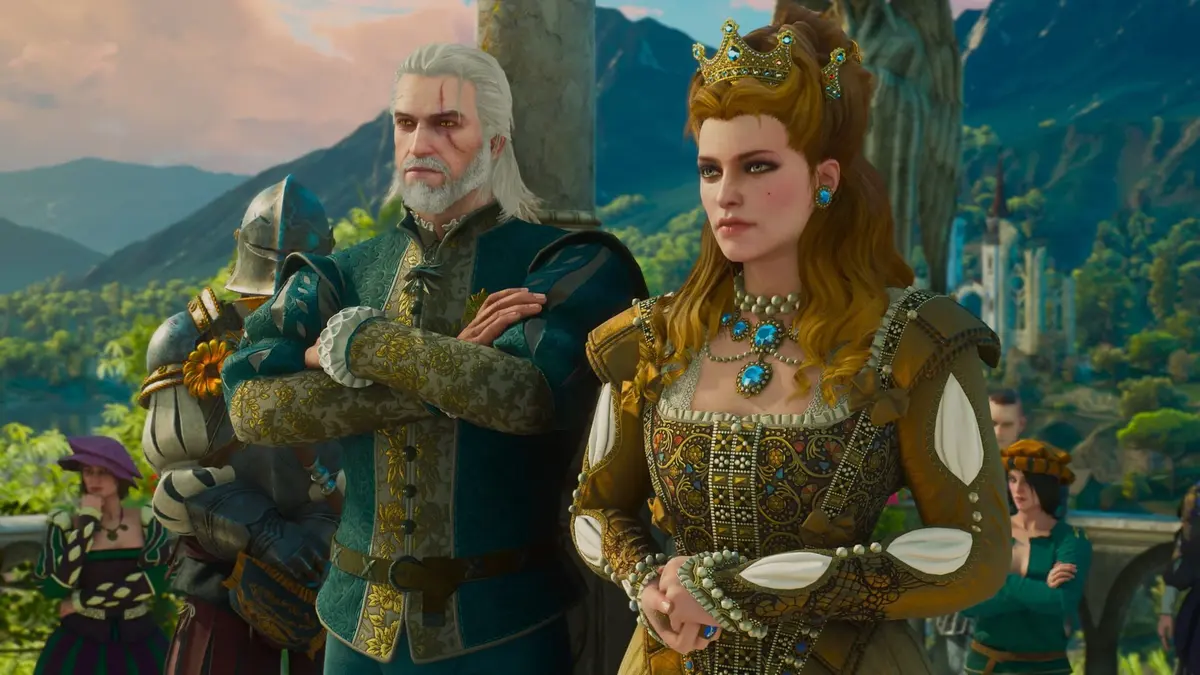
The minimum GPUs describe the Low-settings baseline. CD Projekt Red provides separate requirements for higher presets, ray tracing—lighting effects calculated by tracing light rays—and path tracing, a more extensive and demanding application of that approach. Those modes should drive their own upgrade decision.
The high-end 4K/60 FPS path-tracing target reaches a GeForce RTX 5080, 24 GB of system RAM and a high-performance modern CPU. Crucially, path-tracing targets assume upscaling and frame generation. Read that qualification before treating the advertised frame rate as native-resolution rendering performance.
Upscaling renders at a lower internal resolution and reconstructs the output image. Frame generation inserts additional frames between rendered ones. The resulting displayed frame rate does not represent the same rendering workload or input response as native 60 FPS. Frame generation also cannot repair asset-streaming hitches or an unstable launch.
Choose these features according to the options supported by your card. The minimum GTX 1660, for example, does not support Nvidia’s DLSS upscaling technology. Its inclusion in the requirements is not a reason to buy one for the remaster’s advanced Nvidia rendering features.
Choose between upgrading, testing and reverting
| Your current PC | Recommended action | Main tradeoff |
|---|---|---|
| Windows 11, SSD and minimum-class hardware | Install version 5.0 and begin at 1080p Low. | The supported minimum targets 30 FPS, not higher presets or 60 FPS. |
| Windows 10, otherwise suitable hardware | Check Windows 11 eligibility and migrate if supported. If migration must wait, treat a Windows 10 test as temporary. | Remaining on Windows 10 leaves compatibility and troubleshooting outside the supported baseline. |
| Windows 10 and an HDD installation | Assess Windows 11 eligibility and move the game to an SSD. | Both the operating system and storage miss the revised requirements. |
| CPU or GPU below minimum | Compare the cost of upgrading with retaining an earlier game version. | Installing Windows 11 alone does not resolve the hardware shortfall. |
| A path-tracing-focused upgrade | Budget against the path-tracing tier and its upscaling/frame-generation assumptions. | The headline FPS target does not describe native rendering performance. |
CD Projekt Red also provides a route back to an earlier version. Check the legacy builds offered through your storefront rather than replacing executables manually. Back up saves before switching, and do not assume saves created in version 5.0 will work in an older build. Reverting also means giving up the remaster’s newer features.
- Pros: Existing owners receive the remaster as a free upgrade, and separate graphics tiers give basic-playability and path-tracing upgrades different targets.
- Cons: Windows 10 and HDD-based PCs need changes beyond graphics settings; maintaining an unsupported installation creates an ongoing patch-compatibility risk.
Practical recommendation
- Upgrade eligible Windows 10 PCs before installing. Check Windows 11 eligibility first, then CPU, RAM, GPU and VRAM, followed by DirectX/driver status and SSD space. Resolve any hardware shortfall before downloading; on an already compliant Windows 11 PC, update Windows and the GPU driver, then start at 1080p Low.
- Try Windows 10 only if migration must wait and the other requirements are met. Back up saves, use an appropriate current GPU driver and test traversal and combat—not just the menu. Do not buy hardware on the assumption that a successful Windows 10 launch will remain usable after every patch.
- If the PC cannot meet the baseline, price the whole upgrade or retain an earlier build. An HDD installation needs an SSD as well as any OS change; a below-minimum CPU or GPU needs its own solution. For a path-tracing purchase, use that tier’s requirements rather than the minimum table.
FinalBoss // Gear
Level up your setup
01Graphics cardson Amazon→02Gaming laptopson Amazon→03High-refresh gaming monitorson Amazon→04Discounted game keyson Kinguin→Affiliate links · As an Amazon Associate, FinalBoss earns from qualifying purchases.
Want to Level Up Your Gaming?
Get access to exclusive strategies, hidden tips, and pro-level insights that we don't share publicly.
Ultimate Tech Strategy Guide + Weekly Pro Tips