
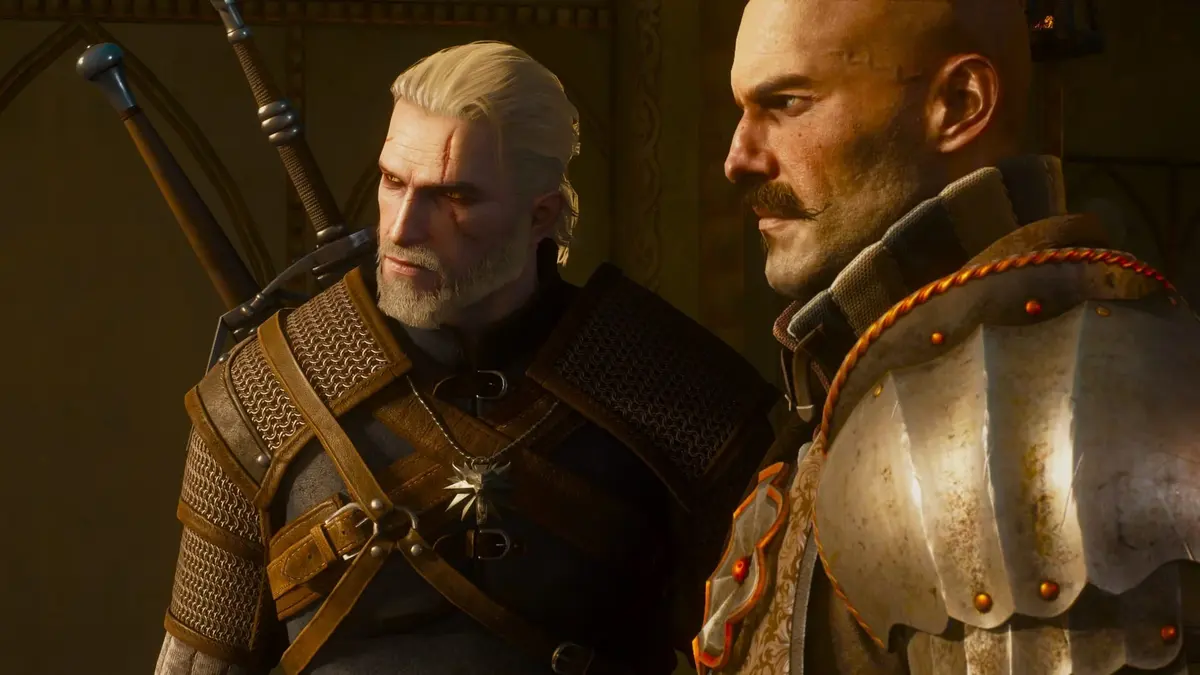
CD Projekt Red has raised the baseline for The Witcher 3: Wild Hunt Remastered on PC. The entry-level target is 1080p Low at 30 fps with a GeForce GTX 1660, Core i5-8400 or Ryzen 5 2600, 12 GB of RAM, Windows 11 64-bit, DirectX 12, and an SSD. Path tracing sits at the opposite end of that scale: the published 4K/60 profile calls for a GeForce RTX 5080 with DLSS and frame generation enabled.
That gap matters more than the word “Remastered.” A GTX 1660 system can run the game. It cannot approach the path-traced preset. An RTX 3070 Ti can meet the Ultra non-ray-tracing profile with its 8 GB of VRAM, but path tracing is a substantially heavier workload than the original next-gen ray-tracing modes.
Table of Contents (8)
The published requirements are targets, not native-rendering guarantees
The new requirements cover several distinct rendering tiers, from 1080p Low through ray tracing and path tracing. Their stated performance figures include specific image-reconstruction assumptions. In particular, the 4K path-tracing target reaches 60 fps through DLSS and frame generation. Treat that as displayed output rather than proof of a native 4K, fully rendered 60-fps baseline.
| Use case | GPU target | CPU and memory | Practical expectation |
|---|---|---|---|
| Minimum: 1080p Low, 30 fps | GeForce GTX 1660 | Core i5-8400 or Ryzen 5 2600; 12 GB RAM | A basic route into the Remastered build without ray tracing or path tracing. |
| Ultra, no ray tracing | GeForce RTX 3070 Ti with 8 GB VRAM | 16 GB RAM is the sensible floor | High-quality conventional rendering. The listed Ultra profile corrects its VRAM requirement to 8 GB. |
| Ray tracing at high resolutions | RTX 3080 or Radeon RX 6800 XT class | Ryzen 5 5600/7600 or Core i5-12400 class; 16 GB minimum | Use DLSS or FSR for 1440p and 4K targets. This tier reflects conventional RT rather than the newer path-tracing load. |
| Path-tracing experiment | RTX 3070/3080 or RX 6800 XT class | Modern six-core CPU; 16 GB minimum, 32 GB preferred | 1080p or 1440p output with aggressive upscaling. A 30-fps cap is realistic; sustained 60 fps is not the assumption. |
| Path tracing at 4K, 60 fps | GeForce RTX 5080 | Modern high-end CPU; 32 GB RAM | The published target uses DLSS and frame generation. This is the hardware tier for the full preset rather than a general recommendation for every PC player. |
Path tracing has a different hardware floor
An RTX 3070, RTX 3080, or Radeon RX 6800 XT should be treated as an entry point for testing path tracing, not as a dependable 4K solution. At 1080p or 1440p output, aggressive upscaling and reduced crowd density, foliage, shadow, and hair settings can make the mode viable for slower play or a locked 30 fps. The same configuration should not be bought with a 4K/60 path-tracing expectation.
The more balanced path-tracing range starts around the RTX 4070 Super, RTX 4070 Ti Super, and RTX 4080 class. These cards have a more credible route to smooth 1440p output when DLSS Quality or Balanced, Ray Reconstruction, and frame generation are available. Thirty-two gigabytes of system memory is appropriate here because the game, Windows, shader cache, recording tools, and browser tabs can make 16 GB cramped before a GPU limit even enters the picture.
At the top end, RTX 4090- and RTX 5090-class systems have the headroom for 1440p or 4K path tracing with the reconstruction stack enabled. A technology demonstration has shown an RTX 5090 reaching up to 420 fps at 2560×1440 with DLSS Ray Reconstruction and Dynamic Multi Frame Generation. That number represents a heavily assisted display-rate scenario, not a native-rendered benchmark to use for upgrade planning.
DLSS, Ray Reconstruction, and frame generation solve separate problems
These settings are often bundled together in a menu, but they affect different parts of the rendering chain. Keeping them separate prevents the usual mistake of reading a generated frame-rate number as raw GPU performance.
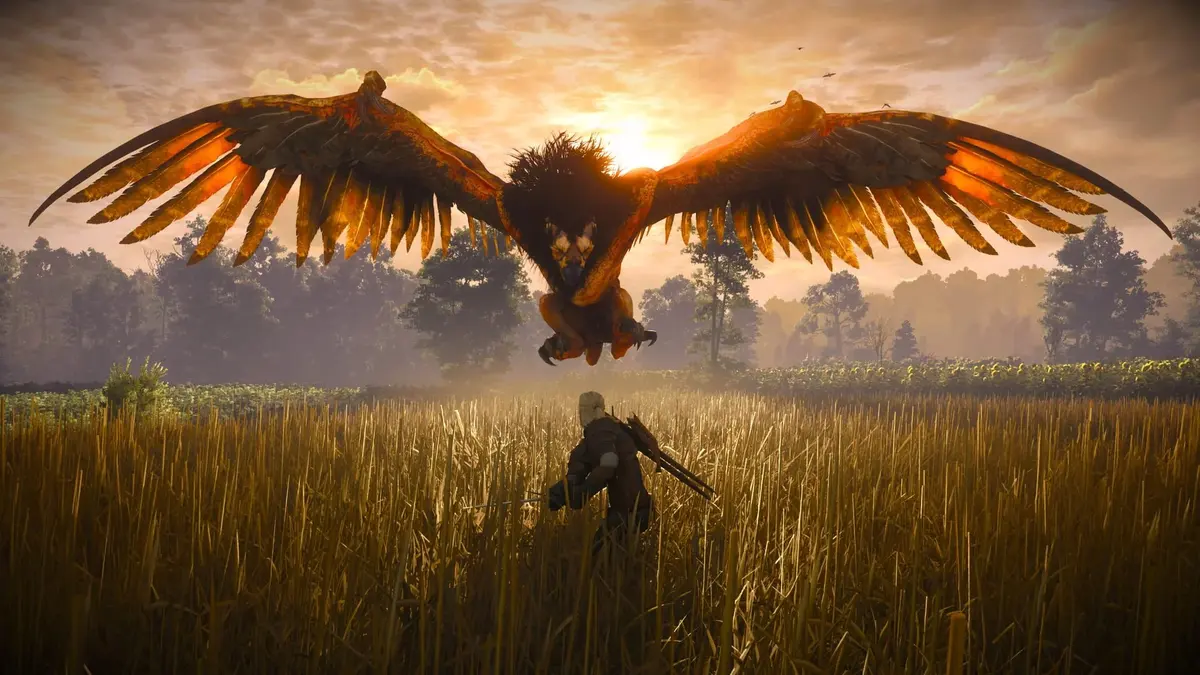
- DLSS Super Resolution lowers the internal render resolution, then reconstructs the image for the selected output resolution. Quality is the sensible starting point at 1440p; Balanced is the next step when path tracing needs more headroom. Performance mode is often necessary for demanding 4K configurations, with a visible cost to fine detail.
- Ray Reconstruction uses AI reconstruction in place of conventional ray-tracing denoisers. It can improve the stability and clarity of ray-traced lighting, reflections, and shadows, subject to the scene and the implementation.
- Frame generation inserts synthesized frames between traditionally rendered ones. It improves motion smoothness and raises the displayed FPS counter, while simulation speed and input response remain tied to the base rendered frame rate.
- Latency reduction should be enabled alongside frame generation where the game exposes Reflex or an equivalent option. It limits queue-related latency that can otherwise undermine the benefit of the smoother output.
Frame generation works best when the ungenerated result is already stable. A base rate around 45-60 fps gives the feature useful material to work with. Generating 100 displayed fps from a 50-fps base can look smooth; generating the same number from a 25-fps base retains the sluggish input response and is more vulnerable to visible artifacts or unstable motion.
The original integrated DLSS Frame Generation support requires a GeForce RTX 40-series GPU and hardware-accelerated GPU scheduling in Windows. RTX 20- and RTX 30-series cards can use DLSS Super Resolution, but they do not gain that original DLSS 3 frame-generation path. Newer Nvidia modes depend on the specific Remastered build and driver support. AMD and Intel owners should check the exact in-game options rather than assuming FSR or XeSS frame-generation parity.
CPU performance still determines the floor in Novigrad
Path tracing shifts the primary bottleneck toward the GPU, particularly at 1440p and 4K. That does not remove the CPU from the equation. Novigrad’s crowds, streaming demands, and simulation create lower frame-time limits than open terrain. A powerful GPU can still idle below full utilisation if the processor cannot prepare frames fast enough in dense areas.
A Ryzen 5 5600, Ryzen 5 7600, or Core i5-12400-class CPU is a practical baseline for an upgraded path-tracing system. Modern eight-core processors provide more margin for high-refresh targets, capture software, background workloads, and busy city saves. Frame generation can increase displayed FPS during a CPU limit, but it does not accelerate the underlying game simulation or improve the base frame-time floor.
Windows 11, DirectX 12, RAM, and storage are hard requirements
The Remastered requirement list specifies Windows 11 64-bit, DirectX 12, and an SSD across its configurations. Windows 10 is no longer supported for ongoing development and testing of this update. This is a stricter platform requirement than the original 2015 release, whose minimum configuration needed only 6 GB of RAM and could run from slower storage.
Reserve 60 GB on an SSD for the standard installation, or 95 GB for the Epic Games Store version. Free space beyond that allocation remains useful for patches, shader caches, driver files, and temporary installation data. A SATA SSD remains vastly preferable to a hard disk; NVMe is beneficial for loading and asset streaming but is not the dividing line between functional and unusable performance.
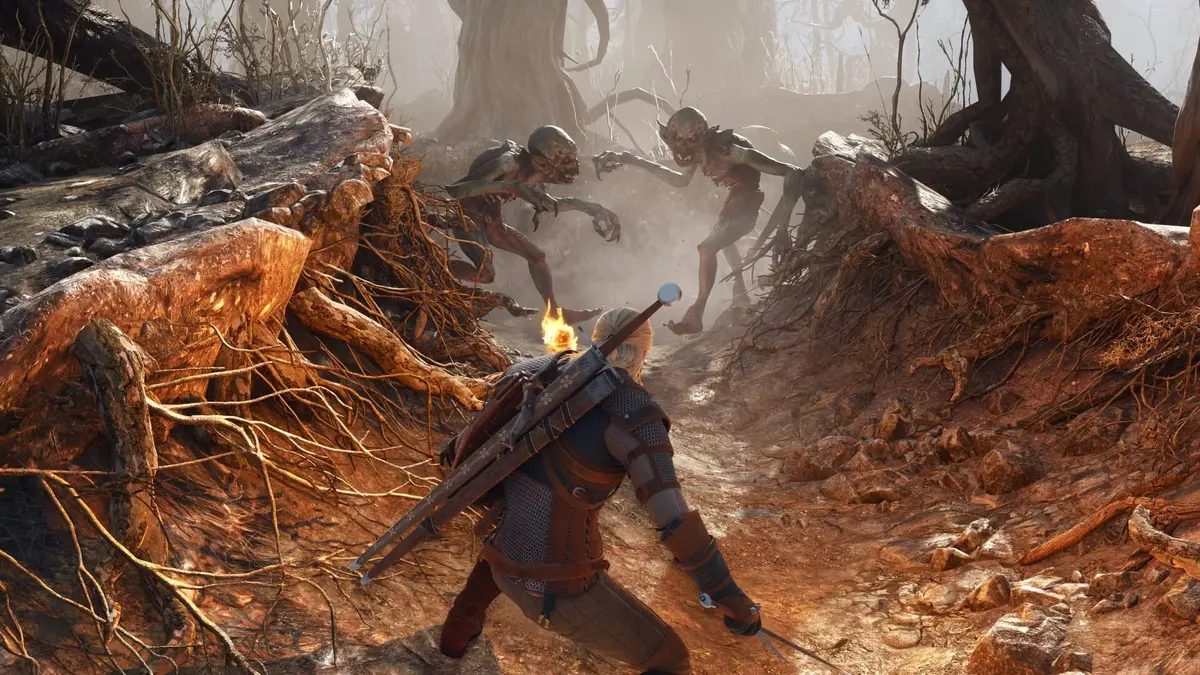
Twelve gigabytes is the formal minimum, 16 GB is the operational floor for higher settings, and 32 GB is the practical target for path tracing. The extra memory avoids forcing the operating system to page data to storage during a heavy scene, especially on systems also running a browser, voice client, recording tool, or texture-heavy mods.
A reliable settings sequence
- Launch the DirectX 12 version and confirm that the discrete GPU is selected.
- Set a baseline with ray tracing disabled and record the average frame rate, 1% lows, and frame-time consistency in a demanding save.
- Enable DLSS or the available reconstruction option at Quality before lowering the output resolution.
- Enable conventional ray tracing first, then enable path tracing only if the base performance remains usable.
- Turn on Ray Reconstruction where available and measure again before activating frame generation.
- Use frame generation after the base rendered frame rate is stable, with a latency-reduction option enabled.
- Reduce crowd density, foliage, shadows, and hair or fur effects before using an excessively aggressive upscaling mode.
- Cap the frame rate to a sensible display target and evaluate frame-time pacing rather than relying only on the FPS counter.
The non-ray-tracing profiles keep upscaling disabled by default, apart from the Arc B580 exception in the Ultra tier. That makes a no-RT baseline useful: it shows the conventional rendering cost before DLSS, ray reconstruction, and generated frames complicate the result.
Test more than one location before deciding the settings are stable
Use a crowded Novigrad route to expose CPU and streaming pressure, a foliage-heavy open-world area for lighting load, and combat for particles and effects. Record the base frame rate, 1% lows, GPU utilisation, VRAM allocation, input latency, and frame-time graph. One quiet interior is insufficient for a path-tracing performance verdict.
Shader compilation and driver updates can alter early results. Let the game build its shader cache, then repeat the same route with the same weather, time of day, resolution, and cap. Mods should remain disabled until the stock configuration is stable; texture packs and script-heavy changes can shift both VRAM consumption and CPU frame times.
Who should enable path tracing, and who should use the fallback builds
Path tracing is appropriate for players with an RTX 40-series card or newer who can already sustain a reasonable base frame rate at their intended output resolution. An RTX 4070 Super-class system is a sensible 1440p starting point when DLSS and frame generation are part of the plan. The RTX 5080 target is the relevant reference point for the published 4K/60 path-tracing profile.
Players on GTX-era hardware, limited 8 GB memory configurations, hard drives, or Windows 10 should plan around conventional rendering or the earlier game builds. The Remastered update remains free to existing owners, and the launcher provides rollback paths to Classic version 1.32 or the prior next-gen version 4.04. That makes the visual upgrade optional rather than a reason to force an unsuitable PC through a path-tracing preset.
FinalBoss // Gear
Level up your setup
01Graphics cardson Amazon→02Gaming laptopson Amazon→03High-refresh gaming monitorson Amazon→04Discounted game keyson Kinguin→
Affiliate links · As an Amazon Associate, FinalBoss earns from qualifying purchases.
Want to Level Up Your Gaming?
Get access to exclusive strategies, hidden tips, and pro-level insights that we don't share publicly.
Ultimate Tech Strategy Guide + Weekly Pro Tips