
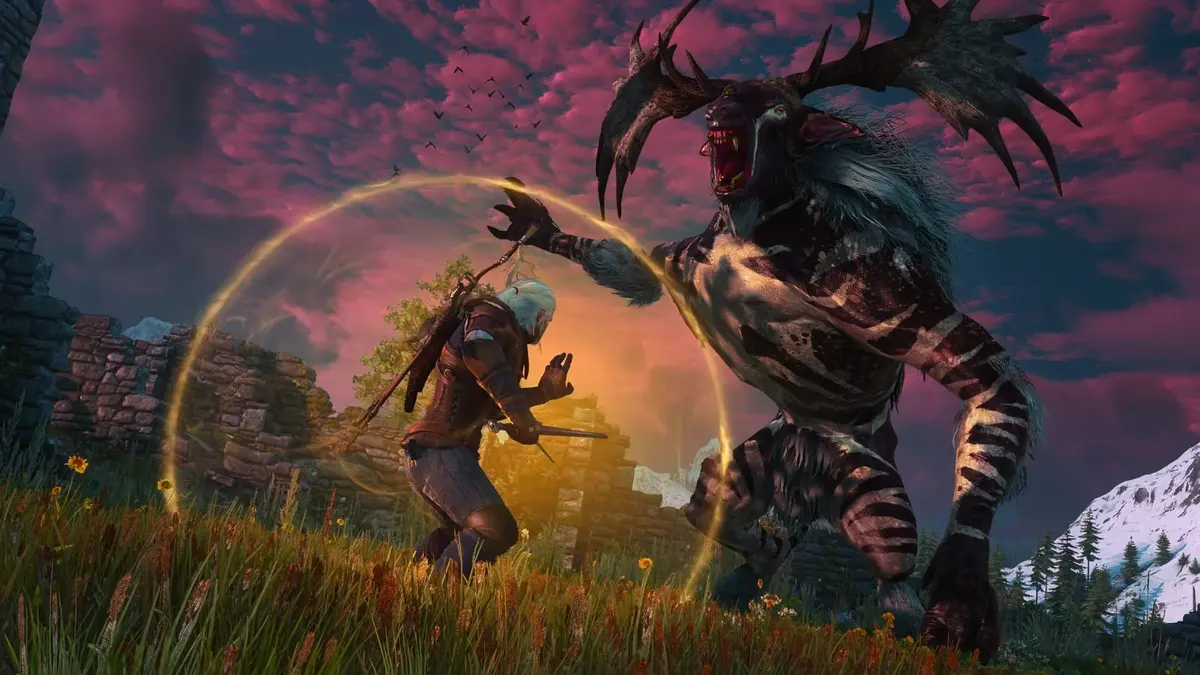
The Witcher 3 has already lived through a major current-generation upgrade, and its performance story has always been more complicated than a single “Ultra” preset. Novigrad’s crowded streets, HairWorks, heavy foliage, dynamic resolution on consoles, and ray-traced lighting have all pulled the game in different directions. The September 29 remaster update raises that ceiling again with PC path tracing, plus DLSS 4.5, FSR 4, XeSS 2.0, and their related frame-generation options.
That feature list sounds like a free performance buffet. The hard reality is sharper: CD Projekt RED’s own top-end target pairs an RTX 5080 with a Core i9-13900K or Ryzen 7 9800X3D, 24GB of system memory, Windows 11, DLSS, and frame generation to approach 60 fps at 4K with path tracing. The on-screen number can say 60, but the base rendering rate remains much closer to 30 fps in the heaviest scenario.
Table of Contents (7)
What the RTX 5080 requirement really means
The headline specification needs translating. “4K, 60 fps with path tracing” does not mean the RTX 5080 renders a native 3840×2160 image at 60 fully rendered frames per second. DLSS lowers the internal rendering resolution and reconstructs the 4K output; frame generation then inserts generated frames between those rendered frames.
In a 4K Novigrad test with every setting enabled, including HairWorks and path tracing, the RTX 5080 averaged about 30 fps with DLSS Performance and frame generation disabled. Turning frame generation on lifted the displayed result to roughly 59 fps, but artifacts appeared in that test. That is smoother motion than a flat 30 fps cap, yet controller and mouse response still originate from a 30-fps-class base rate.
HairWorks is a meaningful lever here. With HairWorks disabled, the same RTX 5080 path-tracing setup reached roughly 44 fps at 4K using DLSS Performance without frame generation. With frame generation enabled, it reached about 80 fps. Geralt’s hair and monster fur can look good, but they are an expensive luxury when the renderer is already trying to calculate much more complete lighting across a dense city scene.
| Target tier | Published hardware or test configuration | Practical expectation |
|---|---|---|
| RT minimum | RTX 2060 Super, Radeon RX 6600 XT, or Intel Arc B580 class | 1080p, 30 fps with ray tracing settings suited to the entry tier |
| RT recommended | RTX 4080 or Radeon RX 9070 XT class | 1440p, 60 fps with ray tracing rather than full path tracing |
| 4K path tracing | RTX 5080, Core i9-13900K or Ryzen 7 9800X3D, 24GB RAM, Windows 11 | 4K output at up to 60 displayed fps with DLSS and frame generation |
| RTX 5080 stress test | 4K, DLSS Performance, path tracing and HairWorks enabled | About 30 fps without frame generation; about 59 fps with it |
| RTX 5080 balanced path tracing | 4K, DLSS Performance, path tracing enabled, HairWorks disabled | About 44 fps without frame generation; about 80 fps with it |
Path tracing is the setting that changes the entire build plan
Conventional ray tracing adds selected effects such as ray-traced global illumination and ambient occlusion. Path tracing goes considerably further, simulating a wider set of light paths across surfaces, shadows, reflections, and indirect illumination. It can make torchlight, interiors, weather, and sunlit stonework feel more coherent, but the compute cost is savage.
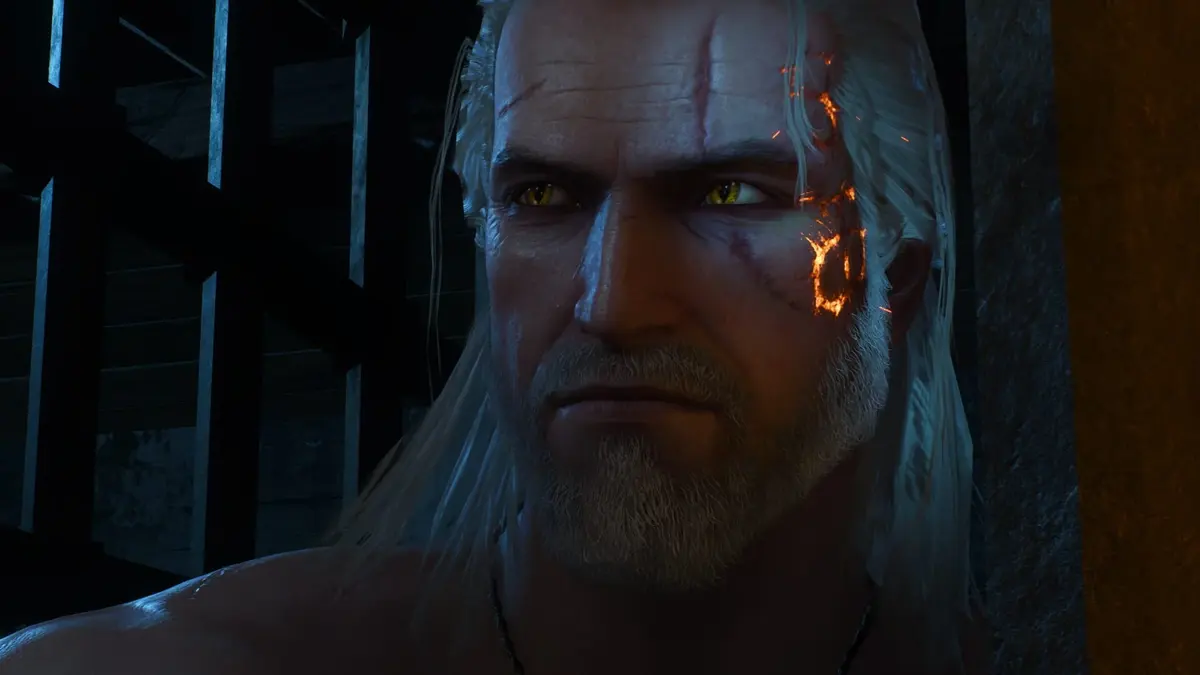
For anyone building around a fixed 60Hz display, disabling path tracing delivers the largest single performance recovery. In the same Novigrad testing, an RTX 5080 reached about 55 fps at 4K when path tracing was disabled. That result is more useful than a generated 60 fps built on a 30-fps foundation, especially in combat, horse riding, and rapid camera movement through city streets.
Ray tracing remains the sensible middle ground for high-end PCs. An RTX 4080 or Radeon RX 9070 XT belongs to the published 1440p, 60-fps RT-recommended tier. That is the tier to aim for if consistent frame-times matter more than rendering every candlelit room like a tech demo. Path tracing makes sense as a deliberate visual mode for players prepared to accept a lower base rate and use frame generation as presentation assistance.
DLSS and frame generation: use them for the job they are good at
The remaster supports Nvidia DLSS 4.5, AMD FSR 4, and Intel XeSS 2.0 on PC, alongside frame-generation technologies. They do different jobs. Upscaling renders fewer pixels and reconstructs the final image. Frame generation creates additional displayed frames. Low-latency modes reduce some of the delay introduced by the render pipeline, but they do not turn a 30-fps base into 60 independently rendered frames.
- DLSS Quality: Start here at 1440p or 4K when conventional ray tracing is active and there is adequate GPU headroom.
- DLSS Balanced: The practical compromise for 4K output with demanding RT settings.
- DLSS Performance: The survival setting for 4K path tracing. It is necessary for the RTX 5080 path-tracing target, but its lower internal resolution makes image reconstruction work much harder.
- Frame generation: Best used after the base frame rate is already stable. It improves displayed motion but cannot rescue erratic frame-times or a weak CPU.
- HairWorks: Disable it before cutting resolution or sacrificing broader image-quality settings. The RTX 5080 numbers show how much headroom this one visual extra can consume.
Ray Reconstruction can improve the denoising and reconstruction side of ray-traced rendering where supported, but it does not erase the core cost of path tracing. The lighting workload remains immense. Treat every “60 fps” claim as incomplete until it is clear whether that figure includes upscaling, frame generation, or both.
CPU, memory, and SSD requirements are part of the performance equation
The top PC tier calls for a Core i9-13900K or Ryzen 7 9800X3D alongside the RTX 5080. That pairing matters because Novigrad is not a clean GPU-only benchmark. Crowds, world streaming, draw calls, and simulation can push the processor hard enough to undermine a powerful graphics card. A GPU upgrade alone does not guarantee smooth traversal through the city.
CD Projekt RED also lists 24GB of system memory for the highest path-tracing tier. Systems with 16GB may still run the game, but 24GB leaves more room for the game’s streaming, texture cache, operating system, launchers, and background utilities. Stutter is often a memory or streaming problem masquerading as a GPU problem, which is why average fps alone is such a lousy buying metric.
An SSD is mandatory for the updated requirements. The official requirement specifies 60GB of SSD storage, while the Epic Games Store lists 95GB of available space. Reserve the larger amount before installation rather than discovering that the patch, shader caches, and storefront allocation leave an otherwise fast drive uncomfortably full.
PS5 settings remain much easier to choose
PlayStation 5 offers two primary graphics modes: Performance mode targets 60 fps with dynamic resolution scaling, while Ray Tracing mode targets 30 fps with dynamic resolution scaling. The divide is blunt, but it is refreshingly easy to understand compared with a PC menu filled with reconstruction modes and generated frames.
| PS5 mode | Priority | Target | Best fit |
|---|---|---|---|
| Performance | Frame rate and response | 60 fps | Combat, exploration, and a smoother camera feel |
| Ray Tracing | Lighting and atmosphere | 30 fps | Players willing to trade responsiveness for richer presentation |
Performance mode is the clear default for an action RPG with swordplay, dodge timing, and long horse rides through complex environments. Ray Tracing mode is a valid visual choice for players who prefer its lighting, but it remains a 30-fps presentation. The PS5 ray-tracing preset also should not be treated as equivalent to the PC path-tracing setting; PC path tracing is a far more demanding rendering mode.
A practical settings ladder for PC players
Start with the display target, then choose the lighting mode. Building the menu around “maximum settings” first is how a good rig ends up delivering bad frame-times.
- RTX 5080, visual-first 4K: Enable path tracing, set DLSS to Performance, disable HairWorks, and use frame generation. Expect a 30-fps-class rendered base in demanding areas even if the output counter climbs to 60 fps or higher.
- RTX 5080, responsive 4K: Disable path tracing, use conventional ray tracing only if frame-times remain stable, and begin with DLSS Quality or Balanced. This is the configuration with the best chance of feeling close to a real 60-fps experience.
- RTX 4080 or RX 9070 XT class: Target 1440p with ray tracing and an appropriate upscaler. Path tracing is a showcase setting rather than the sensible everyday choice.
- RTX 2060 Super, RX 6600 XT, or Arc B580 class: Aim at the 1080p, 30-fps RT-minimum tier. Disable path tracing outright and prioritize consistent pacing over aggressive image-quality settings.
- Any system near its limit: Test Novigrad, watch one-percent lows and frame-time spikes, then adjust path tracing, HairWorks, crowd-related settings, foliage, and shadows before dropping the entire preset.
Free upgrade, but not a free performance upgrade
The Witcher 3: Wild Hunt – Remastered is a free upgrade for base-edition owners on Steam, GOG, Epic Games Store, and Battle.net. That makes the visual update easy to claim, but it does not make its highest settings easy to run. PC players should separate the upgrade itself from the path-tracing feature set: the game remains playable across much more modest hardware, while 4K path tracing sits at the extreme end of the requirements chart.
FinalBoss // Gear
Level up your setup
01Graphics cardson Amazon→02Gaming laptopson Amazon→03High-refresh gaming monitorson Amazon→04Discounted game keyson Kinguin→
Affiliate links · As an Amazon Associate, FinalBoss earns from qualifying purchases.
Want to Level Up Your Gaming?
Get access to exclusive strategies, hidden tips, and pro-level insights that we don't share publicly.
Ultimate Tech Strategy Guide + Weekly Pro Tips