
Table of Contents (5)
What this actually changes for players
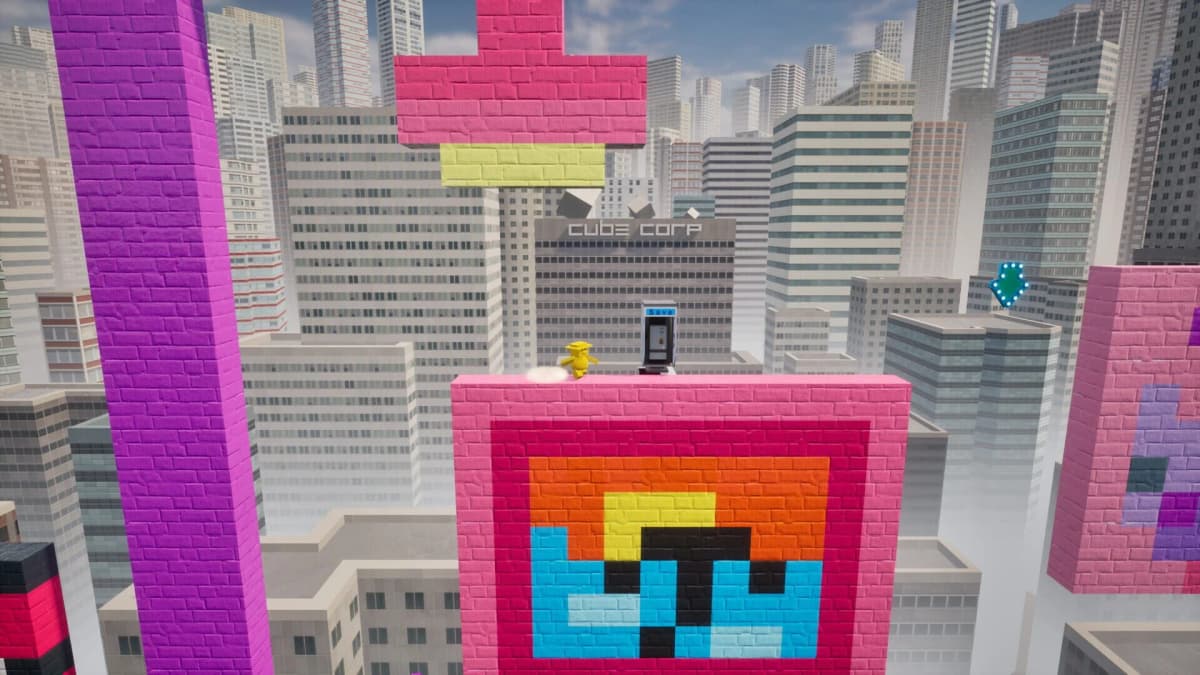
This caught my attention because CxC does something indie creators only talk about in postmortems: it makes level design as simple as opening MS Paint. Drop a 100×100 PNG into a folder and the game reads each pixel as a building block – player starts, jump pads, enemies, bumpers, air currents and more – turning your tiny image into a playable platformer stage. The Steam beta is live now, so you can test the idea yourself instead of just watching a trailer.
- Instant level design: any drawing program that can save a 100×100 PNG becomes a level editor.
- Pixel colors map to specific objects (player starts, jump pads, enemies, bumpers, air currents).
- Steam beta available now on PC, letting you create, iterate and share quickly.
How CxC turns pixels into platforms
CxC reads a 100×100 PNG like a blueprint. Each pixel’s color corresponds to a gameplay element: one color might be the player’s spawn point, another a springy jump pad, another an enemy, and so on. You can use Aseprite, Photoshop, Paint, or even a script to generate images – anything that outputs a 100×100 PNG will do. Once the file is in the game’s Documents folder, launch CxC and the level is generated from the image grid.
The beauty is in the constraint. A 100×100 canvas is laughably small by modern standards, which forces you to design in broad, readable shapes and focus on play patterns instead of pixel-level decoration. That constraint is a feature: it pushes creativity and makes levels quick to iterate — draw, save, launch, repeat.
Why this matters — beyond the gimmick
User-generated content is one thing; lowering the barrier to entry for level creation is another. CxC flips the usual editor model by outsourcing the creative interface to tools players already know. That can expand the kinds of community content you get: meme levels, algorithmic generators, collaborative chains where someone draws a frame and another person riffs on it. It’s the kind of emergent, low-friction creativity that can keep an indie game alive long after launch.
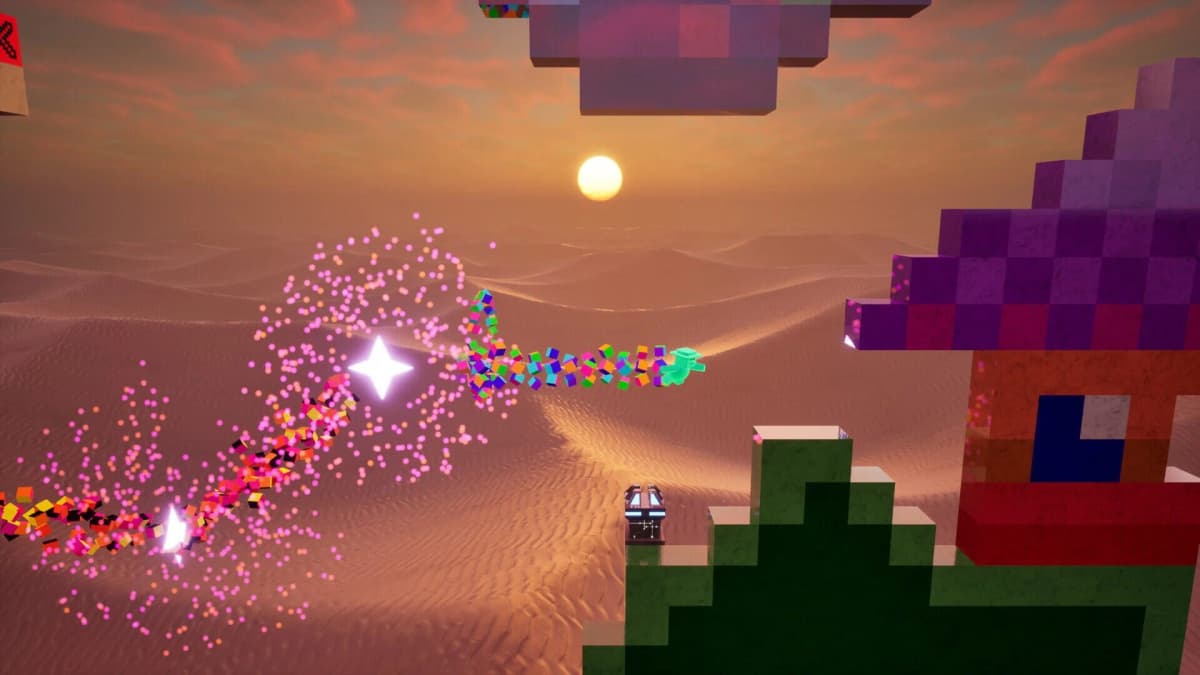
There are limits worth flagging. Without a clear, documented color key (the press notes don’t publish the palette), players will need the game’s mapping reference to ensure that a blue pixel becomes a platform instead of an enemy. And a 100×100 grid means levels will be compact — great for bite-sized experiments, less suited to sprawling, Metroid-sized maps. Expect weird, often unplayable junk alongside brilliant, unexpected designs; that’s the trade-off for making creation frictionless.
What to try in the Steam beta
If you boot the beta, here are practical experiments that will teach you the system quickly:
- Start tiny: use a few colors and mark a single player start, a couple of platforms, and one jump pad. See how spacing and scale translate from pixels to play.
- Pixel-swap testing: tweak one color at a time to learn which hues create hazards versus helpers.
- Programmatic levels: try generating images with simple scripts (random walkers, cellular automata) to find accidental gems.
- Share with friends: because the input is a PNG, levels are trivial to exchange and iterate on.
Expect to spend time with the game’s documentation or community posts to learn the exact color-to-object mapping. And don’t be surprised if your first dozen levels are unfun — that’s the cheap iteration cycle at work.
TL;DR
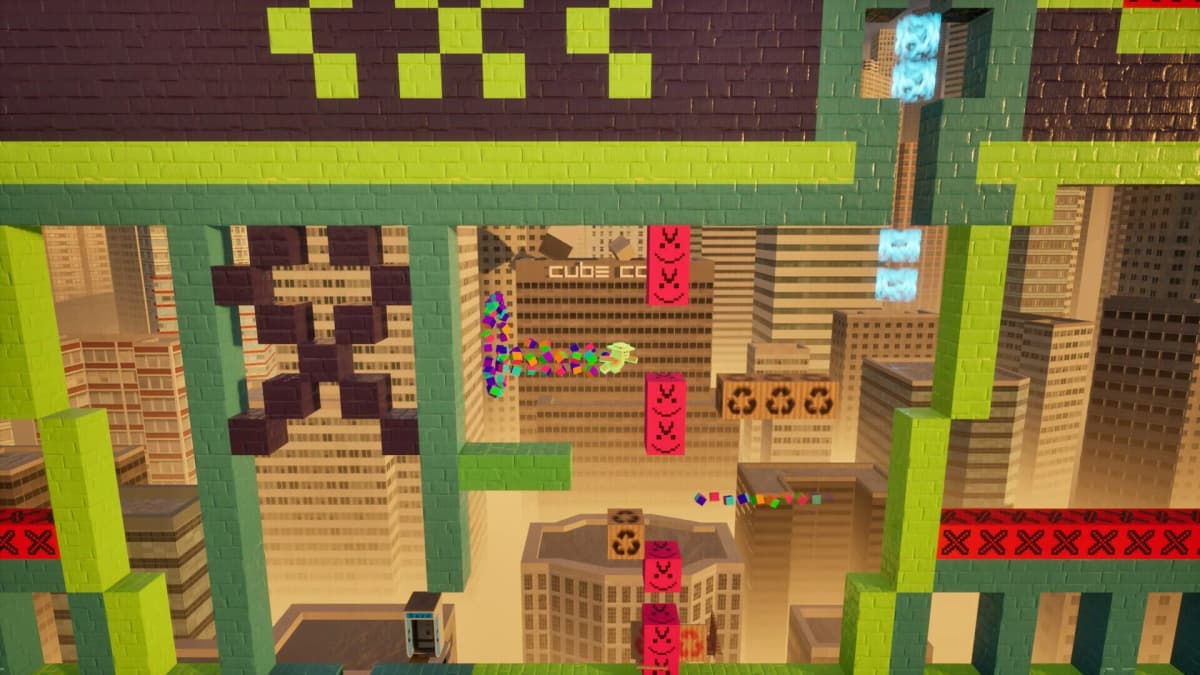
CxC isn’t just another indie platformer — it’s a playful experiment in democratizing level design by letting any 100×100 PNG act as a stage. The Steam beta gives you immediate access to the core loop: draw, save, drop into Documents, and play. It won’t replace full-featured editors, but as a rapid-prototyping and community-creation tool it looks promising — and delightfully chaotic.
FinalBoss // Gear
Level up your setup
01Graphics cardson Amazon→02Gaming laptopson Amazon→03High-refresh gaming monitorson Amazon→04Discounted game keyson Kinguin→Affiliate links · As an Amazon Associate, FinalBoss earns from qualifying purchases.
Want to Level Up Your Gaming?
Get access to exclusive strategies, hidden tips, and pro-level insights that we don't share publicly.
Ultimate Gaming Strategy Guide + Weekly Pro Tips