
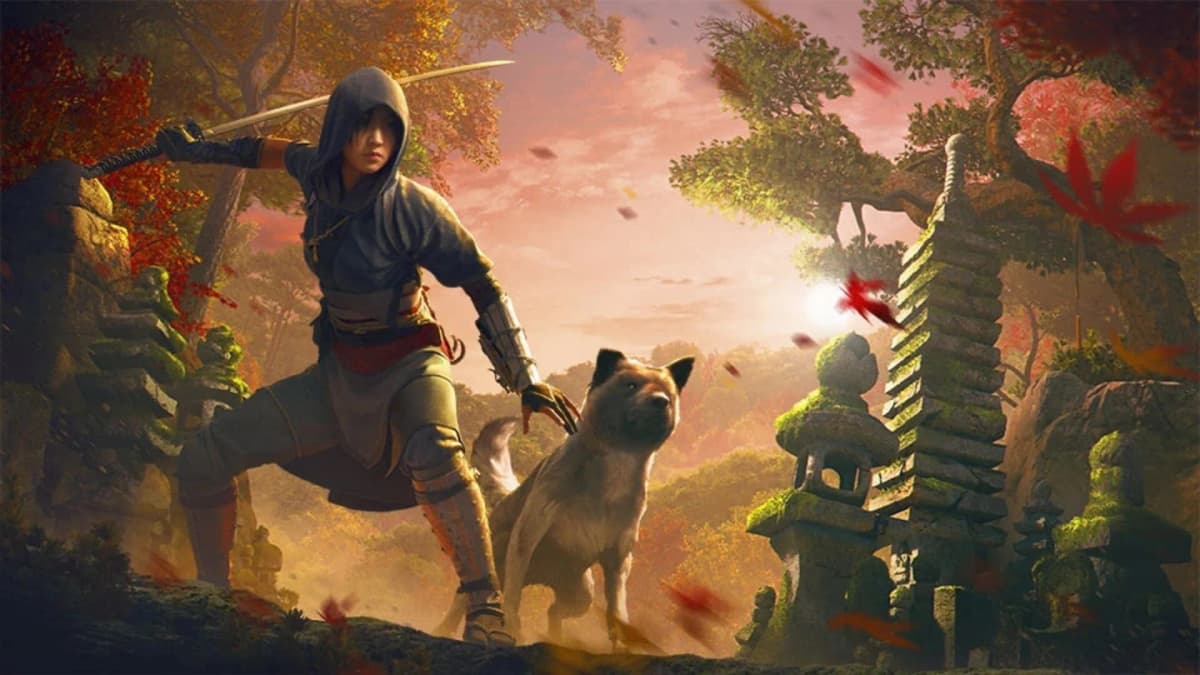
This Windows 11 update could tank your FPS — Assassin’s Creed Shadows fell 50%
Game intel
Assassin's Creed Shadows
Thrown to the Dogs is a downloadable content pre-order expansion package for Assassin's Creed: Shadows that is expected to release alongside the main game. It…
This Windows 11 update can wreck your FPS – and it already hit Assassin’s Creed Shadows hard
This one matters immediately for anyone who plays on PC: Digital Foundry’s testing shows the Windows 11 October 2025 update (KB5066835) and its follow-up (KB5068861) can slash frame rates dramatically – Assassin’s Creed Shadows lost up to 50% FPS in some tests. I noticed this story because we rely on stable drivers and predictable updates to keep games playable; when a system update becomes the variable that ruins a night of gaming, it deserves scrutiny.
- What happened: October/November Windows 11 updates introduced a regression that impacts GPU performance for some games.
- Who’s affected: Nvidia GeForce users appear worst hit; AMD/Intel reports exist but are less confirmed.
- Immediate fix: Nvidia pushed a hotfix driver (581.94) that restores performance in reported cases, but it’s a beta.
- What you should do: Check your Windows and driver versions, try the hotfix, and be ready to roll back the Windows update if needed.
Breaking down the problem – what Digital Foundry and users found
Digital Foundry ran the hard numbers: big, consistent FPS drops in titles such as Assassin’s Creed Shadows — sometimes from a steady 60fps to near 30fps. Other competitive titles like Counter-Strike 2 showed stuttering and dips in user reports. The common factor so far is Windows 11 24H2/25H2 with KB5066835 and KB5068861 installed, and Nvidia cards on those systems.
Nvidia has acknowledged “lower performance” and issued a hotfix driver (581.94). They haven’t published a deep technical postmortem yet, which is one reason to stay skeptical: the fix bypassed Nvidia’s normal QA cycle to get into users’ hands fast. Microsoft also pushed unrelated fixes (for power management on some devices), so the update bundle probably bundled multiple changes that exposed driver issues.
Nvidia’s hotfix (581.94) — what it does and what it doesn’t
The hotfix appears to restore GPU utilization and frame pacing in the cases Digital Foundry tested. Early adopters report regained performance in Assassin’s Creed Shadows and some other affected titles. Important caveat: 581.94 is a hotfix/beta driver, not a full certified WHQL release — it prioritizes speed of deployment over long regression testing.
That matters because hotfixes occasionally introduce other quirks. If you rely on rock-solid stability (streaming, long sessions, professional setups), weigh the immediate performance gains against potential side effects. If you’re a competitive player losing frames in CS2, the trade-off is worth it; casuals might prefer waiting for a fully validated driver.
What you should do right now — practical steps
- Check your Windows build: Press Win + R, type winver, and confirm whether KB5066835 or KB5068861 is installed.
- Verify your GPU driver: Open GeForce Experience or Device Manager and note your current driver version.
- Try Nvidia’s hotfix: If you’re on an affected Nvidia card and seeing drops, download and install driver 581.94 from Nvidia’s driver page and reboot.
- Monitor results: Use built-in FPS counters or MSI Afterburner to compare before/after performance.
- Roll back the Windows update if necessary: Settings > Windows Update > Update history > Uninstall updates, then uninstall the KB entry and pause updates until fixes arrive.
- Create a restore point before making changes, especially if you plan to uninstall system updates.
Want to Level Up Your Gaming?
Get access to exclusive strategies, hidden tips, and pro-level insights that we don't share publicly.
Ultimate Gaming Strategy Guide + Weekly Pro Tips
Why this matters beyond one game
This episode highlights a recurring industry friction: major OS updates shipped broadly without exhaustive testing against popular games and drivers. Microsoft rolls updates via Patch Tuesday to millions of machines; when those updates interact poorly with GPU drivers, the result is mass disruption for gamers who expect updates to be invisible to gameplay.
Nvidia moved fast, which is good — but the fact we needed a hotfix driver at all suggests tighter collaboration is necessary between Microsoft and GPU vendors. AMD and Intel users should be alert: community reports hint at issues beyond Nvidia, even if they’re not as widespread. That means checking forums and waiting for vendor confirmations before assuming you’re safe.

TL;DR
If your Windows 11 machine installed KB5066835 or KB5068861 and your Nvidia GPU suddenly performs worse, try Nvidia’s hotfix driver 581.94 — it fixes the regression in many reported cases. If problems persist, uninstall the Windows update and pause updates until a proper patch arrives. Keep monitoring community reports for AMD/Intel confirmations and don’t let automatic updates cost you a competitive night of gaming.