
If you need the short version, ziplines in Timberborn are a Folktails transit system added in Update 7 that moves beavers over obstacles at about 2.5× walking speed. They are strongest on long, awkward routes where normal paths force big detours, and they are weakest when you try to use them as a universal replacement for roads. The big reason is simple: each zipline station only supports two connections total, one incoming and one outgoing, so the network works best as a corridor or loop rather than a central hub.
Table of Contents (9)
What ziplines are in Timberborn
Ziplines arrived with Update 7 as part of a much larger transit and 3D-terrain expansion, not as a minor quality-of-life feature. That matters because they were designed to solve a specific movement problem: getting beavers across a developed settlement without forcing them to walk around every building, wall, height change, or packed production block.
For Folktails, ziplines add an elevated movement layer. Instead of treating your colony as one flat road grid, you can route traffic above it. That makes them especially appealing once your base gets dense and normal pathing starts turning short map distances into long commutes.
- Ziplines were introduced in Update 7.
- They are available to Folktails.
- They move beavers much faster than walking.
- They travel over obstacles instead of around them.
- They have stricter layout rules than regular paths.
How you get or encounter ziplines
The important acquisition point is faction-based: ziplines are tied to Folktails. If you are playing that faction on an Update 7-era build or newer, ziplines are part of the transport toolbox you can plan around. If you are not on Folktails, this is not a system you can treat as a generic, all-faction movement upgrade.
In practical terms, that means ziplines are something you plan into a Folktails colony once your settlement is large enough that travel time becomes a real drag on productivity. They are not an early-game “build one immediately” structure. Community and creator coverage consistently treats them as infrastructure you add when your map has enough height, distance, and obstruction to justify the cost.
One published walkthrough reports zipline pylons at 500 science, 20 planks, 10 gears, and 10 metal blocks. That gives a useful benchmark even if you should still check your current build for exact numbers. Either way, the message is the same: pylons are a mid-game investment, not a starter convenience.
How fast ziplines are, and why the speed wording looks confusing
The clearest published performance claim is that ziplines move beavers at 2.5× walking speed. Some coverage phrases this as +150% speed instead. Those wordings sound different, but they describe the same result: a beaver moves at its base speed plus an extra 150%, which equals 250% total, or 2.5 times normal walking.
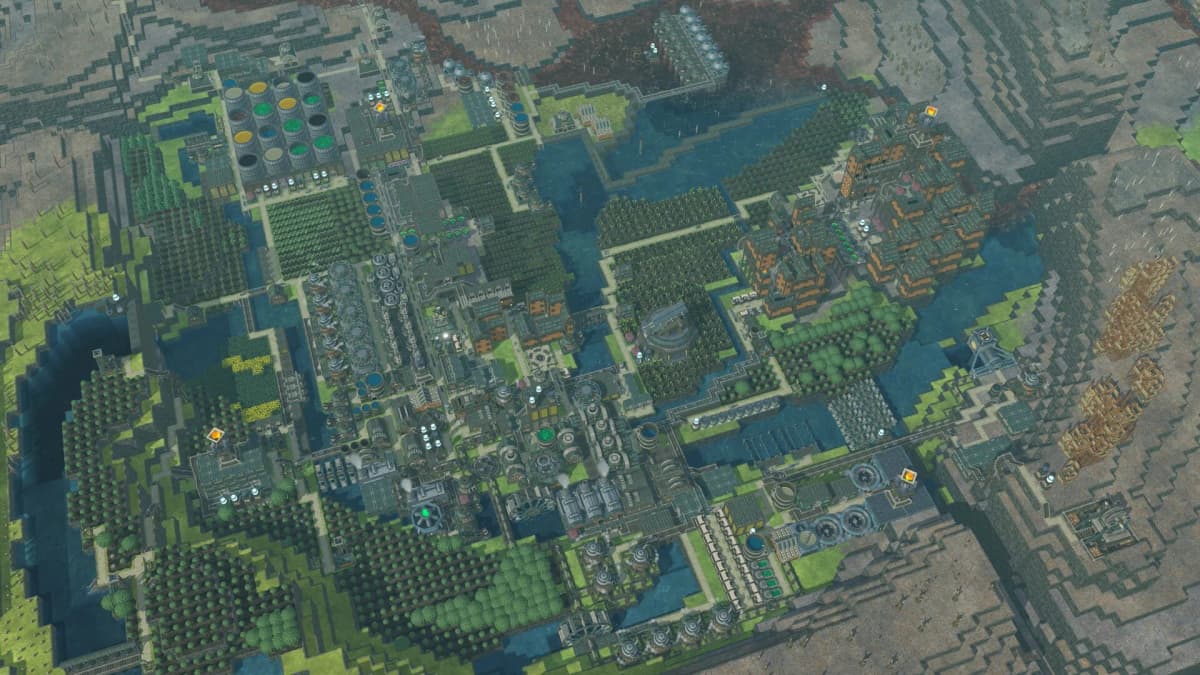
That speed advantage is why ziplines should be reserved for routes that are long enough to matter. On a very short hop inside a compact district, the setup cost and connection limits can outweigh the movement gain. On a long commute to a high terrace, a remote work cluster, or a far side of the settlement split by obstacles, the speed difference becomes much more meaningful.
Put another way, ziplines do not create value just because they are faster on paper. They create value when they cut out bad pathing. The more your current route zigzags around buildings or climbs up and down terrain, the more likely a zipline will pay off.
The station limit is the rule that decides whether your network works
The most important constraint to understand before building anything is the station connection cap. A zipline station can handle only two connections: one incoming and one outgoing. That means you should not think of stations as freeform transit hubs where every important location connects back to one central point.
This is the main reason many early layouts feel disappointing. If you try to make one “main station” serve housing, farms, industry, storage, and remote outposts, you run into the cap immediately. Even when the route technically works, it often becomes awkward to expand because every new destination needs another station arrangement instead of one extra branch.
- Good use: one long commuter corridor between two heavily traveled zones.
- Good use: a loop that keeps traffic moving through several key stops in sequence.
- Weak use: one central hub trying to feed many spokes.
- Weak use: replacing ordinary street grids inside a tight downtown block.
Community advice consistently points toward corridor-style routing for exactly this reason. Think in terms of major lines, not subway-map complexity. If a route is important enough to justify a zipline, give it a clear start and end instead of forcing every destination onto the same station logic.
How to place ziplines without fighting the geometry rules
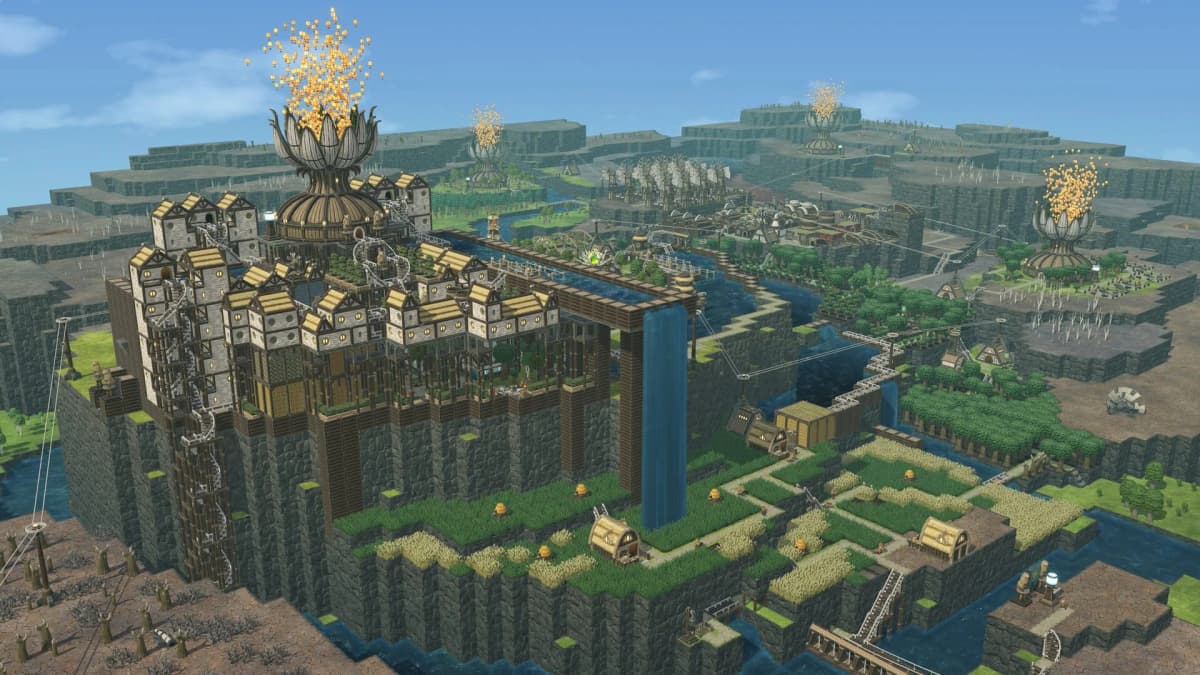
Placement is where most frustration comes from. Public guides and walkthroughs agree on the main failure points: stations can be too far apart, and the line can also be rejected if the angle is too steep. Officially documented edge cases are limited in the available sources, but the community fixes are consistent enough to treat as reliable working practice.
If a connection refuses to place, do not assume the system is bugged. Usually the route needs intermediate support. The standard answer is to add zipline pylons or to change the height of one side so the line becomes more reasonable.
- If the route is too long, break it into segments with an intermediate support point.
- If the slope is too sharp, raise or lower part of the route instead of forcing a direct line.
- If buildings block the clean path you want, shift the connection upward rather than moving the entire street grid.
- If terrain makes direct station-to-station placement awkward, treat pylons as the real backbone of the route rather than an optional extra.
Zipline pylons are especially valuable because they raise the connection four blocks and can be placed on platforms, buildings, or other supported surfaces. That makes them one of the most useful tools for turning rough terrain into a usable transit corridor. In a vertical colony, pylons are often what makes ziplines practical at all.
Where ziplines perform best
Ziplines are strongest when your settlement has one of three problems: long commutes, vertical separation, or dense obstruction. If your beavers are crossing from one terrace to another, weaving through a packed production core, or taking a wide loop around structures that a straight elevated route could ignore, ziplines are doing exactly what they were added for.
A few layout patterns tend to make the best use of them:
- Plateau-to-plateau routes: useful when two important areas are close in map distance but separated by bad terrain.
- Over-city bypasses: strong when normal roads would thread through many buildings and slow everything down.
- Remote work corridors: worthwhile when a frequently used distant area keeps pulling labor through a long, inefficient path.
- Looped high-traffic lines: effective when several stops matter, but not enough to justify a hub-and-spoke setup that the station cap does not support well.
These patterns all share one trait: they save a lot of walking, not a little. That is the real test for whether a zipline belongs in a plan.
When ziplines are the wrong answer
They are much less impressive when the route is short, flat, and already efficient. If a beaver can already walk directly on a clean path with very little detour, a zipline may look advanced without meaningfully improving throughput. This is the trap that makes some first builds feel underwhelming.
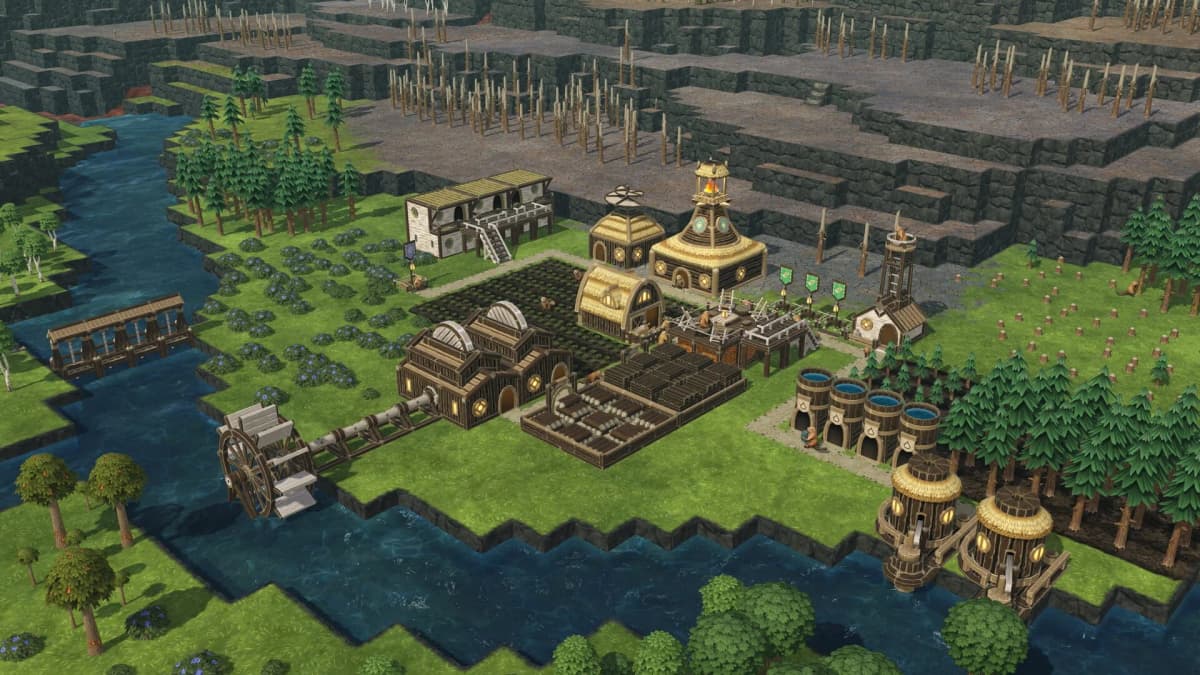
The other bad use case is trying to solve every traffic issue with more ziplines. Because stations only support one incoming and one outgoing connection, overbuilding the system can create a messy network that is harder to extend than an ordinary road plan. In those cases, ziplines stop being a productivity tool and start becoming expensive decoration.
Troubleshooting a weak zipline setup
If your zipline network exists but does not feel better than roads, the problem is usually one of route choice rather than raw speed. A 2.5× speed multiplier sounds dramatic, but it only matters when the route is worth accelerating.
- The line will not connect: the stations are probably too far apart or the angle is too steep. Add a pylon, change height, or split the route.
- The network is hard to expand: you likely built around hub logic. Rework it into separate corridors or a loop.
- The route feels pointless: it probably replaces a path that was already short and direct. Move the zipline to a longer obstruction-heavy commute.
- The cost feels too high: that usually means the colony is still too early for it. Wait until travel inefficiency becomes a measurable problem before investing.
If you want one rule to remember, it is this: use ziplines to remove the worst walking routes in your colony, not to slightly improve the best ones.
The practical role of ziplines in a finished colony
Ziplines are not a universal transport layer, and they are not meant to replace every road. Their actual role is narrower and more useful than that. For Folktails, they are a high-value transit option for long, obstructed, vertical, or otherwise inefficient movement lines. Update 7 made them part of a broader push toward more layered settlement design, and that is the best way to read them: as infrastructure for problem routes.
If you build them where pathing is already clean, they will feel expensive. If you build them where terrain, density, and distance are punishing normal travel, they become one of the most efficient movement tools in the faction’s kit.
FinalBoss // Gear
Level up your setup
01Graphics cardson Amazon→02Gaming laptopson Amazon→03High-refresh gaming monitorson Amazon→04Discounted game keyson Kinguin→
Affiliate links · As an Amazon Associate, FinalBoss earns from qualifying purchases.
Want to Level Up Your Gaming?
Get access to exclusive strategies, hidden tips, and pro-level insights that we don't share publicly.
Ultimate Guide Strategy Guide + Weekly Pro Tips