
Table of Contents (9)
Shipwrecked with Lara… on my phone
I still remember playing Tomb Raider (2013) on PC when it first came out – that opening shipwreck, Lara hanging upside down in the cultists’ cavern, the first panicked scramble through the forest. It felt huge and cinematic in a way the older PS1 games never really were.
So loading that same sequence up on my iPhone 15 Pro in 2026 was a weird little brain glitch. I half-expected some cut-down, cloud-streamed, “mobile-friendly” version where everything from the original had been trimmed away. Instead, Feral Interactive basically just dropped the whole thing on my phone, with surprisingly clever touch controls and full controller support layered on top.
After about 15 hours spread between commutes, couch sessions, and a long-haul flight, this port feels less like a compromise and more like someone shrunk the 2013 console experience and taught it how to live on a touchscreen. It’s not perfect – you’ll need a chunky download, a strong device, and some tolerance for heat and battery drain – but it’s the real deal.
The Yamatai story still hits hard a decade later
Story-wise, nothing has been cut. This is the full origin reboot, with Lara starting out as an unsure archaeologist on an ill-advised expedition to the mythical island of Yamatai. The storm, the shipwreck of the Endurance, the creepy first encounter with the Solarii cult – it’s all here, down to the smallest cinematic beat.
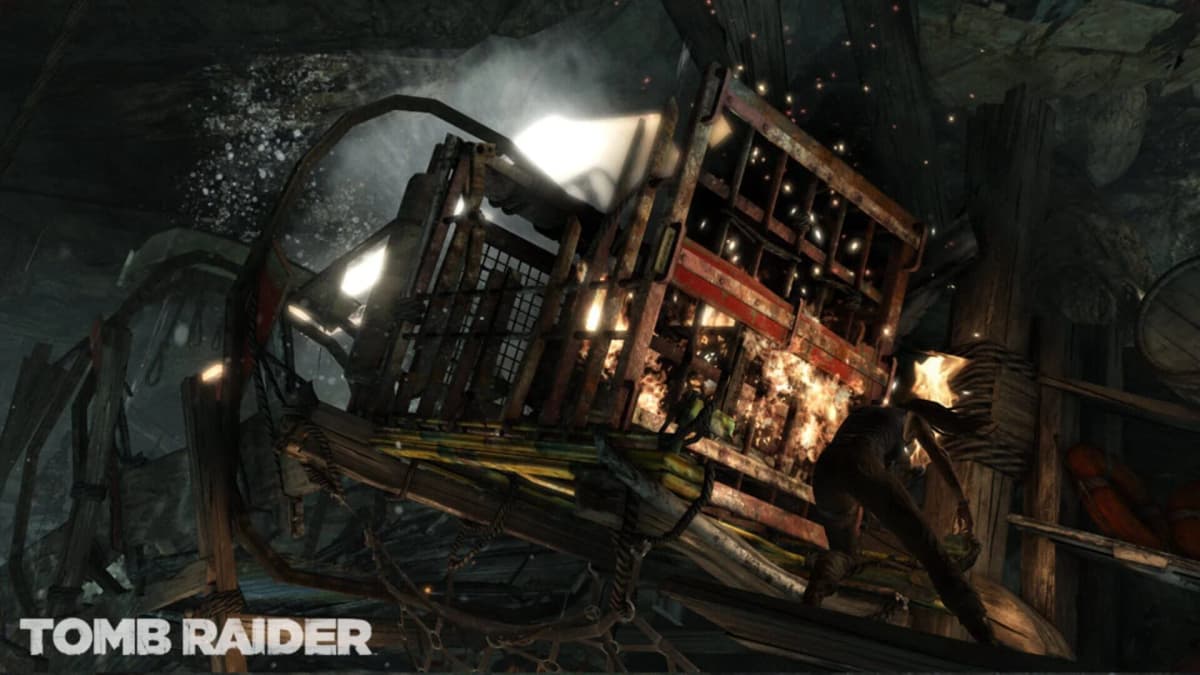
The first thing that impressed me is how intact the cutscenes are. They’re not grainy video blobs stored at low resolution; they look close to what I remember from PC and PS4. On a high-res phone screen, the close-ups of Lara’s dirt-streaked face, the firelight flickering in underground tombs, and the collapsing set-pieces still have that “expensive console game” vibe. Watching Roth drag himself across the snow on a 6-inch screen is strangely powerful.
More importantly, the pacing of the campaign survives the move to mobile. The slow horror of the opening caves, the first time you’re forced to kill to survive, the escalating shift into full-on action hero – it all flows the way it did originally. Playing it in shorter bursts on a phone almost makes the grim survival tone land harder, because every time I booted it back up, I was dropping straight into some kind of misery: a burning village, howling winds, cultists screaming in the distance.
If you never touched the 2013 game, this is still a tight, cinematic third-person adventure with a strong central arc: Lara goes from shaken graduate student to someone who can sprint through gunfire while roping in enemies with a bow. That arc remains one of the reboot trilogy’s biggest strengths, and the port doesn’t soften it.
Touch controls: from dread to “oh, this actually works”
My single biggest fear when I saw the announcement was simple: aiming a bow and clambering across crumbling ledges with virtual sticks. Most mobile ports fall apart here. Feral’s setup isn’t magical, but it’s the first time in a while I’ve stuck with touch instead of immediately pairing a controller.
The layout is straightforward:
- Left thumb: a virtual stick for movement in the lower left area.
- Right thumb: drag anywhere on the lower right to move the camera.
- Context buttons on the right edge: jump, dodge/roll, and the “Survival Instincts” pulse that highlights objectives and interactables.
- Weapon icons along the bottom for switching between bow, pistol, shotgun, and rifle.
- Tap anywhere near Lara for axe-based melee and interaction with salvage, doors, and climbable walls.
The genius move is that last part. Making the axe and general “use” action a tap-anywhere input removes a ton of fiddliness. When you’re scrambling up a cliff face as it crumbles, you don’t want to hunt for a tiny button – you just jab at the screen and Lara buries the axe where it needs to go.
In the first couple of combat encounters – the wolf attacks in the forest, the early Solarii shootouts – I over-rotated the camera constantly and whiffed a lot of arrow shots. By the end of my first night, though, I was lining up headshots and snap-switching between bow and pistol in a way that felt almost natural. The game helps with a bit of aim assist, just like on console, which is essential when your right thumb is also doing camera duty.
The control scheme is obviously a compromise compared to a physical pad, but it’s one of the few mobile setups where I didn’t feel like I was fighting the interface. I played probably ten hours entirely with touch, including some of the heavier combat arenas, and never reached the “throw phone on sofa in frustration” point. That’s not nothing.
Combat and traversal: console heart in a mobile body
Under all the UI changes, this is still the same mix of cover shooting, light stealth, and environmental platforming. Once the game cuts you loose on Yamatai properly, you’re bouncing between stealth-killing cultists with the bow, sliding down zip lines, and diving into brutal firefights with exploding barrels and collapsing scenery.
The bow remains the standout weapon. Holding your thumb on the bow icon to draw, then dragging to fine-tune your aim feels good. Silent headshots from the bushes are just as satisfying here as they were with a controller. Swapping to shotgun or rifle for panic moments is quick enough that I never felt trapped in the wrong weapon, even with touch.
The set-piece-heavy stuff – those infamous sliding sequences, collapsing bridges, QTE-heavy struggle scenes – translate better than I expected. Prompts are big, visually clear, and designed with touch in mind. When Lara is desperately reaching for an axe hold as rocks fall, tapping and swiping feels dramatic rather than clumsy.
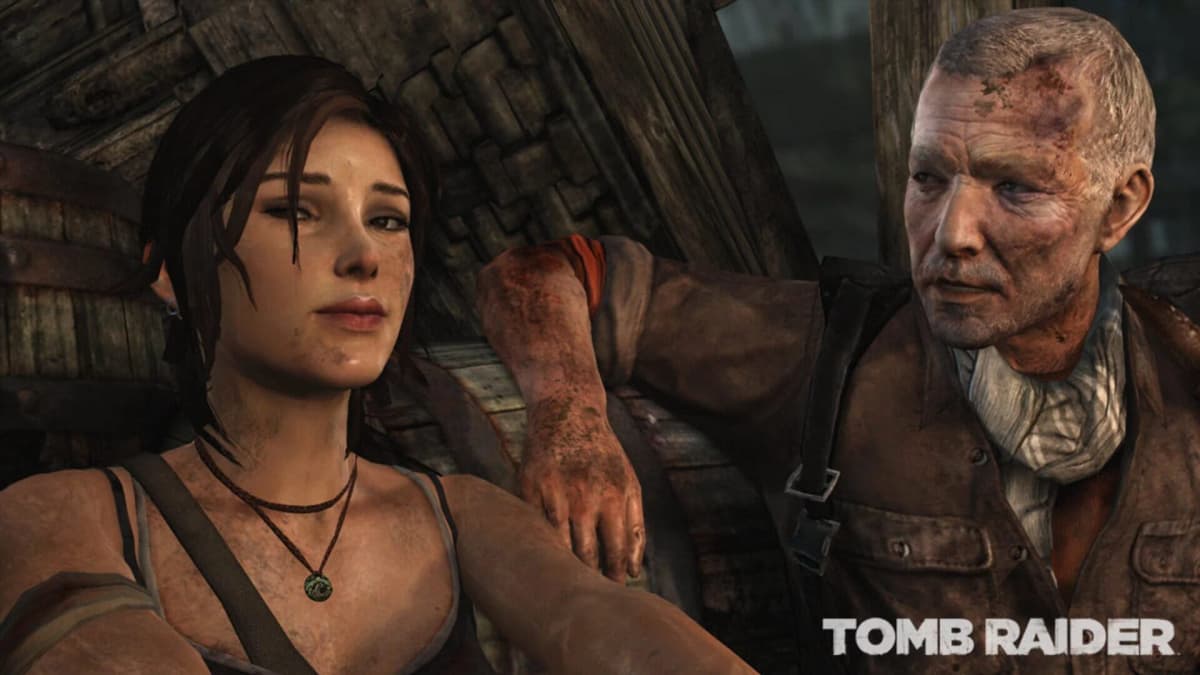
Traversal is where the port really shines on a small screen. Running up narrow paths, leaping chasms, and hammering the axe into cracked surfaces all feel responsive. The camera occasionally fights you in tight spaces, especially if your right thumb strays too close to the edge and triggers Control Center or gesture navigation, but that’s more of a phone OS issue than a port problem.
On the whole, combat and movement feel like they survived the trip without getting overly simplified. The game is still happy to kick your teeth in if you charge into late-game arenas like a hero without using cover or tools. I died plenty, and I never blamed the controls – just my own impatience.
Puzzles, tombs, and upgrades: still the soul of this reboot
One of the pleasant surprises in revisiting Tomb Raider this way is how well the environmental puzzles hold up on mobile. Optional tombs are intact, and they’re still focused on clever use of physics, fire, wind, and rope rather than pixel-perfect platforming.
There’s a tomb early on where you’re juggling weight platforms and burning down rope barriers while the wind howls through a ruined hall. Doing that on a touch screen sounds like chaos, but the interaction model – tap for axe, drag for camera, simple prompts on key objects – keeps it readable. These tombs are still on the short side compared to the classic games, but stumbling on them while wandering the island during a lunch break was one of my favorite parts of playing on mobile.
Campfires return as upgrade hubs and checkpoints. Salvage you pry from crates and corpses feeds into weapon upgrades – sturdier bow limbs, larger magazines, better stocks – while XP goes into Lara’s skill trees. The menus have been reworked subtly for touch: buttons are large enough to tap accurately, scrolling is smooth, and I never mis-selected a skill because of finger slip.
Checking the map and fast traveling between camps is also painless. Dragging and pinching the map is exactly what your brain expects on a phone. I found myself doing more collectible clean-up than I did on PC years ago, just because it was so easy to dip in, grab a relic or document, and dip out during small pockets of time.
Graphics and performance: looks great, but your phone works hard
Visually, this is one of the most impressive “real” games I’ve seen natively on a phone. Character models, lighting, and weather effects all look closer to the console versions than I expected. Mud-splattered Lara, rain streaking off cliffs, fire and smoke from burning villages – none of it feels like a low-end mobile reskin.
On my iPhone 15 Pro, the game ran smoothly for the vast majority of the campaign. Large firefights with lots of enemies and particle effects occasionally caused brief dips, but nothing that broke the flow. The trade-off is heat and battery drain: after an hour-long session, the phone was warm enough that I didn’t want to keep it in a tight case, and the battery graph took a noticeable punch.
I also tried a couple of sections on an older tablet, and that was a very different story: longer load times, more stutter during big explosions, and a general sense that I was asking too much of the hardware. The port doesn’t pretend otherwise; the store pages link out to a compatibility list, and it’s worth actually reading that before you buy.
The download size is no joke either. You’re looking at a full-fat, console-sized asset pack here, not some lean mobile build. Once the initial app and required data were installed, it chewed up well over ten gigabytes on my phone. People living on 64GB or crowded 128GB devices will have to delete something serious to make room.
There are no fancy graphics sliders or half a dozen toggles to tweak; this is more “we target a sensible setup per device class” than PC-style tinkering. I actually appreciated that. The game looks consistently good without demanding you spend twenty minutes in menus trying to shave off frame drops.
Controller support: when you want the original feel back
As much as I grew to like the touch setup, pairing a Bluetooth controller turns this into basically a handheld console version of Tomb Raider.
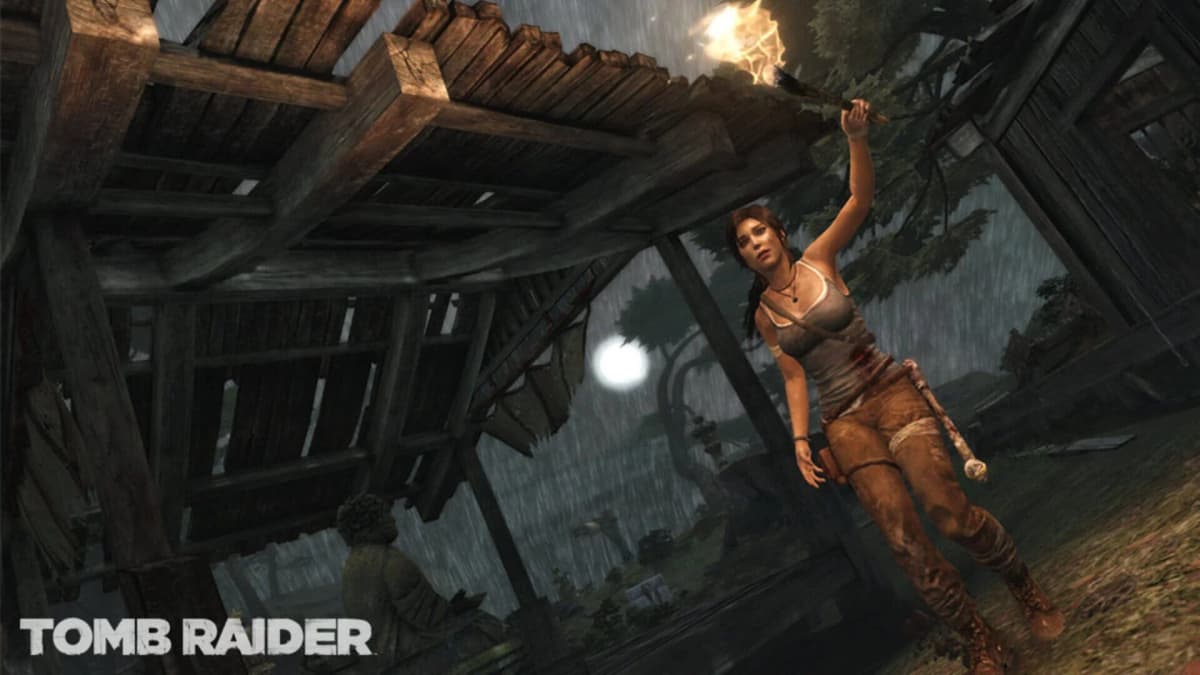
The first time you launch with a pad connected, the game asks whether you want to use controller or touch. Swapping later is as simple as turning the pad on or off and dipping into the options. Button prompts switch to Xbox/PlayStation-style glyphs, and all the original control mappings make sense out of the box: triggers for aiming and shooting, face buttons for jump and dodge, shoulder buttons for weapon swapping.
Playing this way on a phone clamped into a controller grip is almost spooky. The muscle memory from 2013 came rushing back; I sailed through combat arenas that had taken me several attempts with touch. Zip-line sections and QTEs are less nerve-wracking when you’re not worried about fat-fingering the wrong virtual button.
The downside, obviously, is portability. A controller grip plus a big phone basically turns the setup into a small handheld, not something you whip out one-handed on a bus. But for longer sessions – especially at home or on a flight tray table – it feels fantastic and removes the last bit of friction from the experience.
Little port quirks and annoyances
For all my praise, a few things did bug me during my time with the port.
The UI, while generally well laid out, occasionally crowds the screen during busy combat. Health, ammo, weapon icons, and prompts can stack up, and because everything is scaled for touch, it eats into your view of the actual action. It’s not disastrous, but on smaller phones I imagine it could feel cramped.
Checkpointing is identical to the original, which means sometimes the game respawns you a bit further back than feels ideal for mobile, where you’re more likely to be interrupted mid-mission. I had a couple of “I just did this whole fight, why am I redoing it from the start?” moments during short play sessions. Manual campfire saves help, but they’re not always right before a big encounter.
Touchscreen gesture conflicts are another minor headache. On iOS, swiping from the edge occasionally triggered the system’s navigation gestures when I was trying to swing the camera hard. It didn’t happen constantly, but it was jarring whenever the game suddenly shrank into a multitasking view mid-fight.
Still, these are nitpicks stacked against the reality that this is the complete 2013 Tomb Raider on a phone, not a free-to-play spin-off or a streaming app. Nothing critical has been chopped, and I never hit a technical bug that forced a restart or corrupted a save.
Who this Tomb Raider mobile port is really for
For anyone who bounced off Tomb Raider in 2013 because it felt too cinematic or linear, this port won’t change your mind. It’s still very much a story-driven third-person adventure with light exploration, Uncharted-style set pieces, and a heavy focus on Lara’s transformation into a hardened survivor.
But if you:
- Missed the reboot entirely and want to play it without dragging out an old console or gaming PC,
- Loved it the first time and like the idea of having a “comfort food” blockbuster always in your pocket, or
- Enjoy premium mobile games that feel indistinguishable from traditional console titles,
then this version absolutely hits that sweet spot. It also arrives at a good time, with interest in Lara Croft spiking again thanks to new sequels and other ports. If this is your introduction to modern Tomb Raider, it’s a strong starting point.
FinalBoss // Gear
Level up your setup
01Mobile gaming controllerson Amazon→02Top-rated gaming headsetson Amazon→038BitDo controllerson Amazon→
Affiliate links · As an Amazon Associate, FinalBoss earns from qualifying purchases.
Want to Level Up Your Gaming?
Get access to exclusive strategies, hidden tips, and pro-level insights that we don't share publicly.
Ultimate Reviews Strategy Guide + Weekly Pro Tips