
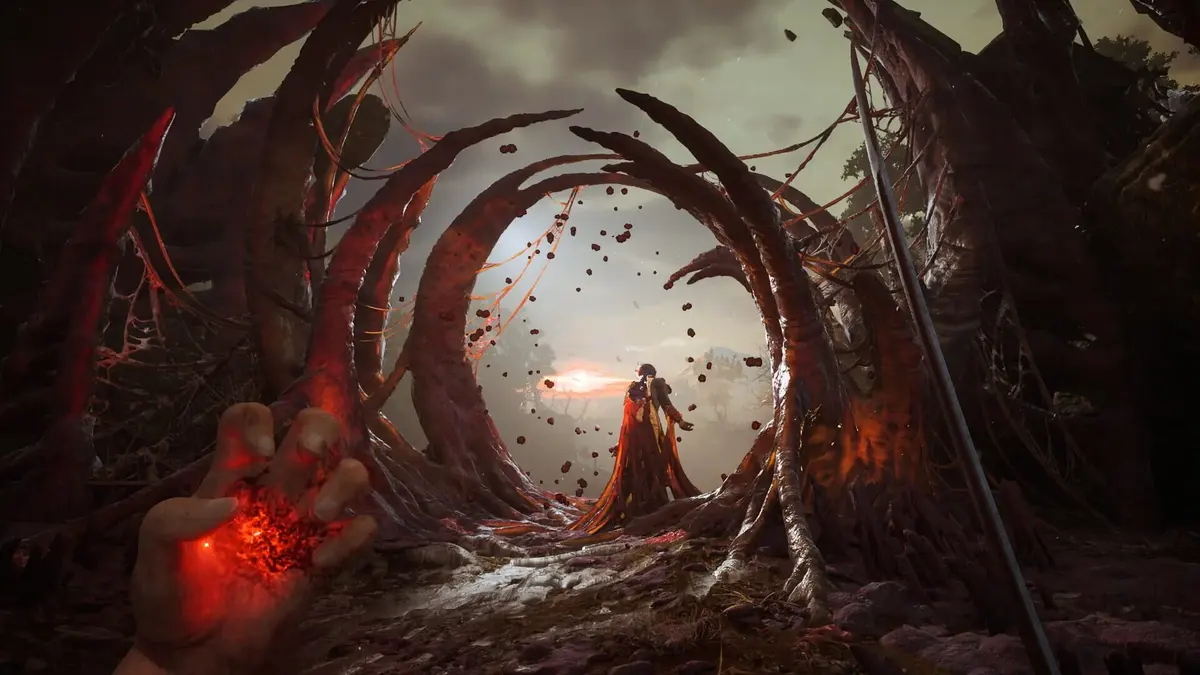
Before its October 13, 2026 launch, Valor Mortis had a fairly steep entry ticket: an RTX 2070 Super or Radeon RX 6700, alongside a Ryzen 7 3700X or Core i7-11700. Those earlier minimums put many older gaming PCs below the listed hardware floor. The launch listing substantially reduces the CPU and GPU requirements, while increasing the required SSD space from 50GB to 60GB.
That changes the buying calculation for someone still running a GTX 1070. There is now a stronger reason to consider One More Level’s first-person, Napoleonic-era Soulslike without immediately budgeting for a graphics-card replacement. The catch is the performance target attached to those lower specifications — and the technical problems that survive well above them.
Table of Contents (6)
The lower requirements come with a modest performance target
| Requirement | Earlier listing | Launch Steam listing |
|---|---|---|
| Minimum CPU | AMD Ryzen 7 3700X or Intel Core i7-11700 | AMD Ryzen 5 3600 or Intel Core i5-10600K |
| Minimum GPU | AMD Radeon RX 6700 or NVIDIA GeForce RTX 2070 Super | AMD Radeon RX 5600 XT or NVIDIA GeForce GTX 1660 Ti |
| System memory | 16GB | 16GB |
| Graphics API | DirectX 12 | DirectX 12 |
| Storage | 50GB, SSD required | 60GB, SSD required |
| Minimum performance target | No clear target | 30 FPS at 1080p Low with upscaling |
The GPU reduction is substantial. Moving from an RTX 2070 Super to a GTX 1660 Ti brings the listed entry point into a much older, less powerful hardware bracket. The CPU change also matters: the new minimum processors are six-core, 12-thread models, rather than the earlier eight-core, 16-thread options.
The minimum target is 30 FPS at 1080p Low with upscaling. That means a 1920×1080 output image reconstructed from a lower internal resolution. It gives no basis for expecting native 1080p at High settings, much less a locked 60 FPS.
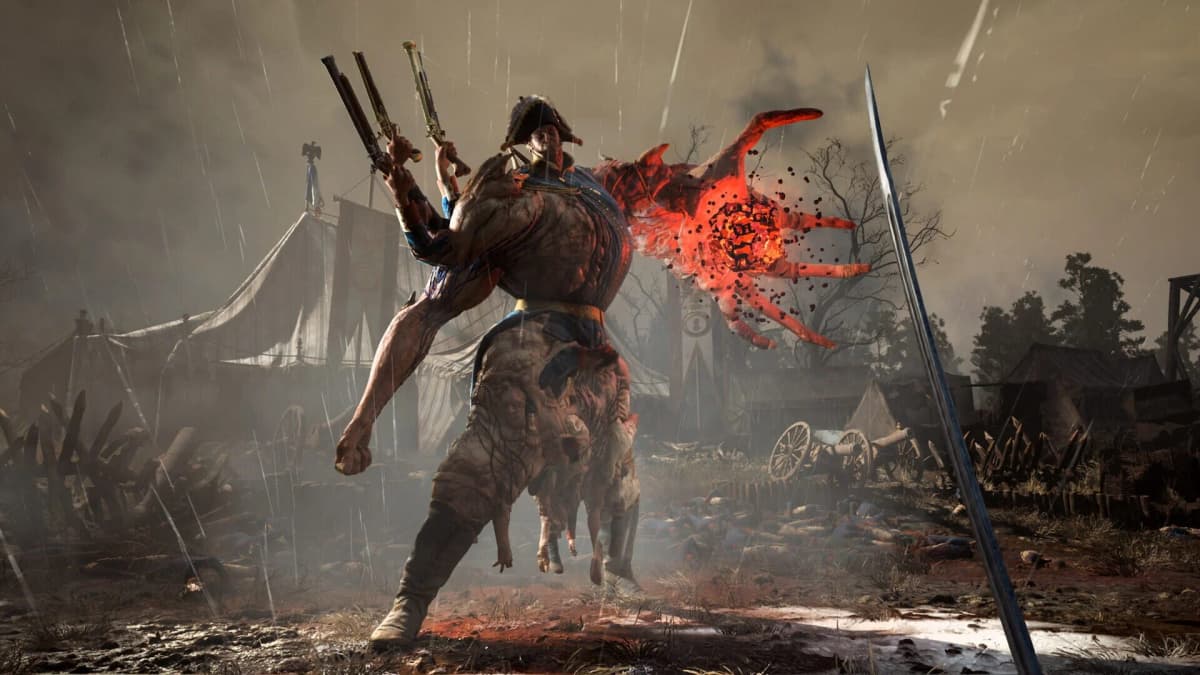
The distinction matters in this particular game. Successful parries build enemy posture and create openings for heavy hits, while wall-running, grappling and swinging demand readable movement. At 30 FPS, each frame lasts about 33.3 milliseconds; at 60 FPS, that falls to 16.7 milliseconds. Consistency matters at either target. A sudden frame-time spike during a parry can be more disruptive than a lower but steady frame rate.
A GTX 1070 belongs in the conversation, with qualifications
The GTX 1070 sits in the same broad rasterization performance tier as the newly listed GTX 1660 Ti. Its 8GB of VRAM also gives it more texture-storage capacity than the GTX 1660 Ti’s 6GB. Those are useful reasons to try an existing card before replacing it.
Architecture complicates that comparison. The GTX 1070 uses Pascal, while the GTX 1660 Ti uses the newer Turing architecture, with different execution capabilities and generally better efficiency. More VRAM does not erase those differences or make the GTX 1070 faster in every workload. Neither GTX card supports DLSS, so any upscaling configuration needs to use an option compatible with the installed GPU.
For a GTX 1070, 1080p output with Low settings and compatible upscaling is the sensible starting configuration. Medium settings are something to test selectively. Native 1440p, High presets and a locked 60 FPS should not underpin the purchase decision. The revised listing provides a compatibility target, not a measured GTX 1070 frame rate.
The CPU beside that card deserves equal attention. A GTX 1070 paired with an older four-core processor is a different proposition from the same GPU paired with a Ryzen 5 3600 or Core i5-10600K. Combat, effects and rapid traversal can put pressure on CPU work and asset streaming. Reducing resolution helps when the GPU is overloaded; it offers much less relief when the processor is delaying the next frame.
The technical problems extend beyond the hardware floor
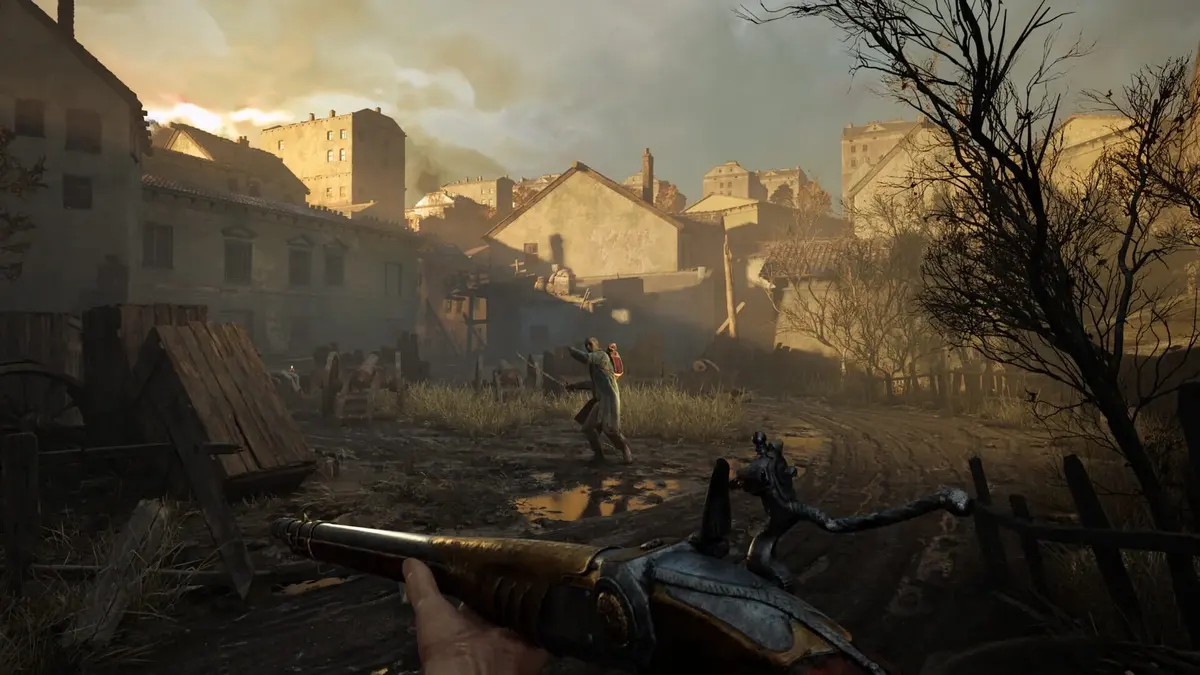
Valor Mortis has stutters, crashes and missing environment pieces, with performance trouble also occurring on high-end PCs at maximum settings. Lower requirements therefore cannot settle the question of whether the game runs smoothly throughout its roughly 20-30-hour campaign.
These problems have different consequences. Stuttering interferes with combat timing. Missing scenery undermines the readability of traversal routes. A crash interrupts progress regardless of how comfortably the GPU renders the preceding scene. Lowering shadows or internal resolution can relieve rendering load, but cannot be relied on to fix those other failures.
The combat gives the technical work a worthwhile target: sword attacks, firearms and fire, stasis, and damage-absorption transmutations create several ways to handle encounters. Yet that combination also makes a quiet opening area a poor performance test. A useful check includes close combat, effects-heavy exchanges and fast movement through the environment.
Settings to start with on a GTX 1070
Begin with Low rather than raising the entire preset because the card has 8GB of VRAM. Where the menu exposes individual controls, adjust one category at a time so the performance cost remains clear.
| Setting area | Starting point | What to watch |
|---|---|---|
| Output resolution | 1920×1080 | Establish a stable baseline before trying higher resolutions. |
| Preset | Low | Test combat and traversal before increasing individual options. |
| Compatible upscaling | Quality first; Balanced if needed | Compare performance with weapon edges, distant enemies and moving scenery remaining readable. |
| Textures | Medium, then test higher | Check VRAM usage and whether traversal introduces new hitches. |
| Shadows, reflections and volumetrics | Keep reduced where separate controls exist | These are useful candidates to lower when GPU load is the constraint. |
| Effects | Low initially | Check frame times during transmutations and multi-enemy encounters. |
| Frame-rate cap | Start at 30 FPS | Raise the cap only when demanding sections sustain the higher target. |
Textures are a reasonable first upgrade because the GTX 1070 has useful memory capacity, but VRAM headroom does not guarantee hitch-free streaming. Leave expensive lighting and effects categories reduced while assessing texture quality.
A 45 FPS cap can be a useful intermediate target on a variable-refresh display whose operating range supports it. On a fixed 60Hz screen, a steady 30 FPS has more regular frame presentation than 45 FPS. Chasing an unstable 60 FPS merely to make the counter look better is a poor trade for a game built around timed defensive inputs.
The 60GB SSD requirement needs some breathing room
The storage requirement has risen by 10GB, or 20%, and an SSD remains mandatory. Plan for at least 75-80GB free on the installation SSD as a practical buffer for installation and updates. That is a planning allowance, rather than a replacement for the listed 60GB requirement; individual updates may need additional temporary space.
An SSD helps supply assets during movement through the world. Installing on a mechanical hard drive to avoid clearing SSD space works against the listed configuration. Conversely, buying a faster SSD should not be treated as a cure for CPU limitations, rendering load or the game’s crashes.
Checks before buying and during the first session
- Recheck the live Steam requirements. Older specifications still circulate with the RTX 2070 Super, RX 6700 and 50GB figures. Compare your PC against the current CPU, GPU, memory and SSD requirements.
- Check the whole GTX 1070 system. Identify the processor, confirm 16GB of RAM, and check whether memory is running in dual-channel mode. An older four-core CPU remains a concern even when the graphics card is broadly relevant.
- If 60 FPS is essential, seek matching gameplay tests before purchasing. Look for a GTX 1070 with a comparable CPU running combat and traversal, rather than relying on a quiet scene or an estimated FPS calculator.
- Prepare the actual installation configuration. Clear the SSD buffer and use a graphics driver that supports the GTX 1070 and your Windows version. Check that DirectX 12 is functioning correctly.
- Monitor frame times alongside FPS. During parries, transmutations and traversal, watch GPU utilization, VRAM, system memory, temperatures and clock speeds. A low average frame rate with sustained high GPU load calls for different adjustments from isolated hitches with spare GPU capacity.
- Keep testing within the store’s applicable refund limits. If the reduced configuration still produces unacceptable stutters, crashes or broken scenery, do not assume a future patch will resolve them.
FinalBoss // Gear
Level up your setup
01Graphics cardson Amazon→02Gaming laptopson Amazon→03High-refresh gaming monitorson Amazon→04Discounted game keyson Kinguin→Affiliate links · As an Amazon Associate, FinalBoss earns from qualifying purchases.
Want to Level Up Your Gaming?
Get access to exclusive strategies, hidden tips, and pro-level insights that we don't share publicly.
Ultimate Tech Strategy Guide + Weekly Pro Tips